Jeff is the head of video content production for 9to5. He joined 9to5Mac in 2016, producing videos, walkthroughs, how-tos, written tutorials, and reviews. He takes pride in explaining things simply, clearly, and concisely. Jeff’s videos have been watched hundreds of millions of times by people seeking to learn more about today’s tech. Subscribe to 9to5Mac on YouTube to catch Jeff’s latest videos.
iOS Decoded is Jeff’s flagship video series that breaks down what’s new in iOS betas, including behind-the-scenes deep dives into undiscovered features and exclusive details on the iOS roadmap.
Jeff also produces a weekly podcast, alongside co-host Fernando Silva, entitled 9to5Mac Overtime. A video-first podcast, 9to5Mac Overtime airs weekly on our YouTube channel, but can also be enjoyed in audio form via Apple Podcasts, or your podcast app of choice.
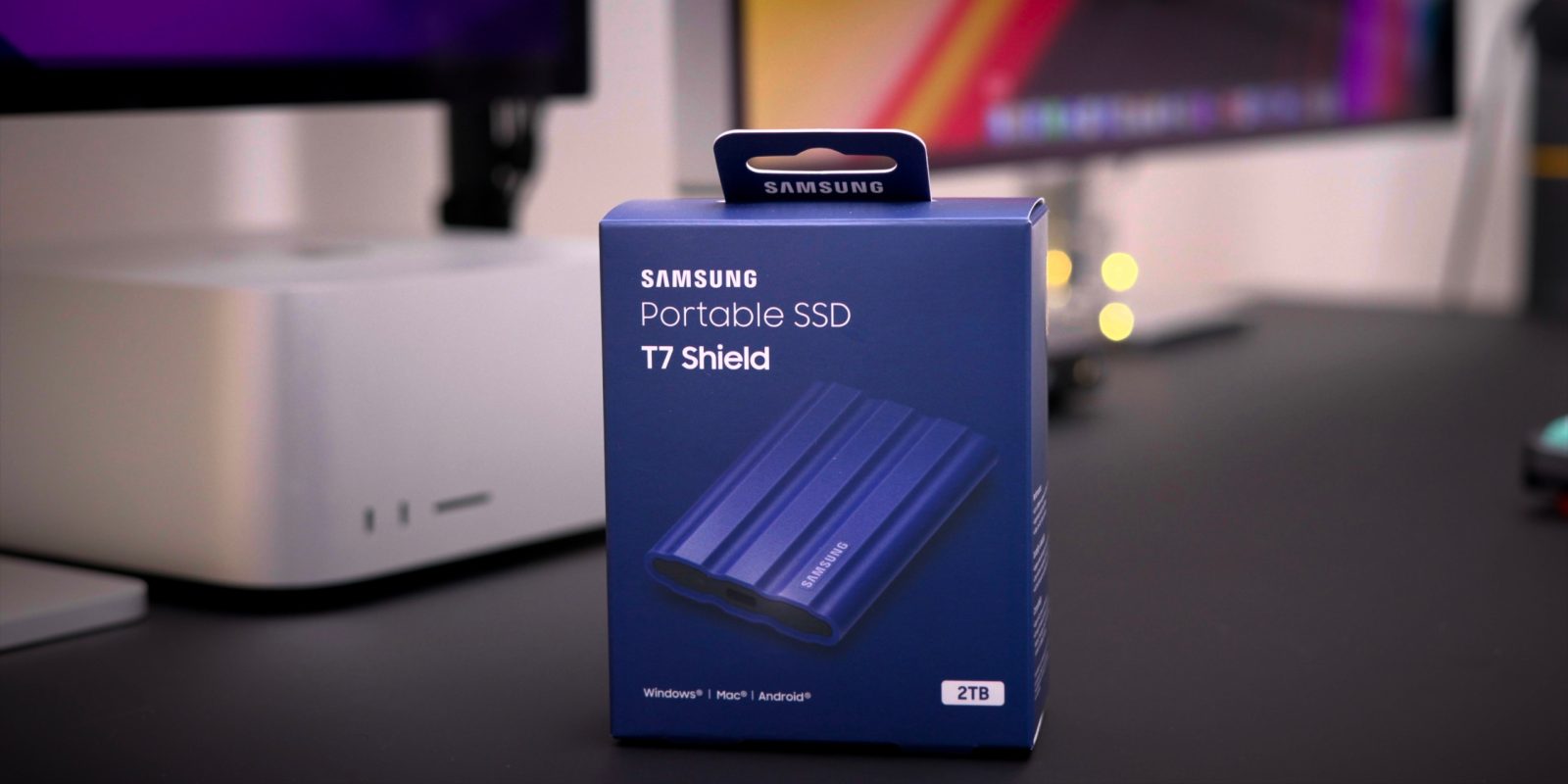
Samsung continues to diversify its venerable T-series line of SSDs and today is launching its new T7 Shield portable SSD with a rugged rubberized exterior and substantial dust and water protection. The T7 Shield isn’t much larger or heavier than the standard T7 or security-focused T7 Touch, but it brings the added protection from the elements that some active users may require.
Back in 1999 the first version of Final Cut Pro was revealed at the NAB show in Las Vegas. 23 years later, with the 2022 NAB show in Las Vegas just days away, a collective of editors are backing an open letter to Apple CEO Tim Cook seeking improvements to the popular NLE. The open letter asks Apple to do a better job of promoting Final Cut Pro publicly, along with adding a few remaining features that are needed for wider industry adoption.
During today’s DaVinci Resolve Cloud Update livestream, Blackmagic Design revealed brand new hardware products called Cloud Store. A DropBox-enabled high-performance network storage solution designed for film and TV productions, Cloud Store makes it easy for multiple editors to work on the same projects simultaneously.
If Blackmagic’s Cloud Store design seems familiar, it’s not just you. The unit features the same design as Blackmagic’s eGPU and eGPU Pro products that it launched a few years back for Intel Macs. Although the units look nearly identical on the outside, the machine’s guts, I/O, and overall capability, as you might imagine, is wildly different.
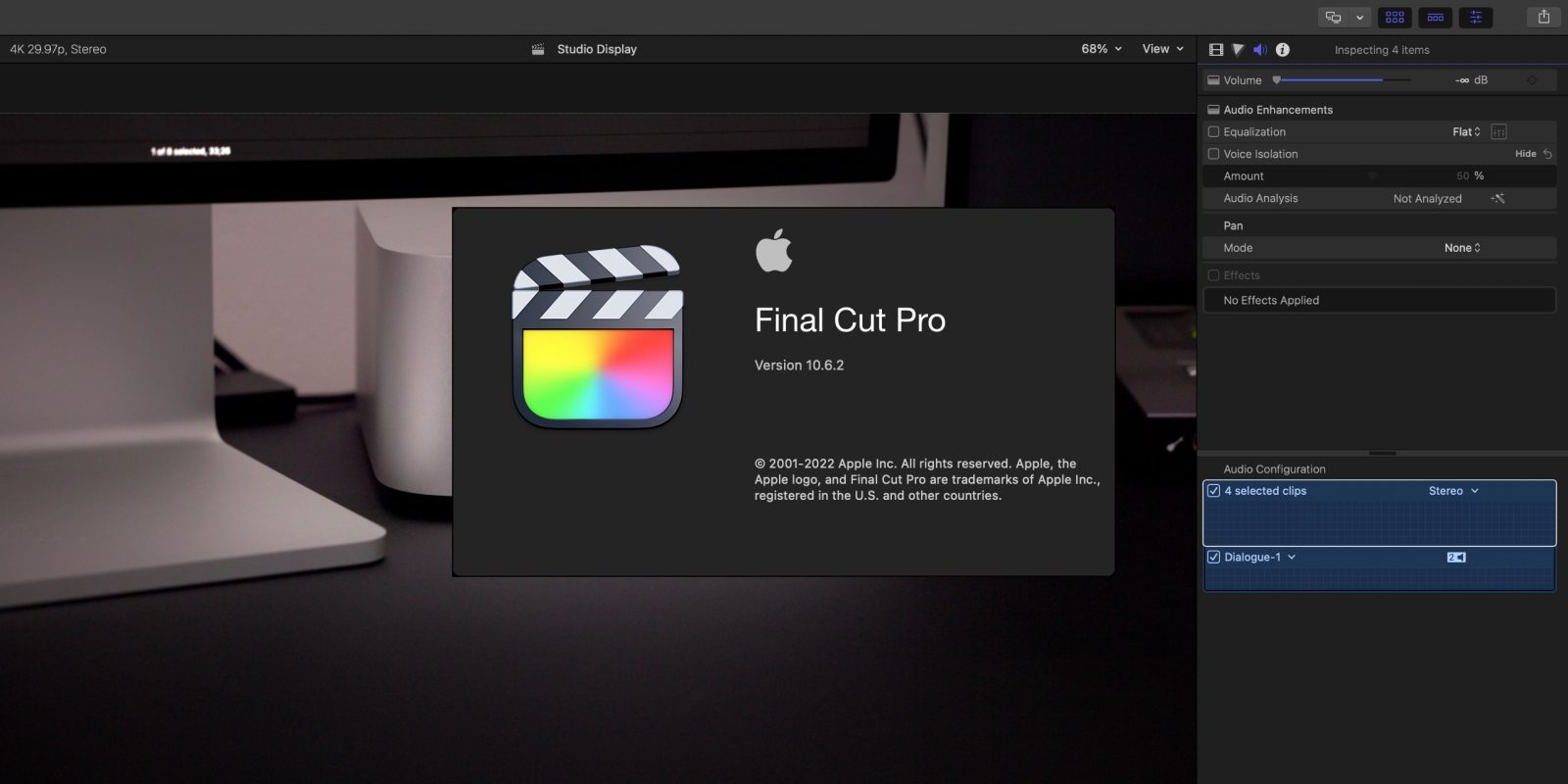
Apple has released the latest version of Final Cut Pro, version 10.6.2. The FCP update includes two primary new features – Duplicate Detection and Voice Isolation. Duplicate Detection is a feature that will be much appreciated for those editing long-form content and documentaries, while Voice Isolation wields machine learning to help isolate voice frequencies.
Final Cut Pro 10.6.2 and updates to its companion apps – Motion and Compressor – are now available for download on the Mac App Store right now.
Yesterday Apple released iOS 15.5 and iPadOS 15.5 beta to developers, and it’s likely that the public beta release isn’t far behind. While not packed with new features and changes like iOS 15.4, this latest beta release comes with a modest amount of updates and enhancements.
In this hands-on video, I take a look at half-a-dozen new iOS 15.5 beta 1 changes and features. Be sure to subscribe to 9to5Mac on YouTube for more iOS video walkthroughs.
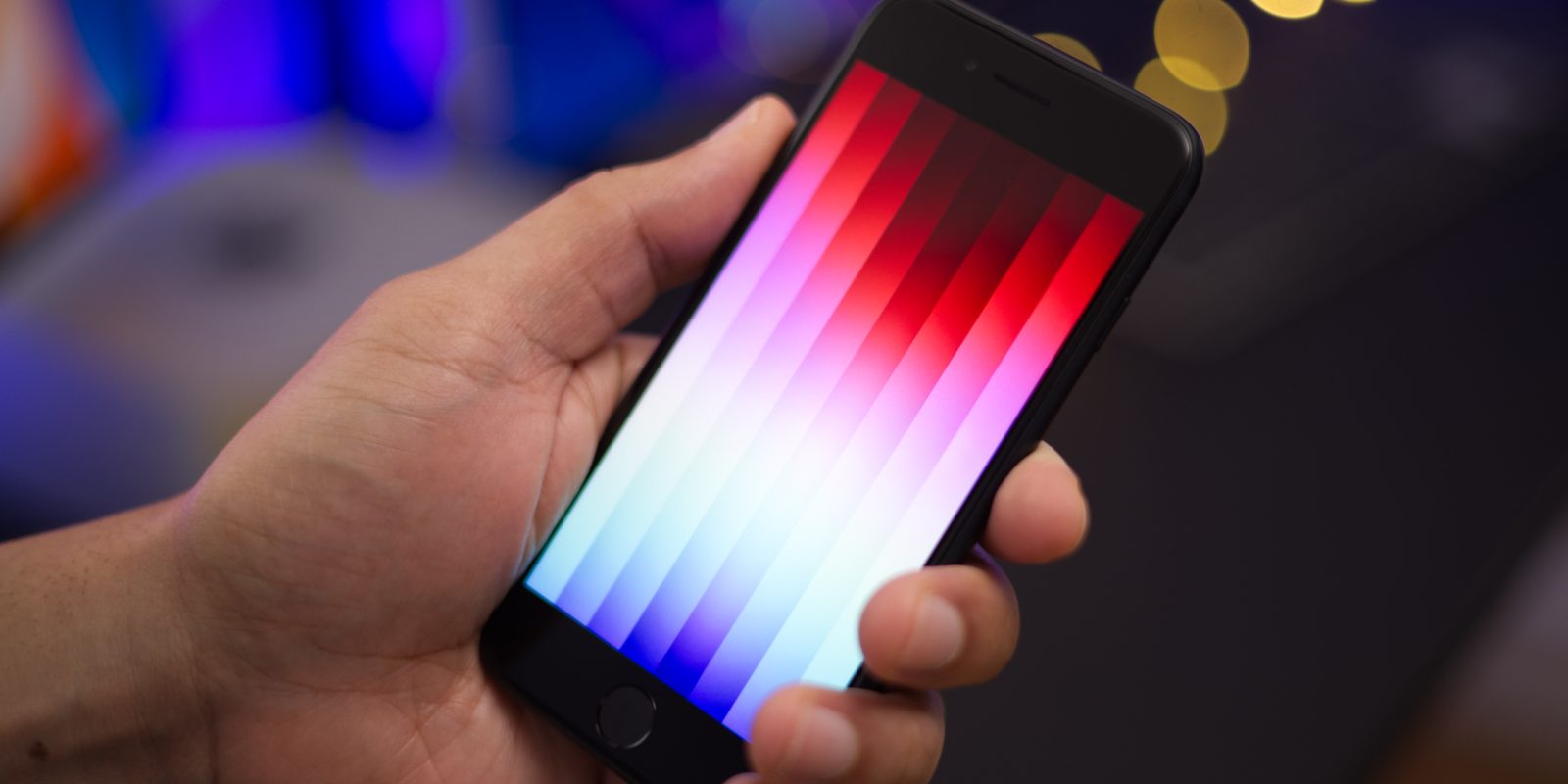
The third-generation iPhone SE recently arrived with several updates that make it an appealing option for first-time iPhone users, or users on a budget. Although it costs slightly more than its direct predecessor, it’s the most cost-conscious brand new iPhone model that Apple sells.
In this hands-on iPhone SE 3 top features video, we take a look at what’s new, compare it to the previous-generation iPhone SE 2, and discuss some not-so-good features as well. We also consider why it may be better to consider purchasing an iPhone 11 instead, which can be had for just $70 more. Be sure to subscribe to 9to5Mac on YouTube for more iPhone SE 3 videos.
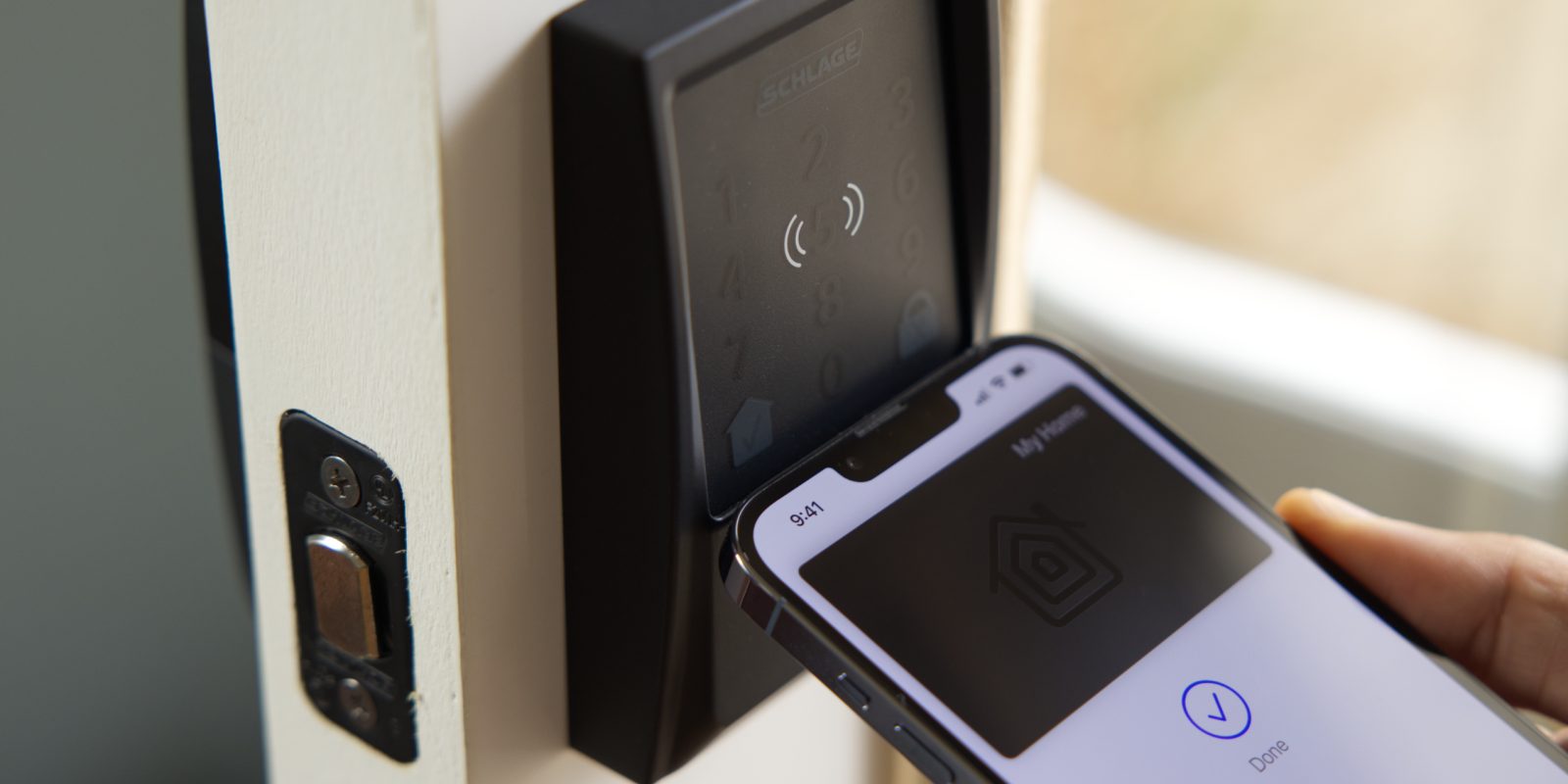
After my Schlage Encode Plus review, I concluded that it was the most full-featured smart lock that I’d tried thus far. With standard HomeKit support in tow, in addition to new NFC-powered Apple home key support, it’s easy for me to recommend the Encode Plus as the best smart lock for Apple users.
The only lingering question from my hands-on review was release timing. Up until now, Schlage would only note that its flagship smart lock was arriving this spring, but we now know the exact date of its release and availability. The Encode Plus is available to purchase starting today at homedepot.com for $299.99.
As you’ll see in my hands-on video, home key is a great way to access your home with your iPhone or Apple Watch via just a tap. Let’s take a closer look at what the Schlage Encode Plus and Apple’s home key technology have to offer!
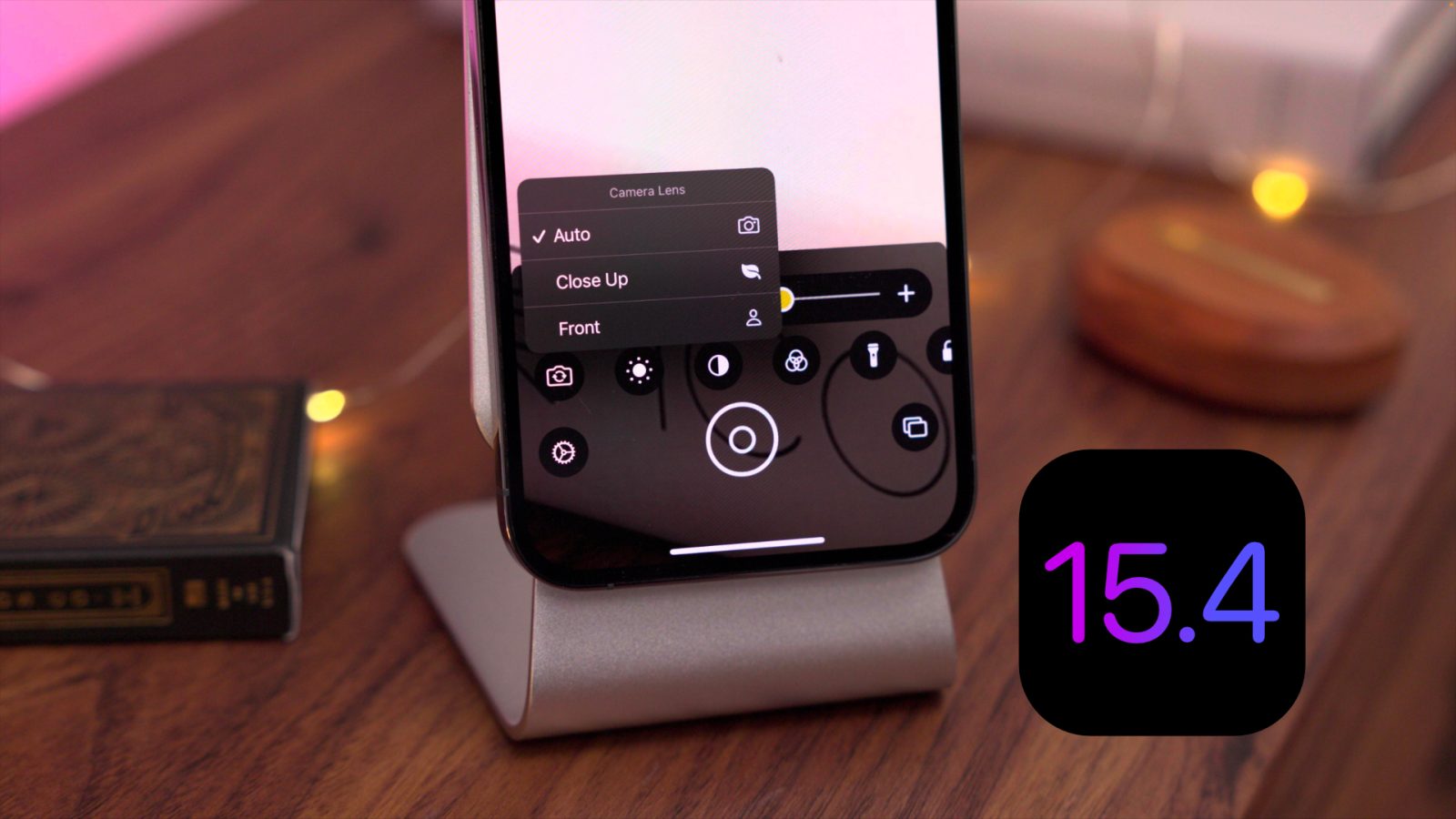
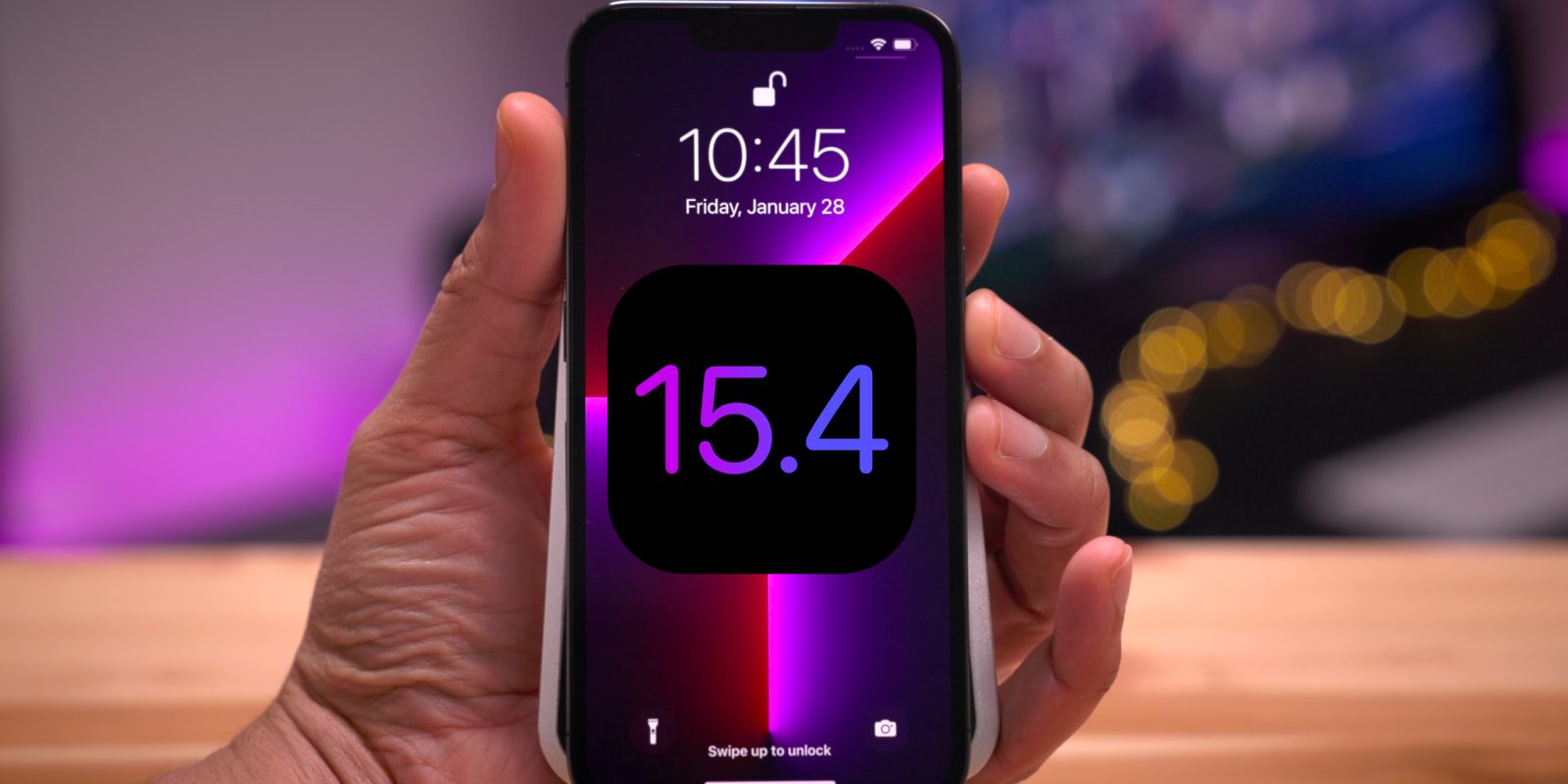
Apple yesterday shipped the final public versions of iOS 15.4 and iPadOS 15.4. The releases include many iOS 15.4 changes and features, along with several noteworthy updates. Included is the ability to unlock your iPhone while wearing a mask, support for Universal Control on the iPad for those running the macOS 12.3 beta, brand new emoji, a new Apple Wallet widget, and tons more.
In this hands-on video walkthrough, we take a look at over 40 new iOS 15.4 changes and features. Be sure to subscribe to 9to5mac on YouTube for more hands-on videos.
Apple’s new Studio Display is unsurprisingly proving to be very popular among Apple faithful, as evident from the slipping shipment times that are pushing orders back to April.
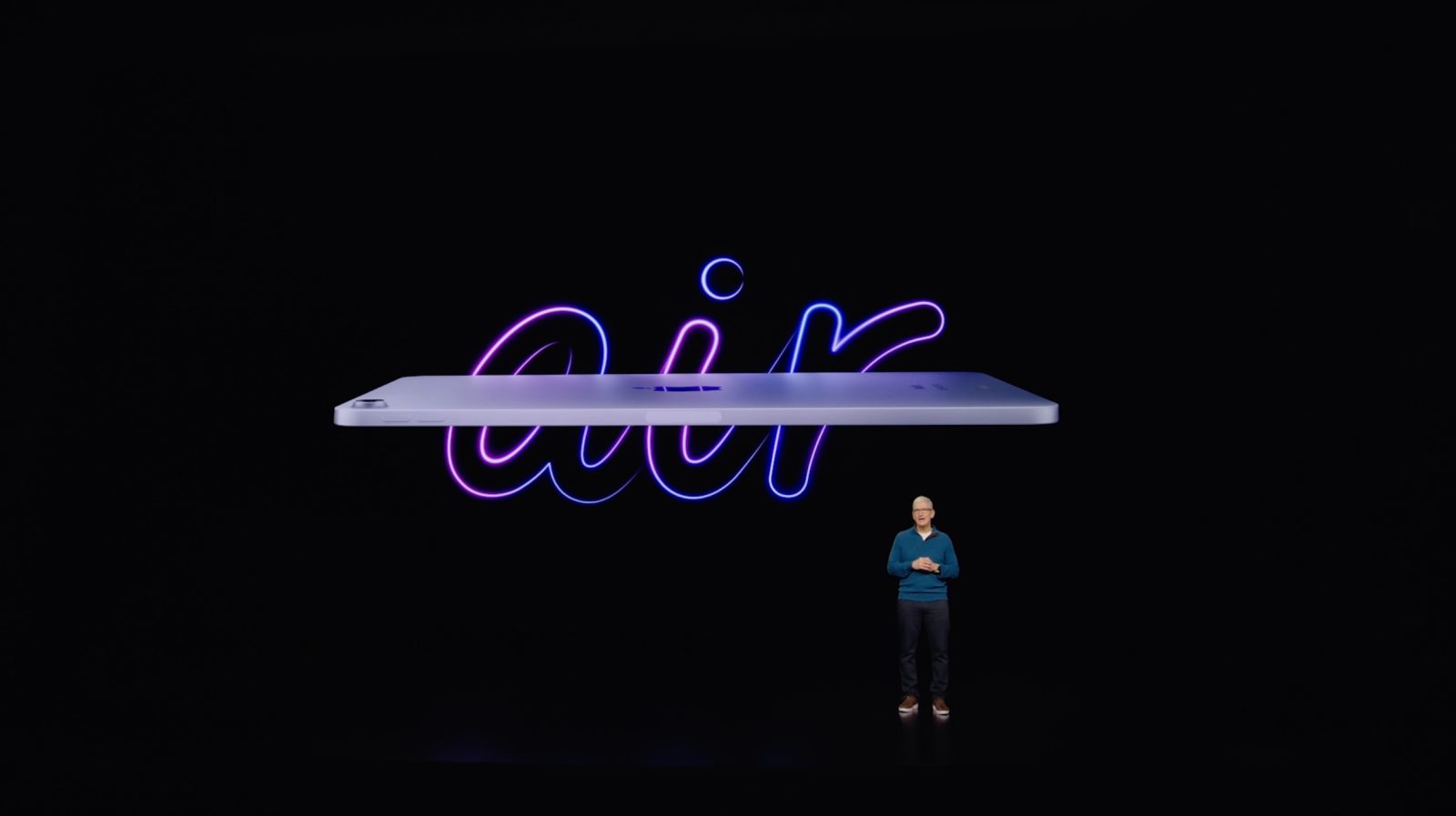
The Studio Display is compatible with a large swath of Mac computers, dating back to the 2016 MacBook Pro, alongside a few USB-C-enabled iPads as well. But conspicuously missing is support for the previous-generation iPad Air and the latest iPad mini, both of which sport USB-C ports. Why the lack of support for these devices?
During its Peek Performance event, Apple took a lot of time discussing how much better its new Apple Silicon-powered Mac Studio performs compared to the Mac Pro, but that hasn’t stopped it from working with AMD to usher in new MPX modules.
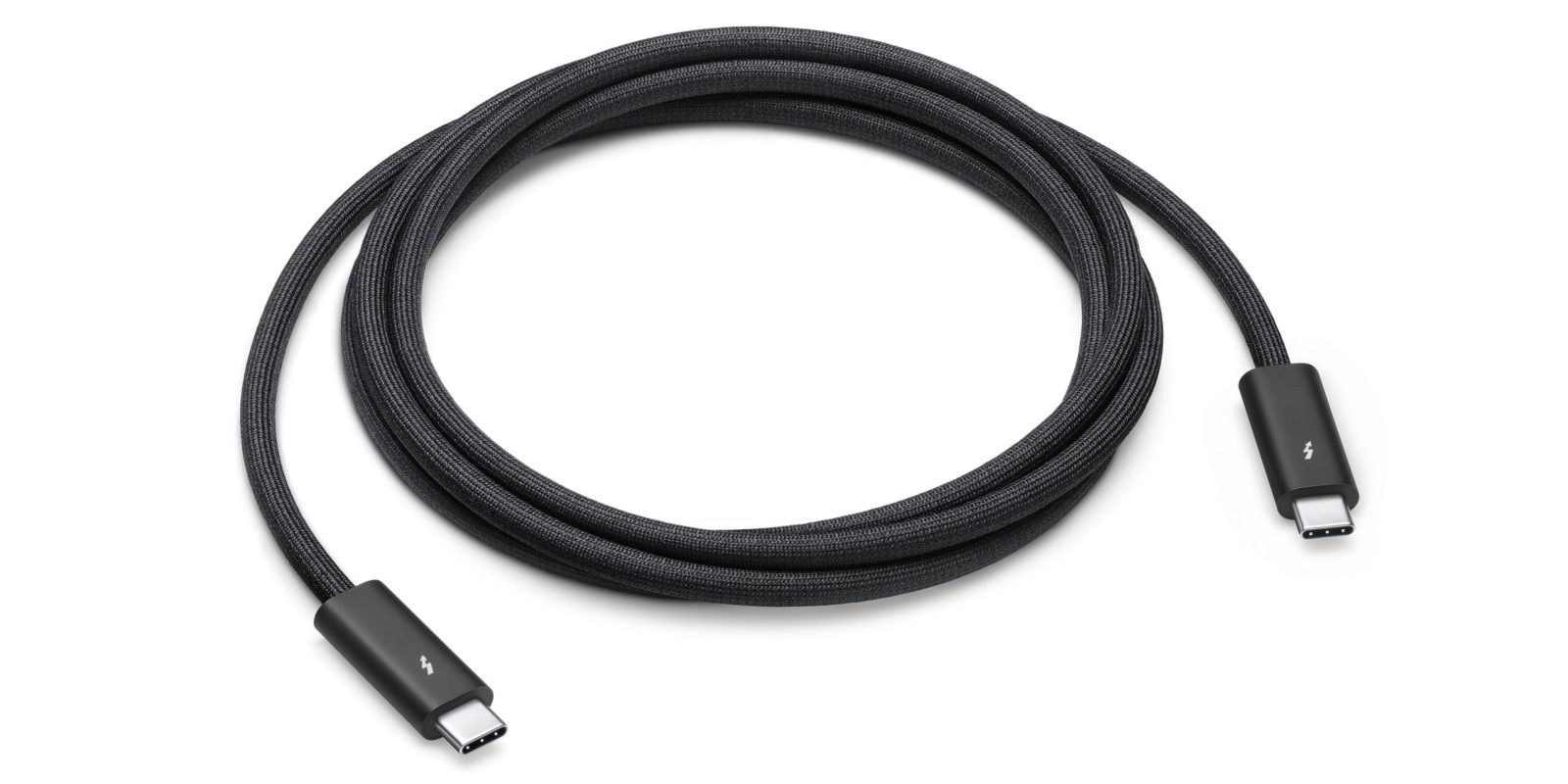
The Mac Studio doesn’t ship with a Thunderbolt cable in the box, but the Studio Display does. Apple includes a 1-meter cable with its new $1599 5K display, which is significantly shorter than the sold-separately cable option.
In addition, Apple has an upcoming Thunderbolt 4 Pro Cable that’s nearly 10 feet long. That cable, which is marked as coming soon, will retail for $159.00.
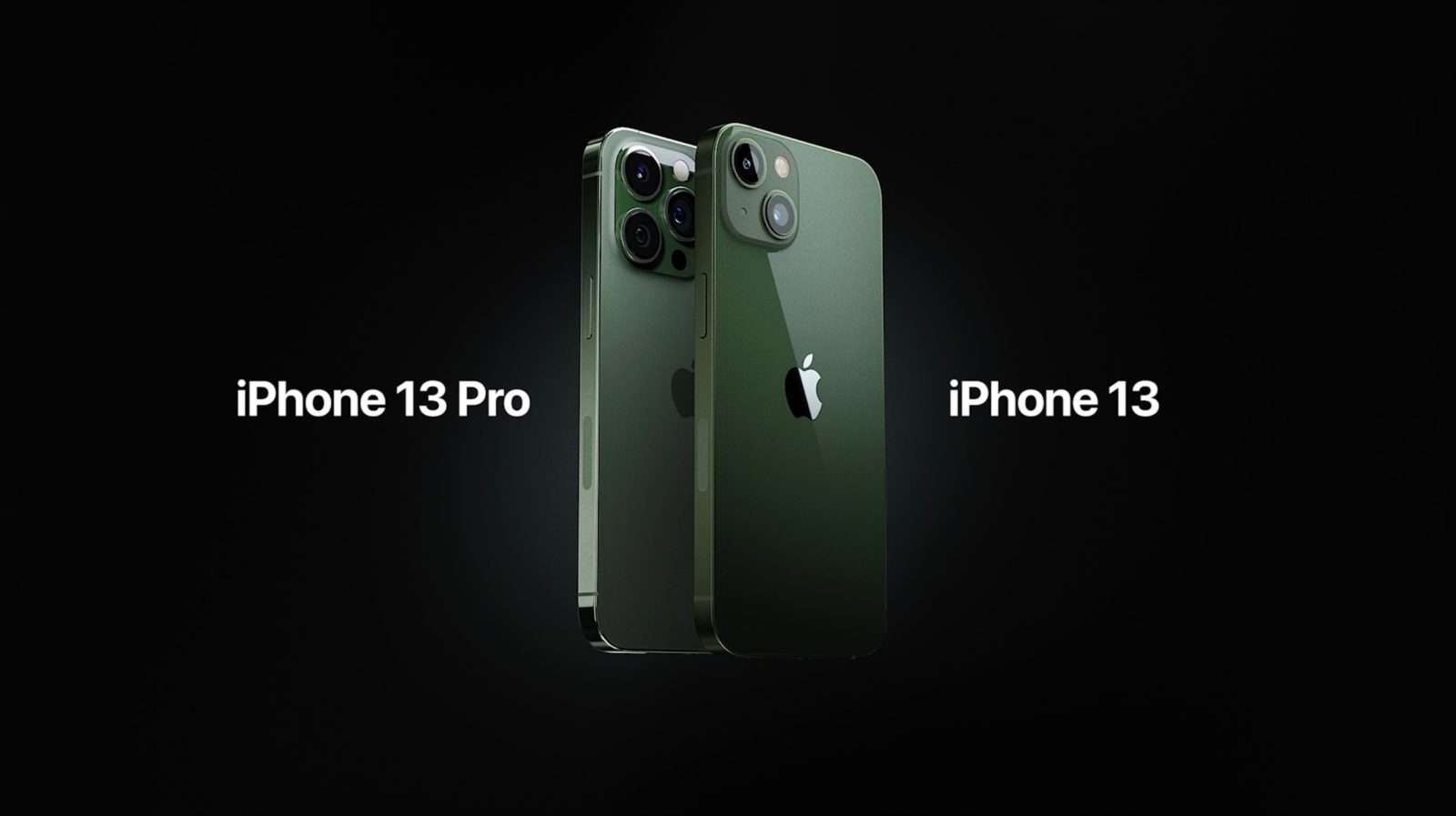
Today during its Peek Performance event, Apple took the wraps off new green iPhone 13 color updates for both the standard version and iPhone 13 Pro. The updates — green for iPhone 13, and alpine green for iPhone 13 Pro — follows last year’s mid-cycle release of the iPhone 12 in a special purple version.
Last minute rumors suggested that we’d see an iPhone 13 with a special green colorway during today’s event, and now that rumor has proved true. Learn more about the green iPhone 13 and alpine green iPhone 13 Pro inside.
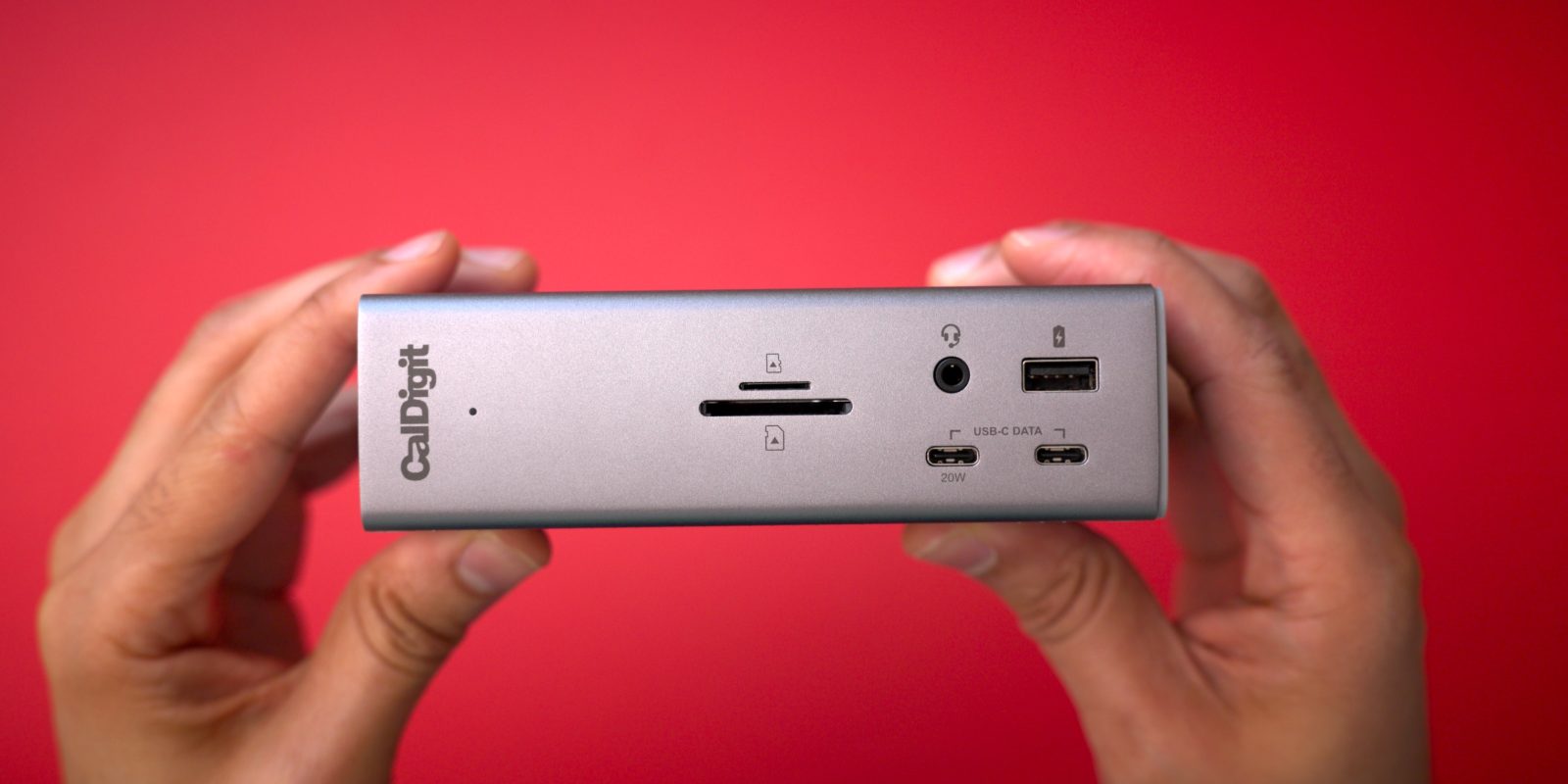
Four years ago, when I received the original CalDigit TS3 Plus dock, I called it the best Thunderbolt dock available for Mac users. Since its release, many docks have come and gone, but the TS3 Plus remained one of my favorite Thunderbolt accessories.
Today Level Home Inc., the creators of HomeKit-compatible smart home products, is introducing the Level Keypad — a complimentary $79 accessory to the Level Bolt, and Level Lock – Touch. Level Keypad provides homeowners and guests with a phone-free way to gain access to a home using handy key codes.
As noted previously, Apple is taking steps to help keep users alerted about potential AirTags stalking, and to warn would-be bad actors about possible criminal misuse of the Find My Network. Watch our hands-on video for the details, and be sure to subscribe to 9to5Mac on YouTube for more.
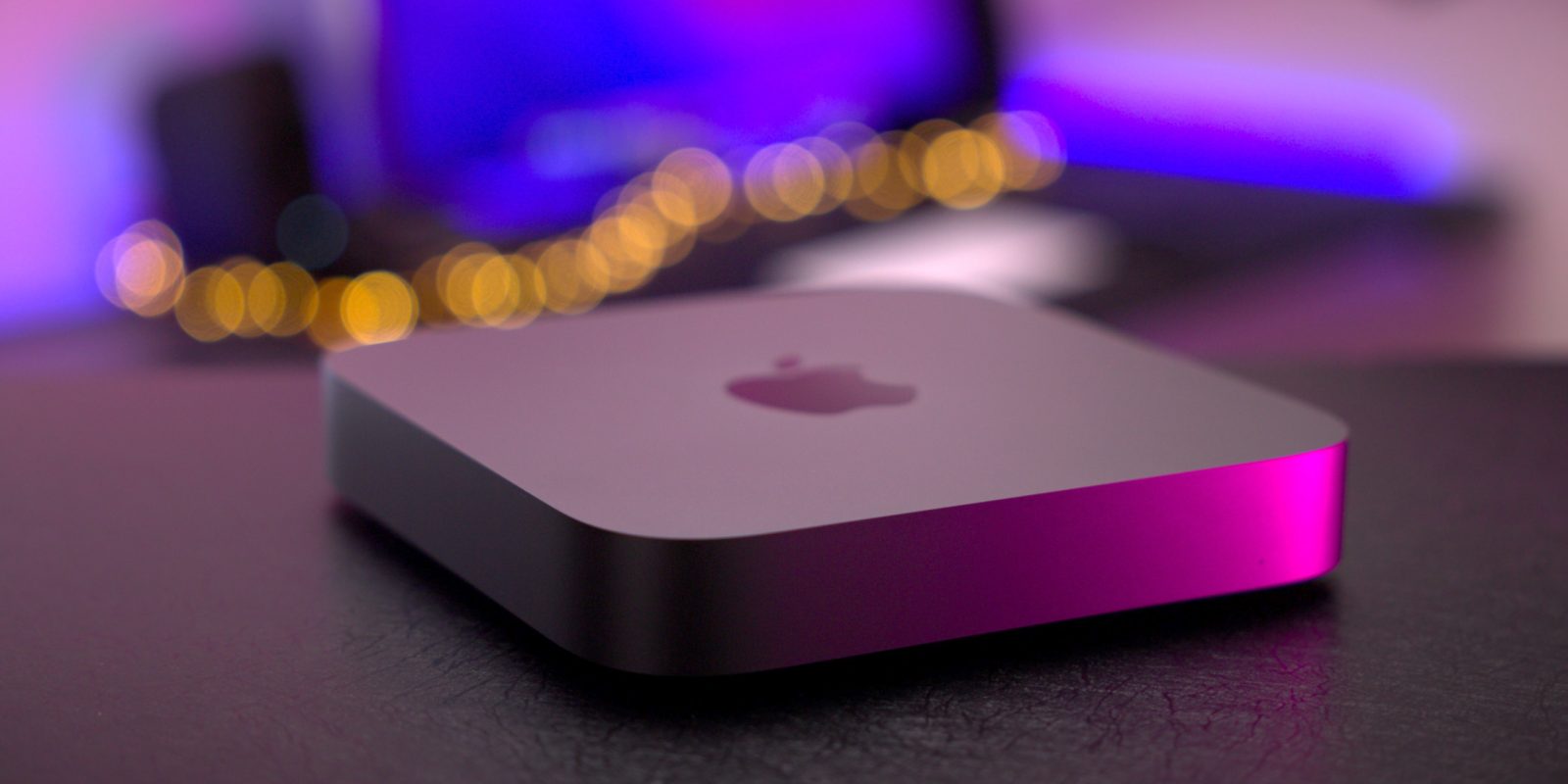
I’m a big fan of the M1 Mac mini. Like all Apple Silicon-powered Macs, it’s notably faster, runs quieter, and stays cooler than its Intel-powered predecessor. Although I use the 16-inch MacBook Pro day-to-day, the M1 Mac mini remains a desktop staple for me.
But the M1 Mac, like all M1-powered machines, leaves room for improvement in important areas like storage, memory, and physical I/O. Watch my latest Back to the Mac episode as I explore the state of the Mac mini from both an Intel and Apple Silicon perspective. In it, I share my wishlist of features I’d like to see in the rumored Mac mini refresh and explore some of the advantages that the Intel Mac mini currently has over the version donning Apple Silicon. I’ll also take a look at how current Intel Mac mini owners can breathe new life into their existing machines.
The initial iOS 15.4 beta brought about several significant new changes and updates, and the next release featured smaller tweaks to the update. Developer beta 3, the third release of the iOS 15.4 beta, follows this trend. Watch our brief hands-on video as we have a look at the iOS 15.4 beta 3 changes and features, and be sure to subscribe to 9to5mac on Youtube for more videos.
If you’re a Mac user who owns multiple Macs and/or iPads, then Universal Control, a handy utility that makes it easy to control multiple Apple devices from a single keyboard and mouse/trackpad, can greatly benefit your workspace. It’s one of the rare utilities that can both simplify and supercharge your desktop. Watch our hands-on video as we go in depth and discuss Universal Control tips and tricks, requirements, best practices, glitches, and more.
Headlined by new Face ID improvements while wearing masks and Universal Control on iPadOS, iOS 15.4 beta 1 is a noteworthy update that will surely catch the interest of even casual iPhone users. Watch our hands-on video walkthrough as we explore some of the best iOS 15.4 beta 1 changes and features.
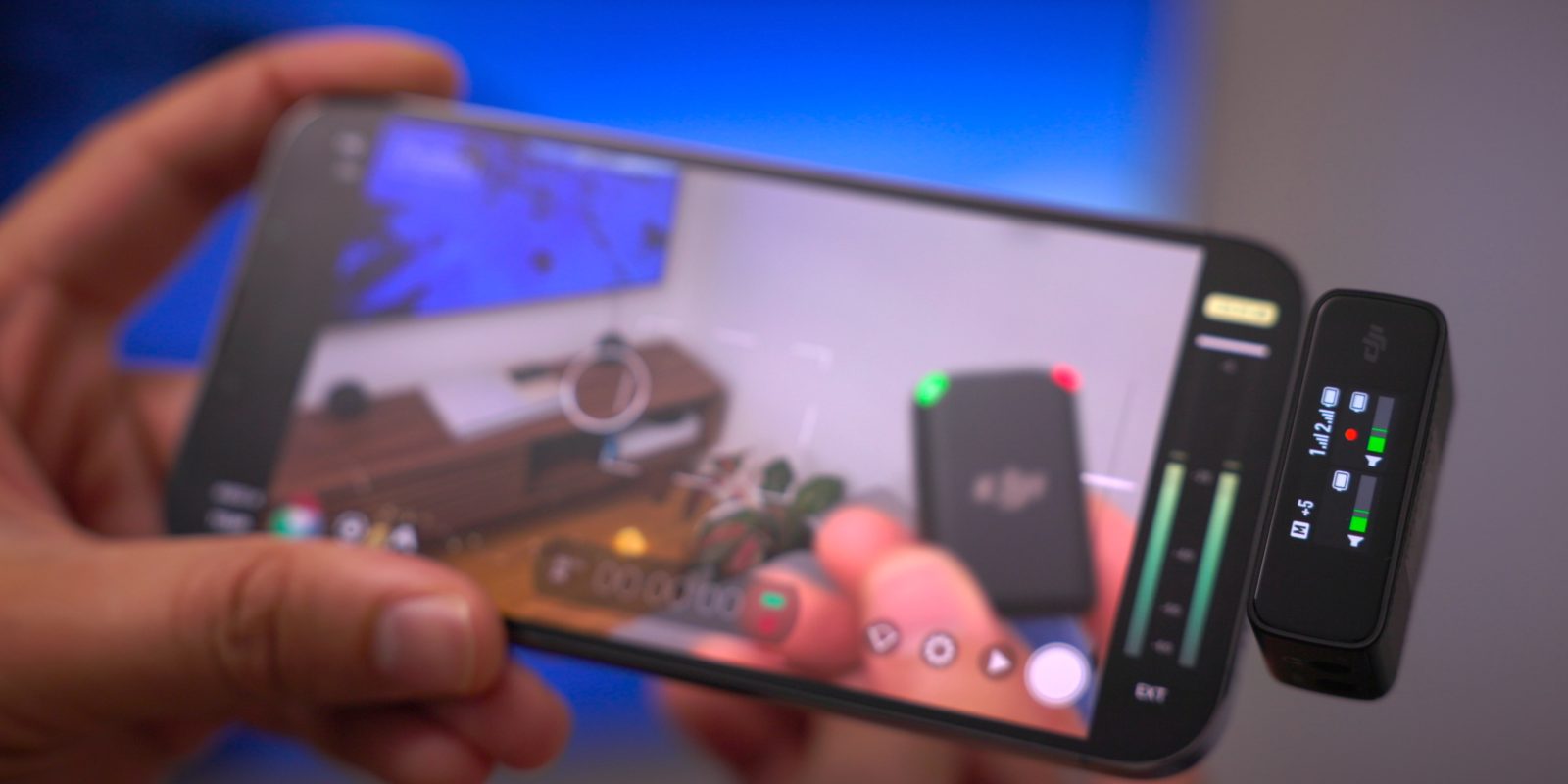
If you’re looking to step up the production value of your videos shot on iPhone, then boosting the sound quality is an easy way to do so. While no shortage of hardwired external microphones are available, a truly wireless microphone setup, like what we find with the late-2021-announced DJI Mic, provides much greater flexibility.
The $329 DJI Mic, which is now available, is a wireless microphone system based around two transmitters and a receiver. The receiver comes with a Lightning and USB-C attachment for iPhone and iPad connectivity, enabling wireless audio for these portable devices over a fairly long distance.
What separates the DJI Mic from popular competitors like Rode’s Wireless Go II, is that DJI includes a handy AirPods-esque charging case for recharging both transmitters and the receiver. This is not only convenient for charging, but also helps to keep up with all of the components in one place.
Thanks to its internal 8GB of storage, the transmitters can operate as a standalone recorder — just clip it on your collar and press the record button. But the DJI Mic also connects to mirrorless cameras, Android devices, iOS devices, and even functions as a wireless microphone for your Mac. Watch our DJI Mic hands-on video for the details.
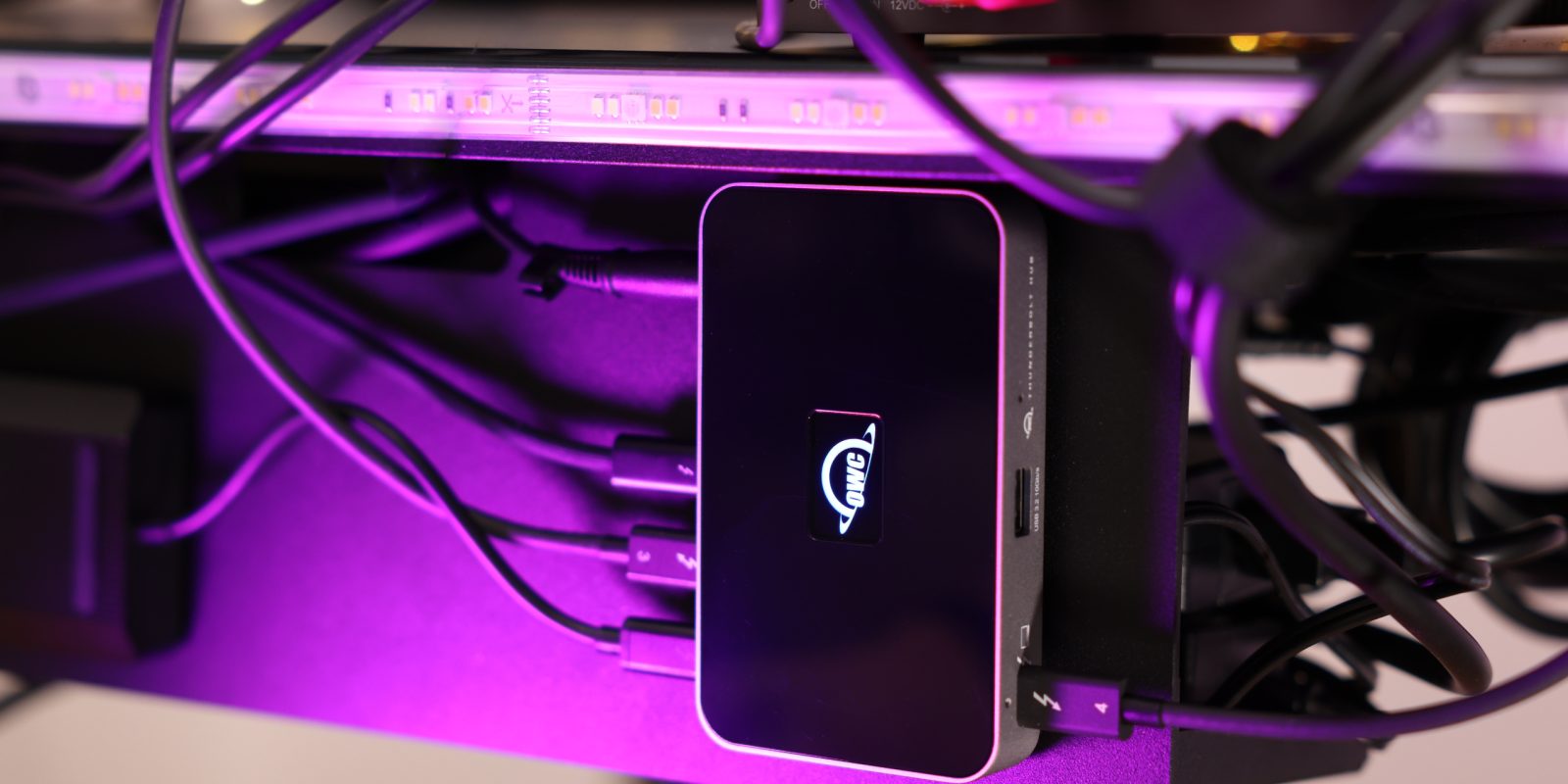
As I explained in my latest episode of Back to the Mac, the M1 Mac mini is my main desktop computer, but where necessary, I also use a 16-inch MacBook Pro in clamshell mode. In either case, I’ve found the OWC Thunderbolt Hub to be a great addition to my setup.
When using the M1 Mac mini, the hub expands the amount of Thunderbolt connections, which is a huge improvement since M1 Macs sport just two physical ports. For my M1 Max MacBook Pro, it allows me to maintain a connection to all of my Thunderbolt peripherals, including the Pro Display XDR, with just a single cable connection. Watch my hands-on video for the details.
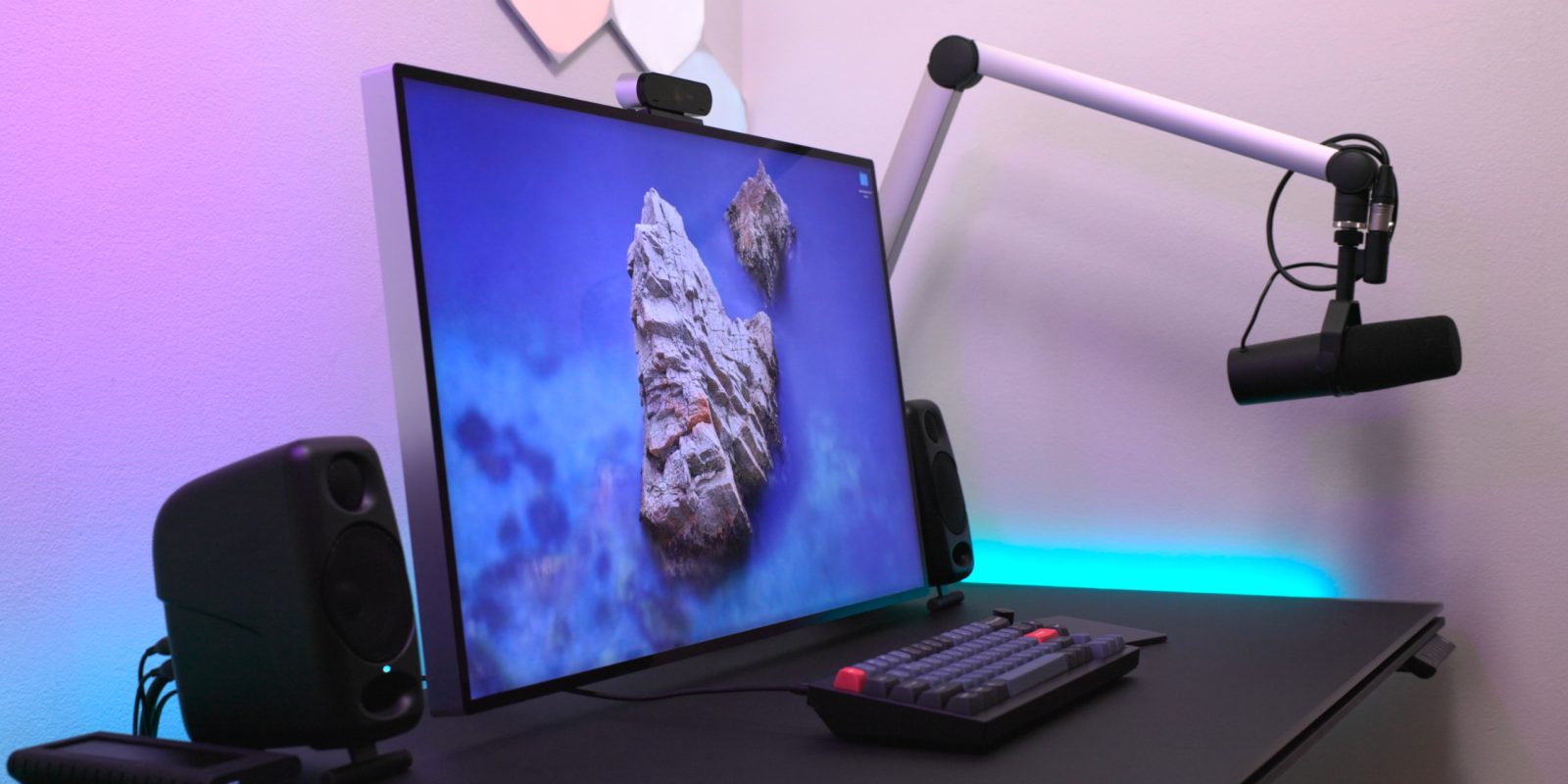
In this first episode of Back to the Mac for 2022, I explore my latest Mac desktop workspace setup. Although some things remain the same, I’ve made some significant changes to increase the versatility of my workspace.