
Periscope streams are about to get a whole lot more interesting with the latest app update for iPhone. Periscope version 1.3.3 adds GoPro integration that actually lets you live broadcast from the view of your action camera.


Periscope streams are about to get a whole lot more interesting with the latest app update for iPhone. Periscope version 1.3.3 adds GoPro integration that actually lets you live broadcast from the view of your action camera.

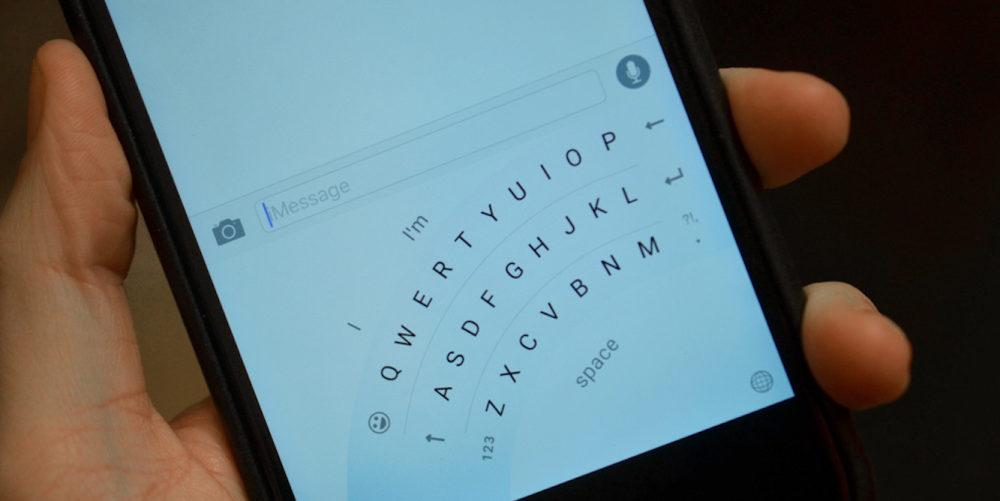
The Verge has obtained a sneak peak image into what Microsoft’s Word Flow keyboard for iOS may look like once it is officially released. The keyboard will include a one-handed mode that places the keys out in a fan-style layout. The user can still access emoji and word suggestions and even use swipe gestures to type. This differs from the Word Flow keyboard on Windows 10 Mobile where the keys simply shift to one side. The Verge explains that other than that one-handed mode, the rest of Word Flow for iOS is similar to the Windows Phone version.
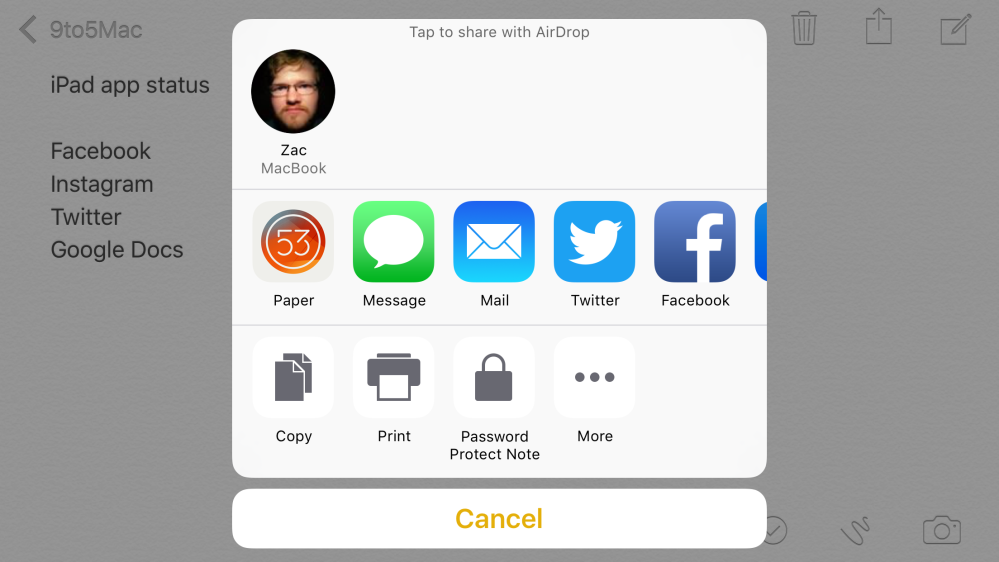
FiftyThree has steadily been turning its Paper app into a full-fledged notebook from just a basic sketching app, and the latest update for iPhone and iPad goes even further. Paper already supported plenty of sharing options for notes and drawings within the app to destinations like Facebook and Twitter, and version 3.5 adds a new iOS Sharing Extension so you can easily send images and notes from other apps directly to Paper.
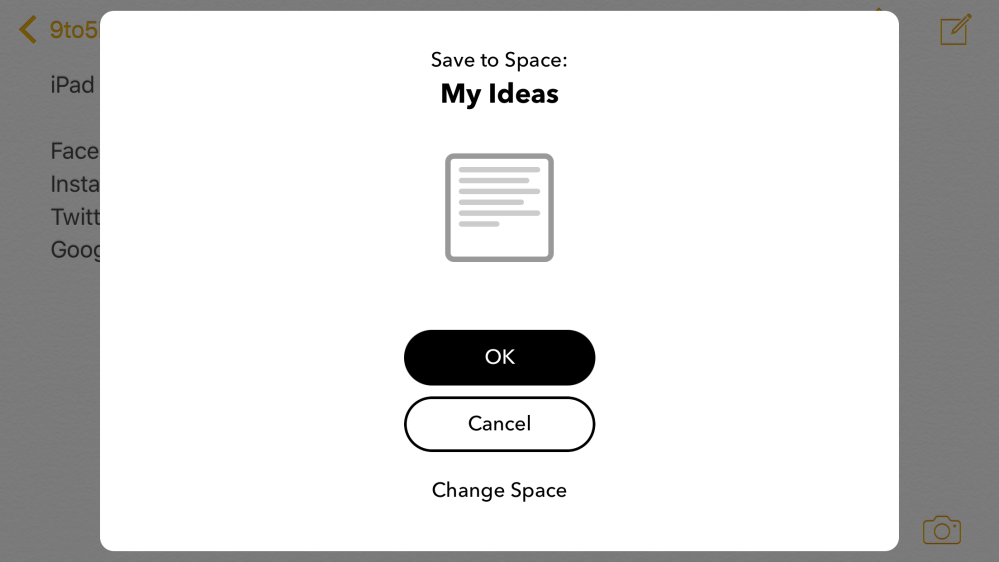
The app has also been updated with some new text formatting tools for note takers. Check out the full release notes below:
What’s New in Version 3.5.0
This update introduces new automatic text formatting to make your notes look better, faster. You can also now send text and photos from other apps directly to Paper via our iOS Share Extension.
Love Paper? Please give us a review! We are reading every comment, review, and tweet, and your thoughts and suggestions will definitely be taken into consideration as we continue to evolve Paper.
Need help or want to send us feedback? Please contact us at support@fiftythree.com. We can’t respond to App Store reviews so please email if something seems broken.
– New text ideas will start with big bold text, and auto format to normal text as you continue typing.
– Text ideas will vertically center in the Spaces grid view.
– Paper is now available as an iOS Share Extension for compatible apps. Import text and photos from other apps directly into Paper through the iOS share menu.
– Bug fixes.
Paper by 53 is available for free on the iPhone and iPad through the App Store.


According to a report this morning from The Wall Street Journal, Spotify is getting ready to finally launch its video content offerings. The rollout is set to start with the Android app getting video by the end of this week, but the iOS app is following suit by the end of next…
Expand
Expanding
Close

While the rest of Washington DC and Silicon Valley are debating corporate taxes and encryption privacy, former Secretary of Defense Donald Rumsfeld has pointed his interests in a different direction. A game. A new variation on the classic solitaire to be precise. Using Medium to post about the app’s development process, and how the original game came to be discovered, Rumsfeld quips about signing off “on something they call UX” and spending countless hours on betas.


Three days ago Apple released an iOS 9.2.1 update with seemingly arbitrary ‘security updates and bug fixes’ listed in the release notes. As we’ve seen time and time again with these type of software updates, most often these small updates seem to go ignored by the general public. We stress how important it is to keep your device up to date, even with small security updates like this.
As is customary after Apple releases a security update version of iOS, the firms and people that discovered the vulnerabilities are coming out explaining how and why these security updates matter. Apple has already included a breakdown of what security issues were resolved in iOS 9.2.1, but it’s still nice to get a further detailed look into what made the vulnerabilities possible in the first place.
SkyCure, a company helping in threat defense in EMM and MDM solutions, released a blog post this week detailing their discovery while noting that Apple had finally resolved it.



Microsoft opened up a beta test program for Windows users last November, letting Microsoft Office fanatics get early access to upcoming new features. Microsoft is now rolling out the program to the Mac, so OS X users can (optionally) join the beta program too. For the first round of the beta program, Microsoft will be adding inking and realtime typing / collaboration to PowerPoint. Expect these features in the ‘coming weeks’. More details available here.

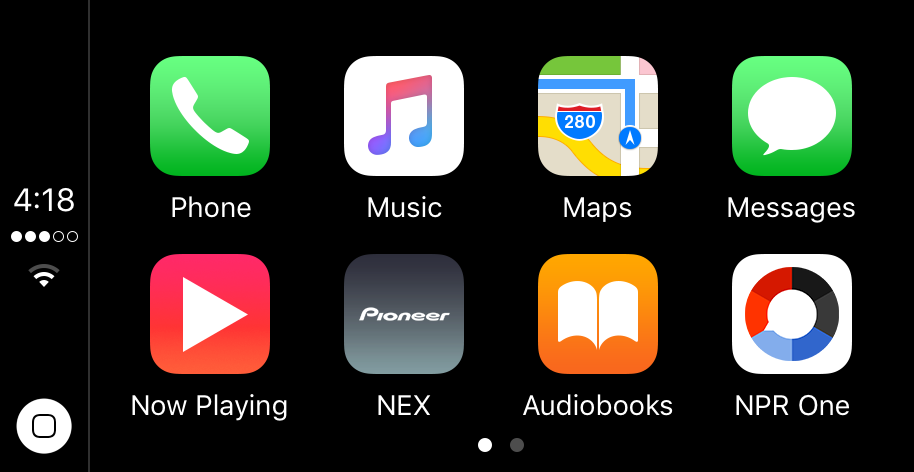
The NPR One app for iOS has been updated today with support for Apple’s in-car infotainment system CarPlay. The update bumps the app to version 1.6.1 and also includes a few bug fixes and the under-the-hood performance improvements.
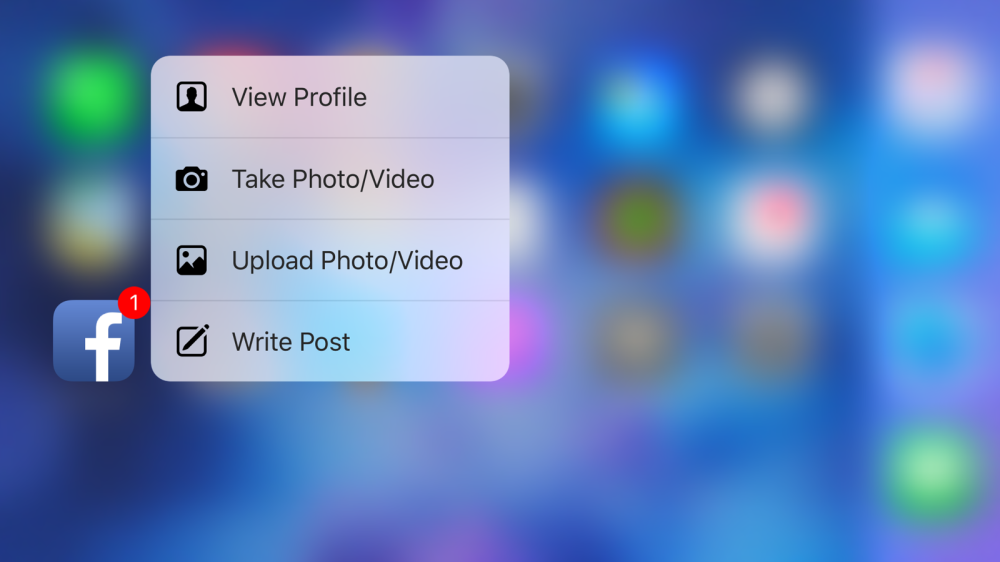
Facebook today is rolling out a new update to its iOS app that brings a handful of new features to iPhone 6s and iPhone 6s Plus users. As usual, the actual changelog provided in the App Store by Facebook doesn’t detail any of the changes, but rather states that Facebook periodically updates its app to add new features and performance and reliability improvements. Today’s new features come in the form of new 3D Touch capabilities for the app on iPhone 6s and iPhone 6s Plus devices.

Adobe first launched its creative Voice app for iPad almost two years ago, and this week version 2.0 has been released with full iPhone support for the first time. I took Adobe Voice for a test drive when it was brand new back in 2014. The app lets you easily combine photos, videos, text, voiceovers, and more to a project that you can easily share to spread your message. Stories can be shared either publicly or privately over Facebook, Twitter, email, messaging, the web, and more.

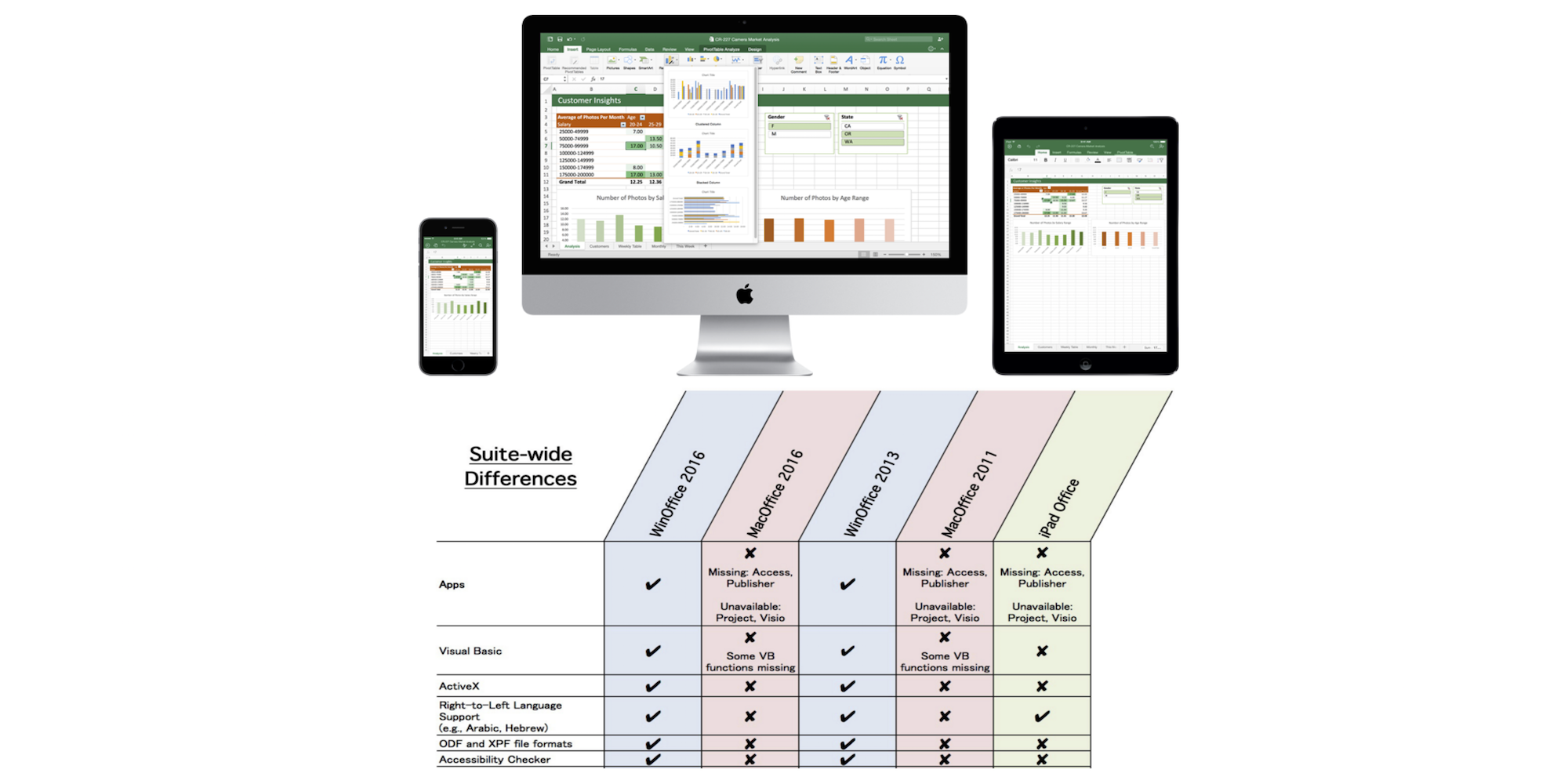
This comparison of the differences between Microsoft Office on Mac, Windows, and iOS devices was put together by Kurt Schmucker who (disclaimer) works for Parallels — the company that makes slick virtual machine apps for running Windows and other operating systems on Mac — but he also happens to know a thing or two about the subject after his previous role as Senior Mac Evangelist at Microsoft and on the Office team. So what exactly is missing on Mac and iOS devices compared to Windows when it comes to the Office suite?
Expand
Expanding
Close
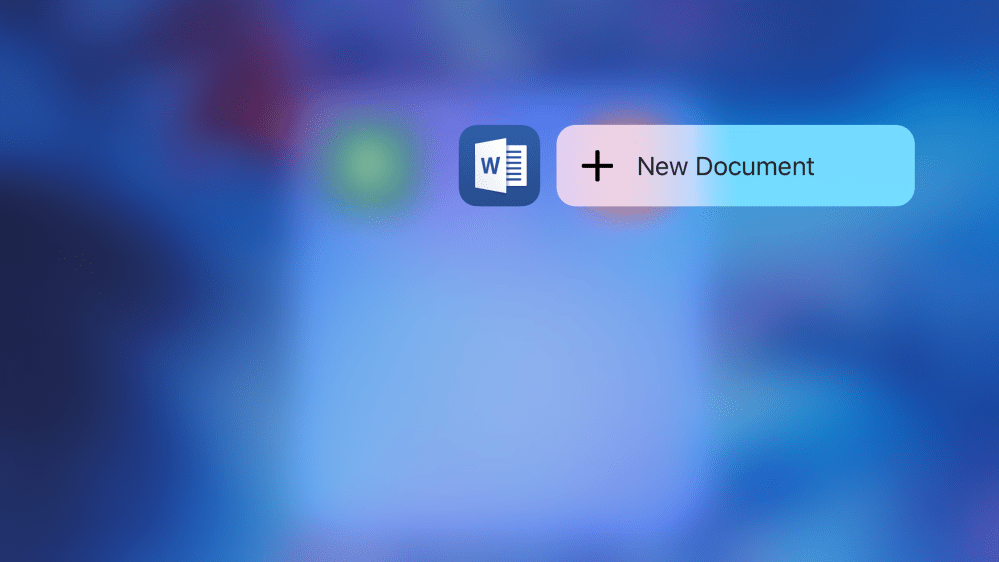
Microsoft is out with a nice update to its Office for iOS suite today, adding 3D Touch quick actions to Word, PowerPoint, and Excel for iPhone 6s and 6s Plus users as well as promised Apple Pencil integration on the iPad Pro. The latest versions of the Office suite also changes how fonts are handled and improves document search on iOS.
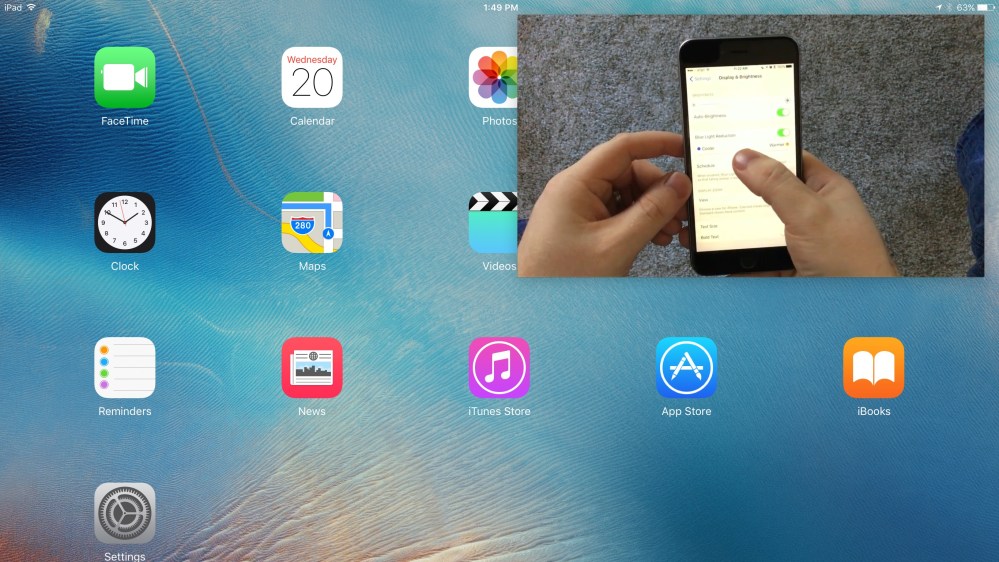
With iOS 9 being out for nearly five months now, you would’ve expected all the top video apps to already be including picture-in-picture for the iPad. Unfortunately that doesn’t seem to be the case with YouTube and a few others. If you’re feeling the hurt from not being able to catch up on your favorite YouTuber’s latest videos while multitasking around your iPad, then check out CornerTube, a new YouTube utility app focused on PIP. CornerTube lets users quickly jump into videos on YouTube, all the while enabling that missing PIP feature. It gets even better once you start utilizing the included Today widget in Notification Center and Action extension in other apps.

Following its onslaught of music updates this morning, Apple this evening has rolled out updates to two more of its Mac audio apps. First is Logic Pro X, which has been bumped to version 10.2.1 with this evening’s update. Next is MainStage 3, which is now at version 3.2.3 thanks to its most recent update. Both apps have received a handful of new features, under-the-hood changes, and performance improvements with their respective updates.
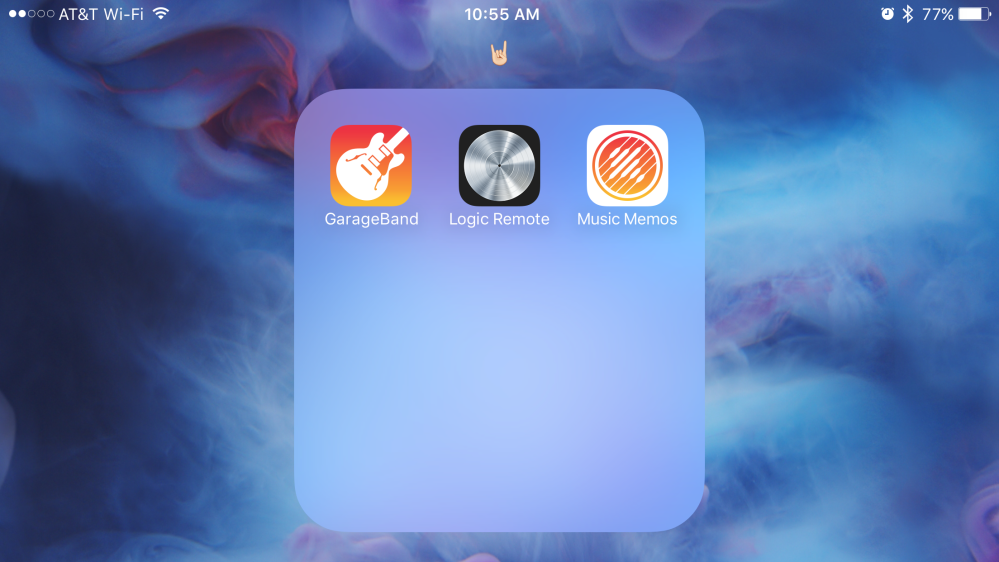
Apple’s hooking up music creators on iOS with lots of new software updates and features today. In addition to releasing a new Music Memos app and enhancing GarageBand for iPad Pro and iPhone 6s, Apple’s Logic Remote app which works with both GarageBand, Logic Pro X, and MainStage on the Mac has been updated with full iPad Pro support and an iPhone version for the first time.
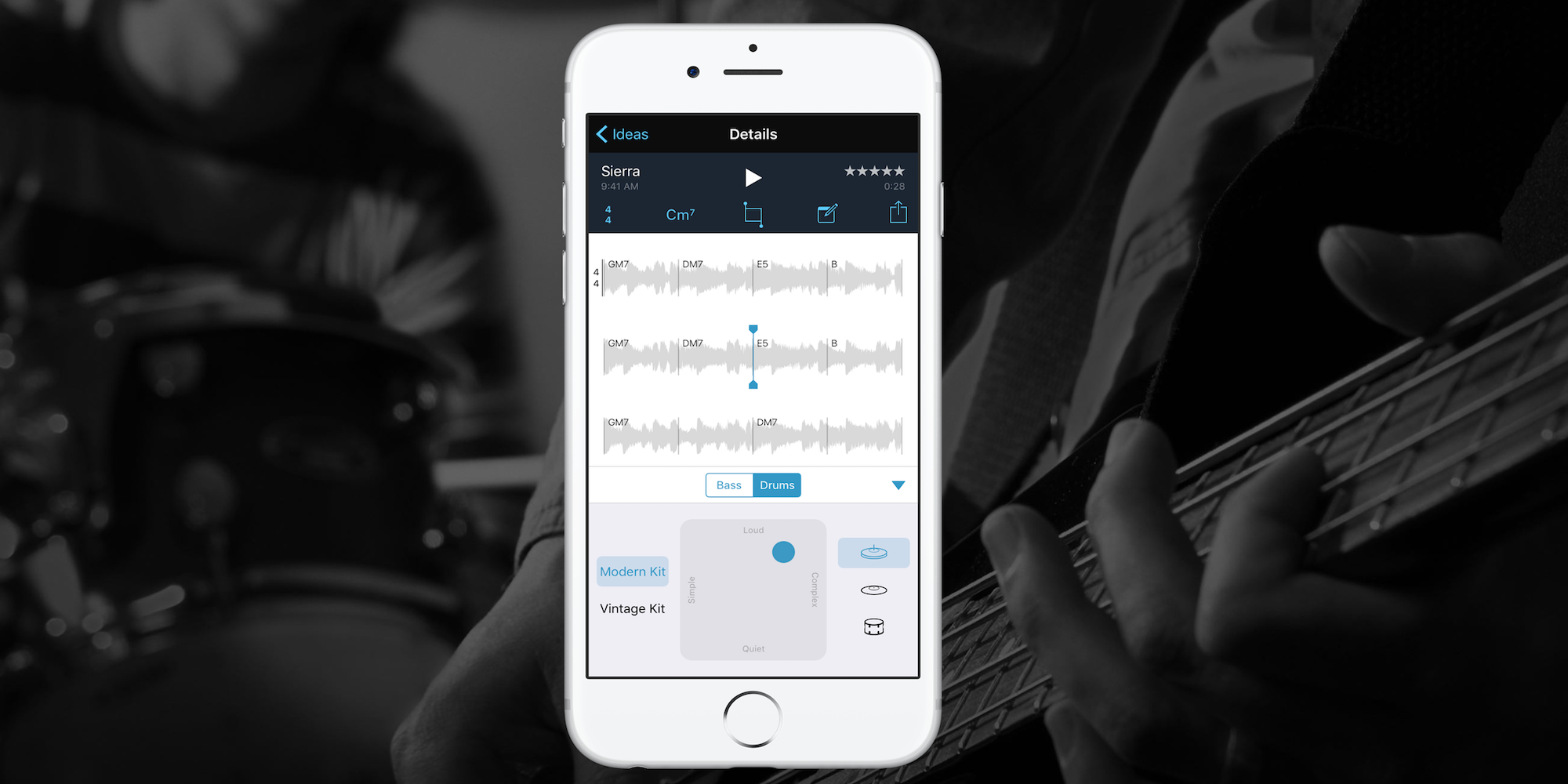
Apple today released a brand new app for iOS devices called Music Memos that allows songwriters to quickly and easily record audio and develop song ideas.
Apple’s press release for the new app notes that Music Memos was inspired by the fact that many musicians have long used the iOS Voice Memos app as a way of quickly capturing ideas in audio on their iPhones and iPads:
Expand
Expanding
Close
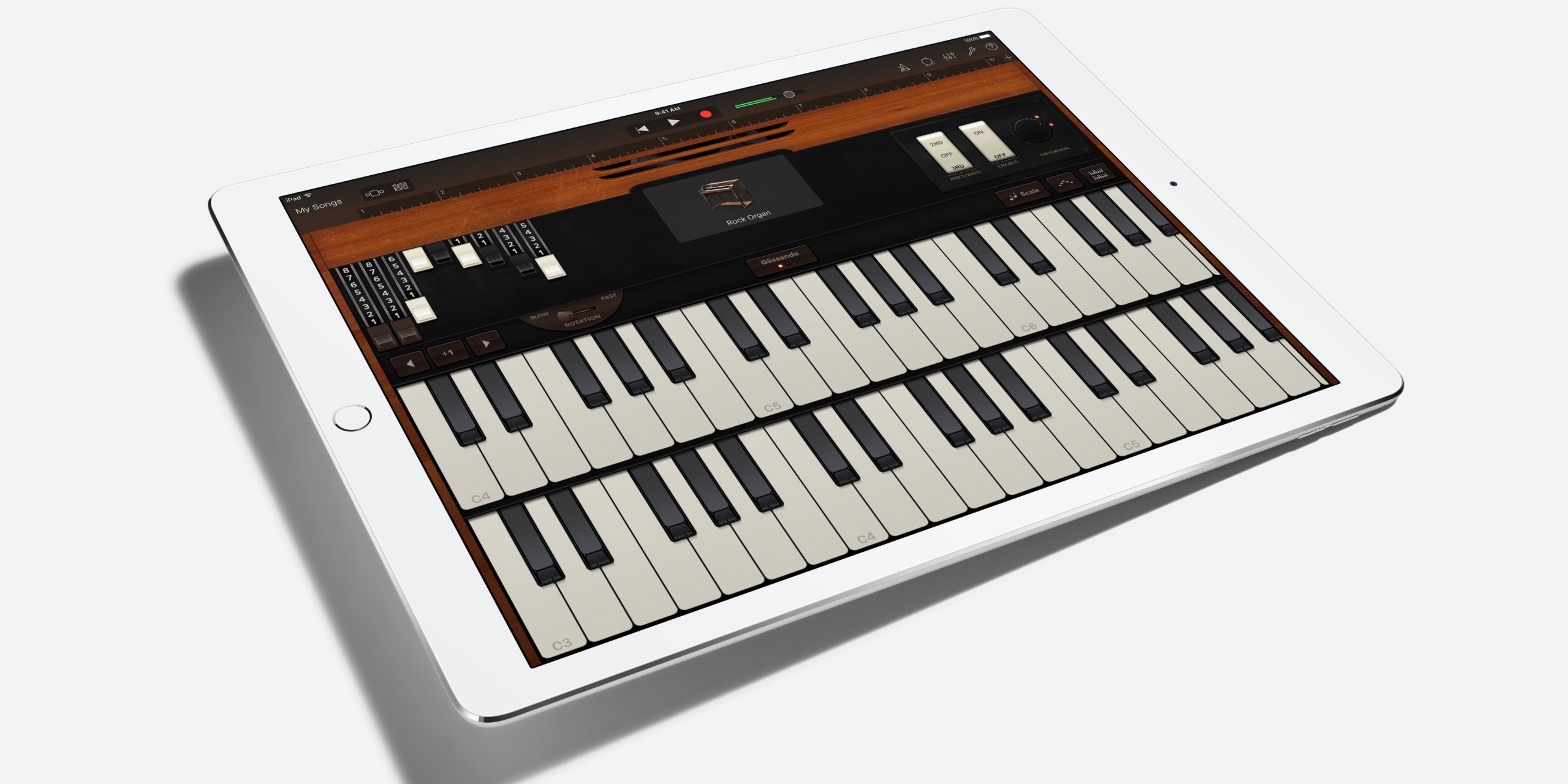
Apple today is releasing a new update to GarageBand for iOS that includes enhancements to take advantage of the iPad Pro’s 12.9-inch Retina display. The new version, previously only shown in iPad Pro marketing material, shows more of instruments and tracks in a single view than on smaller iPads and iPhones. New 3D Touch features are also being included for iPhone 6s and 6s Plus users. Separately, Apple is releasing a new music app called Music Memos, and adding a new Live Loops feature to GarageBand for iOS.
Expand
Expanding
Close
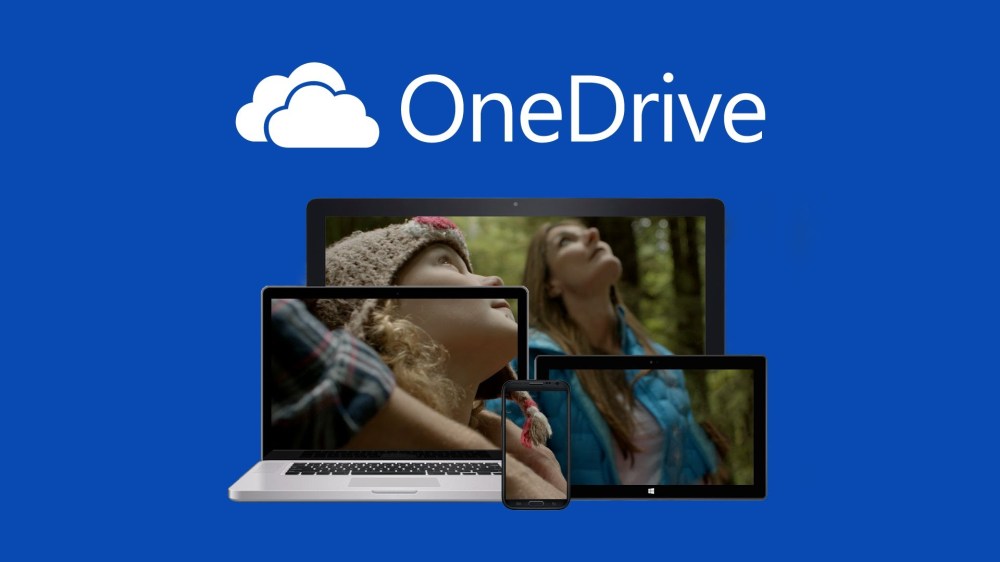
Microsoft today has updated its OneDrive cloud storage app with a handful of new features and capabilities. The update bumps the app to version 6.8 and includes additions like iPad Pro optimization, 3D Touch support, and more.
With iPad Pro optimization, PDF annotations are now pressure sensitive, meaning your writing and drawing will be darker the harder you press on the screen and lighter the softer you press. Furthermore, the Apple Pencil is now supported with improved optimization, as well.
The full changelog is below:
Microsoft OneDrive is available for free in the App Store.

For me, coffee at Starbucks is secondary to the great music you discover courtesy of your twenty-something barista’s Spotify DJ skills. The good news is you can now easily save those Spotify playlists for listening later through an update to the Starbucks iPhone app today.
Expand
Expanding
Close

Today, WhatsApp has announced a pretty major shift in its business model. The popular chat client is going completely free. Facebook-owned WhatsApp used to run on a trial model: users could use the app for free for a year. Subsequent years would cost $0.99 cents each. The paid model notably made WhatsApp stand out from the crowd, as almost every other social networking is free to use from the customer perspective. Although WhatsApp will stop charging customers from today, it will take a few weeks for the payment UI in apps to go away as app updates roll out to the store.
WhatsApp says although a 0.99 cent charge is not onerous, it prevented growth as a lot of customers do not have access to credit cards. This is its major motivation for taking out the annual revenue model. Naturally, users of WhatsApp will wonder how the application plans to monetize going forward ….
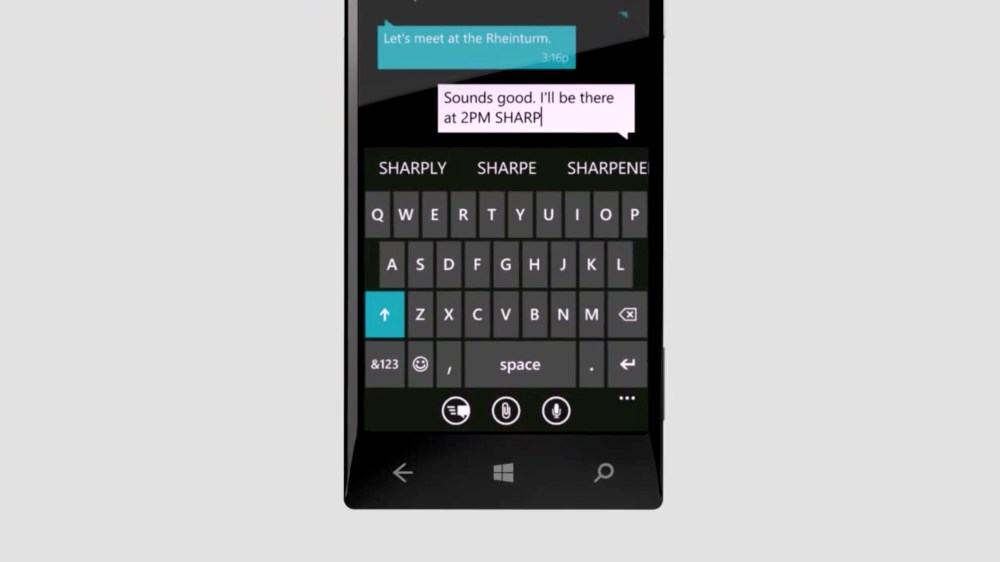
Microsoft appears to be planning to port its Windows Phone keyboard called Word Flow to the iPhone as a third-party keyboard, according to WinBeta. The company is currently reaching out to enlisted software testers to recruit iOS users with iPhone 5s or later to test the Windows Phone keyboard.
Word Flow works similarly to gesture-based third-party keyboards like Swype, which let you trace your finger across letters to suggest words for quick typing. The keyboard also supports traditional typing in the same interface. Emoji characters are even recommended when typing words so ‘dog’ might show the dog emoji when typing the word out.
This is how typing with Word Flow looks on Windows Phone minus gesture typing :
https://www.youtube.com/watch?v=qM7IdBWtQ6I
Microsoft is currently recruiting beta testers already in its Windows Insider Program with the following message:
Word Flow keyboard has long been one of the highly praised features on Windows Phone and was used to break the Guinness World Record for fastest texting. We are now working on extending this keyboard to other platforms, starting with iOS.
Before publicly releasing this keyboard to the App Store, we’d love to give Insiders like you a preview. With your feedback, we’ll build a roadmap of improvements to the keyboard over time.
Most third-party keyboards since Apple added the capability with iOS 8 haven’t been real home runs due to speed and performance issues, so we’ll have to see how Microsoft works around this. The company is certainly no stranger to developing for iOS with nearly 60 iPhone apps on the App Store to date.
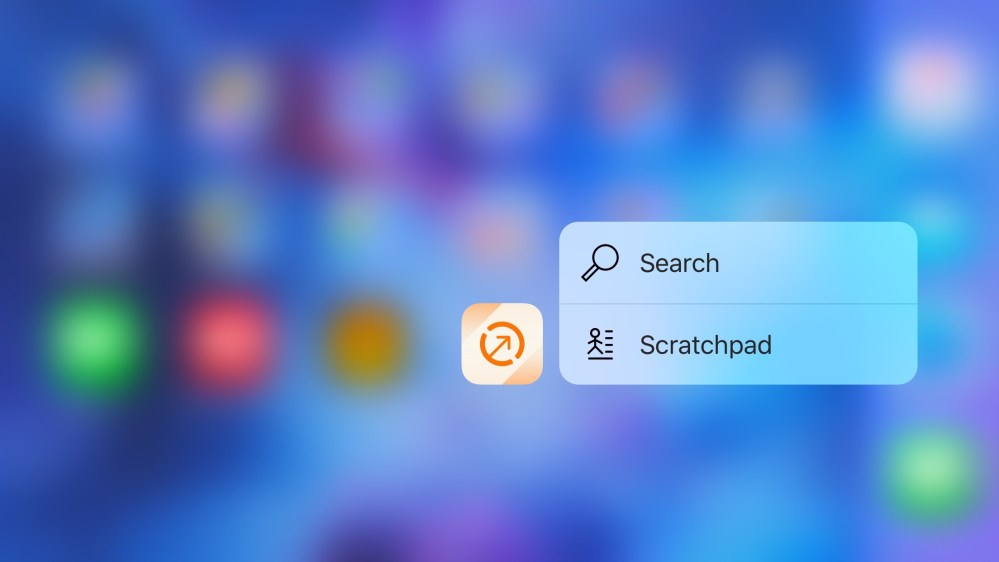
If you’ve ever wanted a little something more out of the Contacts app on iOS, you may be in for a treat with the latest app from Agile Tortoise, which makes the popular Drafts text actions app. Interact is a new contacts app on the iPhone and iPad made for power users. The app includes an iOS extension for creating contacts from information found in other apps, a scratchpad feature for parsing details you jot down for creating new entries, better group management than the built-in contacts app, and much more. Check it out below:


With a growing number of business meetings these days taking place via Skype, Microsoft has made it easier than ever to schedule and join a Skype call in the Outlook iOS app. Version 2.1.3 of the iOS Outlook app adds Skype integration.
Make any meeting a Skype call simply by flicking a switch, then access the call when you need to with just a tap. Now when you say “I’m joining the call now”, you’ll actually mean it. To give it a try, simply turn on the “Skype Meeting” switch when creating or editing an event.
The update also adds a new view designed to provide a clearer sense of your schedule …

Skype today announced that it’s bringing free group video calling— a feature it’s long had available on the desktop—to mobile devices including iPhone and iPad users.
Yes, it really has been a decade since Skype changed the way people connect with their loved ones. 6 years ago, we innovated again with one-to-one video calling on mobile phones. Today, we are excited to announce the next evolution – group video calling on Android, iPhone, iPad and Windows 10 Mobile.
The feature will officially launch in the coming weeks, but you can pre-register through Skype’s website here.
And keep an eye out for updates to the Skype for iPhone and Skype for iPad apps. In the latest update to the apps earlier this month, Skype also introduced to the ability to “Send video messages to groups directly from group chats.”
[youtube=https://youtu.be/t20MzFcwWVM]