Latest

Macphun announces Aurora HDR, Mac photo editing app developed with HDR expert Trey Ratcliff

aurorahdr

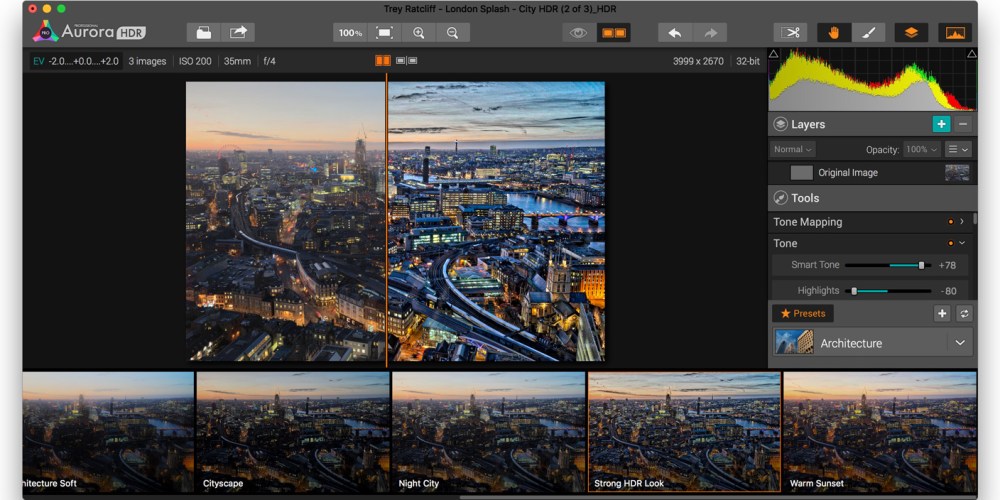
Expanding its suite of outstanding photo editing apps, Macphun today announced Aurora HDR, a powerful but easy-to-use tool for creating High Dynamic Range images. Co-developed by leading HDR photographer Trey Ratcliff, Aurora HDR automatically combines several exposures of the same image, bringing out bright colors and shadow detail that are lost by a single exposure.

Unlike typical HDR compositing, which yields a finished image that’s hard to meaningfully edit, Aurora HDR includes nearly 40 one-click presets to change the look of the image, including Signature Pro presets developed by Ratcliff. The app can be used in standalone or plug-in modes, and incorporates a large collection of detail, noise, and intensity adjustment tools borrowed from Macphun’s Creative Kit 2016 (reviewed here), notably including selective adjustment brushes.

Aurora HDR will be available in standard ($50) and Pro ($100) versions on November 19, with discounted $90 Pro pre-orders starting today from Macphun’s web site. Additional screenshots and details are below…


Expand
Expanding
Close

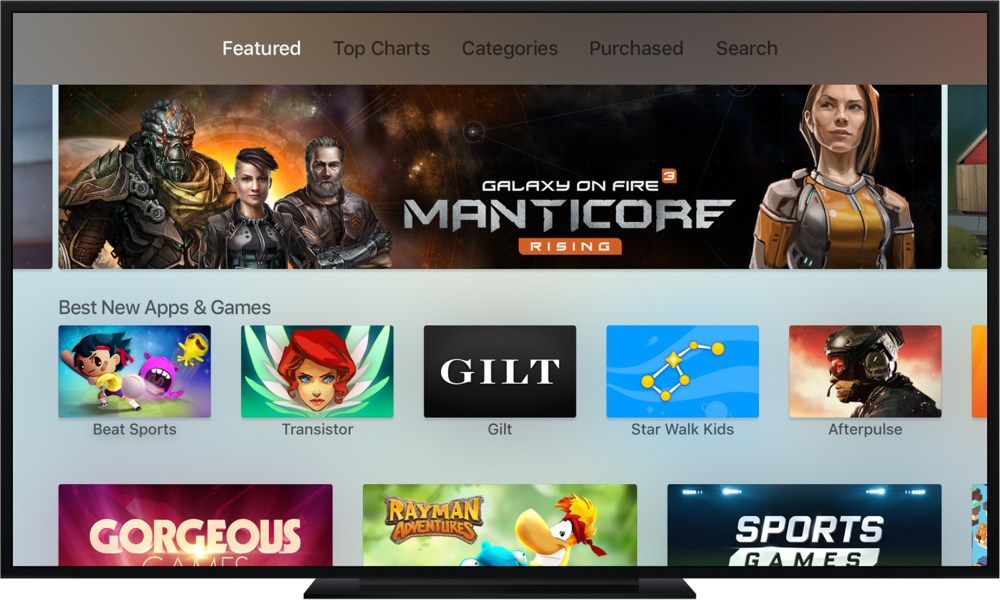
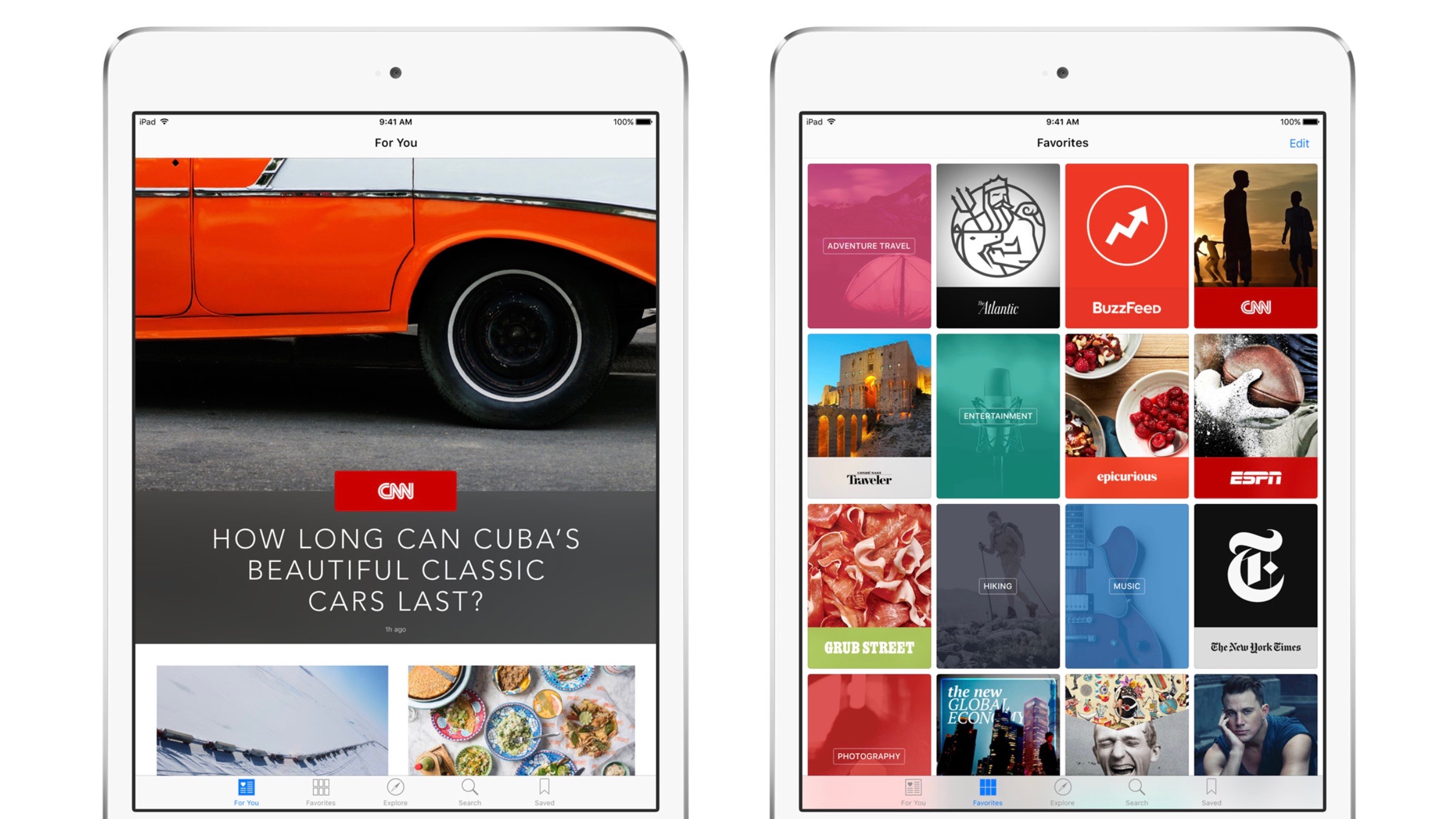
Roundup: The best apps and games for the new Apple TV

screen-shot-2015-11-03-at-4-57-06-pm

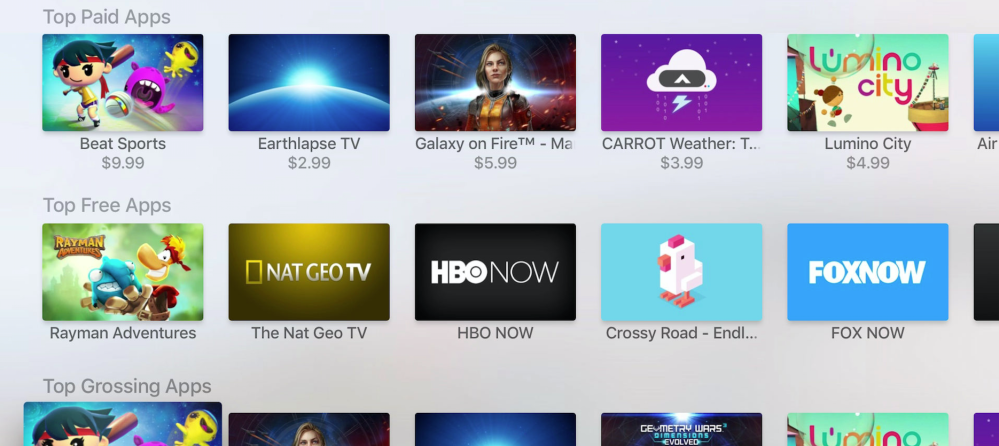
The Apple TV has been available for a week now and the tvOS App Store is estimated to include over 1,000 apps, with more coming online every day. There’s a pretty good selection of titles, with a heavy focus on gaming. Developers are still figuring out how to use the touchpad Siri Remote in interesting and new ways but the initial launch is promising for sure. We’ve rounded up our favourite apps and games for the new Apple TV so far …


Expand
Expanding
Close

Google’s note capturing iOS app ‘Keep’ adds widget + share extension, copy to Docs feature

Google Keep widget

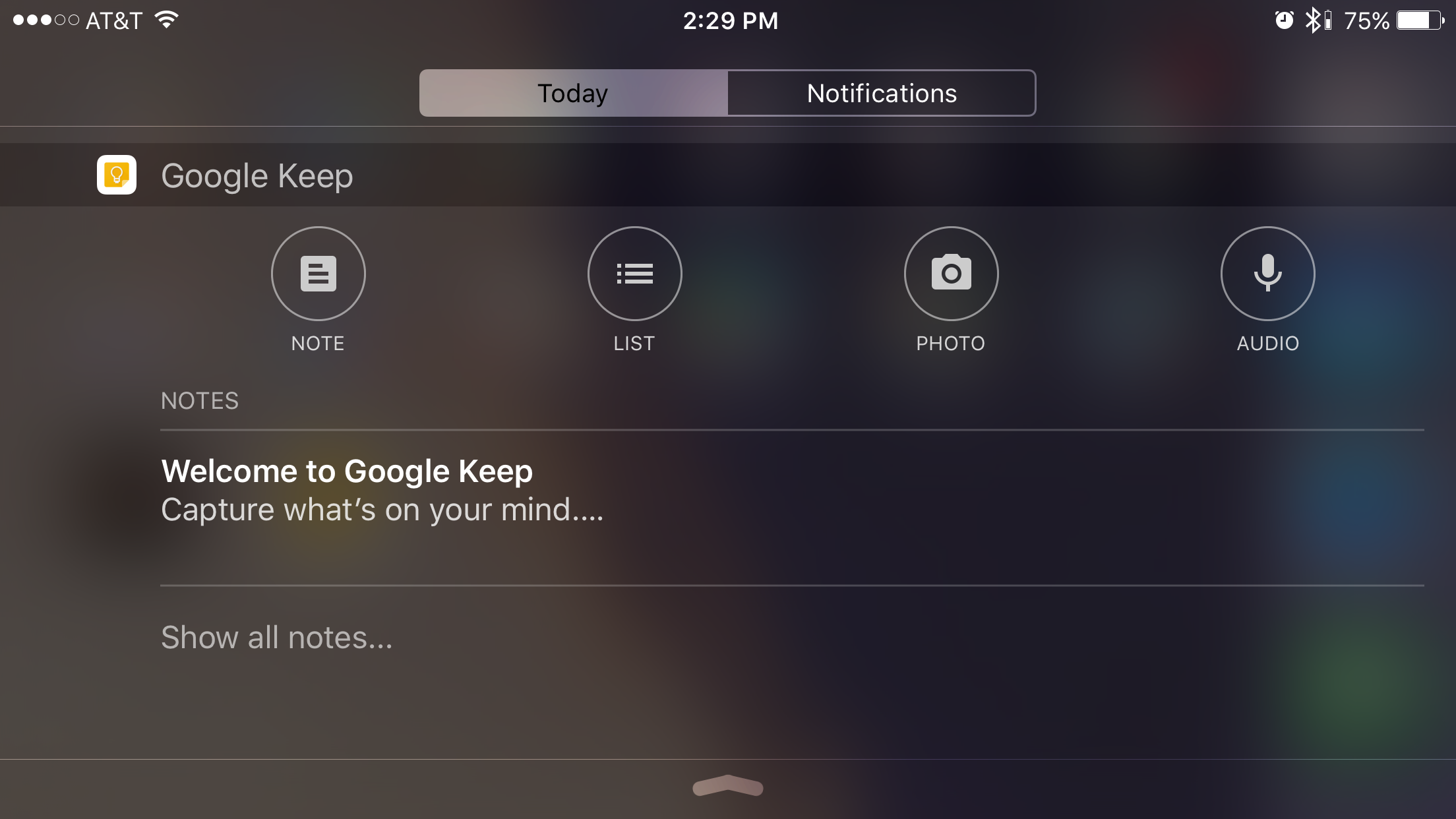
Google’s iPhone and iPad note capturing app is out with a feature update today in the latest version. Keep users can now add an app widget to the Today view in Notification Center for capturing material in the app from anywhere with a swipe down.

iOS users can also add a new Keep extension using the latest update for sending websites and other information to Keep without opening it and leaving the app you’re already in. Finally, the new version lets Keep users copy notes with Google Docs for the first time.

Google Keep lets you capture notes using labels and colors as well as photography and images on-the-go. Keep also supports capturing voice memos and making lists that backup and sync to your Google account. The new iOS widget lets you jump right into the app to create new note, lists, photos, and voice memos.

Google Keep

After only being available on Android for a couple years, Google brought Keep to iPhone and iPad just a few weeks ago. Download the latest version of Google Keep from the App Store to use the new features for free.

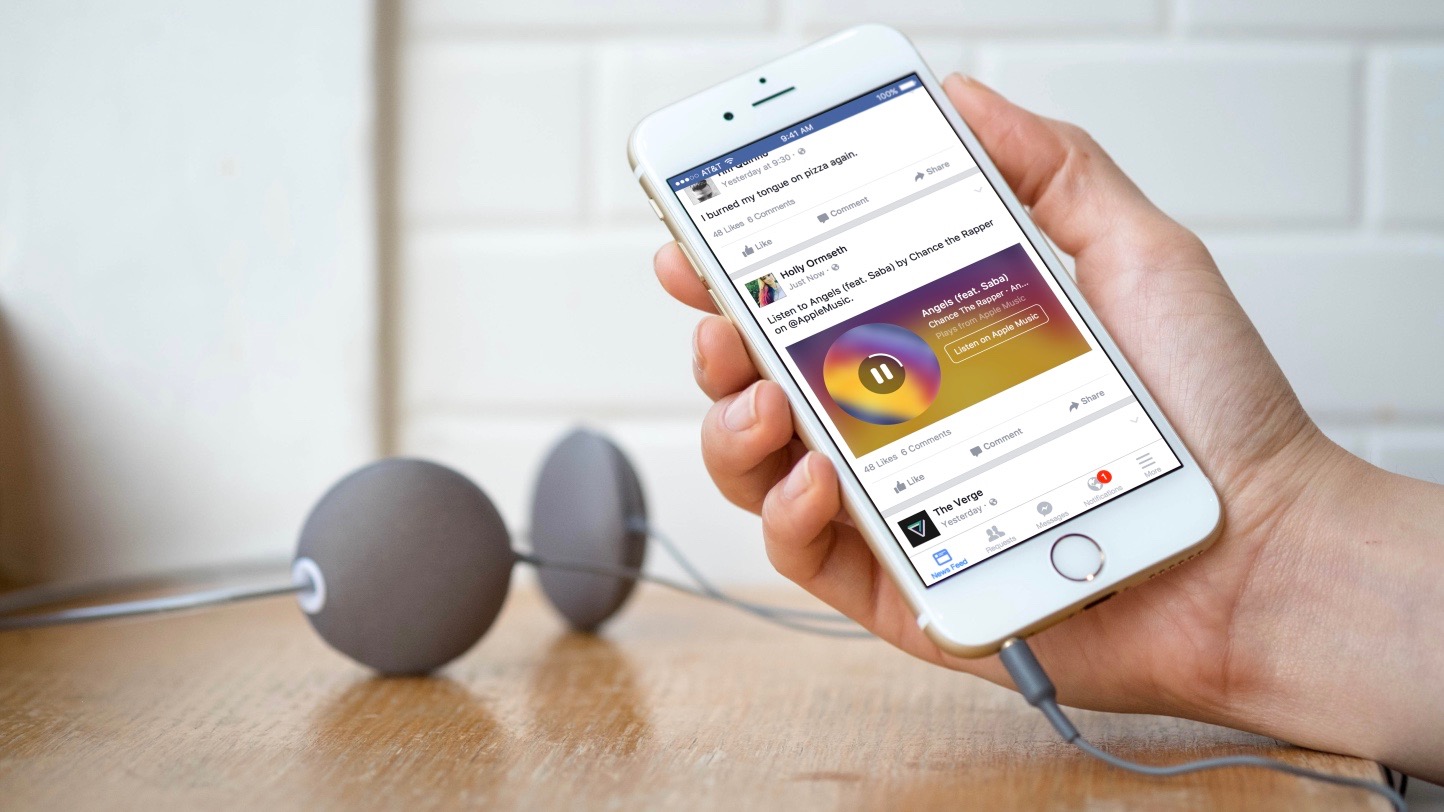
Facebook for iPhone adds enhanced Apple Music and Spotify song sharing with Music Stories

Facebook Music Stories Apple Music Spotify

Facebook is rolling out a new post format on the latest version of its iPhone app called Music Stories. The new format lets you share songs and albums from popular streaming music services, starting with Apple Music and Spotify, while friends can enjoy 30-second previews of what you share. The Music Stories format also looks rich within the app. Tapping play turns the artwork in a record-like spinning animation, and a button to listen to the whole track or album on the streaming service is presented on the right. 
Expand
Expanding
Close

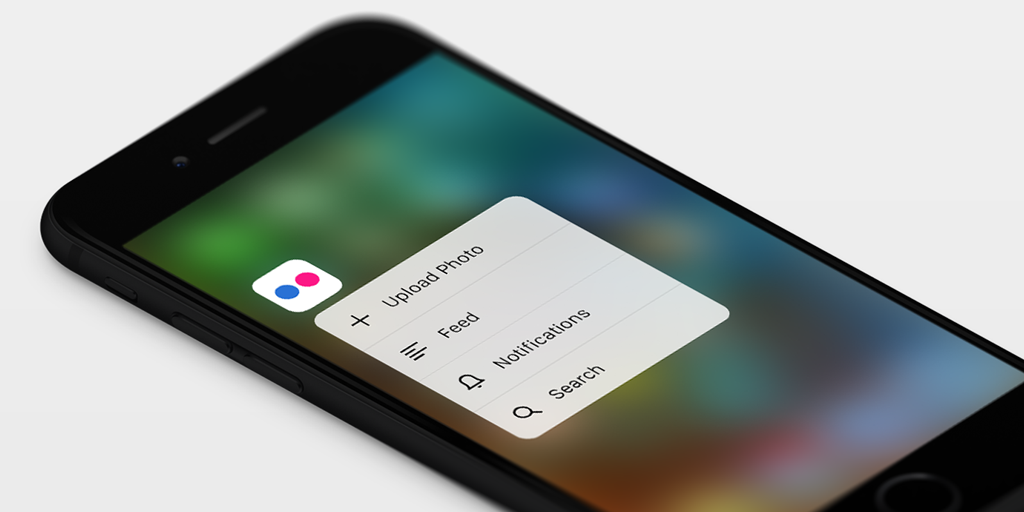
Flickr iOS app updated with 3D Touch for quick actions, comparing photos & more

flickr

The Flickr iOS app has been update with support for 3D Touch on the latest iPhones. You can now upload a photo, view your feed, check notifications or carry out a Spotlight search right from the Home screen. Spotlight lets you search for albums, groups or recently-viewed photos.

The app also has a handy new 3D Touch feature within the app for deciding which photo to share from a selection … 
Expand
Expanding
Close

Google Maps on iOS will now give spoken traffic alerts as you drive

Screen Shot 2015-11-04 at 8.12.36 PM

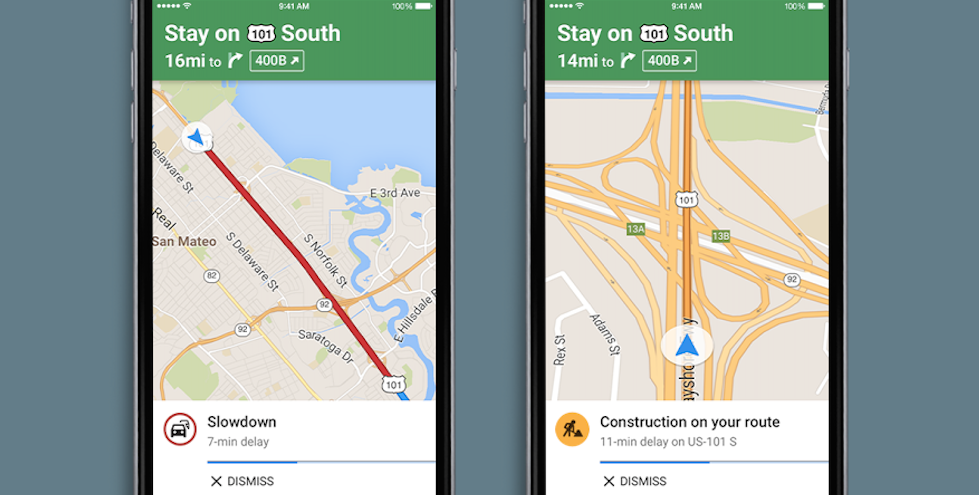
Google today has rolled out an update its Maps application on iOS, bringing with it a pair of new features. The update bumps the app to version 4.12.0 and includes support for adding missing businesses to the app’s database and spoken traffic alerts.

The latter of the two is the far more interesting addition of this update. Spoken traffic alerts mean that Google Maps will now alert you about upcoming traffic congestion and traffic incidents as you use the Navigation feature of the app. It does so via voice so you aren’t distracted while you drive. Traffic descriptions provide the same information, but in both text and verbal forms before you start to move.

Google Maps version 4.12.0 is available via the App Store now for free. The full changelog can be seen below:

What’s New in Version 4.12.0

  • Easily add new and missing businesses from the sidebar
  • 
Spoken traffic alerts in Navigation tell you about congestion and incidents on your route and traffic descriptions give you summary of traffic before you drive
  • Bug fixes

Google Drive for iOS gets improved sharing experience w/ notifications & more

Google-Drive-update-nov-2015

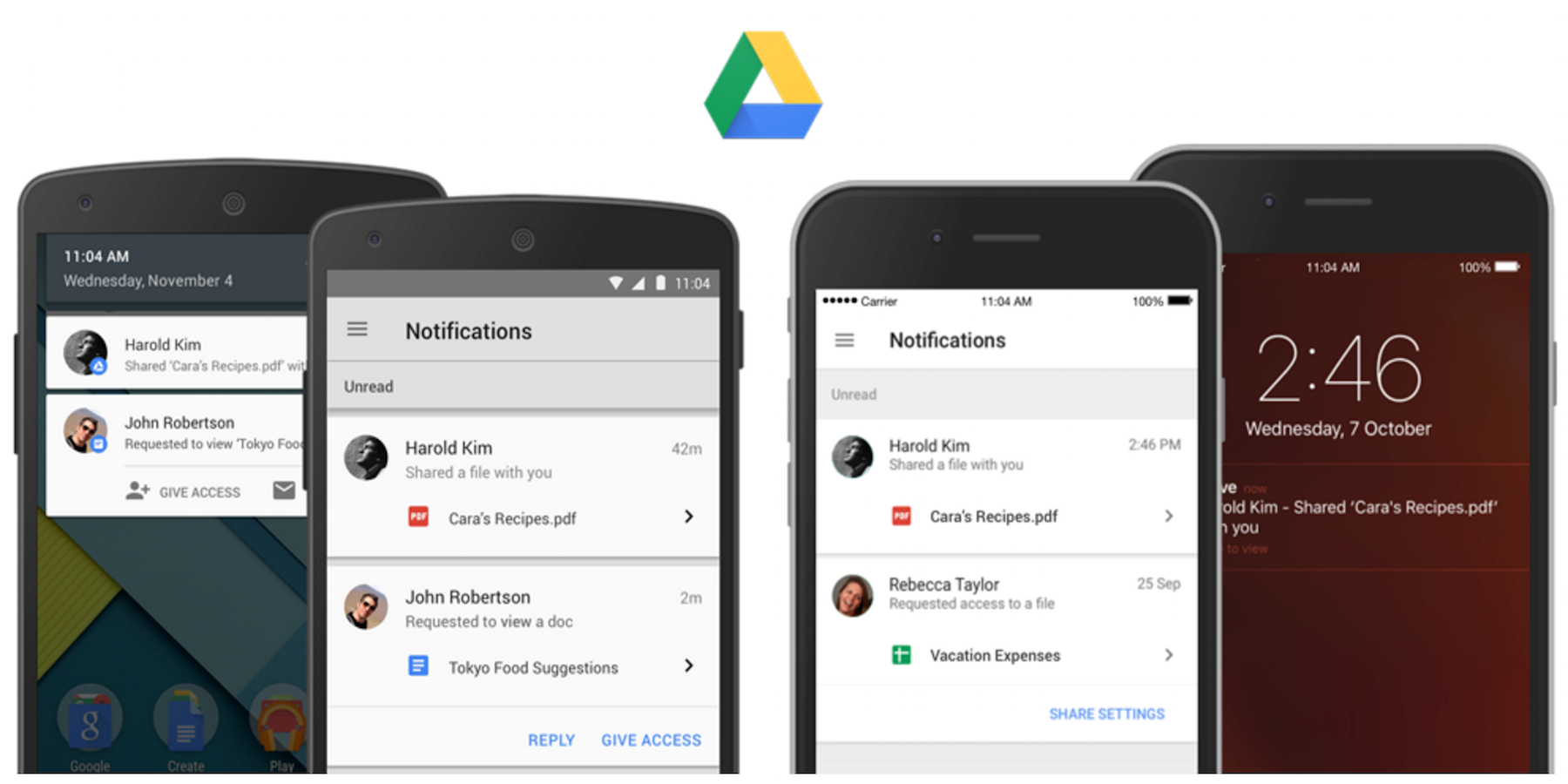
Google Drive updates arriving today include new features for the service’s iOS app including sharing notifications and what Google promises will be a ‘consistent sharing experience across platforms.”

As part of its Drive mobile app updates today, both users of the iOS and Android apps can now enable notifications for when files are shared with them. Not only is it a notification, but it also acts as a quick link to jump right into the file or folder. And in addition, Google notes that “If a file/folder owner has notifications turned on and someone requests access to their content, the owner will be notified of the request instantly on their mobile device so they can quickly grant access.”

Another feature in the update for the Google Drive iOS app is what Google describes as a new consistent sharing experience, which essentially means the iOS app sharing experience is now on par with the Drive app on other platforms. You’ll notice the addition of an option to add a custom message when sharing:

We’re implementing a more consistent sharing experience in Drive (and the Docs editor apps too!) across platforms, including the ability for people using the Drive iOS app to add custom messages to recipients directly from the app when sharing a file.

The updated Google Drive app for iPhone and iPad is available now.

Evernote for iOS adds sketching/handwriting in notes, iPad split-screen support

Evernote-sketching-ios

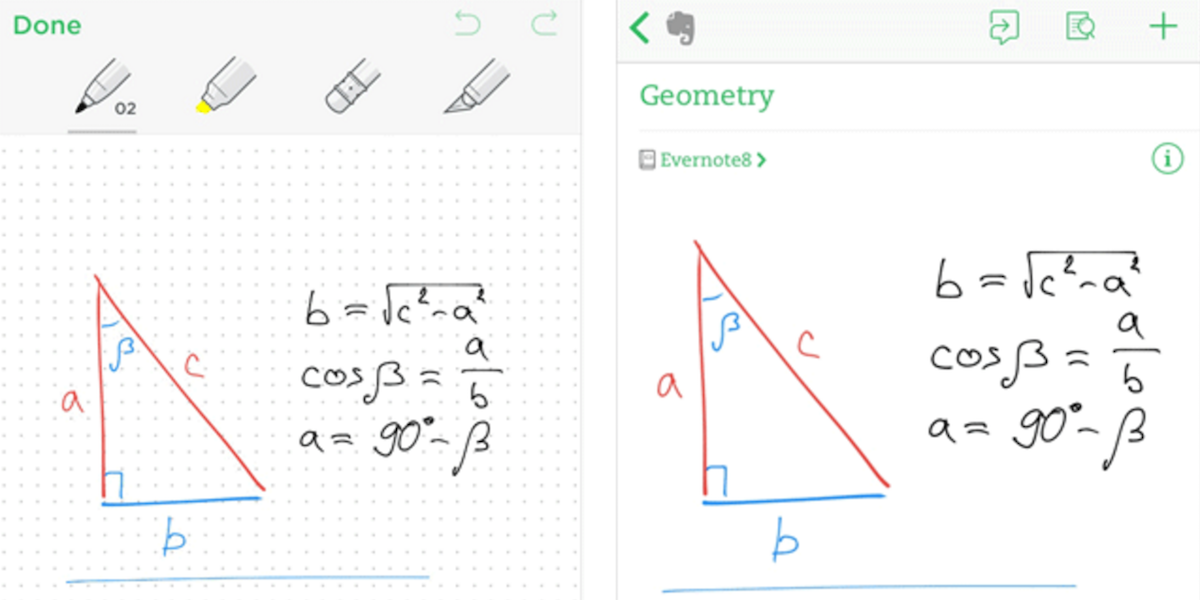
Evernote just announced an update to its iPhone and iPad apps that brings the ability to sketch in notes, which should make many users happy as the company points out the feature is one of its most-requested (and one it’s long had on Android).

Using your finger or a stylus like the Evernote edition of the Adonit Jot Script or Apple Pencil, users can now sketch inside of notes. And for users of the new iPhone 6s and 6s Plus with 3D Touch, the feature will allow you to “change the line weight just by adjusting your writing pressure.”

Sketches, like everything else, sync across platforms so you can view and continue to edit on another iOS or Android device. And the feature includes handwriting recognition, so you’ll be able to search for text you’ve written inside notes.

Here’s how you access the feature:
Expand
Expanding
Close

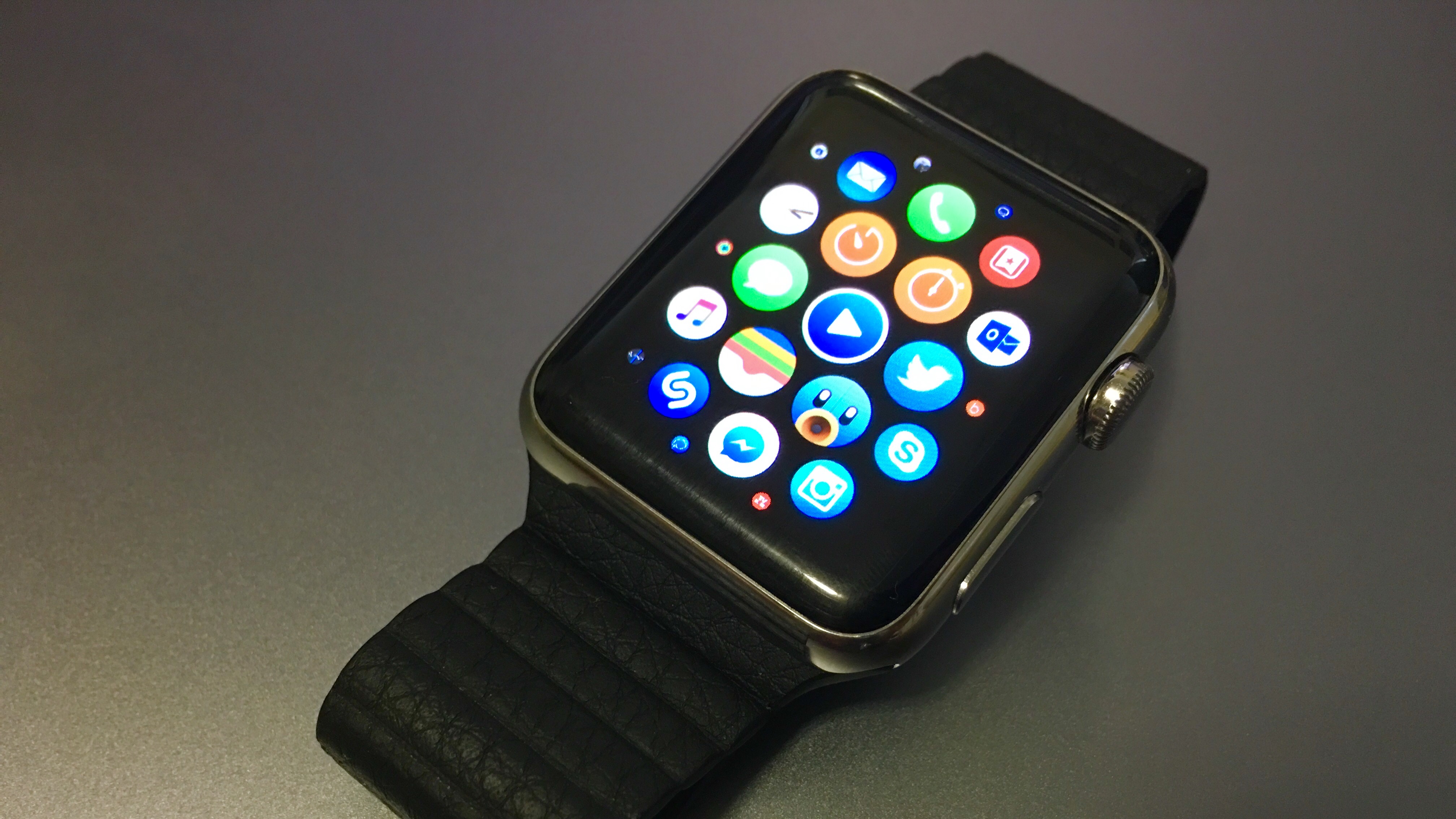
Tweetbot 4.1 for iOS brings the popular Twitter app to Apple Watch

Apple Watch Tweetbot 16-9

Tapbots is out with Tweetbot 4.1 for iOS, bringing Tweetbot to the Apple Watch for the first time. The update follows the massive Tweetbot 4.0 launch at the start of October which included a redesigned iPad version plus iOS 9-specific features and more.  The new Tweetbot 4.1’s Apple Watch app is made for watchOS 2 and lets users compose new tweets, view recent activity, respond to mentions, and view profiles. Tweetbot for Apple Watch also enhances the way notifications look with a richer, custom appearance.
Expand
Expanding
Close

Inbox by Gmail app for iPhone will use AI-powered Smart Reply feature to respond to messages for you

inbox-logo

Google’s Inbox by Gmail app for iPhone is one of the best things to happen to personal email management since email was invented (at least, it is for Gmail users). Using Google Now’s power, it can automatically create calendar events, sort out your junk and priority emails and suggest reminders. Now it’s about to get a whole lot smarter.


Expand
Expanding
Close

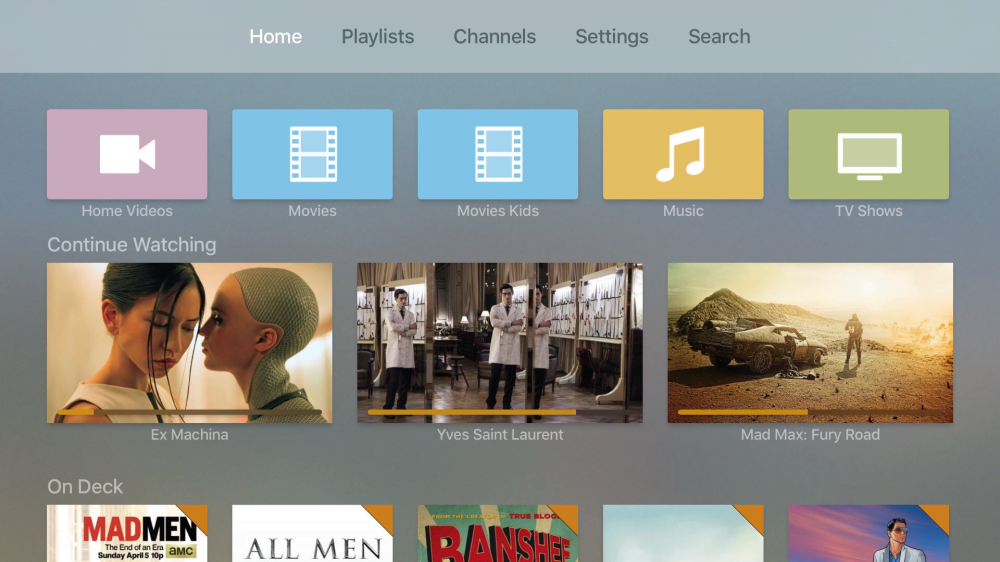
Official Plex app for Apple TV now available, offers local streaming, playlists, channels, more

Screen Shot 2015-11-02 at 21.53.36

The official Plex app for Apple TV is now available in the App Store. Plex is a media server for video, TV shows, music and photos. The app is fully featured, with quick access to search, playlists and more from the top bar. It also tracks your currently playing items so you can quickly pick up with a show or film from where you left off. The app incorporates channel streaming of content like TED, Revision3 and more as well as video queues from YouTube and Vimeo.
Expand
Expanding
Close

Early tvOS App Store sales charts show popularity of games, app prices substantially higher than iOS

tvos-hero_2x

The new Apple TV has been available for three days now, with response to the product generally strong with seemingly good sales, based off some talks with Apple Store employees. A big part of the appeal of Apple TV is the tvOS App Store. What you see above is Apple’s press image for the store: in reality the Top Charts and Categories are currently unaccessible. Developer Steve Troughton-Smith has worked around this by accessing the web chart data directly, by spoofing the Apple TV headers when making the request. He has posted the Apple TV US Top Paid, Top Free and Top Grossing charts as of yesterday. There’s some interesting trends in the data ….


Expand
Expanding
Close

Adobe updates Photoshop Mix & Fix w/ iOS 9 Split View, iPad Pro & Apple Pencil support

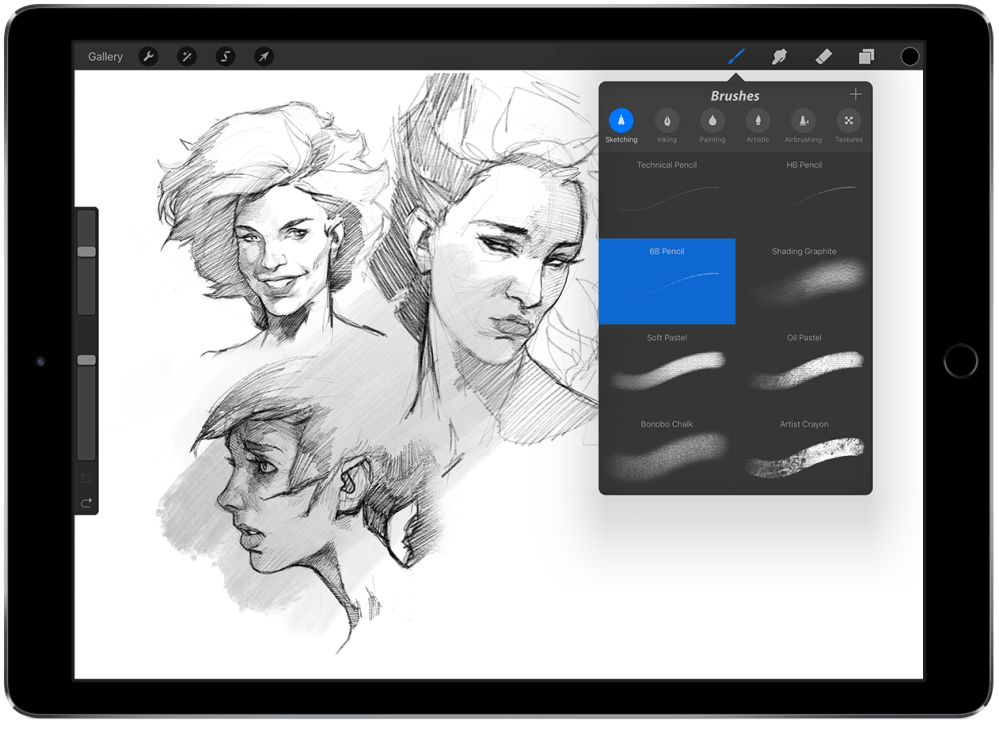
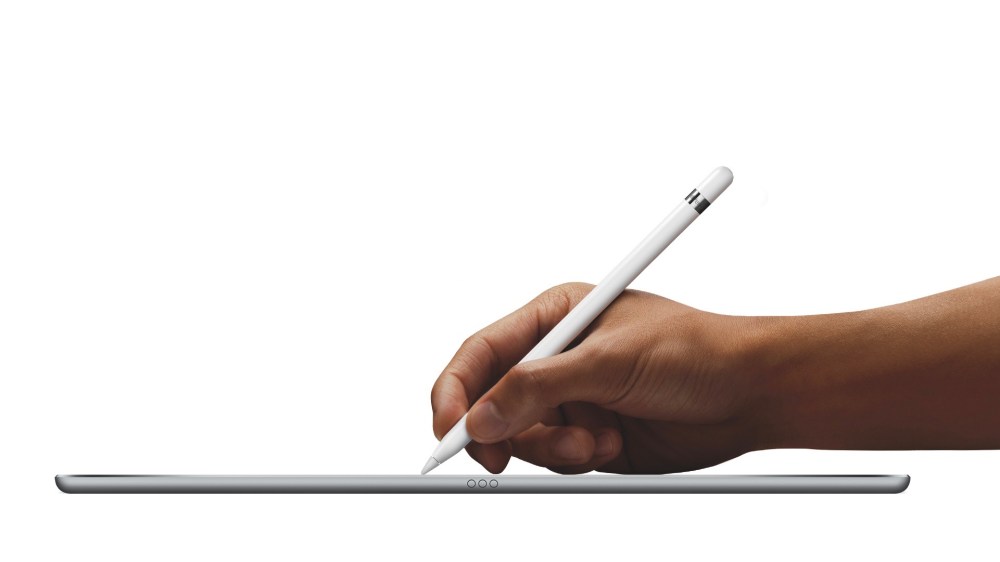
iPad Pro Apple Pencil

Adobe today has rolled out updates to a pair of its iOS apps, adding support for features introduced in the latest version of Apple’s operating system. Adobe Photoshop Fix and Adobe Photoshop Mix have both been updated this evening, the former being bumped to version 1.1 and the latter to version 2.1.


Expand
Expanding
Close

BBC iPlayer coming to the new Apple TV

bbc-iplayer-logo

Fellow Britons, the wait is almost over. iPlayer is finally making its way to the Apple TV. The BBC announced via its official Twitter handle that its popular catch-up and live-streaming service is making its way to the brand new Apple TV in the coming months. The company didn’t confirm exactly when the iPlayer app for new Apple TV would arrive, and from the looks of things, it won’t be coming to the current Apple TV. Although it doesn’t say explicitly that iPlayer won’t be coming to the 2nd and 3rd generation Apple TVs, the fact it states ‘new Apple TV’ suggests pretty strongly that it will only be on the new, 4th gen model.

[tweet https://twitter.com/BBCiPlayer/status/659641075624226816 align=’center’]

For UK Apple TV owners, the lack of a native iPlayer app has been a constant source of frustration. Right now, customers are forced to use AirPlay from their iPhones or iPads if they want to view iPlayer content on their Apple TVs. Once the app launches for tvOS, we’ll be able to put our iPhones and iPads down,  and just watch great programming right from the Apple TV. More important than the convenience is that we’ll undoubtedly save precious battery life.


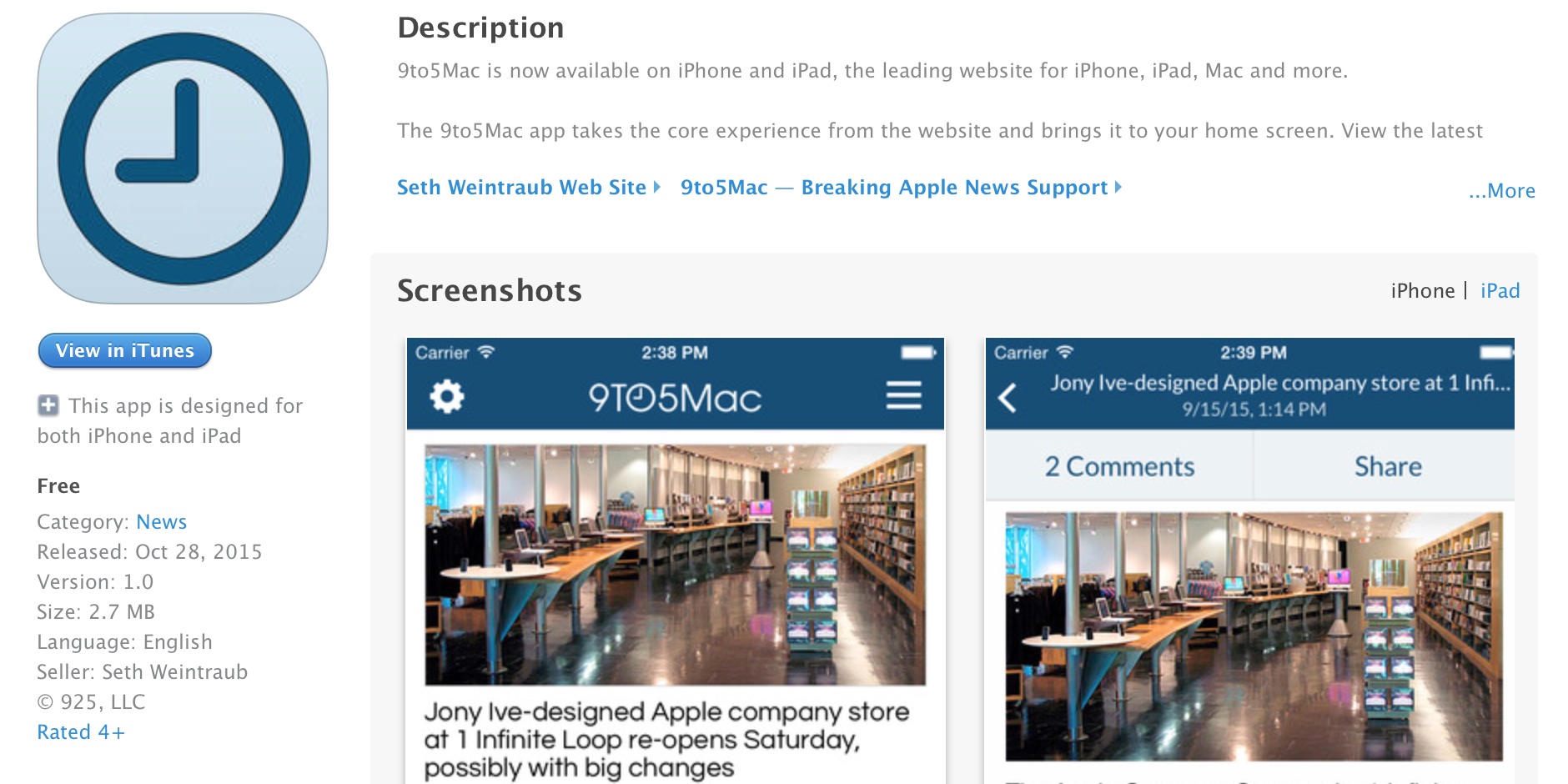
Introducing the 9to5Mac app for iPhone and iPad

9to5mac-app

Earlier in the year, we released a major redesign for all of the 9to5 sites and we continue to roll out improvements to this design. However, we’ve also been working on something else for 9to5Mac … today we are releasing the 9to5Mac app for iPhone and iPad. As a complement to the website, you can now read our latest stories directly from your Home screen.

Download the app from the App Store for free right now. The app runs on iPhone and iPad with custom layouts for the respective screen sizes. It’s the essence of our website, the news stories, reflowed into a format that’s optimized for iOS.

We love the website, but the app allows us to offer you many additional features to further the 9to5Mac experience for our readers. You can subscribe to breaking news notifications, jump into Dark Mode for late night reading and add our latest headlines to the Today view with the included widget. More details after the break …


Expand
Expanding
Close

Sunrise app officially sunsetted as Outlook steals its thunder

sunrise-app

When Microsoft purchased Sunrise, things didn’t look good for the popular iOS calendar app. There were fears Microsoft would take its talent and shut the app down. Fears — it seems — that were completely justified. Sunrise announced in a blog post today that the app will no longer receive any updates. If you are an avid user of Sunrise (like me), you’ll now need to go hunting for a new calendar app if you expect new features.

As the entire team is completely focused on the Outlook for iOS and Android apps, we won’t be updating the Sunrise apps anymore. We won’t lie, it’s tough for us to leave behind the apps we’ve been working on so passionately for the past years.

Sunrise’s technology and expertise haven’t completely vanished, however. Microsoft and Sunrise were both keen to let us know that a lot of the stuff that made Sunrise great has made its way in to the new Outlook app for iOS. On the Outlook blog you’ll see exactly what the two companies have been working on over the past few weeks and months.

The Outlook app for iOS has a brand new look and features new navigation for email attachments, while the ‘Calendar’ navigation basically looks like some of the Sunrise calendar was absorbed in to the app. And Microsoft will continue to absorb all of Sunrise until nothing’s left, and the calendar app can be terminated:

The Sunrise team is now officially a part of the broader Outlook product team, bringing a fresh approach to calendaring and combining it with Microsoft’s deep expertise in both email and calendar. Better Outlook calendaring gives you more ability to manage your personal and professional life from a single, powerful app. Over the coming months, you’ll see richer calendar experiences come to Outlook from Sunrise—including Interesting Calendars and connections to your favorite apps and services. You will also see improvements to Outlook’s ability to create meetings while on the go and handle meetings across time zones. All of this means Outlook will eventually replace the current Sunrise app. We will leave Sunrise in market until its features are fully integrated into Outlook, the exact timing of which we will communicate in advance.

It’s a shame to see Sunrise vanish from the app scene, but if Outlook for iOS becomes a fantastic email and calendar app, those of us who used Sunrise may not miss it for long.

Snapchat update adds slow-mo, fast forward, & rewind video effects + 3D Touch support

Snapchat 3D Touch

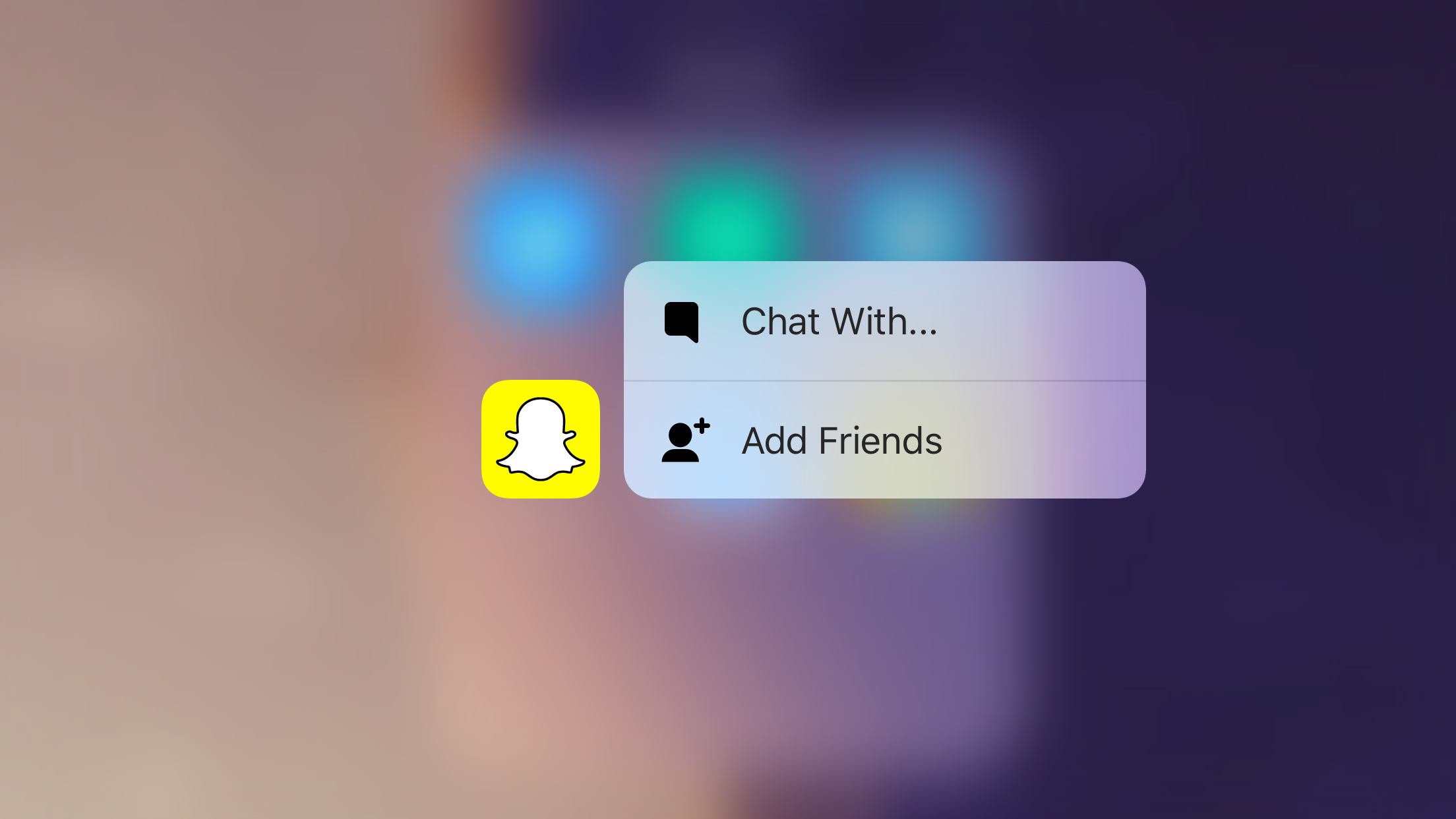
Snapchat has updated its iPhone app with a new set of fun video filters to try out plus 3D Touch support on the new iPhone 6s and 6s Plus. Adding to the existing set of video filters, Snapchat now lets you turn videos into slow-mo clips, quickly paced videos with fast forward, and backward-moving movies with rewind. Snapchat users with the latest iPhone models can press firmly on the updated app icon to start new chats or easily add new friends within the app right from the Home screen as seen above. 
Expand
Expanding
Close

Skype for iOS adds 3D Touch & video filters in latest update

Skype-update-3D-touch-filters

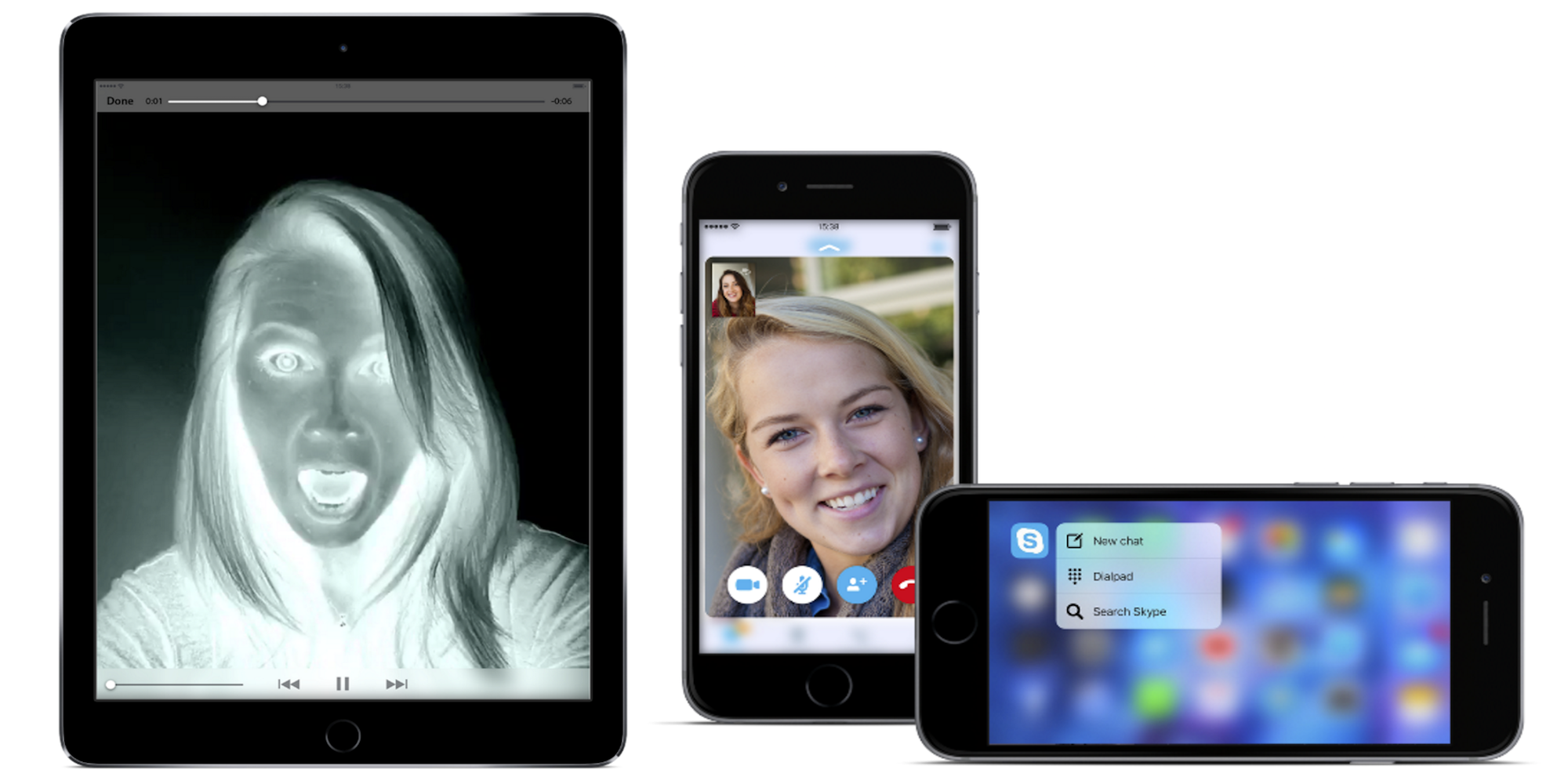
Skype is rolling out an update for its iPhone and iPad mobile apps today that introduces a number of ways to use Apple’s new 3D Touch feature on the iPhone 6s and 6s Plus, as well as support for video filters not unlike competitive video chat services.

For 3D Touch, iPhone 6s and 6s Plus users will find a few ways to use the feature including the usual quick-start actions by firmly touching the Home screen icon. In addition, you can “press on a Recent conversation to Peek the latest IMs or a live video call” and “Force Touch shared locations, photos, contacts and URLs to Peek the content.”

And for both iPhone and iPad users, Skype is adding filters for video messages with various effects to choose from:

Get started by tapping the filter wand at the bottom left of the video message window. Choose a filter to see it in action then, when you’re ready, hit the record button. Add balloons to your video message to celebrate any occasion. If you’re feeling goofy, change the appearance of your face to make it look rounder or longer – we love this one! Or, if you’re sending a video message showing off your Halloween costume, add some ghosts or use the negative filter to set a spooky mood.

And lastly, both the iPhone and iPad apps add improvements to conversations and contacts:

– Hide conversations from your Recent list with a swipe.
– Completely delete a conversation’s history from the chat menu or Recent list.
– Easily share Skype contacts.

The updated Skype for iPad and Skype for iPhone apps are available on the App Store now.

First Apple TV apps and games unveiled as developers prepare for tvOS App Store launch

tvos-hero_2x

The Apple TV is now available to buy but customers won’t be receiving their new hardware until Friday at the earliest, according to Apple shipping estimates. Although the dev kits currently lack an App Store to download software, plenty of developers are announcing their titles for the new Apple TV, ahead of schedule. We’ll be bringing you full coverage of the Apple TV later in the week but here’s a taste of the software already announced for the Apple TV’s debut …


Expand
Expanding
Close

Pandora blames Apple Music launch for low listener growth, but says impact was ‘muted’

Cue-Jimmy-apple-music

Eddy Cue and Jimmy Iovine at Code Conference via Re/code

Pandora is announcing its Q2 2015 financial results today and as expected blamed the launch of Apple Music in June for low growth in listeners and an overall loss vs last quarter. While the company confirmed that it did indeed witness lower than normal growth numbers for the quarter, it described the overall impact of Apple Music as “muted”:
Expand
Expanding
Close