HomeKit
HomeKit is Apple's home automation framework that lets you control connected accessories from your iPhone, iPad, Apple Watch, HomePod, and Siri.
Your home at your command.
What is HomeKit / Apple Home?
Along with several other new APIs for developers, Apple announced HomeKit in June 2014, which allows all home automation accessories/devices to work together in harmony with iOS. The API allows home automation developers to centralize all home automation without needing separate apps to access each device’s specific features. These devices include locks, lights, cameras, doors, thermostats, plugs, switches, and more.
HomeKit allows for secure pairing with devices and the ability to control individual devices. It also makes it possible to group several home automation devices into scenes that allow for easier control of any automation device in specific situations. One of the coolest features available with HomeKit is the ability to control any home automation accessory with Siri based on certain commands or scenes previously configured with these devices.
In 2016, Apple introduced a new Home app that came with a modern look, relatively easy-to-use controls, and access to accessories and scenes from anywhere on iOS 10. Apple’s new built-in Home app arrived on the iPhone’s Home screen, plus you can access a ton of functions from the Lock screen or anywhere on iOS from the new Control Center once you have a HomeKit accessory set up.
In 2018, Apple released the HomePod. It was a way to interact with your connected home devices through Siri using a standalone device.
In 2020, Apple announced that tvOS 14 would gain access to the Home app. iOS 14 is also bringing improvement to the Home app UI.
HomeKit Secure Video
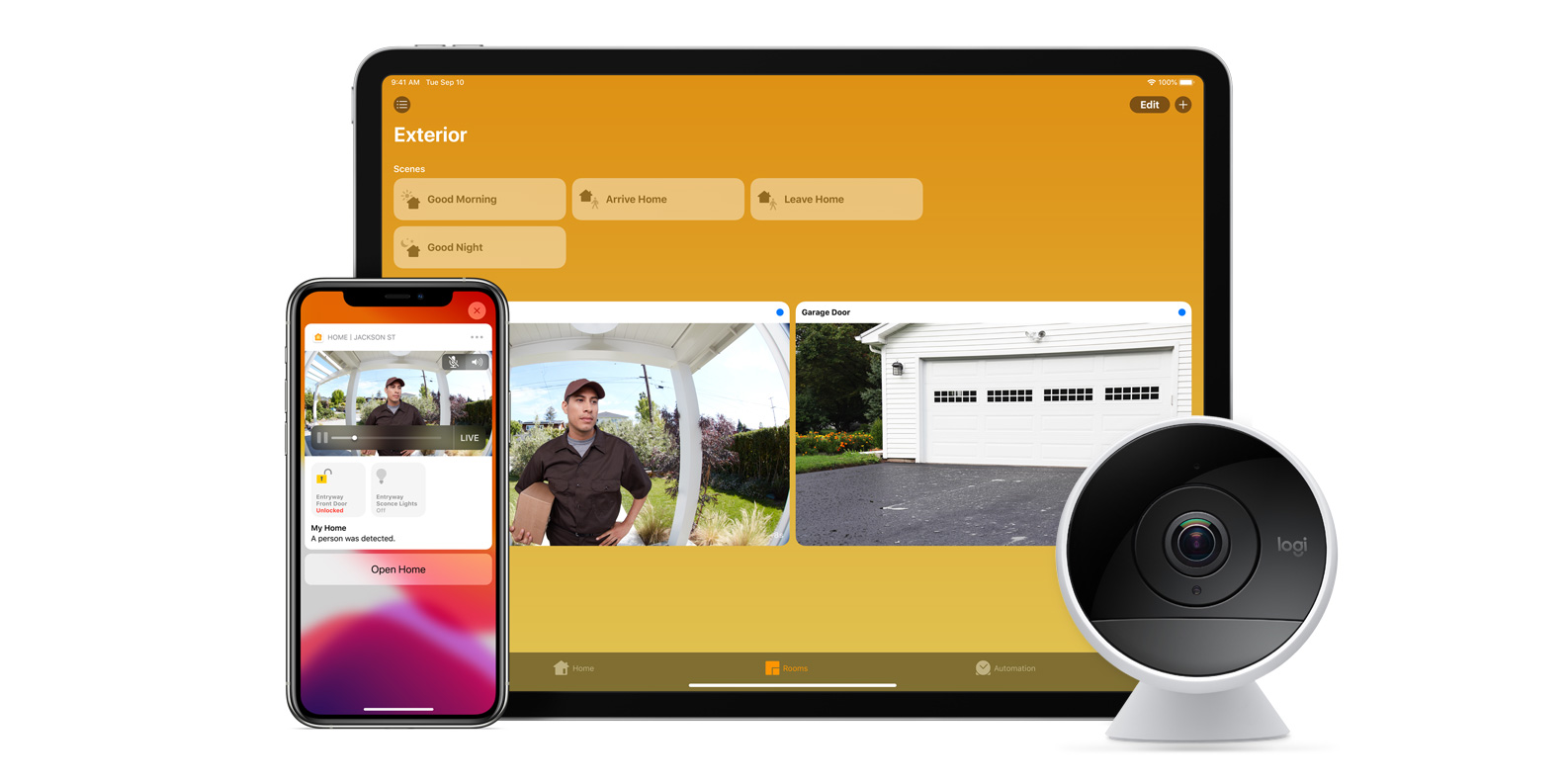
With iOS 13, Apple announced HomeKit Secure Video.
Footage from home security cameras contains your most personal and sensitive data. With HomeKit Secure Video, activity detected by supported cameras is privately analyzed by your home hub using on‑device intelligence to determine if people, pets, or cars are present. When important activity is detected, you and anyone you share your Home app with will receive a rich notification that lets you view the clip right from the Lock Screen. Recorded video is available to view for ten days from the Home app. It’s securely stored for free in supported iCloud accounts and doesn’t count against your storage limit.
While the rollout has been slow, Logitech, Arlo, Netatmo, and Eufy are among the early standouts. With recent privacy issues with Ring, HomeKit Secure Video is likely to continue to grow in popularity. One key benefit with Secure Video is that it works with your existing iCloud storage (200GB and up plan), so you don’t have an extra monthly fee for storage.
HomeKit Router
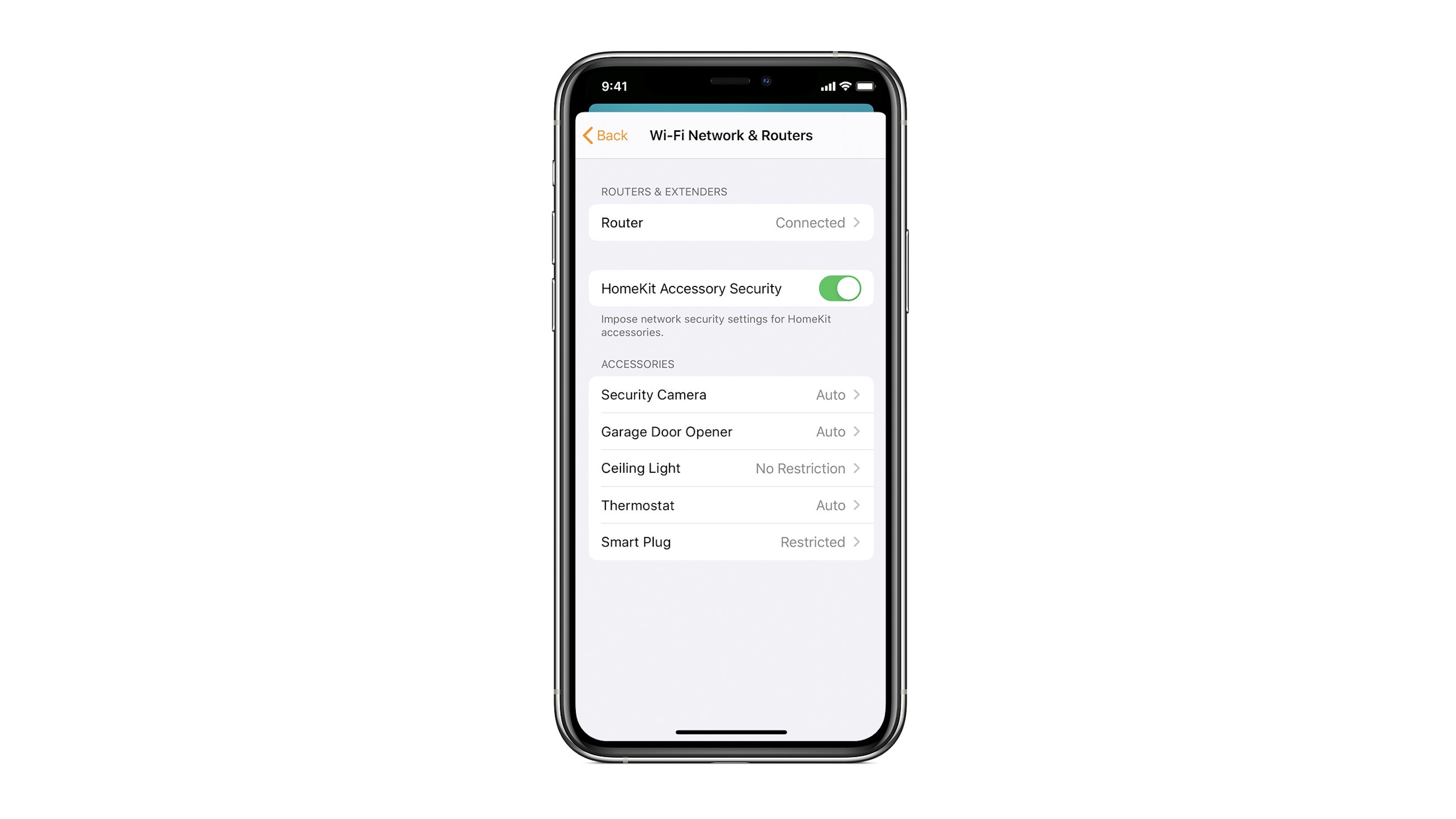
HomeKit Router was also announced with iOS 13, but it wasn’t released until early 2020. The idea behind the feature is you can give granular control to smart home enabled devices to control where on the internet they can reach.
eero was the first company to roll out support in for HomeKit Router.
With Apple HomeKit, eero gives you even more protection of your HomeKit accessories and an easy way to manage what they are allowed to communicate with in your home and through the internet.
There are three levels of security Apple offers for accessories paired with HomeKit routers:
- Restrict to Home: Most secure. Your accessory can interact only with HomeKit through your Apple devices. The accessory won’t connect to the Internet or any local devices, so any third-party services, like firmware updates, might be blocked.
- Automatic: Default security. Your accessory can communicate with HomeKit and connections recommended by its manufacturer.
- No Restriction: Least secure. This setting bypasses the secure router and allows your accessory to interact with any device in your network or Internet-based service.
How Do You Use HomeKit?
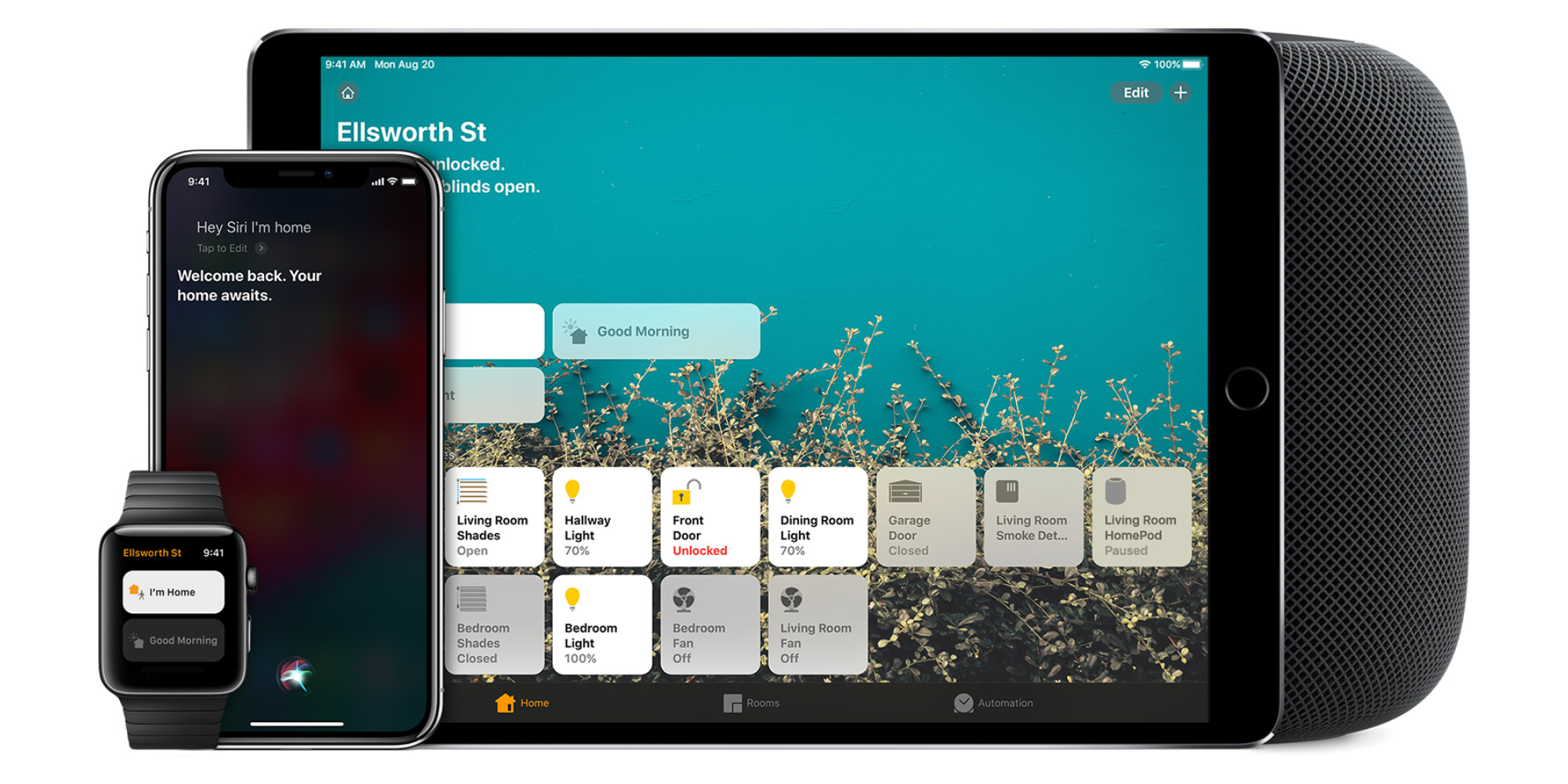
HomeKit devices can be controlled from iPad, iPhone, Mac, Apple Watch, and HomePod. A 4th generation Apple TV (or newer) is an essential Apple smart home device as it acts as a bridge over iCloud to allow access to your devices when away from home.
9to5Mac’s Bradley Chambers does a regular column about the “Apple Home” lifestyle in his HomeKit Weekly column.
Popular Reviews
- First Alert Environment Monitor is a simple to install HomeKit carbon monoxide detector
- iSmartgate Pro is an easy to install HomeKit garage door opener
- Three reasons to consider VOCOlinc smart plugs
- August Smart Lock Pro is exactly why smart home technology was created
- Starling Home Hub is a turn-key solution to add Nest products to HomeKit
- Eve Water Guard can potentially save thousands in home repairs
- Building my dream smart home setup with HomeKit to simplify my life