iOS 16: New features, iPhone compatibility, release date

See All Stories
iOS 16.1 RC and iPadOS 16.1 RC now available ahead of public release next week

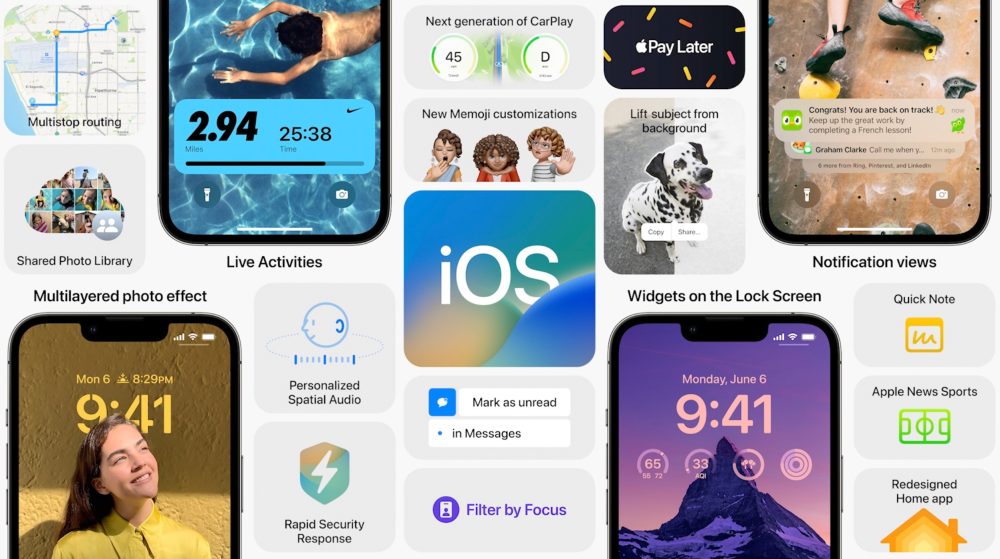
iOS 16 brings one of the most important updates for the iPhone’s Lock Screen since iOS 7. With improvements for Focus Mode, more continuity capabilities, and tweaks to Messages, there’s a lot to take advantage of with this operating system.

New features in iOS 16

With iOS 15, Apple introduced Live Text, Focus Modes, a redesigned Safari, and lots of new tweaks for FaceTime and iMessage. Now, with iOS 16, Apple is improving all these experiences while bringing a revamped Lock Screen, which Craig Federighi called “an act of love” in an interview.

Here’s what’s new with iOS 16.

New Lock Screen, revamped notification center, and deeper Focus Mode integration

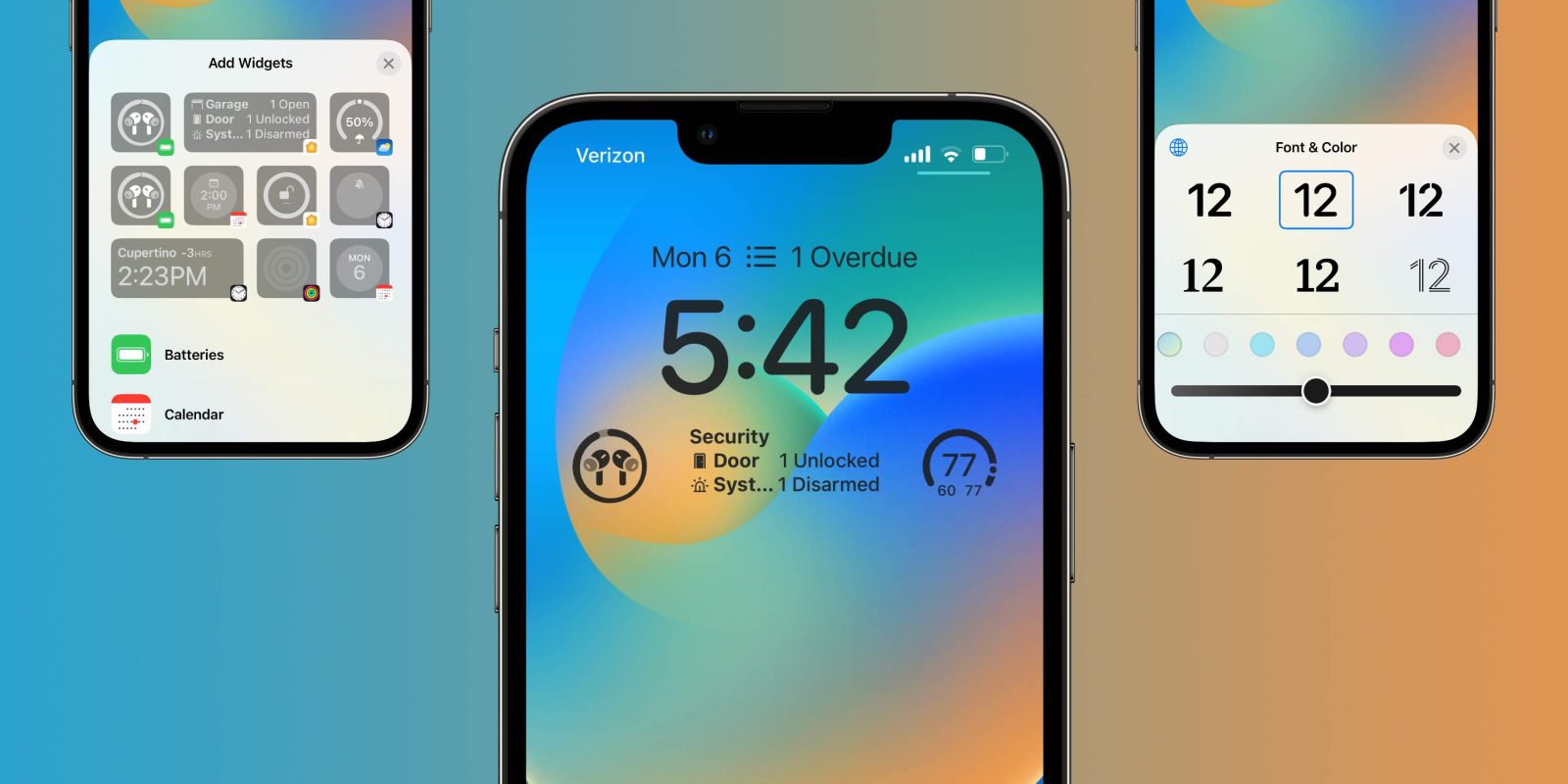
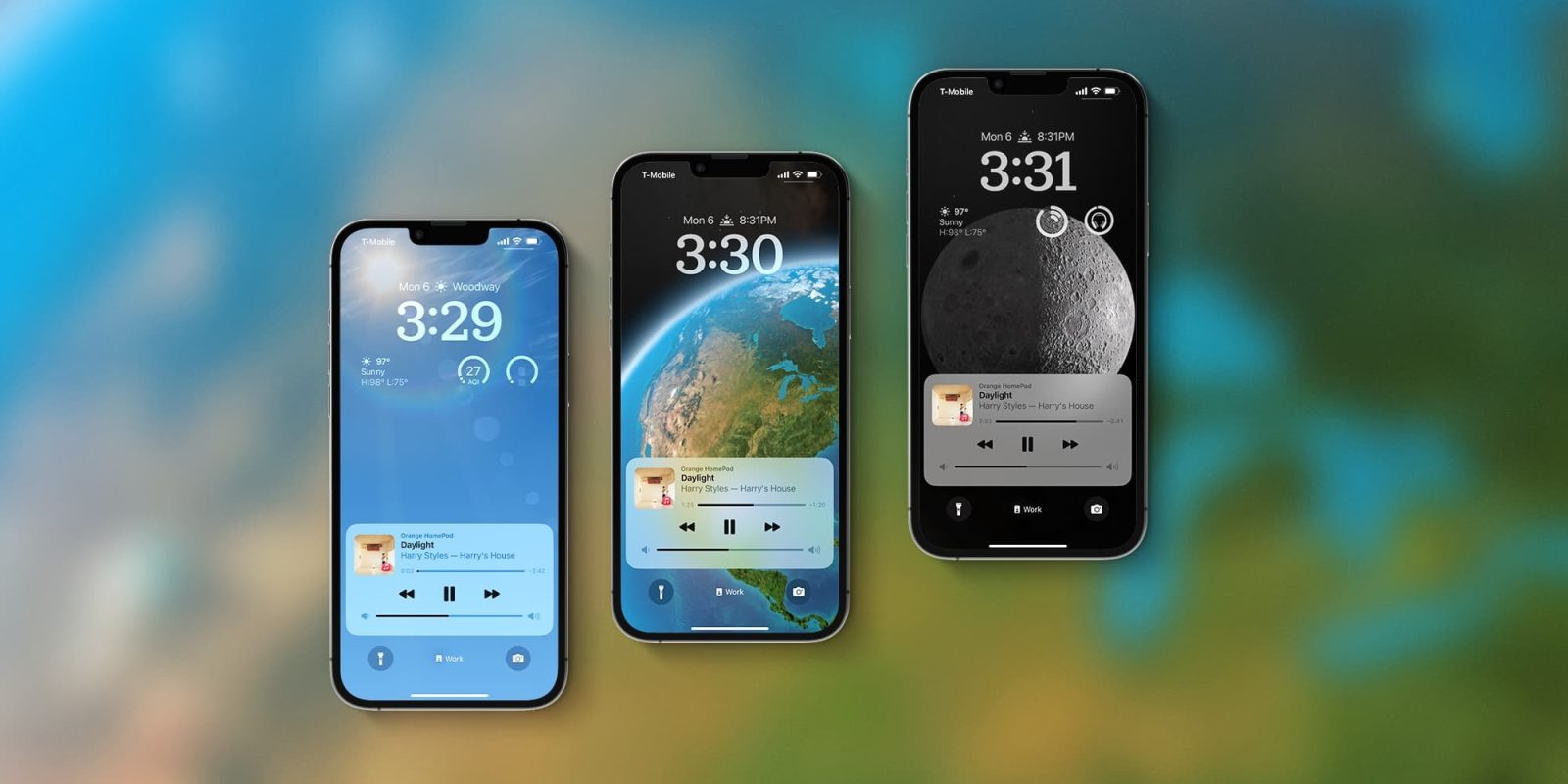
The new Lock Screen is Apple’s main bet with iOS 16. You can customize the font, color, or placement of elements on your Lock Screen by tapping the element. There are new font styles and color choices that allow you to customize the look of the date and time.

With Widgets and a new API, users can add third-party widgets to the Lock Screen. In a future update, Live Activities will show ongoing sports games or track the progress of your Uber ride, for example.
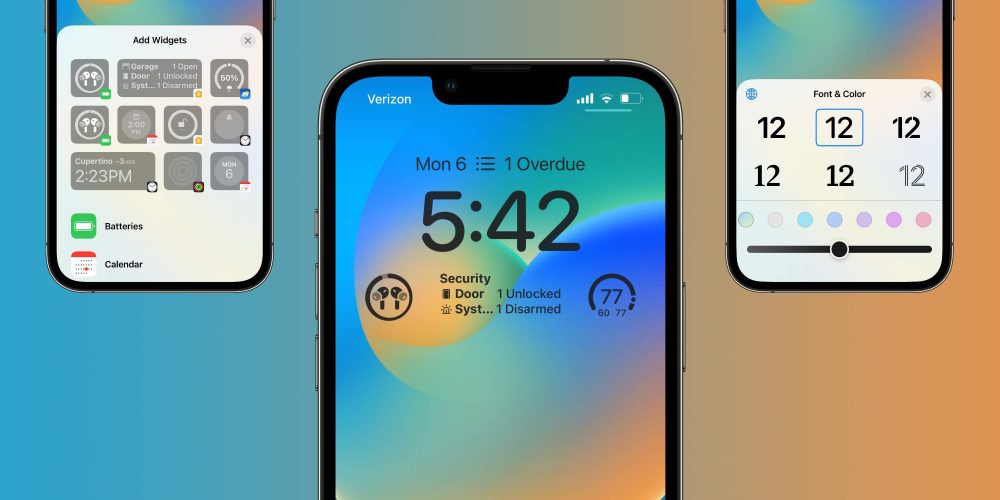
iOS 16 Lock Screen

iOS 16 will suggest photos and styles, and the best part is that it’s deeply integrated with Focus Mode. Depending on your Focus, you can change the lock screen wallpaper, style, and even widgets.

Focus Mode also can be turned on at a set time, location, or while using a certain app. Last but not least, with Focus filters, you can set boundaries within Apple apps like Calendar, Mail, Messages, and Safari.

To finish this section, the revamped notification center now shows notifications from the bottom to the top. The system also hides better notifications depending on your Focus Mode.

Messages, FaceTime, and Safari
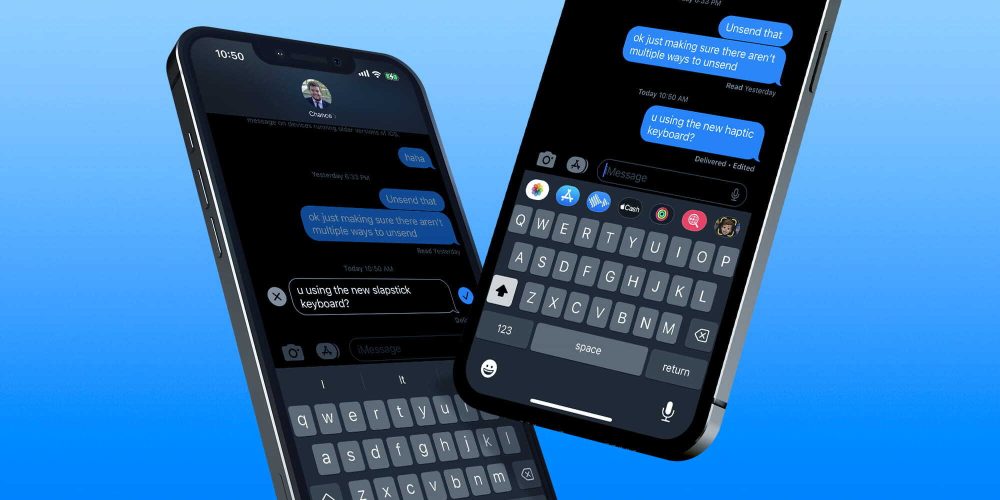
edit iMessages iPhone

Three apps that Apple focused with iOS 15 are also very important on iOS 16. Messages have three main new features:

  • Edit a message: During 15 minutes, users can make up to 5 edits to a given message, and recipients will be able to see a record of edits made to the message;
  • Undo send: Unsend any message for up to 2 minutes after sending it;
  • Mark as unread: Mark messages as unread when you don’t have time to respond but want to be sure to reply to the sender later. 

With iOS 16, Apple is bringing handoff in FaceTime, which lets you move calls seamlessly from your iPhone to your Mac or iPad, and vice versa. The company is also adding Live Captions in FaceTime, letting you see automatically transcribed dialogue integrated into your video calls.

Last but not least, Safari now has Shared Tab Groups, web push notifications coming in 2023, and new web extension APIs.

Live Text in video, Dictation, and Maps improvements

Site default logo image

Introduced with iOS 15, Live Text now work in videos when you pause them in iOS 16. You can use functions like copy and paste, lookup, and translate.

Apple is also bringing an all-new Dictation experience since you can move fluidly between voice and touch. With selected phones, you can insert emojis using your voice while dictating on the device. It also features automatic punctuation such as commas, periods, and question marks for you as you dictate.

Finally, another great feature arriving with Apple Maps is multi-stop routing. It even syncs between devices, so you can plan a route with multiple stops on your Mac and it syncs to your iPhone. Learn more about everything new with Apple Maps here.

iOS 16 features that won’t be available at launch

Site default logo image

With the release of iOS 16, Apple said some of the features previously announced during the WWDC 2022 keynote won’t be available at launch, such as:

  • Live Activities: Live Activities help you stay on top of things that are happening in real-time, right from your Lock Screen;
  • Live Activities API: Follow an ongoing sports game or track the progress of your ride or order with just a glance. Glance at Live Activities from your favorite third-party apps with the new developer API;
  • Freeform app: Users will have a canvas for diagramming new projects, and having real-time collaboration while chatting via iMessage or FaceTime. This whiteboard has plenty of space for lots of people working together by writing or drawing;
  • Matter support: This won’t launch until sometime later this year. Matter is a new smart home connectivity standard that will enable compatible accessories to work together seamlessly, across platforms;
  • iCloud Shared Photo Library: It gives families a new way to share photos seamlessly with a separate iCloud library that up to six users can collaborate on, contribute to, and enjoy. Users can choose to share existing photos from their personal libraries, or share based on a start date or people in the photos

Device compatibility
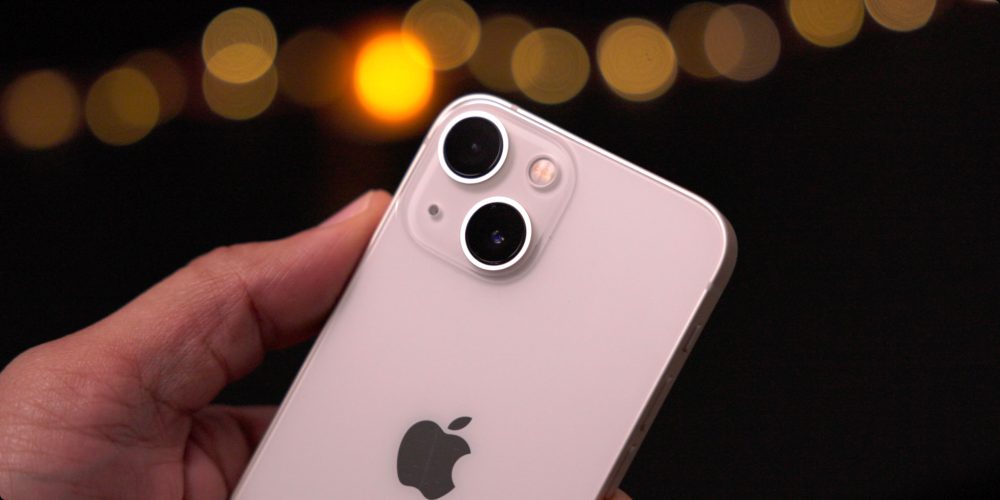
Apple surprised users by removing not only the iPhone 6s, but also the iPhone 7 and the first-gen iPhone SE from the list of devices receiving iOS 16. No iPod touch also supports this software update.

  • iPhone 8 and 8 Plus
  • iPhone X
  • iPhone XR, XS, and XS Max
  • iPhone 11
  • iPhone 11 Pro and 11 Pro Max
  • iPhone 12 mini and iPhone 12
  • iPhone 12 Pro and iPhone 12 Pro Max
  • iPhone 13 mini and iPhone 13
  • iPhone 13 Pro and iPhone 13 Pro Max
  • iPhone 14 and iPhone 14 Plus
  • iPhone 14 Pro and iPhone 14 Pro Max
  • iPhone SE (2nd gen)
  • iPhone SE (3rd gen)

That said, it’s not because your iPhone is receiving iOS 16 that it will have all the features.

When will iOS 16 come out?

iOS 16 was announced on June 6, during WWDC 2022’s keynote. With the public beta available a month later, users can download the new iPhone operating system on September 12.

How to install the iOS 16 public beta?

  1. Make a fresh backup of your iPhone or iPad
  2. On your iPhone or iPad, head to Apple’s public beta website
  3. Tap the arrow in the top right corner, sign in if you’re not already
  4. Now make sure you’re on the iOS “Guide for Public Betas”
  5. Swipe down and under the Get Started section, tap enroll your iOS device
  6. Swipe down again and tap Download Profile
  7. Tap Allow to download the profile, hit Close
  8. Head to Settings on your device and tap Profile Downloaded near the top
  9. Tap Install in the top right corner, enter your passcode if needed
  10. Read the consent agreement, then tap Install two more times
  11. Your iPhone or iPad will prompt you to restart to complete the changes
  12. After it reboots, head back to Settings > General > Software update
  13. You should see iOS 16 public beta available, tap Download and Install

Editing iMessages can easily be done in a way which protects abuse victims

Editing iMessages | A woman with dried tears on her face

Editing iMessages was one of the new features introduced by Apple in iOS 16, along with the ability to completely ‘unsend’ a message. While these are long-awaited features which will be welcomed by most, some have expressed concern about the potential for abuse.

Fortunately, it would be easy for Apple to solve this problem in a way that works for all, and I have a few suggestions for how this might be achieved …

Expand Expanding Close

iOS 16 adds unit conversion to Messages and more, no need to explain Celsius, currency, nor time zones

iOS 16 Messages iPhone

iOS 16 will bring a handful of new features. Although the revamped Lock Screen is the goal-getter for people to update to the new operating system a few months from now, Apple is adding a lot of nice functions that will make the daily usage of an iPhone even better. One of these is the ability to use built-in unit conversion on Messages, Notes, Mail, Calendar, and more.

Expand Expanding Close

Multiple Sherlocked apps at WWDC 2022, but at least one is fighting back

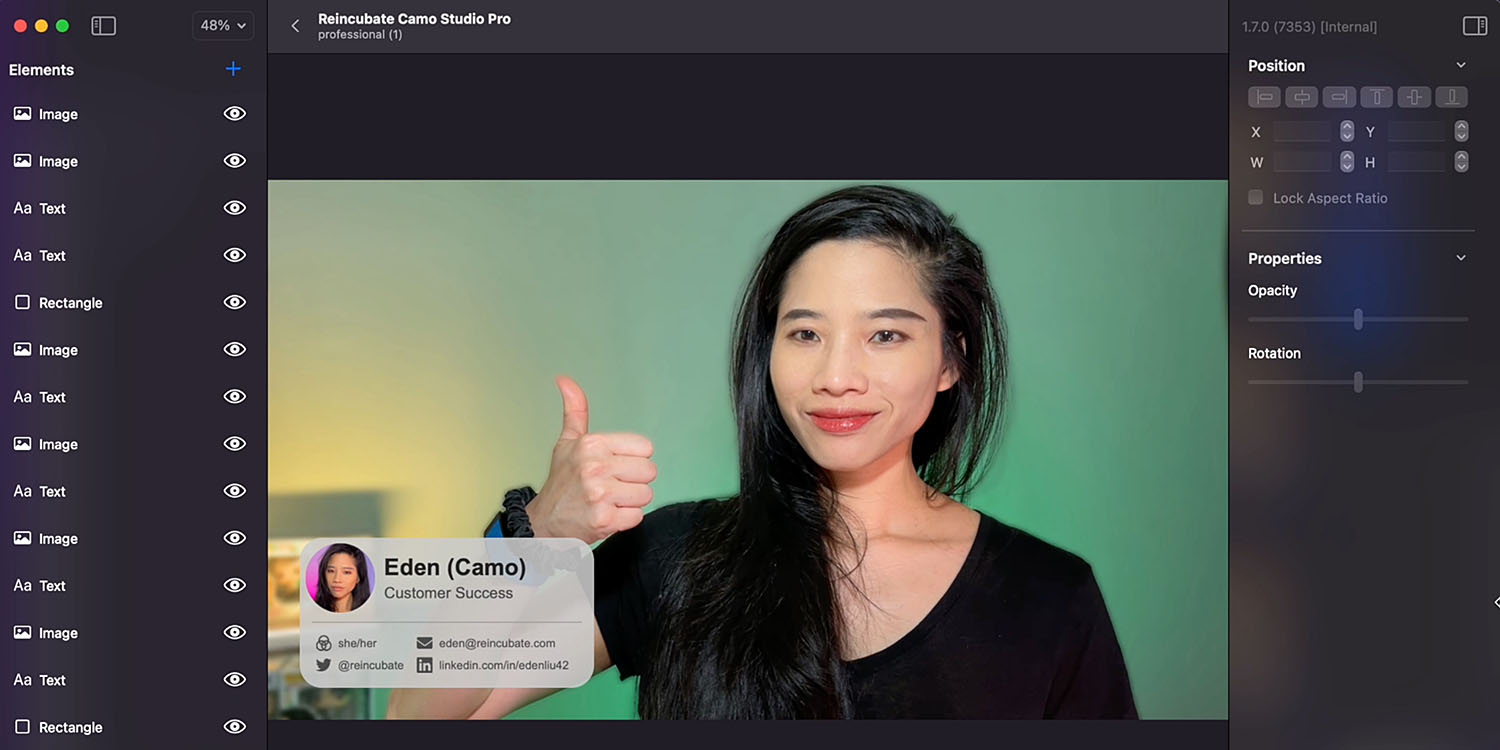
Sherlocked apps | Screengrab of Camo video overlay feature

This year’s WWDC announcements saw quite a few Sherlocked apps – the colloquial term for Apple announcing new built-in features which replicate those previously available in third-party apps.

At least one developer is fighting back, however, announcing new features that it hopes will enable its own app to remain relevant despite Apple incorporating its core functionality into macOS Ventura and iOS 16 …

Expand Expanding Close

iOS 16 introduces new ‘RoomPlan’ API for quickly creating 3D floor plans using LiDAR

Apple didn’t say a word about augmented and virtual reality at the WWDC 2022 opening keynote (as if it was trying to hide something), but iOS 16 brings a lot of improvements when it comes to ARKit and related technologies. One of these technologies is “RoomPlan,” a new API that uses LiDAR scanning to quickly create 3D floor plans.

Expand Expanding Close

Apple expects App Clips’ interest to grow after the pandemic

App Clips

A couple of years ago, Apple introduced App Clips, a neat way to let users take advantage of a specific app without having to download and store it on their iPhones. With WWDC 2022 and iOS 16, Apple is now increasing the maximum size of these “non-apps” from 10MB to 15MB. Will that be enough for developers to create versions of their apps as App Clips or for users to take advantage of? Apple believes so.

Expand Expanding Close

iOS 16 Dictation: A major improvement, but up to Pixel standards? [Video]

iOS 16 dictation

iOS 16 brings with it a much-improved dictation experience – one that lets you seamlessly switch between typing and speaking. I’ve already found it to be a massive improvement from iOS 15, but how does it compare to Google’s Pixel 6, which was unveiled last year with a new ‘assistant voice typing’ that brought similar hands-free typing and editing features?

Expand Expanding Close

iOS 16 integrates U1 chip with ARKit amid rumors of Apple’s mixed reality headset

iOS 16 introduces multiple new APIs, which allow developers to expand the capabilities of their apps. For instance, there are new APIs for lock screen widgets, walkie-talkie, interactive maps, weather data, and more. Interestingly, Apple has also updated the Nearby Interaction API to integrate the U1 chip into ARKit amid rumors of a new mixed reality headset.

Expand Expanding Close

iOS 16 accessibility features: Three small things that make a big difference

iOS 16 accessibility | 9to5Mac reader Colin Hughes

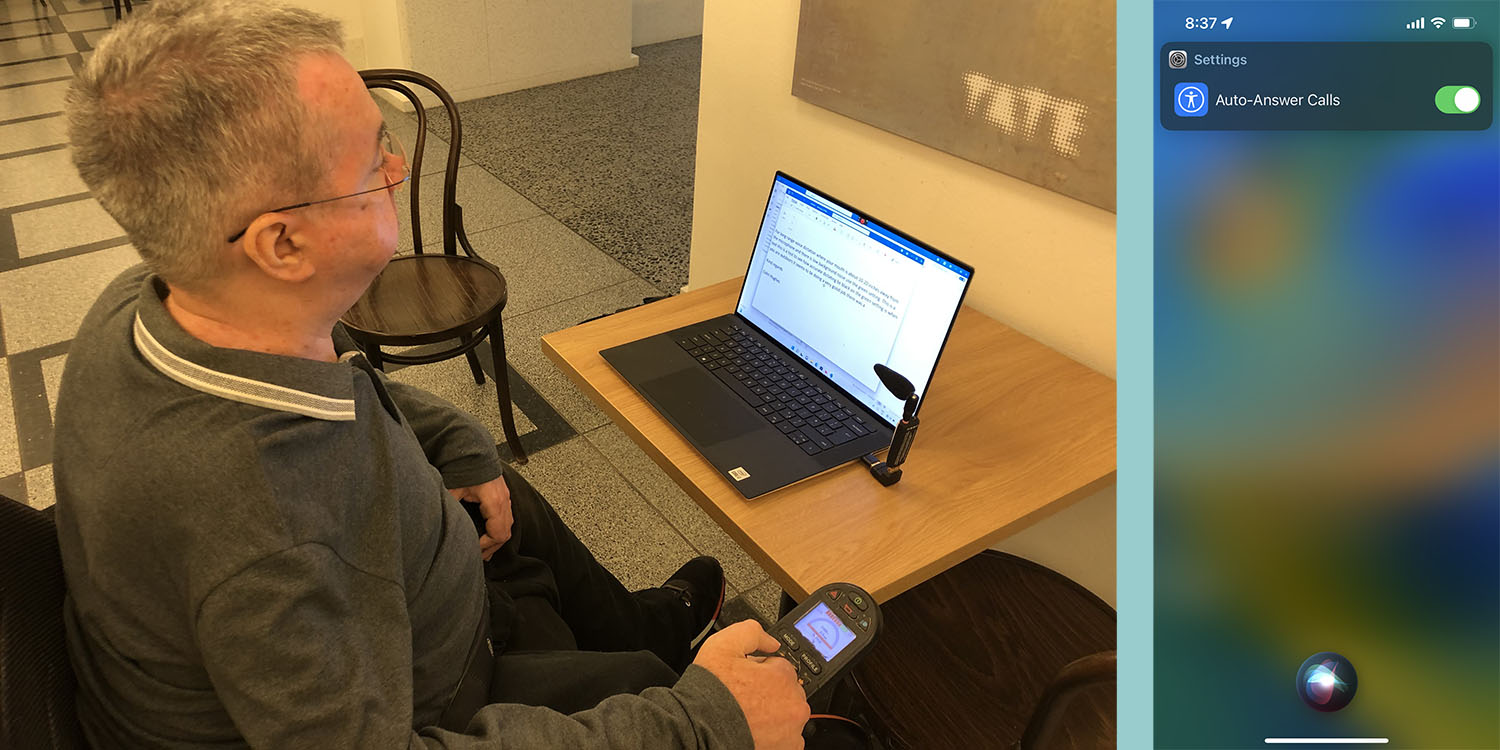
Apple has introduced three iOS 16 accessibility features that might sound like small things, but one 9to5Mac reader says they will make a big difference to his independence.

Colin Hughes has been calling for three improvements, and says he is delighted to learn that Apple listened, and that all three are present in the first beta of iOS 16 …

Expand Expanding Close

iPads can no longer be used as HomeKit hubs starting with iOS 16

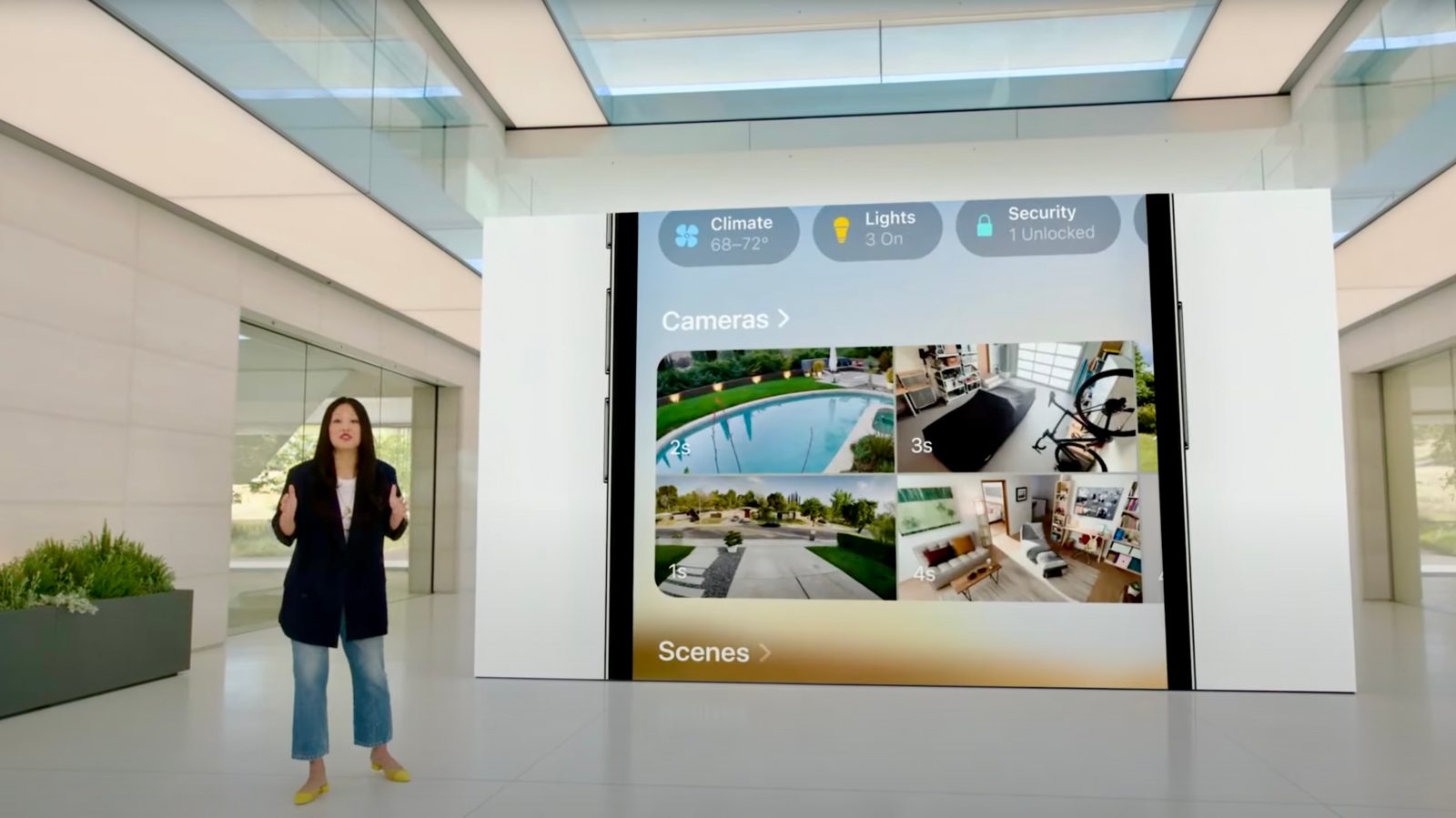
Apple has put a renewed emphasis on HomeKit this year with iOS 16, bringing a completely redesigned Home app ahead of the looming Matter standard launch. One key aspect of HomeKit is having a home hub, which allows for features like out-of-home control, automations, and more.

Apple has traditionally allowed HomePod, Apple TV, and iPad devices to serve as home hubs. With the release of iOS and iPadOS 16 this year, however, iPads will no longer be supported as home hubs.

Expand Expanding Close

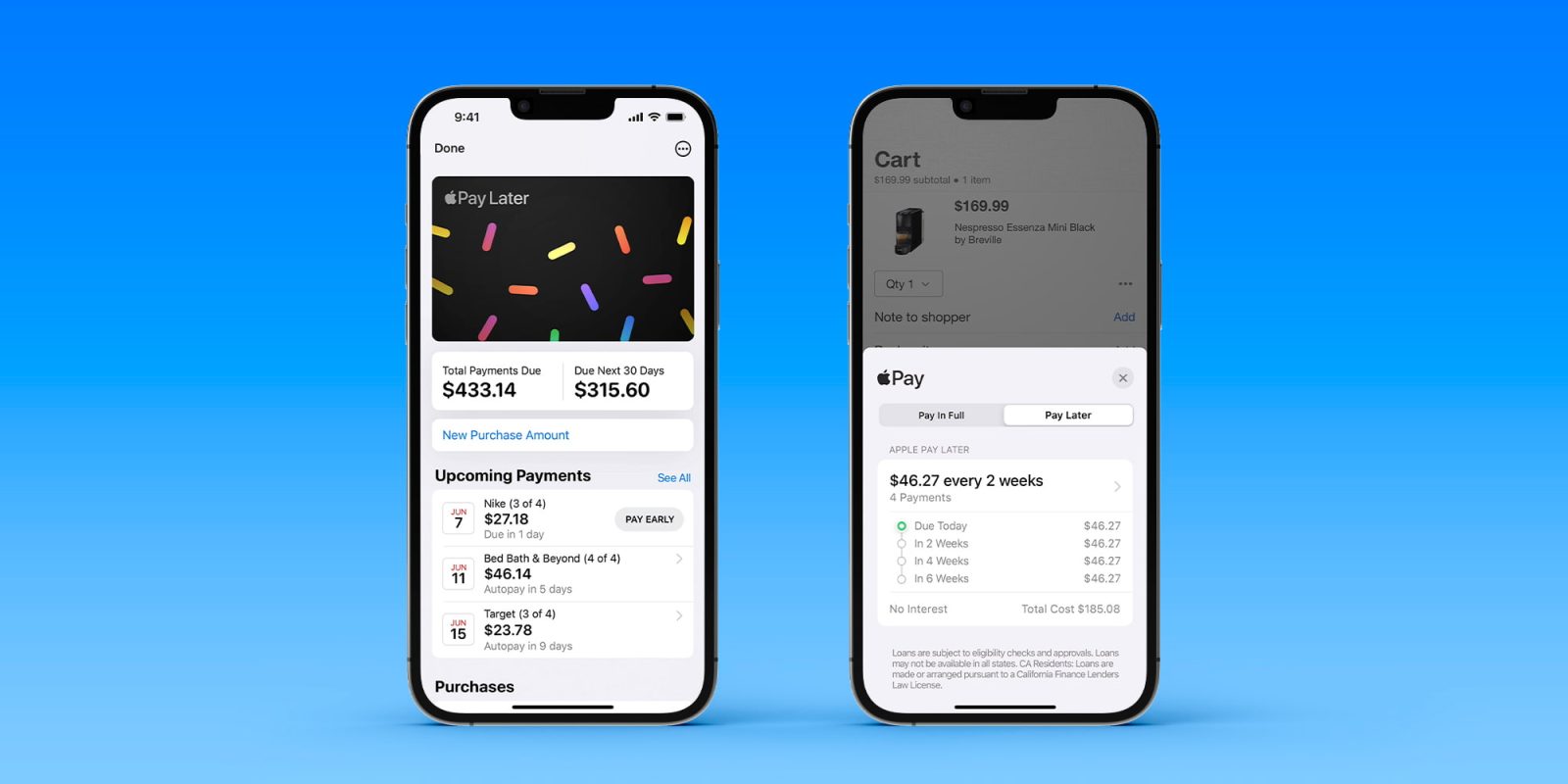
Apple Pay Later: How Apple will make money from 0% interest; caution advised

Apple Pay Later | Screengrabs of the service

We first learned about plans for Apple Pay Later almost a year before the company announced the new installment payment plan at WWDC. While no interest or fees are charged, a report today says that Apple will still make money from the service.

A business school academic has also warned consumers to be cautious about using the option …

Expand Expanding Close

Here’s how iOS 16 and macOS 13 enable passwordless sign-in with ‘passkeys’

Passkeys

FIDO Alliance, an association that has been working on new authentication methods to replace traditional passwords, announced last month that Apple, Google, and Microsoft have committed to expanding support for FIDO Standard on their platforms. At WWDC 2022, Apple revealed that iOS 16 and macOS 13 finally enable passwordless sign-in with “passkeys.”

Expand Expanding Close

Safari update brings new collaboration and security features in iOS 16

Safari is receiving a fresh update with iOS 16 this fall, as announced during WWDC 2022‘s opening keynote. The refresh also comes to devices compatible with iPadOS 16 and macOS Ventura at the same time. There are lots of new features and updates coming to Apple devices this year. Let’s take a deep dive on what to expect from Safari, Apple’s web browser.

Expand Expanding Close

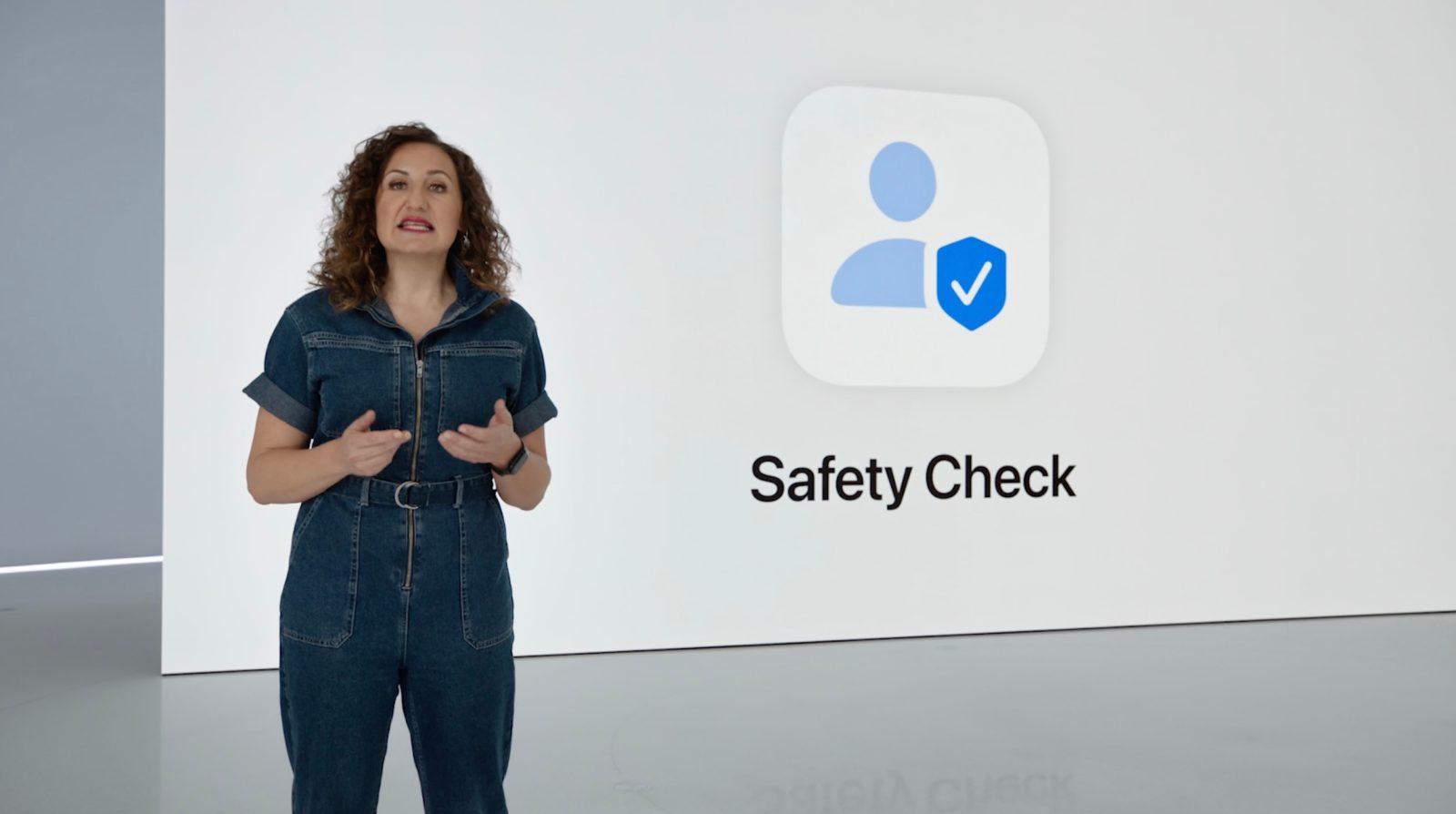
Safety Check in iOS 16 promotes user safety for those at risk from domestic violence

safety-check-in-ios-16

Apple’s dedication to privacy showed at yesterday’s WWDC 2022 opening keynote. One feature in particular, Safety Check, which is new in iOS 16, helps users at risk from domestic violence. In partnership with organizations that support victims of domestic violence, Apple has unveiled this new tool to promote the personal safety of its user base.

Expand Expanding Close

Exclusive: iOS 16 code includes multiple ‘always-on display’ references ahead of iPhone 14 Pro

iphone-14-always-on-display

iOS 16 was announced yesterday at WWDC 2022, with one of the biggest changes being a completely redesigned Lock Screen. You can now customize your iPhone’s Lock Screen with different widgets, fonts, dynamic wallpapers, and more.

All of these features come as rumors indicate the iPhone 14 Pro could include a new always-on display. Now, 9to5Mac has found multiple references within iOS 16 indicating that an always-on display is something in development.

Expand Expanding Close