Tim Cook celebrates Apple’s ‘50 Years of Thinking Different’ in new letter


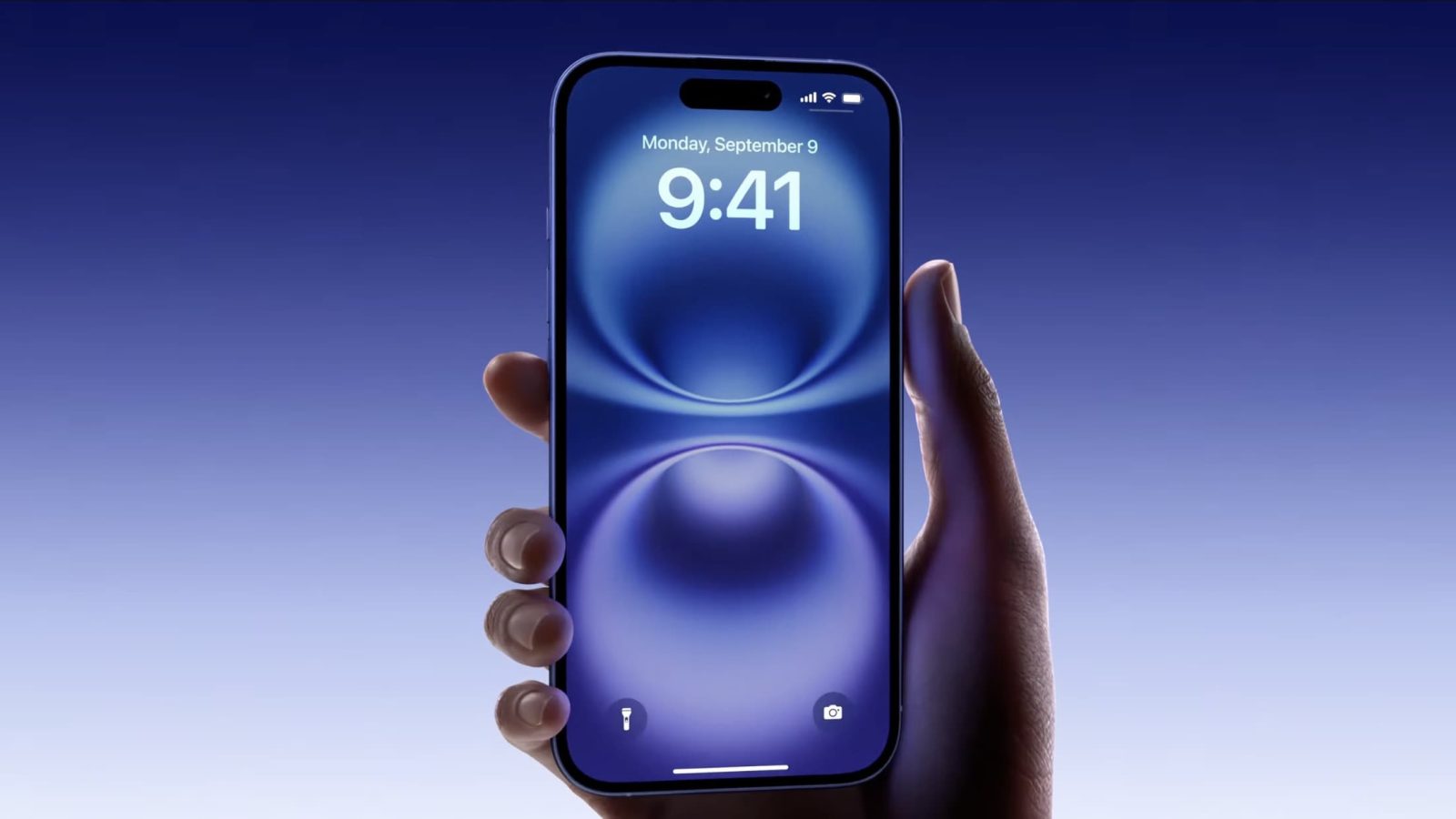
Apple released the iPhone 16 lineup yesterday, with lovely new colors, a new button for capturing photos, bigger batteries, and support for Apple Intelligence. You’ve probably heard all of the headlining features by now, but there are some smaller features introduced this year that might’ve flown under the radar.
Expand Expanding Close
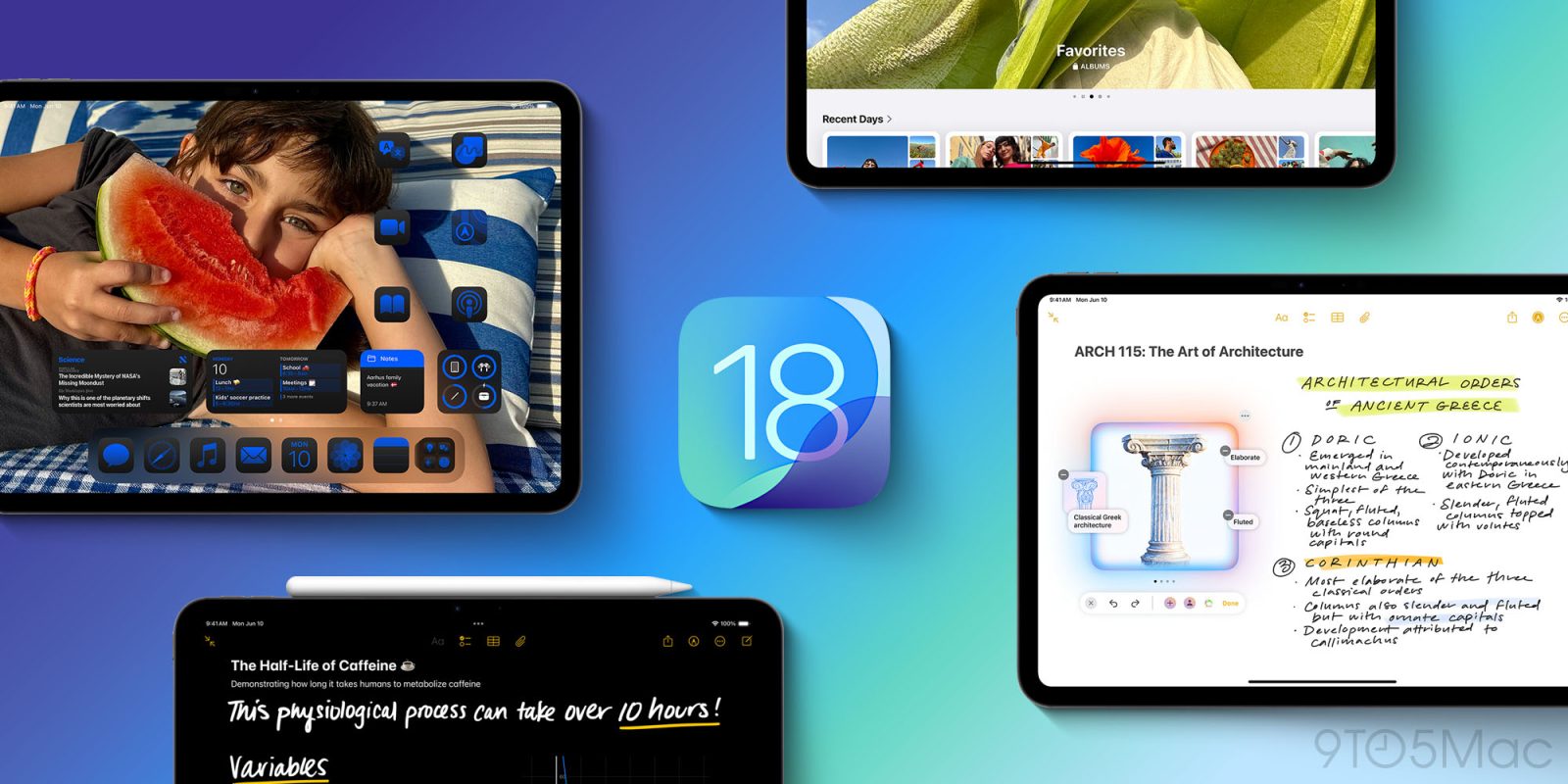
As reported earlier this week, a number of users have reported their M4 iPad Pro bricked after installing the iPadOS 18 update – which was released to the public on Monday. After pulling the update for the affected iPad models, Apple is now working on a fix.
Expand Expanding Close
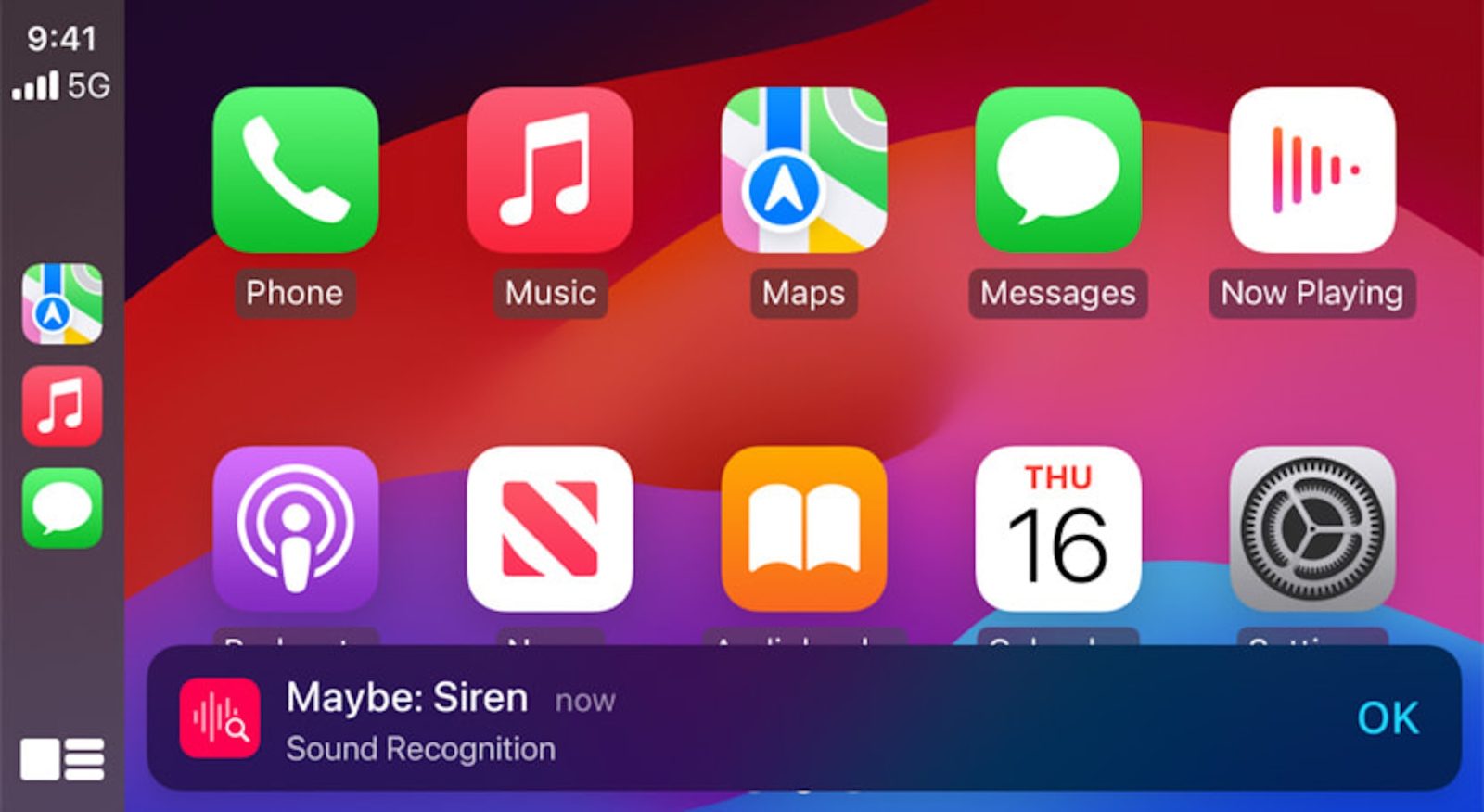
As part of iOS 18 this month, Apple has major new accessibility features for iPhone users. Among improvements like Eye Tracking and upgrades to Vision Pro, Apple also has plans to bring some accessibility updates to CarPlay.
Expand Expanding Close
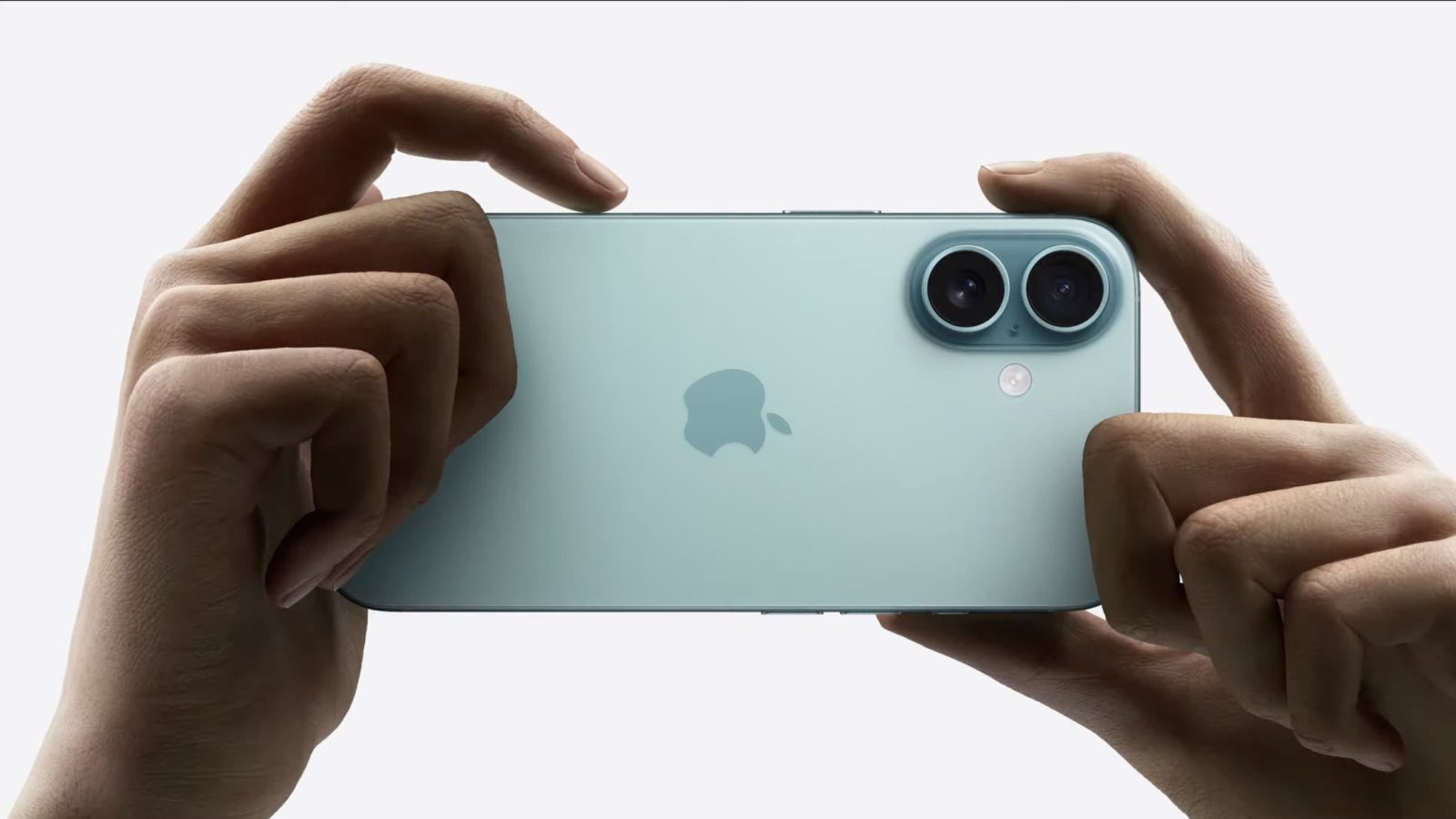
The iPhone 16 and iPhone 16 Pro are officially available, bringing multiple significant design changes. Here’s what these changes mean for your iPhone 16 accessories. Hint: you’re going to need to invest in new cases.
Expand Expanding Close

Totallee is now shipping their signature-style cases for all the new iPhones. Totallee has been making iPhone cases since 2013 and is the leading manufacturer of super-thin cases that provide everyday protection without adding bulk. All of their cases are thin, pocket-friendly and branding free.
If you just received your new iPhone and are in need of a case, definitely give them a try.
SUPER THIN iPHONE CASES | $35
Size: iPhone 16 Pro Max case | iPhone 16 Pro case | iPhone 16 Plus case | iPhone 16 case | Older models
Expand Expanding Close
The popular fitness and wellness app Gentler Streak recently released a major update that turned the app into a workout journal. Now the developers behind the app are back with another update, this time adding support for iOS 18’s tinted icons and widgets.
Expand Expanding Close
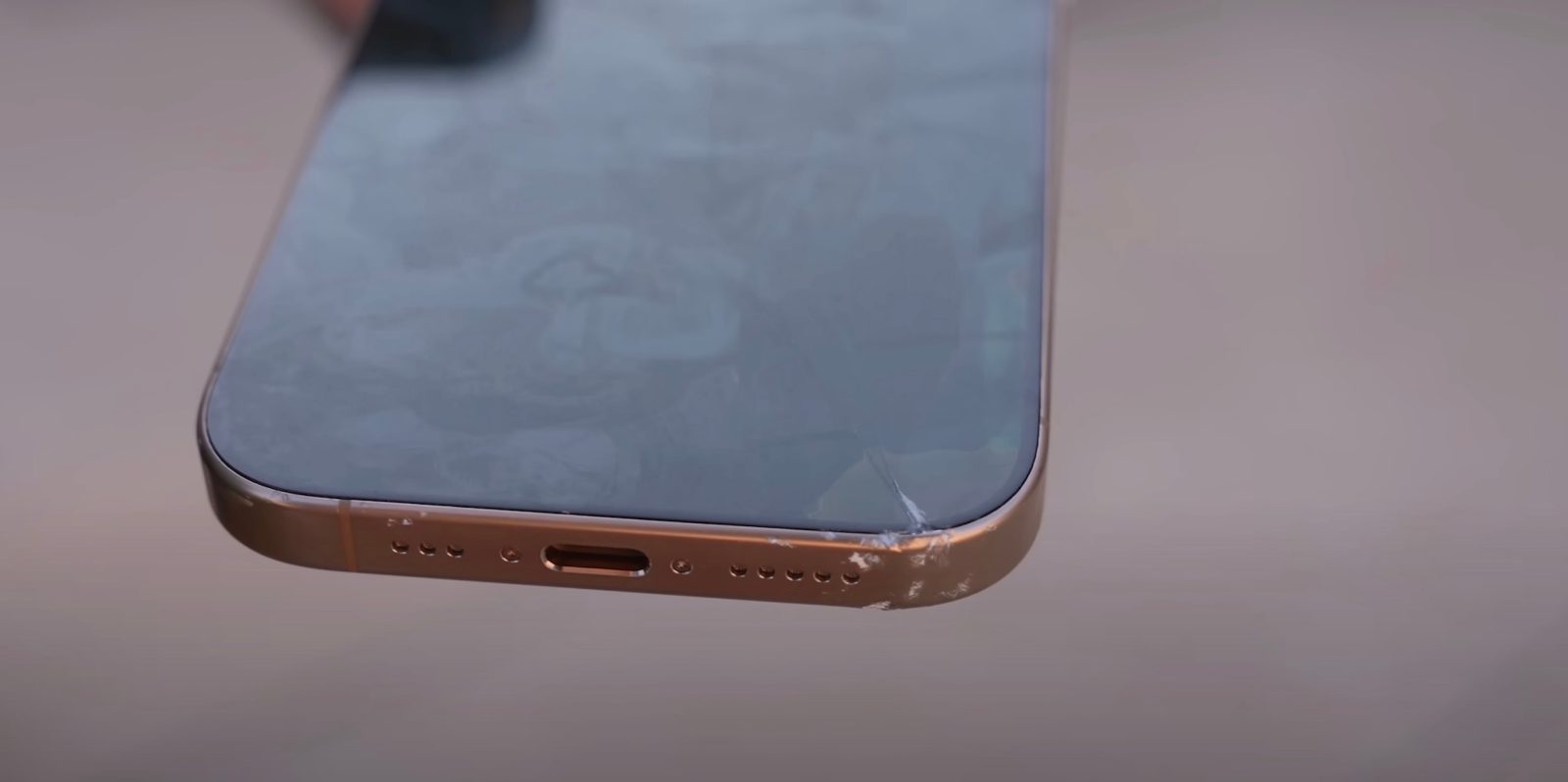
The iPhone 16 and iPhone 16 Pro are here, and so are the first durability tests. If you want to watch Apple’s latest flagship phones go through drop tests, knife tests, and more, head below for some links.
Expand Expanding Close

Apple has improved iPhone security and privacy with iOS 18. One of the valuable new features is the ability to require Face ID for individual apps as well as putting them in a hidden folder. Read along for how to lock and hide apps on iPhone in iOS 18.
Expand Expanding Close
In a surprising move, chipmaker Qualcomm has been considering a full takeover of Intel, known for its computer processors. A report in The Wall Street Journal on Friday revealed that although a deal is “far from certain,” the two companies have held talks on the subject.
Expand Expanding Close
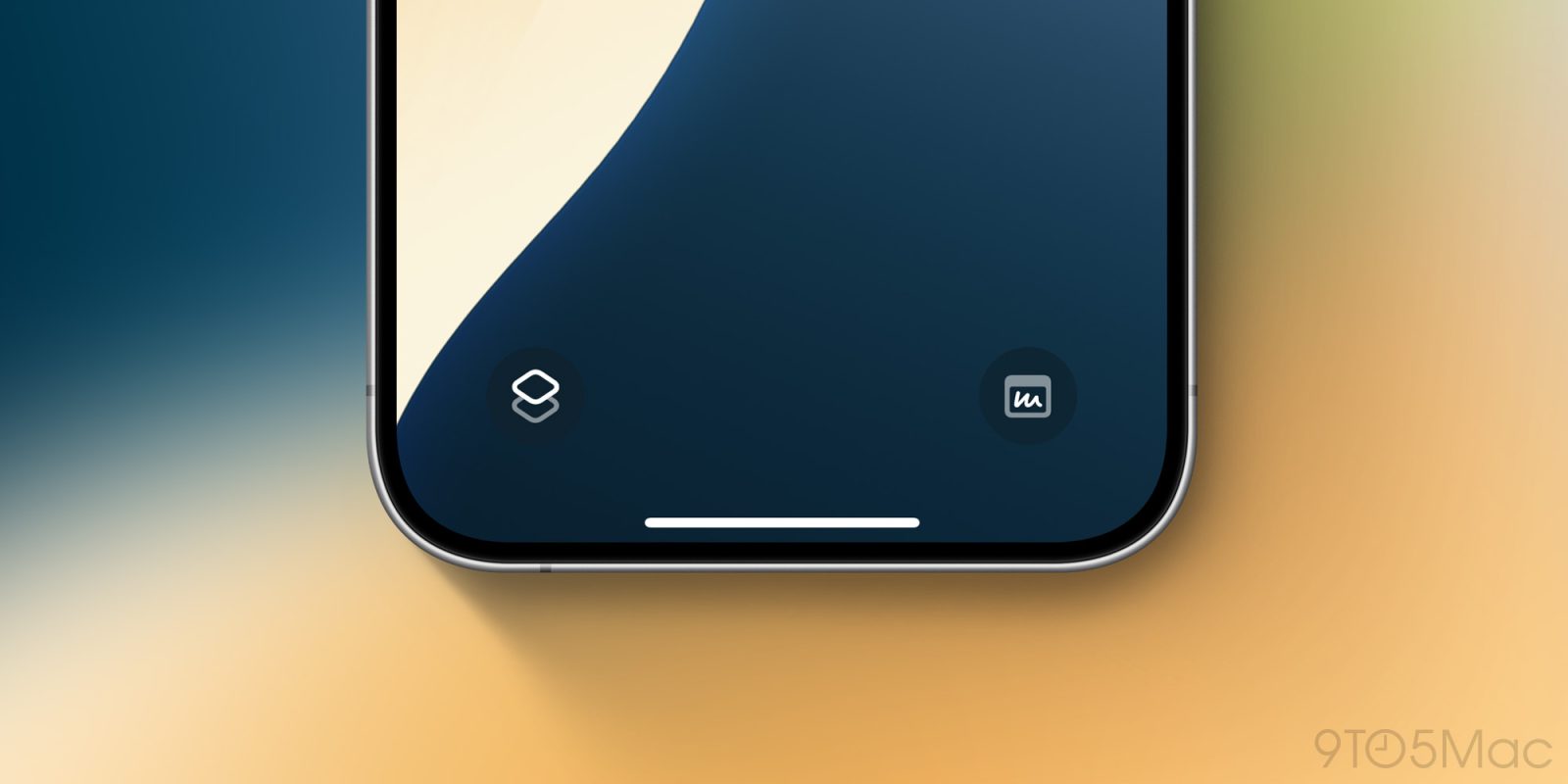
The iPhone 16 and 16 Pro are now in users’ hands. If you’ve purchased the latest iPhone, that means you now have Camera Control—a dedicated side button for the camera. Hot tip: now you can replace the Lock Screen’s camera button with something else. Here’s how to do it.
Expand Expanding Close
Apple is celebrating iPhone 16 launch day in a variety of ways, including publishing a new battery repair guide. Hopefully no one will need a battery repair or replacement for their new iPhone 16 any time soon. But if and when there’s a need, here are all the tools you’ll want to have on hand.
Expand Expanding Close

“Definitely not a cult” dbrand has launched three new products for the iPhone 16 lineup to protect and uniquely style your new device. The Grip case offers the “world’s grippiest phone case™” with a free skin of your choice included, there’s the new Prism 2.0 “idiot-proof” screen protector that guarantees a “flawless” installation, plus a new Area 51 skin that features a slick 3D textured design. Order yours below.
Expand Expanding Close
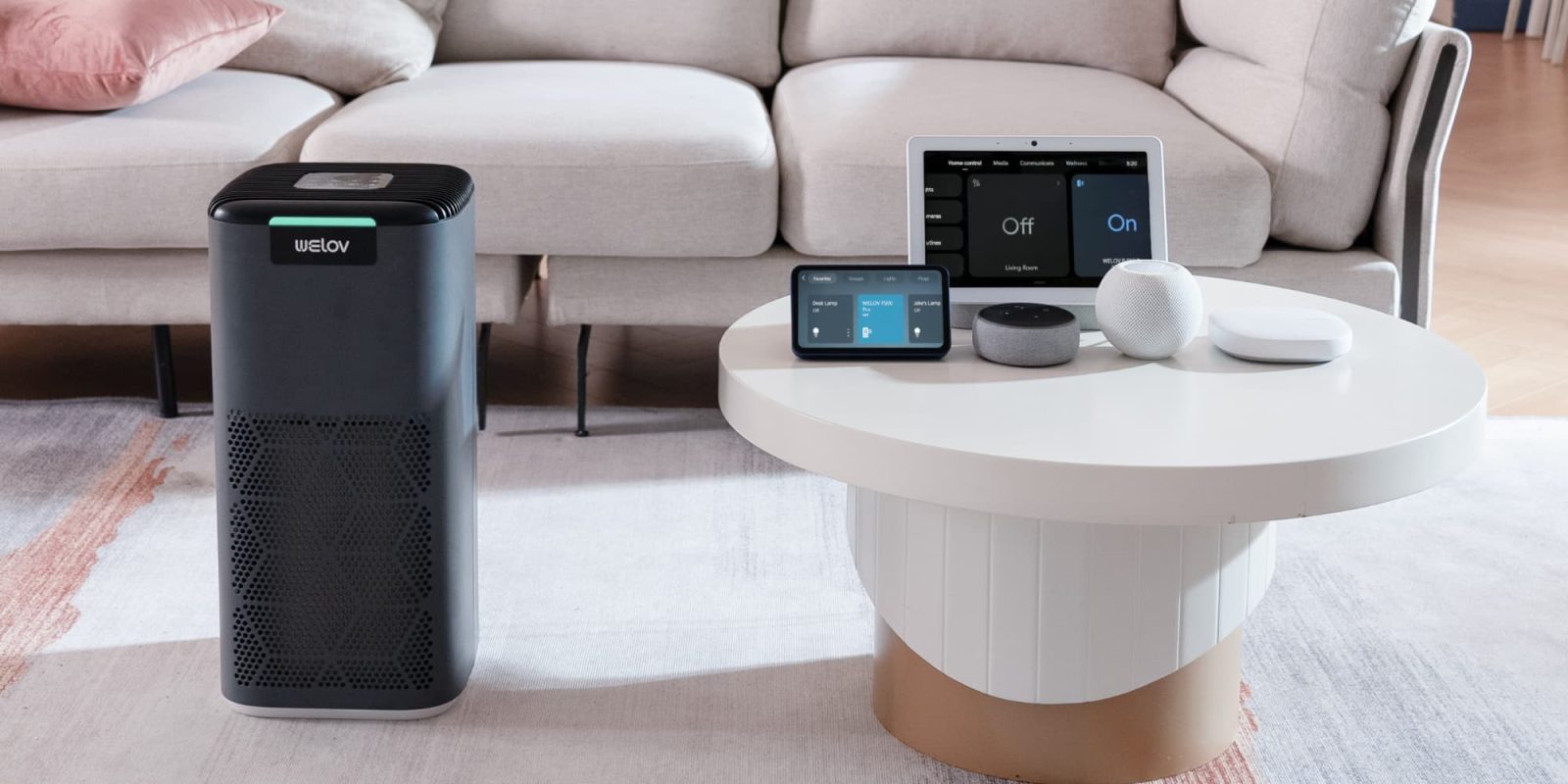
With the release of iOS 18, HomeKit now supports Matter 1.2, which brings new opportunities for HomeKit vendors. A perfect example of this is the WELOV Matter P200 Pro. It will now be fully available within HomeKit.
Expand Expanding Close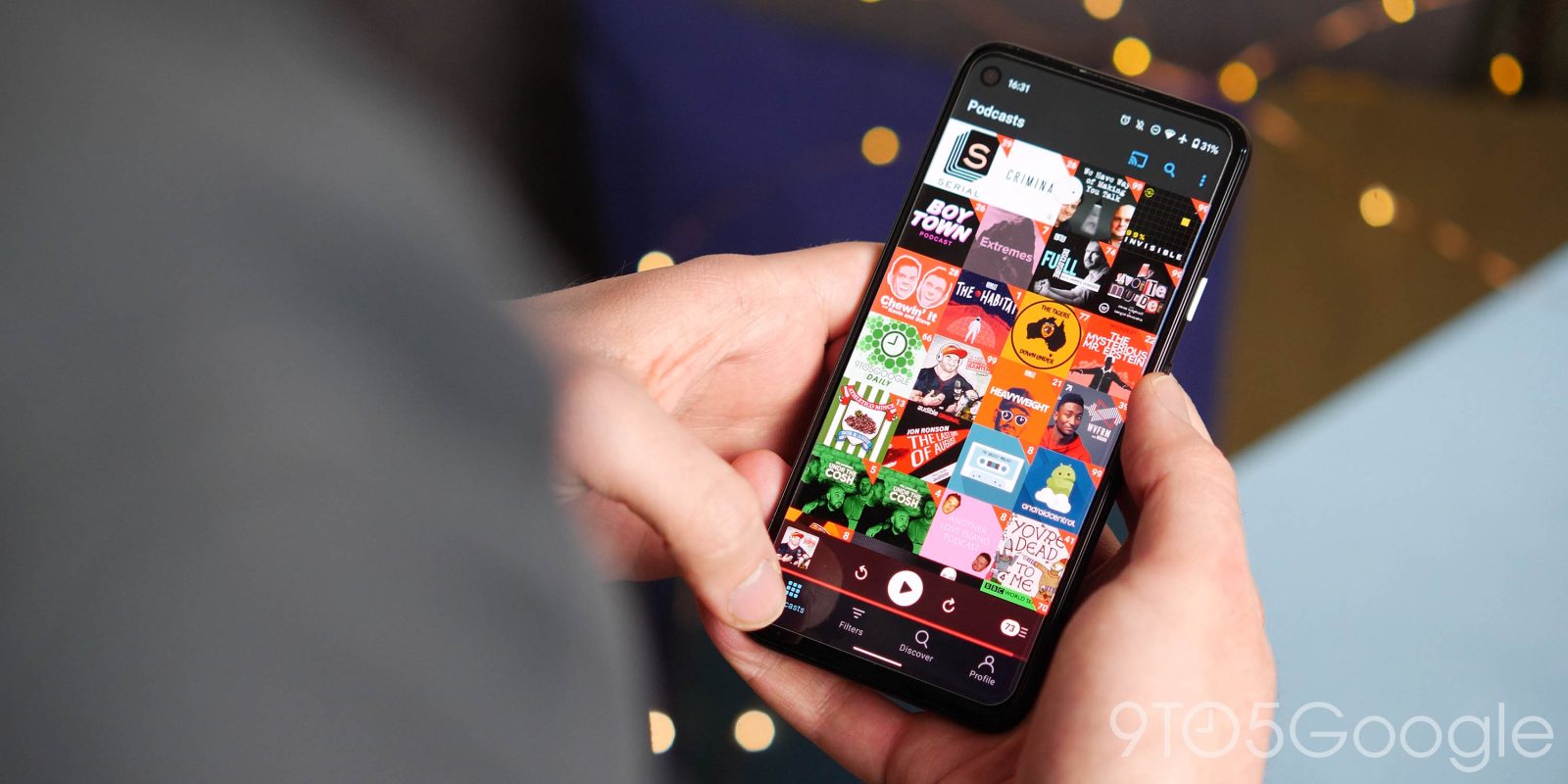

The next notable update (version 7.72) for Pocket Casts on Android and iOS adds support for transcripts and video/audio clip sharing.
Read More
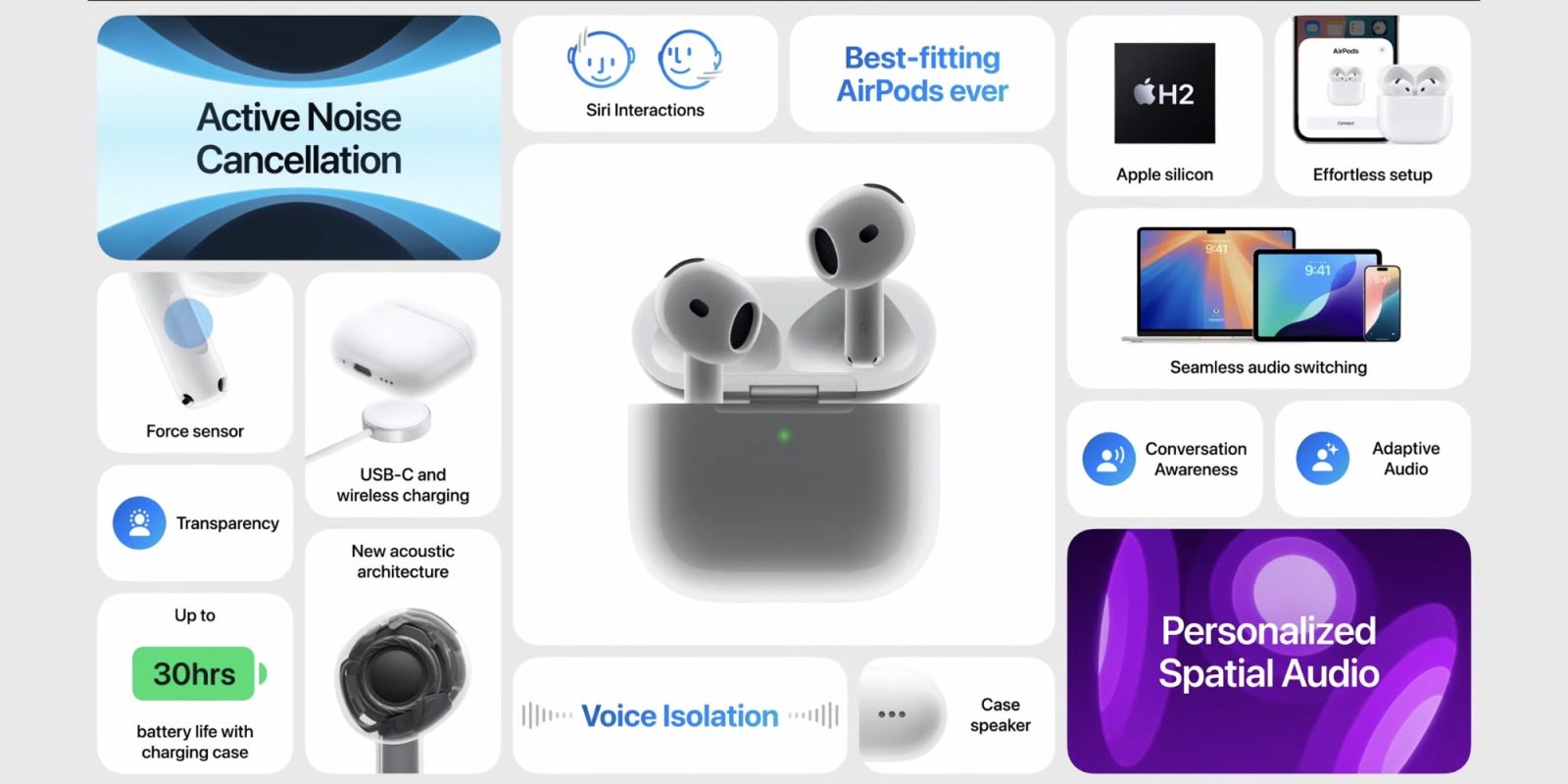
AirPods 4 are available today, and Engadget has a great new interview with the team behind the product. Details include the timing of when development started, how ANC is made possible on an open-ear design, use of the term ‘snorkel,’ and more.
Expand Expanding Close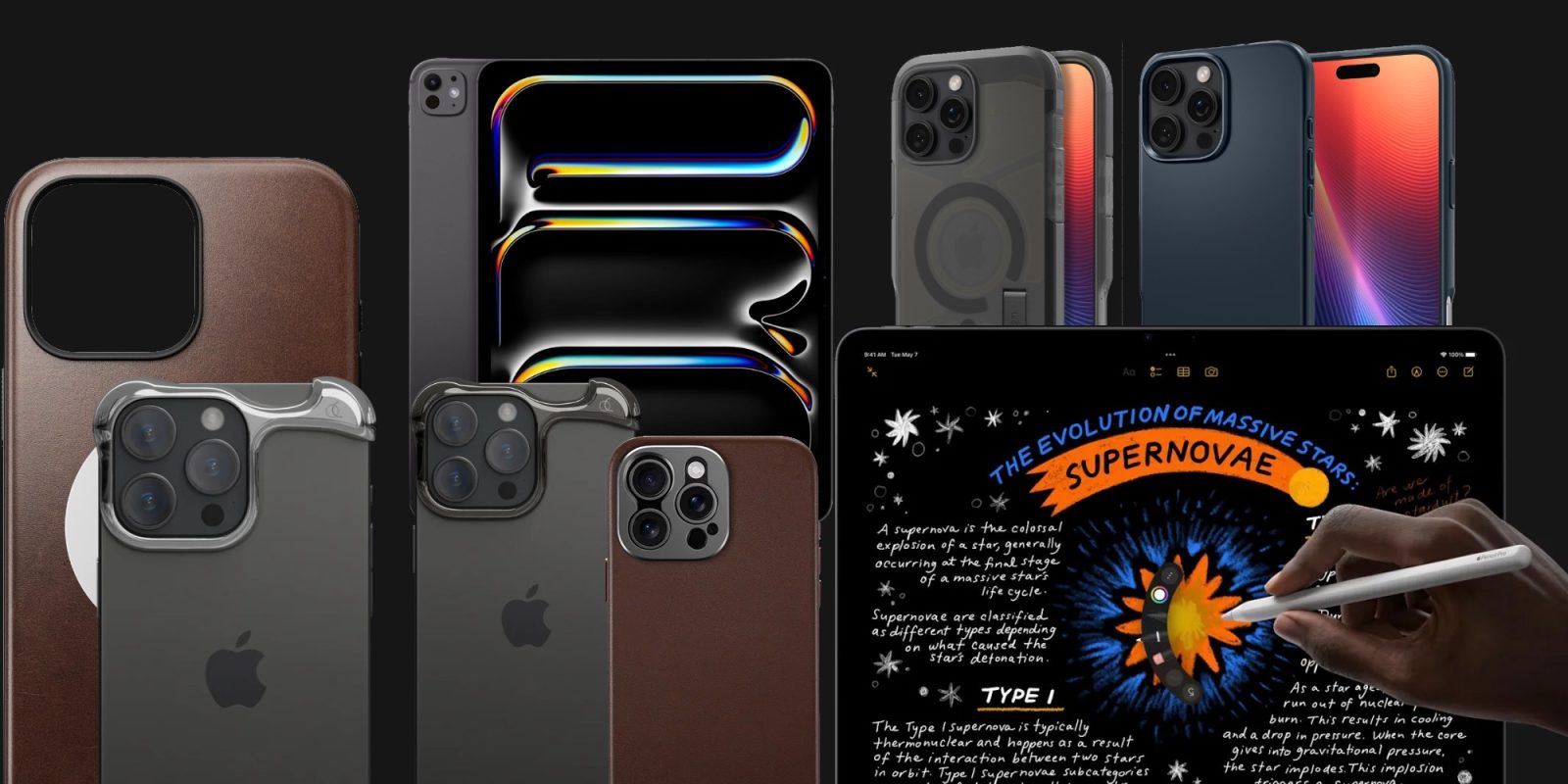

Happy iPhone 16 delivery day folks! While we have some notable iPad discounts and more, today we are highlighting all of the iPhone 16 accessory deals and price drops we have either secured for 9to5 readers or are tracking for delivery today. There are plenty of them down below, but one of the highlights has to be the special promo code we have on the new Nomad cases (for today only) alongside offers from Spigen, Arc, and more. You’ll also find a nice drop on the most affordable M2 iPad Air as well as an up to $385 discount on M4 iPad Pro, among others waiting down below.
Expand Expanding Close
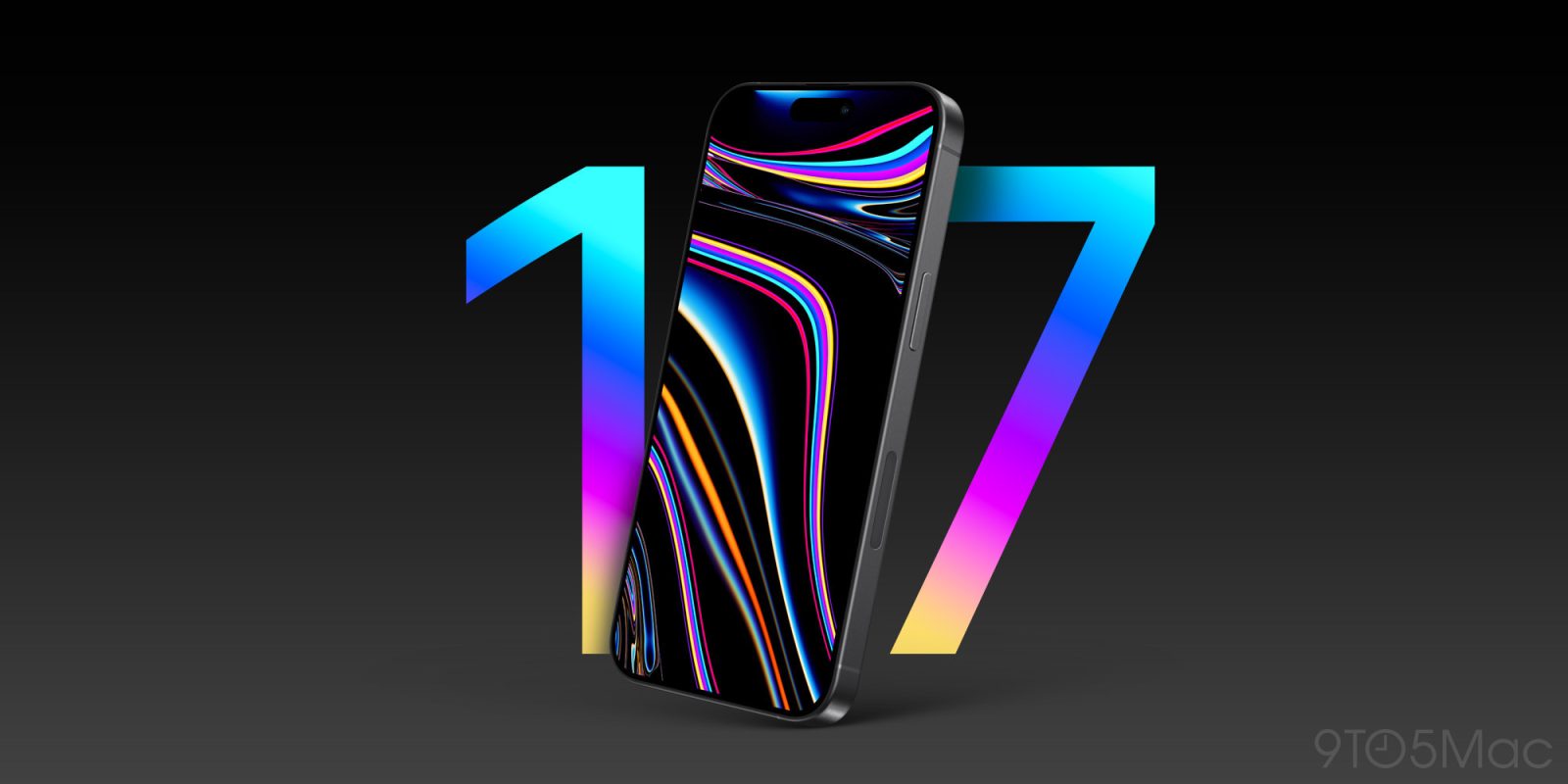
The iPhone 16 may be fresh, but it’s never too early for details on next year’s iPhone 17 lineup. The ultra-slim iPhone 17 Air will no doubt be the highlight. But according to analyst Ross Young, there are also big display upgrades coming for the entire iPhone 17 lineup. One such change may make it easier than ever to skip the Pro models.
Expand Expanding Close
Listen to a recap of the top stories of the day from 9to5Mac. 9to5Mac Daily is available on iTunes and Apple’s Podcasts app, Stitcher, TuneIn, Google Play, or through our dedicated RSS feed for Overcast and other podcast players.
Sponsored by Torras: your iPhone experience with the TORRAS Ostand 360° Spin Case and the new Ostand 360. Protect your device, enhance your productivity, and enjoy unmatched convenience and style. Get yours today and experience the next level of phone protection and functionality.
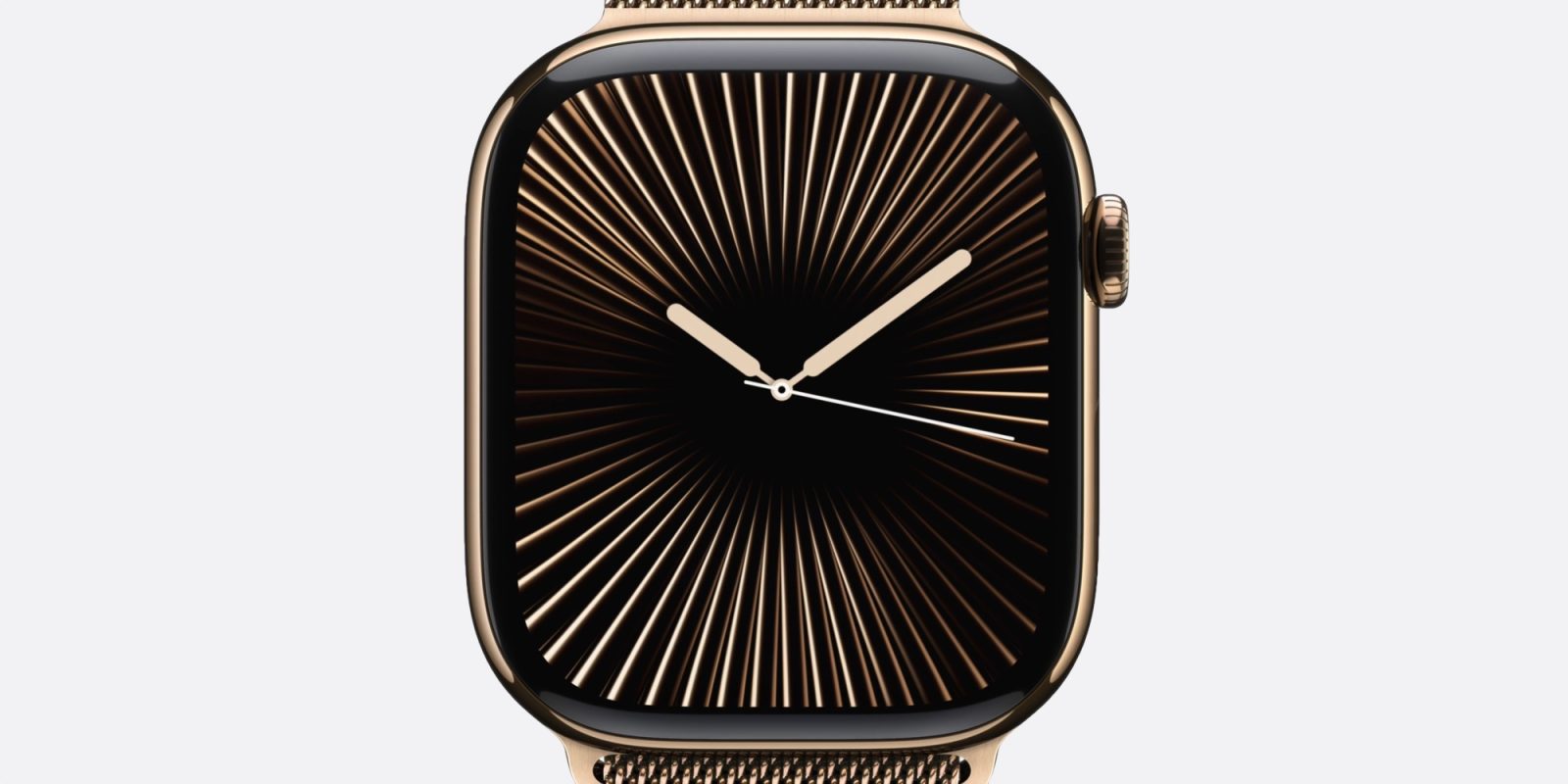
Apple’s design team, including design heads Molly Anderson and Alan Dye, recently sat down with British GQ to talk the Apple Watch Series 10 and the new black Apple Watch Ultra 2. Here are the key design tidbits they had to share.
Expand Expanding Close
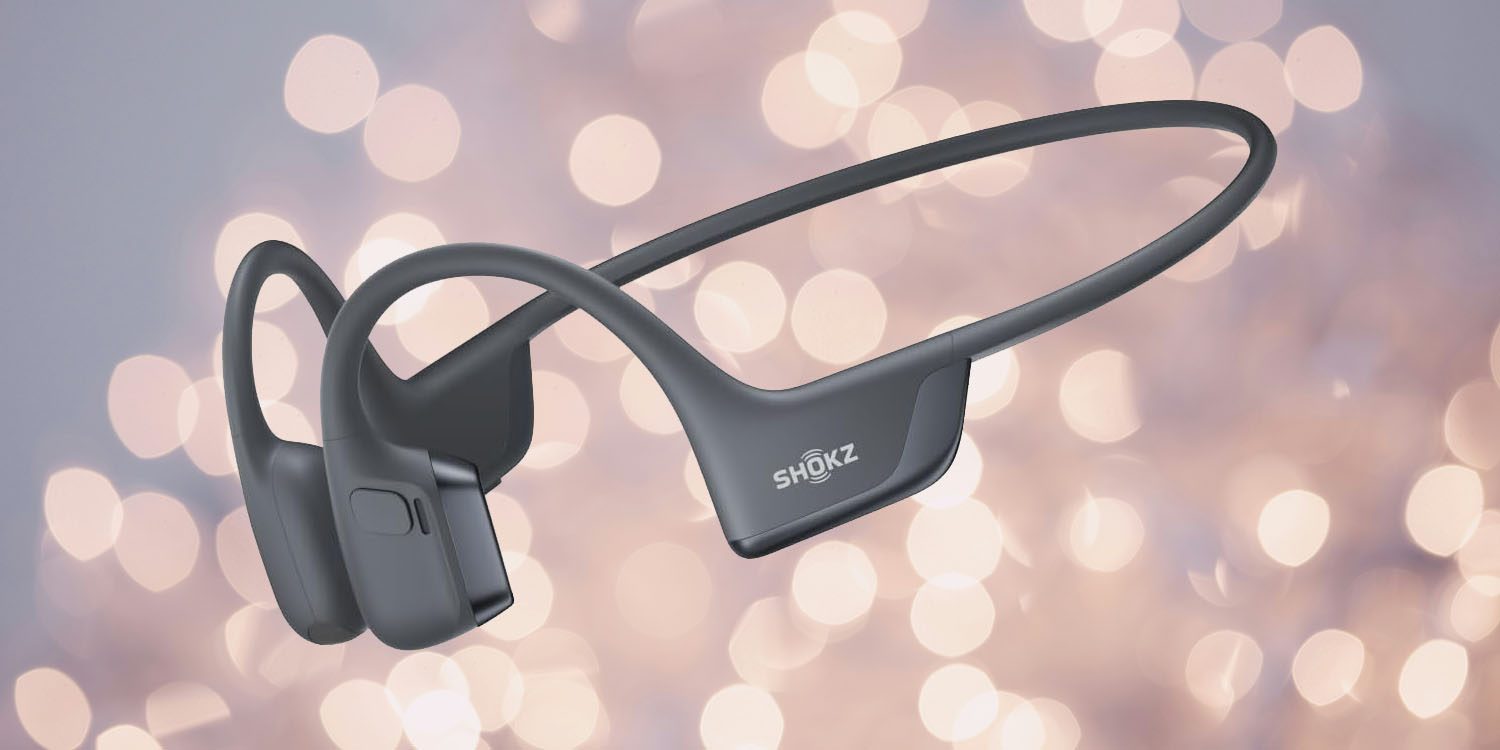
I’ve long used Shokz bone-conduction wireless headphones as my go-to for voice and video calls, mostly because they are so comfortable I often forget I’m wearing them.
I’ve been using the OpenComm model for a couple of years now, but switched to the new OpenRun Pro 2 for a couple of reasons – one of which was fixing my only real complaint …
Expand Expanding Close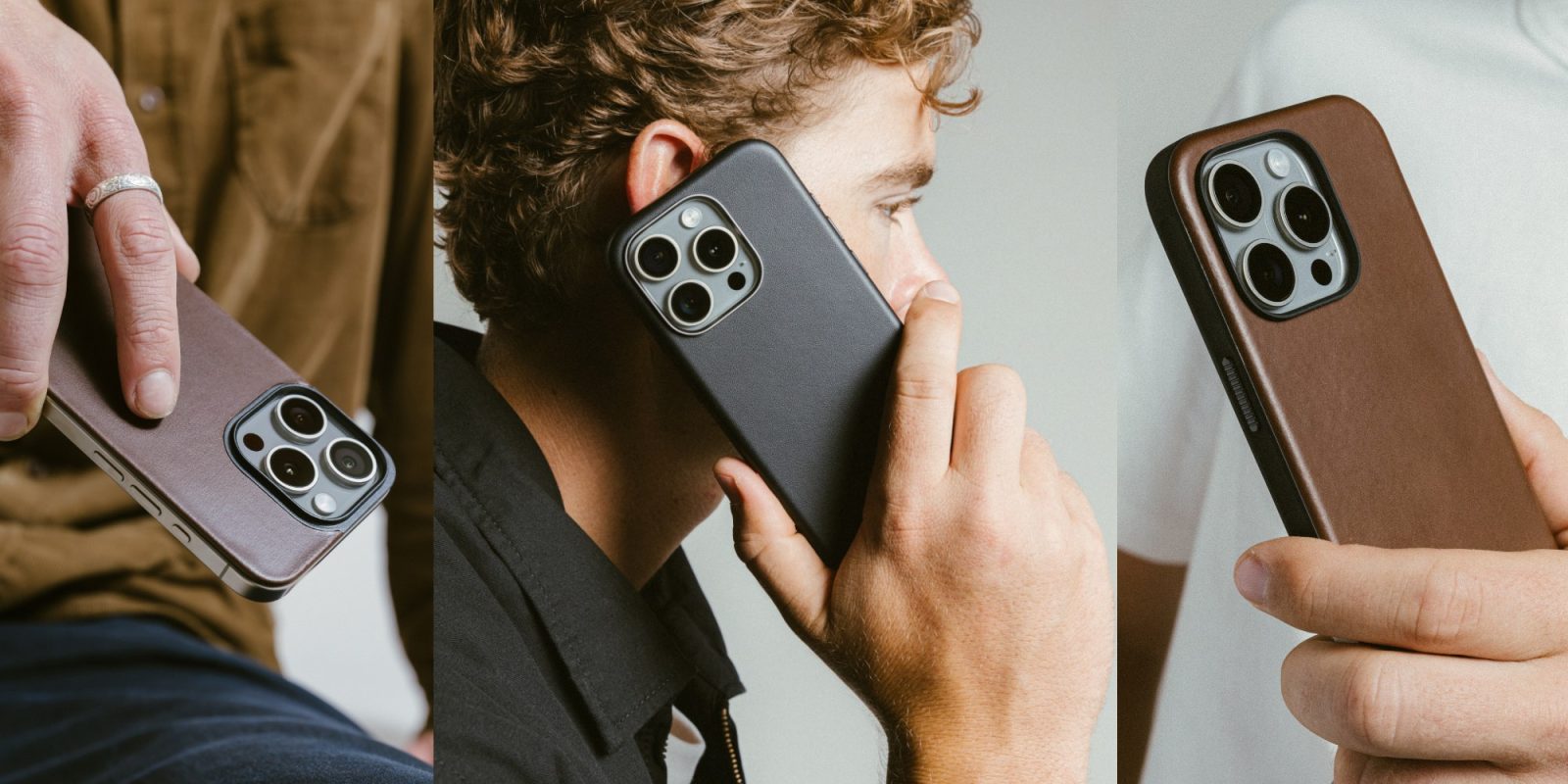
It wasn’t easy, but we have managed to secure 9to5 readers an exclusive delivery day deal on the beloved Nomad iPhone 16 cases. The brand is a favorite around here among both staffers and readers, and for good reason, but it’s also not one that goes on sale very often – almost never on its brand new gear, in fact. Starting right now, for 24-hours only (or until the clock strikes midnight on the west coast), 9to5 readers can knock 10% off all of the Nomad iPhone 16 cases using code 9to510 at checkout. That might not seem like much, but Nomad gear going on sale this soon after it is made available to order is nearly unheard of. And on top of that, the code works on all of the previous-generation iPhone cases it offers too – this yields prices as low as just $9.
Read More
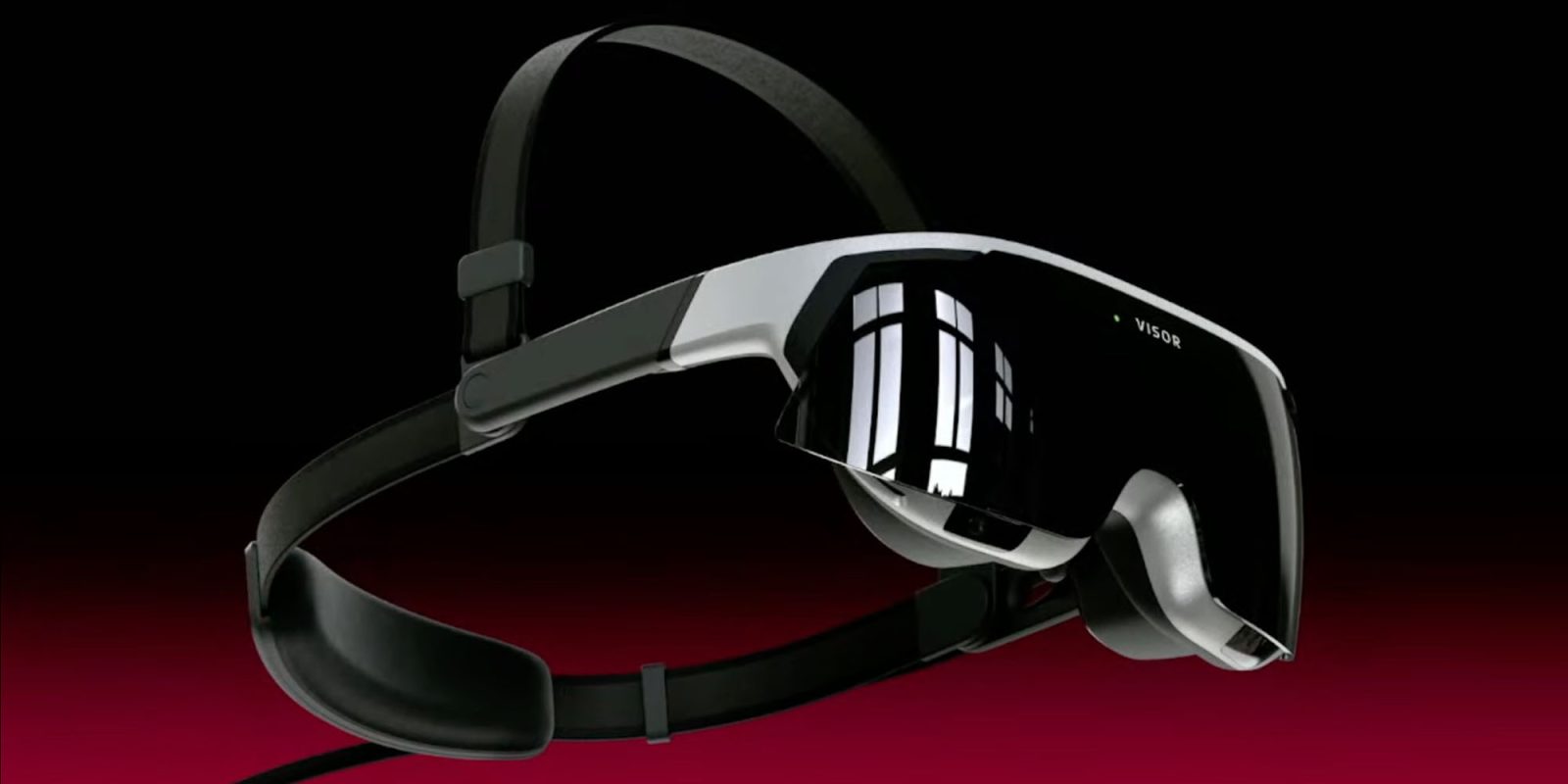
Immersed Visor is a new headset aiming to fill the middle ground between simple ‘face monitors’ like the $440 Viture One XR and the self-contained $3,500 Vision Pro. Weighing about the same as an iPhone 16 Pro, it’s priced at $1,050, though there are some sketchier price models.
Like lower cost monitor-in-glasses-format products, you can’t use it as a standalone device – it’s solely intended for use as a Mac monitor – but it does offer hand-tracking and eye-tracking …
Expand Expanding Close

The iPhone 16 is arriving in Apple stores today, and we’ve already seen people sharing photos from Apple Stores in Australia, Malaysia, Japan, and Germany.
Apple has now started sharing official photos from Apple stores, kicking off this year’s collection with photos from China and South Korea …
Expand Expanding Close
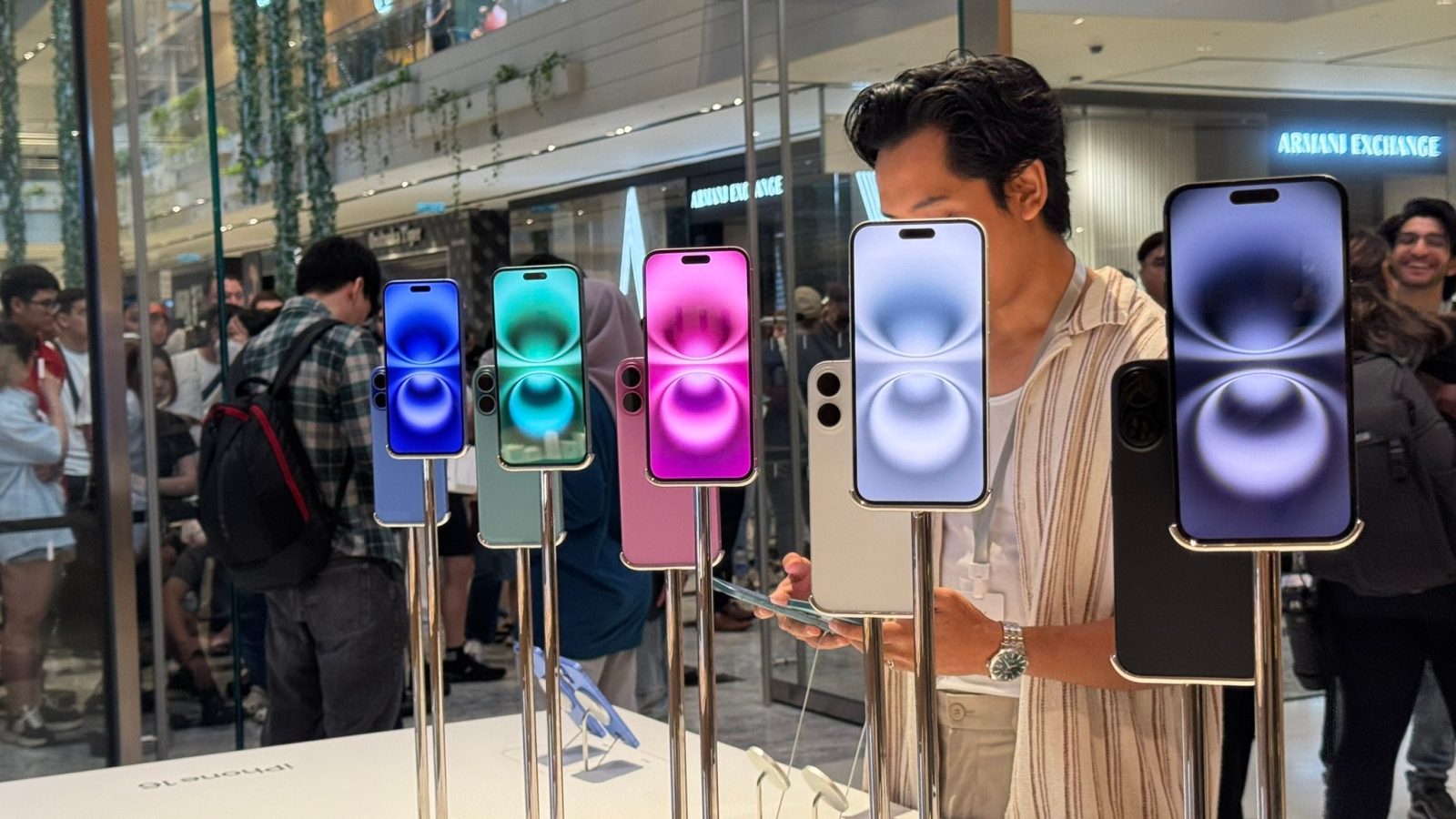
As the clock turns to September 20 around the world, the iPhone 16 and iPhone 16 Pro launch is in full swing. The first pre-orders have started arriving to lucky buyers, while lines are starting to form at Apple Stores.
As we highlighted earlier, Apple’s flagship Fifth Avenue retail store is also glowing in Apple Intelligence colors to celebrate the iPhone 16 launch.
Expand Expanding Close