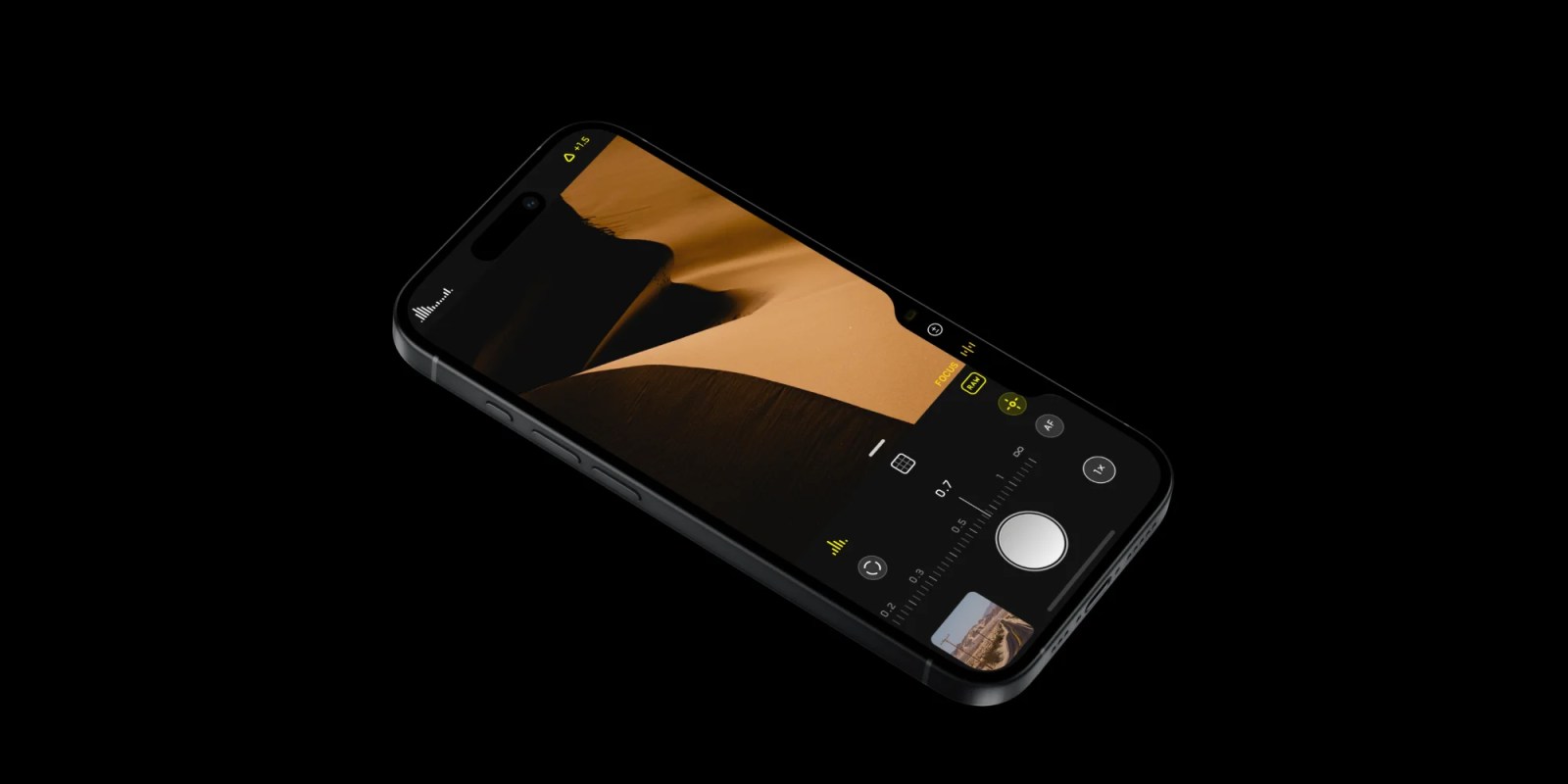
From the wonderful folks who brought you Clear for iPhone and Mac, Realmac Software announced today it will bring a few of its stunning filters from Analog for Mac to the iPhone with Analog Camera.
Analog Camera for iPhone resembles the simplistic, gesture based UI of Clear for iPhone, featuring soft square or rectangle buttons that pop up upon contact and prompt fun, clever sounds.
Check out my observations of the app and a teaser video below: Read more
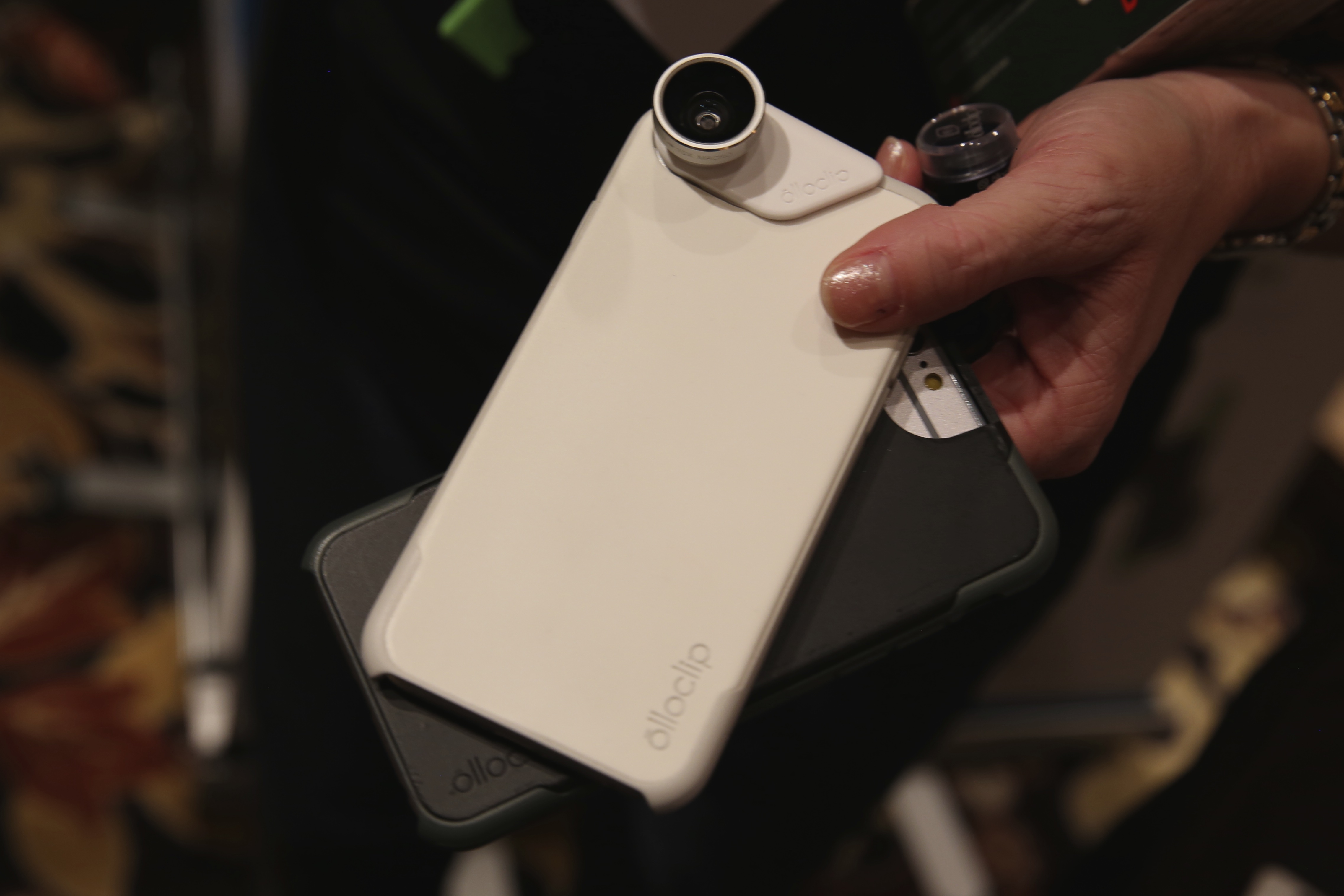
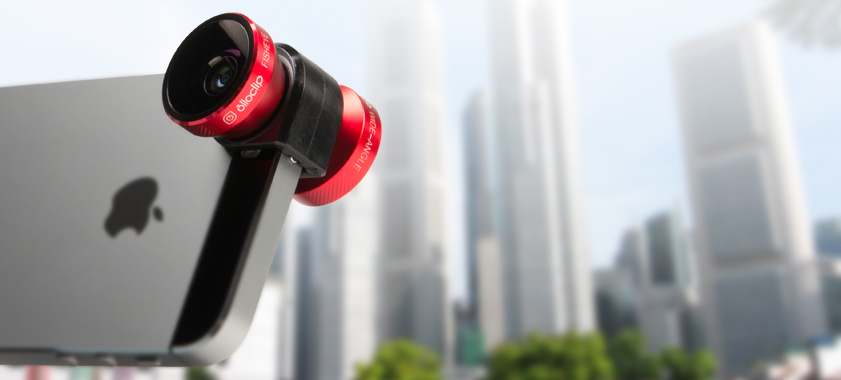
As part of 9to5Mac’s ongoing iPhoneography gear series for the holiday season, we got our hands on three special effects lenses— wide and macro, fisheye, and telephoto— crafted from solid aluminum and equipped with sturdy, premium-definition glassto guarantee pro-like, optical perfection.
First of all: Yes, iPhoneography is an actual name (it even has a Wikipedia page). It essentially, as one might guess, involves shooting and processing with an iOS device. Photojojo.com offers an impressive, mouth-watering catalog of photography and videography gear for the iPhone 5 and older generations, so we decided to take some of the site’s hottest accessories for a spin. And, over the next two months, we will test and review only what’s best for helping creative folks step up their iPhoneography game.
Macworldreminds us of a cool trick for iPhone photographers that will enable steadier shots than using the volume button on their iPhone. The trick is related to the volume trigger button on your iPhone’s Remote Earbuds, where you open the camera app, and then use the volume button on the headphones as a trigger. This is already helpful for steadier shots, or taking a better front-facing shot.
However, this trick can even be used with a Bluetooth device, as a sort of wireless remote, once paired. Interested in more iOS 5 camera tricks? Check out the iPhone’s built-in panorama mode.