Final Cut Pro

See All Stories

Apple releases Final Cut Pro 10.6.2 featuring Duplicate Detection, Voice Isolation, and optimized Mac Studio performance

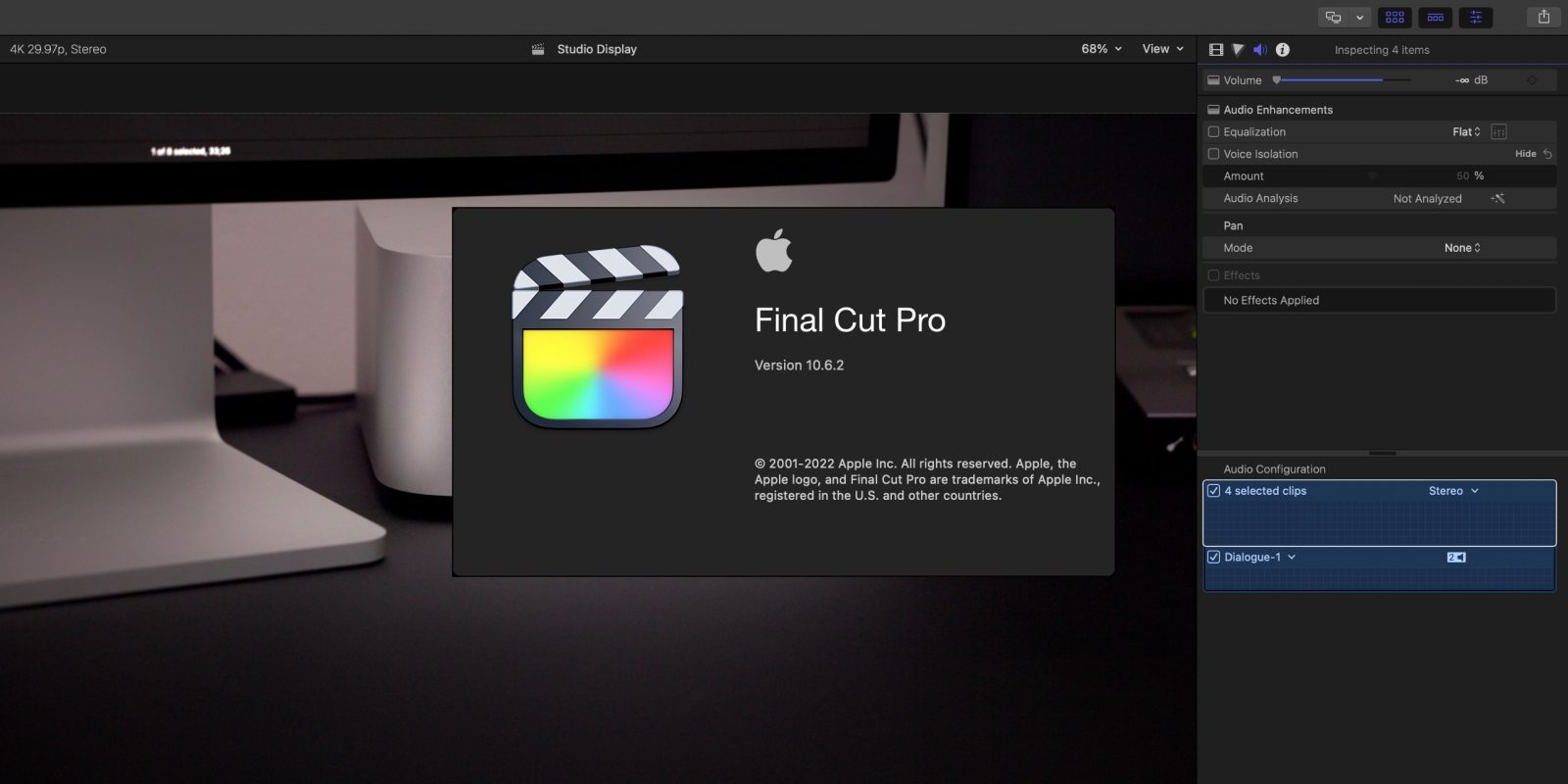
Apple has released the latest version of Final Cut Pro, version 10.6.2. The FCP update includes two primary new features – Duplicate Detection and Voice Isolation. Duplicate Detection is a feature that will be much appreciated for those editing long-form content and documentaries, while Voice Isolation wields machine learning to help isolate voice frequencies.

Final Cut Pro 10.6.2 and updates to its companion apps – Motion and Compressor – are now available for download on the Mac App Store right now.

Expand Expanding Close
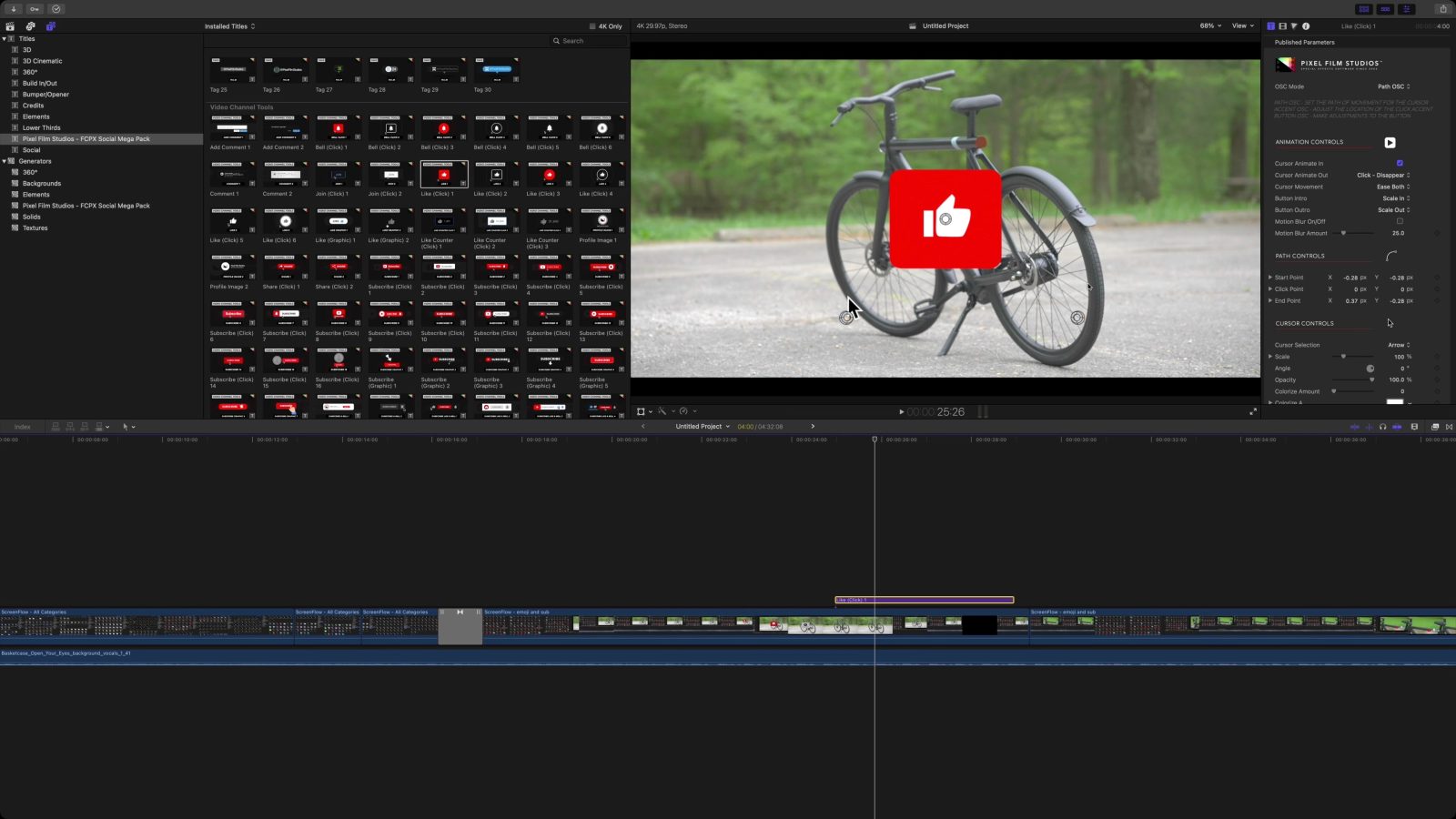
Hands-on: Pixel Film Studios FCP Social Mega Pack for Final Cut Pro [Video]

If you’re looking to step up your social media presence in your videos, then look no further than the FCP Social Mega Pack from Pixel Film Studios. This bundle includes over 600 social media tools spanning 18 different categories across Final Cut Pro titles, generators, and transitions.

The Social Mega Pack contains a bevy of tools for Final Cut Pro Users, such as the ability to simulate a custom iMessage conversation. Watch our hands-on video walkthrough for a look at some of the Mega Pack’s handy animated icons, emojis, follow screens, end screens, and more.

Expand Expanding Close

Apple releases updates for Final Cut Pro, iMovie, Motion, and Compressor for Mac

Apple has quietly released the latest versions of its video and motion effects software. Final Cut Pro, iMovie, Motion, and Compressor all have new versions available for Mac users with some new features along with stability and performance improvements. Notably, Final Cut Pro now has native support for RED RAW decoding and playback.

Expand Expanding Close

How to create captivating visual effects for Final Cut Pro with the Pixel Film Studios VFX Suite [Video]

If you’ve been searching for a way to add more visual flair to your videos, then look no further than the FCPX VFX Suite from Pixel Film Studios. This compilation of plugins, composites, trackers, and emitters includes everything you need to create dazzling visual effects right inside your Final Cut Pro project. Watch our brief hands-on video walkthrough to see the FCPX VFX Suite in action.

Expand Expanding Close

Final Cut Pro X updated with third-party workflow extensions, batch sharing, noise reduction, more

Apple has released a major update to its video editing software for professionals with Final Cut Pro X version 10.4.4. The latest version includes support for third-party workflow extensions for the first time with support from  Frame.io, Shutterstock and CatDV at launch. Final Cut Pro X also adds batch sharing, noise reduction, and comparison viewer features in the latest update. Motion 5.4.2 and Compressor 4.4.2 are also available as new versions today.


Expand
Expanding
Close
FCP X Tips 002: Closed captions in Final Cut Pro 10.4.1 [Video]

The new closed captioning tools in Final Cut Pro 10.4 provide an easy way to create more accessible content. Closed captions are also useful for creating content that’s watchable in environments where it’s not practical to turn up the volume.

Closed captioning can help expand your reach by assigning different languages to your captions for easy interpretation. Needless to say, this is a major new workflow addition to Final Cut Pro X, one that might pay dividends as far as broadening your audience is concerned. Watch our hands-on video for a brief look at some of the high level closed captioning tool set features.


Expand
Expanding
Close

PSA: You can’t yet edit iOS 11 iPhone video in FCP X, fix likely coming soon

Apple’s ‘just works’ philosophy has hit a snag for those shooting video on an iPhone for editing in Final Cut Pro X: the app doesn’t yet support the new H.265 High Efficiency Video Coding used in iOS 11.

The HEVC codec is, as the name suggests, a far more space-efficient way to compress video, reducing the space needed to store video by as much as 50%. But right now, any HEVC video footage you import into FCP X will be unusable …


Expand
Expanding
Close

Apple announces it has two million Final Cut Pro X users [Video]

Site default logo image

Apple has announced that it now has two million Final Cut Pro X users – or ‘seats,’ in the terminology used when speaking to an audience at the National Association of Broadcasters’ annual conference.

Apple said that it hit the milestone some five and a half years after launching version 10 of the professional video editing app. Notably, it said that the pace of adoption was increasing. While the company didn’t provide specific dates, it said that it had taken much less time to grow from 1M to 2M users than it had taken to hit that first million.

The milestone is significant given initial reactions to the app …


Expand
Expanding
Close

Final Cut Pro Diary: Discovering that adjusting exposure & saturation is as easy as it is with photos

Site default logo image

I mentioned in my previous Final Cut Pro Diary piece that I attended one of Apple’s free workshops, Final Cut Pro for Storytellers. There was a lot to take in, and as a complete beginner at the time, I knew I’d only really remember some percentage of it.

As the tutor had been really helpful in answering individual questions as well as covering the syllabus of the course, and I was keen to understand how to adjust exposure and boost saturation, I figured that repeating the workshop would be a good plan. This would allow me to get some one-to-one help with my specific questions, while also getting to grips with more of the core material.

As it turned out, that plan worked really well, and is one I’d recommend to any Final Cut Pro novice …


Expand
Expanding
Close

Final Cut Pro Diary: A video novice takes the step up from iMovie

Site default logo image

I’ve been a photographer since I was 14, but am very much a novice when it comes to video. I’ve used bicycle-mounted action cams to put together some basic cycling videos, but these were nothing more sophisticated than taking clips straight from the camera, importing them into iMovie and adding cross-dissolves.

In an age when tech writers are increasingly expected to be videographers too, I decided it was time to take the plunge into the world of moving images. Although iMovie is a remarkably capable piece of software, I reckoned I was inevitably going to want to take the step up to Final Cut Pro at some stage, so I might as well make the transition now, rather than have to learn everything twice.

If you’re also a basic iMovie user with ambitions of getting to grips with more professional video production, you may enjoy sharing the journey with me. And if you’re an accomplished FCP X user, I’m sure that I and others in my position would love to hear your top tips …


Expand
Expanding
Close

Review: Contour’s ShuttleXpress is a must-have $60 gadget for audio & video editors [Video]

Site default logo image

While I’ve been a photographer since I was 14, when my bedroom became a darkroom with a bed in the corner, I’m a complete beginner where video is concerned. The closest I’ve ever got to video production was putting together a few exceedingly basic cycling videos in iMovie to share with friends.

However, since we live in an age when tech writers are increasingly expected to be video producers, and I love to learn new skills, I’ve set myself a new goal for 2017. At some point in the year, I want to be able to produce professional-looking review videos that wouldn’t look out of place when viewed alongside the output of my extremely skilled colleagues. I’ve upgraded to Final Cut Pro, and I’ll be taking you guys along for the ride – beginning with the demo video for this review.

It’s already clear to me just how much I have to learn, so anything which makes my goal a little easier has to be worth a look. And that’s exactly what Contour’s ShuttleXpress aims to do …


Expand
Expanding
Close

Site default logo image

Apple releases Final Cut Pro X 10.2.1 with bug fixes, improved video support, more accurate Timeline

Apple today updated Final Cut Pro X to version 10.2.1 with bug fixes and improvements. Apple’s release notes say that this update fixes a bug that would cause Final Cut Pro to quit at launch on some Macs. Support for Panasonic AVCAAM video at 25P and 30P rates has been restored, while Apple also says that dragging through the Timeline view is now more accurate. This 10.2.1 update follows up on the significant 10.2 update from April, which added 3D title support, new editing features, and support for several new cameras and video formats. Today’s minor update is the first to Final Cut since its pioneer Randy Ubillos retired from Apple.


Expand
Expanding
Close

Apple releases Final Cut Pro 10.2, Motion 5.2 with 3D titles, Compressor 4.2 with iTunes publishing

Site default logo image

Apple has pushed out an update to its suite of pro video editing tools for Mac today, including new versions of Final Cut Pro X, Motion, and Compressor.

Final Cut has been upgraded to version 10.2, which adds support for 3D titles, improved color grading and effects tools, support for additional camera formats, and GPU-accelerated processing of RAW footage from RED cameras.


Expand
Expanding
Close

Final Cut Pro updated with additional import/export options, Xcode gets bug fixes

Site default logo image

Apple has updated Final Cut Pro with support for native import, editing, and export of MXF video files, along with the capability to edit video encoded with Panasonic’s AVC-LongG codec. Several issues are fixed in this update as well, including problems importing certain clips from specific cameras, App Nap stopping long import operations, and errors in handling of 240fps video.

Xcode was also update with fixes for common SourceKit crashes when using the new Swift language. The full change logs for both apps are included below:


Expand
Expanding
Close

“Small, fast and in a league of its own” – the early Mac Pro verdicts are in

Site default logo image

Audiovisual professionals may have had a very long wait for a new Mac Pro, and that wait may not be quite over, but from the early hands-on reviews it seems they’re unlikely to be disappointed.

The real performance of the machine is currently only being seen with Final Cut Pro, which Apple optimized to take full advantage of the dual GPUs, but it’s a near certainty that Adobe and others will follow this example.

With a price tag of anything up to $14,000 if you completely max it out, this is not a machine that will be seen gracing too many living-rooms, but for those earning their living from audio and video and where time is money, the early hands-on reviews suggest that the Mac Pro lives up to its promise … 
Expand
Expanding
Close

Final Cut Pro updated to version 10.1, 4K monitoring, Mac Pro optimisations and more

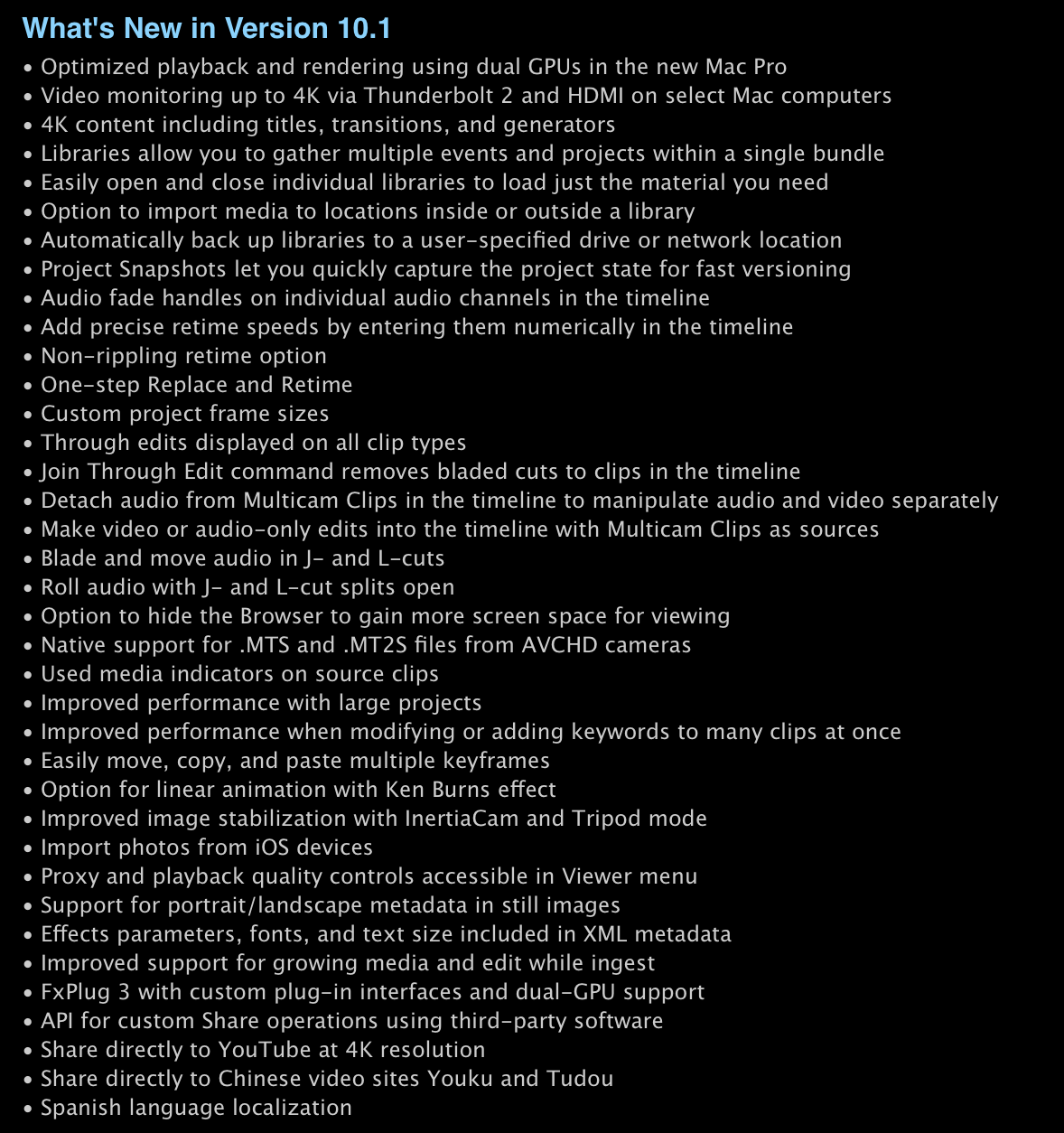
Alongside the release of the new Mac Pro, Apple has updated Final Cut Pro in the Mac App Store to take advantage of the machine’s immense raw processing power. Specifically, Apple says that playback and rendering has been optimised for the Mac Pro’s dual GPUs.

Final Cut 10.1 also adds 4K support, including monitoring across Thunderbolt 2 and HDMI displays as well as 4K titles, transition and generators. The update also adds a whole slew of other minor features and changes to the modern (if controversial) video editing suite.


Expand
Expanding
Close

Logic Pro X review: Powerful new features & a simplified UI with no compromises for pros

Site default logo image

Apple’s new release of Logic Pro X marks the first time in nearly six years that the company has completely overhauled the app’s UI. It’s been a long time coming for pros like myself that rely on the application, and to make things even sweeter, Apple is promising more than just a fresh coat of paint this time around.

There’s no ignoring the backlash Apple experienced just two years ago with its redesign of Final Cut Pro X and the removal of pro features in return for an elegant, streamlined interface. The question is, does Logic’s slick new interface come with compromises for professionals? Or has Apple learned from its mistakes with FCPX?
Expand
Expanding
Close