keynote

See All Stories

Apple’s web-based iWork for iCloud finally out of beta, adds new features

Yesterday, Apple updated its iWork apps for iOS and OS X with added features including Split View for iPad, 3D Touch for iPhone 6s, and bonuses for El Capitan. Missed at the time was the fact that Apple also deemed the web-based version of iWork worthy of full consumption by the public, too.  Apple removed the ‘beta’ label from iWork for iCloud, while also adding a number of new features. The browser-dependent iWork suite now supports commenting on documents, and has support for ten new languages.

As well as removing the ‘beta’ labels, Apple has also created new splash pages for each of the new web apps showing off some of the new features. Apple lists the previously mentioned upgrades, as well the following:

Pages

  • Create custom colors
  • Word count
  • Version history
  • Preview on mobile browsers
  • Comments
  • Open Pages ’08 and ’06 documents
  • View documents with tracked changes
  • Insert pages and sections

Numbers

  • Edit pop-up menu cells
  • Create custom colors
  • Open Numbers ’08 spreadsheets
  • Filter tables
  • Version history
  • Animate interactive charts
  • Preview on mobile browsers

Keynote

  • Show, hide and resize slide navigator
  • Preview on mobile browsers
  • Version history
  • Comments
  • Create custom colors
  • Copy and paste slides
  • Open Keynote ’08 and ’06 files

If you want to check out the new web-based apps for yourself, head on over to iCloud.com.

Apple updates Pages, Keynote, & Numbers for iOS + OS X w/ Split View, 3D Touch, much more

A little later than some expected, Apple has released new versions of the iWork suite of apps for iPhone and iPad with iOS 9 and iPhone 6s features. Pages, Keynote, and Numbers now all support iPad multitasking features including Split View on iPad Air 2, iPad mini 4, and iPad Pro, as well as 3D Touch on iPhone 6s and iPhone 6s Plus. The iWork apps also gained new versions on the Mac with OS X El Capitan features and much more. Details below:
Expand
Expanding
Close

Apple updates Pages, Keynote, and Numbers for iOS w/ stability improvements, fixes

Ahead of the release of iOS 9 set for tomorrow, Apple has started updating its iOS apps beginning with improvements and fixes for its iWork suite of iOS apps.

All three apps— Pages, Numbers, and Keynote—get an update today with “stability improvements and bug fixes,” many of which are likely related to the iOS 9 update arriving tomorrow. 

iOS 9 will officially arrive Wednesday, September 16th, for the iPhone 4s and later, iPod touch 5th generation and later, iPad 2 and later and iPad mini and later. The release follows Apple’s new iPhone 6s and 6s Plus going up for pre-order earlier this month and comes ahead of an official retail launch for the device on September 25th. Following the first weekend of pre-oreders, Apple said this week that it’s on pace to beat its previous opening-weekend record of 10 million units.

We’d expect that other Apple apps will get a similar treatment too alongside the release of iOS 9 tomorrow.

Site default logo image

Apple updates iOS Pages, Numbers & Keynote apps to resolve accessibility bugs

Apple has updated all three iWork iOS apps to resolve bugs that prevented Accessibility features working properly. Apple says that Pages, Numbers and Keynote all had “an issue that prevented proper navigation and editing with VoiceOver,” while Pages also blurred text when turning on Speak Screen on some iOS devices. The updates are to version 2.5.4.

Updates are of course free for existing users, each app costing $9.99 to purchase. Pages, Numbers and Keynote can all be downloaded from iTunes.

Apple places a great deal of emphasis on making its devices usable by as many people as possible, recently highlighting accessibility apps for Global Accessibility Awareness Day – and CEO Tim Cook famously telling investors to “get out of this stock” if they weren’t willing to see money invested in things like accessibility and environmental initiatives.

Site default logo image

Unsigned singer used to demo Apple Music Connect during keynote releases first single

If you’re an unsigned musician looking for your break into the big time, being featured by Apple during a keynote watched by millions of people around the world isn’t a bad way to start.

When Eddy Cue introduced Apple Music, he used the example of Loren Kramar to demonstrate Apple Music Artist Accounts, more colloquially known as Connect. Any artist, he said, would be able to share content with fans through the social features provided within Apple Music – and he named Kramar as an artist who was “going to be really, really huge.”

Kramar yesterday launched his debut single, My Life, on iTunesTNW did note earlier that Kramar wasn’t entirely without music connections prior to his new-found fame, having apparently worked with Joe Weinberger, a former music scout at Interscope, which was headed by Jimmy Iovine.

If you’re a musician, we can’t get you featured in a keynote, but we have explained everything you need to know about creating and managing your Connect artist profile page.


Tim Cook interview on diversity suggests women speakers to present at WWDC keynote

Site default logo image

Mashable has conducted an interesting interview with Tim Cook on the eve of WWDC, one of Apple’s largest events of the year. Although WWDC is known for its product announcements, Apple will announce the next versions of iOS and OS X as well as a streaming music service, the interview revolved around Apple’s efforts on company employee diversity.

Asked about the lack of women at keynotes, Cook says “you’ll see a change tomorrow”. This suggests that women will indeed feature more prominently at Apple’s presentation. In the last ten years, the number of women at Apple’s events comes in at the low single digits, most recently Christy Turlington Burns. Apple’s developer sessions have better gender diversity in their speakers but these are viewable only by registered developers, not the general public.


Expand
Expanding
Close

Site default logo image

How to watch Apple’s WWDC keynote livestream on Windows and Android

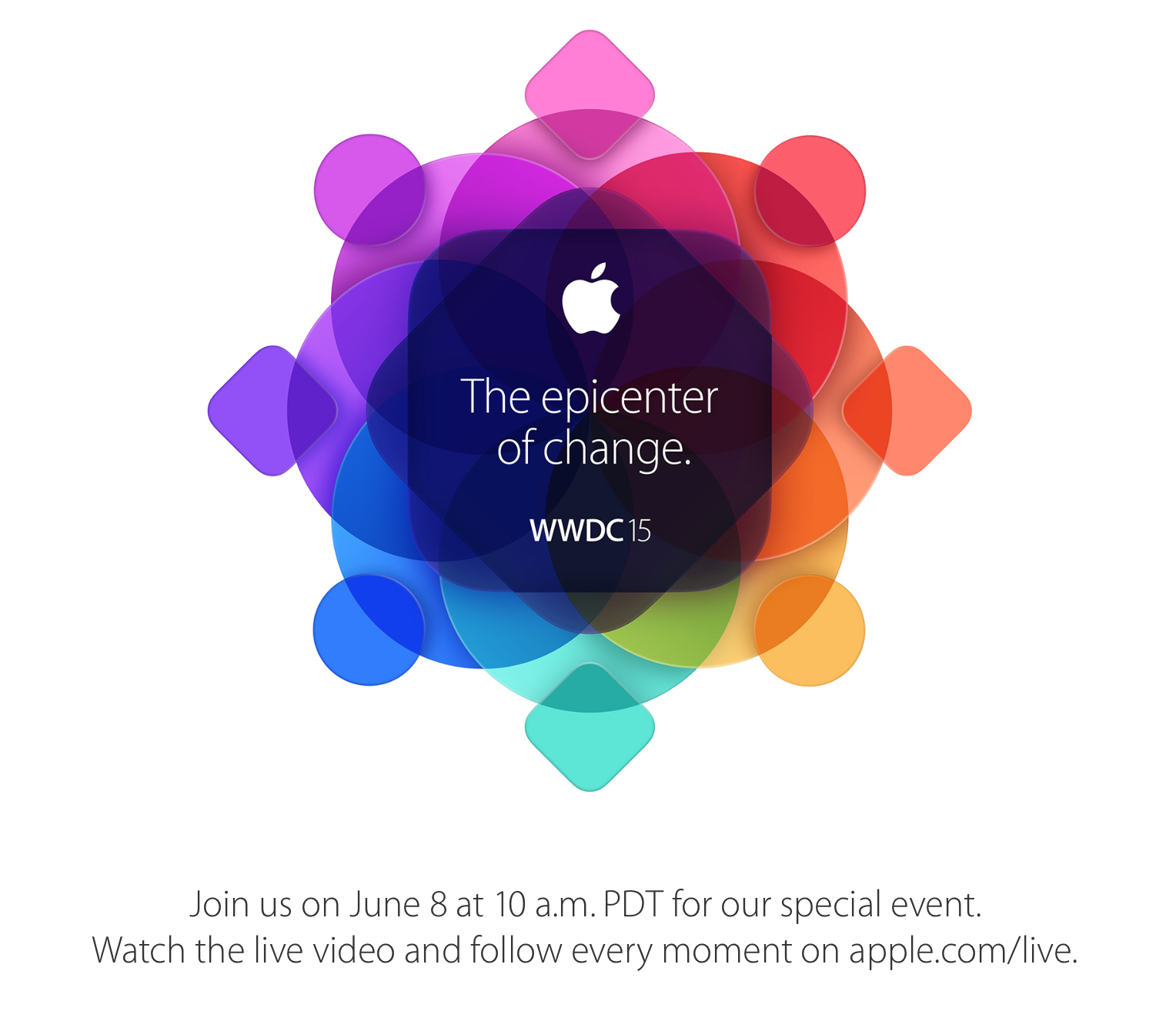
As announced last night, Apple will live stream its WWDC keynote at 10 AM PST on June 8th, next Monday, where it will announce iOS 9 and OS X 10.11. The apple.com/live site confirms that the official website stream is limited to Macs, iPhones, iPads and Apple TV. However, it is possible to watch the keynote using Windows or even Android devices by using VLC, a free video player that can read Apple’s livestream data and show the video in its player …


Expand
Expanding
Close

iOS 9 supports ‘iPhone 6S’ Force Touch, may enhance iMessage, Keyboard & Apple Pay

Site default logo image

Some of iOS 9‘s more important planned enhancements include split-screen apps on iPads, a new Home app for controlling HomeKit accessories, a new system-wide UI font, a mass transit directions service for the Maps app, and major quality, performance, and security enhancements. However, multiple sources note that there will also be some smaller, but still important, tweaks to the operating system. We spotlight some of these expected changes below…


Expand
Expanding
Close

Drone flies low to give first close-up look at Apple’s new Campus 2 auditorium (Video)

Site default logo image

A new flyover of Apple’s under construction Campus 2 project in Cupertino, California gives us one of our closest look yet at the site. We also get our first detailed look at work started on Apple’s new auditorium on the campus where it plans to host events when the project is complete.

The video below comes courtesy of MyithZ who was able to get these shots from just 120ft up, much closer than previous drone flyovers and Apple’s own aerial shots.


Expand
Expanding
Close

Apple updates Keynote for iOS with support for Watch-based remote app, pushes fixes for other apps

Site default logo image

Image via <a href="https://twitter.com/Mbrawler/status/590579777188278272/photo/1" target="_blank">Karan Pandya</a>

Apple today released an update to its mobile presentation software that enables support for an Apple Watch-based remote application. The Keynote Remote app, which will allow users to control their slides from their wrists, was first mentioned during Apple’s October 2014 event.

The Cupertino company also pushed out updates to several of its other mobile apps, fixing bugs and improving stability. The updated apps include Pages, Numbers, Remote, and Beats Music. The Mac iWork apps were also updated with bug fixes.


Expand
Expanding
Close

iWork for iCloud updated with eight new languages, easier document renaming and more

Site default logo image

Apple has updated its iWork for iCloud web-based productivity suite with eight new languages, the ability to rename documents in the editor and a few minor additional enhancements.

Pages gets all eight new languages: Arabic, Brazilian Portuguese, French, German, Hebrew, Japanese, Simplified Chinese, and Spanish – including bidirectional support for Arabic and Hebrew. Numbers and Keynote get all but Arabic and Hebrew … 
Expand
Expanding
Close

Recap: Everything you need to know about iPad Air 2, iPad mini 3, and iMac with Retina 5K display (Video)

Apple’s latest keynote was full of announcements for iPad and Mac enthusiasts. Apple has finally unveiled its second generation iPad Air, a slightly revised iPad mini, and the long rumored iMac with Retina display. Apple’s keynote went on for about 90 minutes, but in case you didn’t have time to sit through the entire thing, we’ve put together a recap to get you up to speed…


Expand
Expanding
Close

Apple announces new versions of Pages, Keynote and Numbers with Yosemite visual updates and other improvements (iOS too!)

Site default logo image

As part of its keynote, Apple has officially announced new versions of its iWork suite — Pages, Keynotes and Numbers. Each of the apps have received some ‘flattening’ UI changes to match the aesthetic of OS X Yosemite.

Each of the productivity apps also have other improvements, relevant to each task. In Numbers, you can now transpose tables in one step for example. Pages adds a new sidebar, with comments and other outline views. Keynote now includes some new text effects as well. The updates will be released alongside the release of OS X Yosemite today.


Expand
Expanding
Close

Yosemite GM provides an early look at new versions of Pages and Keynote for Mac

Site default logo image

On Tuesday Apple provided developers and beta testers with the GM build of OS X Yosemite, which will likely be the version that ships to consumers later in October (although since this is only a “GM candidate” we may see another build sometime before then). Earlier we noted that this build includes updated videos to demonstrate the trackpad gestures in System Preferences that showed off new iWork icons.

As it turns out, those demo videos also give us a quick look at what will almost certainly be the next major version of Apple’s iWork suite. Above you can see an unreleased version of Pages that features a redesigned toolbar and other tweaks. Another of the videos has our first look at the updated Keynote app:


Expand
Expanding
Close

Apple keynote recap: What you need to know (Video)

The day we’ve all been waiting for is finally here. Apple has officially introduced its new iPhone lineup and announced an entirely new product in the wearables department. There was quite a bit of information between most of the major announcements from today, and because of that, we thought it would be helpful to condense the “need to know” information into a short video…


Expand
Expanding
Close

Site default logo image

Apple uploads individual iPhone 6 and Apple Watch promo videos to YouTube for your embedding pleasure

Apple has started uploading the promo videos and ads from today’s iPhone 6 and Apple Watch presentation to YouTube. Head over to Apple’s official YouTube page to watch all of these videos in one spot. The full Keynote presentation is also available for replay.

https://www.youtube.com/watch?v=gCluaJe3lb4

Embedded below are all 11 videos:
Expand
Expanding
Close

Site default logo image

Apple’s iPhone 6 and Apple Watch event is now available for replay

Update (9/10 7:30am): Apple has posted the entire 2 hour 4 minute Keynote as a free HD video download (1.40GB) on iTunes.

Update (9/9 7:50pm): It’s back!

Update (9/9 7:00pm): Looks like Apple is having even more issues with the stream. We’ll let you know when it’s back.

This morning’s iPhone 6 and Apple Watch unveiling is now available for replay. There’s no doubt you probably missed a large chunk of the presentation due to video dropouts and random translators talking over presenters. Now’s your chance to enjoy the full Keynote presentation without any interruptions.

Site default logo image

iWork for Mac and iOS updated with bug fixes and stability improvements, iMovie for Mac with iCloud fixes

Apple has published updates to all of the apps in its iWork suite on the Mac and iOS platforms. Pages for iPhone and iPad was bumped to version 2.2.2, while Pages for Mac reached version 5.2.2. Keynote for Mac was updated to version 6.2.2 and its iOS version went to 2.2.2. Both versions of Numbers were also updated, with the iOS version coming to 2.2.2 and the Mac version hitting 3.2.2.

Each of today’s update has the same exact change log:


Expand
Expanding
Close

Site default logo image

WWDC 2014 keynote now available on YouTube

The entire video of yesterday’s 2-hour WWDC keynote is now available on Apple’s YouTube channel.

If you haven’t seen it already, you can watch Apple CEO Tim Cook and members of the company’s executive team introduce its next-generation mobile software iOS 8, upcoming Mac OS X release, nicknamed Yosemite, and discuss the future of its development tools, including the introduction of a brand new programming language called Swift.

For continuing coverage on the features and changes not included in the keynote address, be sure to keep an eye on 9to5Mac.

WWDC 2014 keynote recap: Everything you need to know about iOS 8 and OS X Yosemite (Video)

Apple’s WWDC 2014 keynote was home to plenty of announcements including iOS 8 and OS X Yosemite. There was quite a bit of information covered during the two hour presentation, but luckily we didn’t miss a second of the action.

If you don’t feel like sitting through the entire keynote video, we’ve put together a condensed version to give you the rundown on everything that was announced. Find out all that you need to know about iOS 8 and OS X Yosemite in our keynote recap below…


Expand
Expanding
Close

Site default logo image

Apple posts stream & download of WWDC 2014 video

Update: Download is now available on iTunes.

You can now rewatch the WWDC 2014 keynote online at Apple.com. You can also read full coverage of all the announcements here on 9to5Mac.

Apple usually posts downloads of the event, through podcasts in the iTunes Store, shortly afterwards too. We’ll update when these go live.


Expand
Expanding
Close