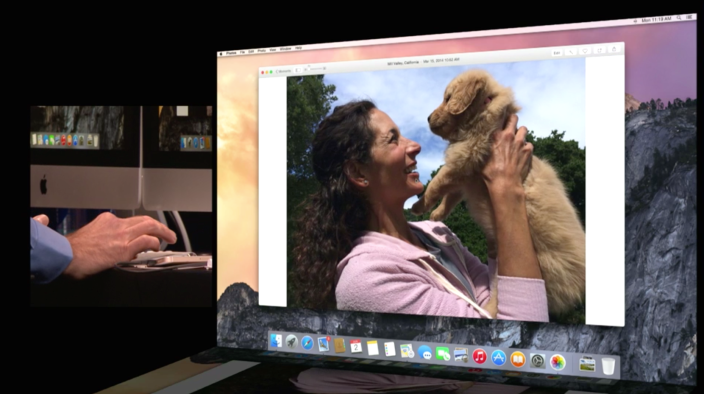
How-To: Go beyond OS X Photos + make amazing wall art from your Mac’s pictures (Part 3)


History will remember the early 21st Century as a turning point for photography — the point at which mainstream photos transitioned from chemical to digital, thereby becoming “print optional” for the first time. Although digital photography has taken small annual steps for 20 years, those steps have collectively evolved early, uselessly low-resolution digital cameras into superior alternatives to their film-based predecessors. Even the tiny cameras built into iPhones take much better-quality photos than Kodaks and Polaroids, and more of them, too: the days of 12-, 24-, or 36-exposure film cartridges and fading exposures are long gone, replaced by all but infinite burst-mode photos that can live on your computer forever.
But some photos deserve a more prominent display in your home than a vault in your computer’s photo library. Apple has known this since the dawn of digital photography. Since iPhoto launched in 2002, Apple has offered photo and book printing services, a feature later added to Aperture and OS X Photos. Yet even though Canon, Sony, and Nikon have introduced high- and ultra-high-resolution cameras capable of creating huge prints, Apple hasn’t updated its apps with new large-format print options. That’s where this How-To series comes in.
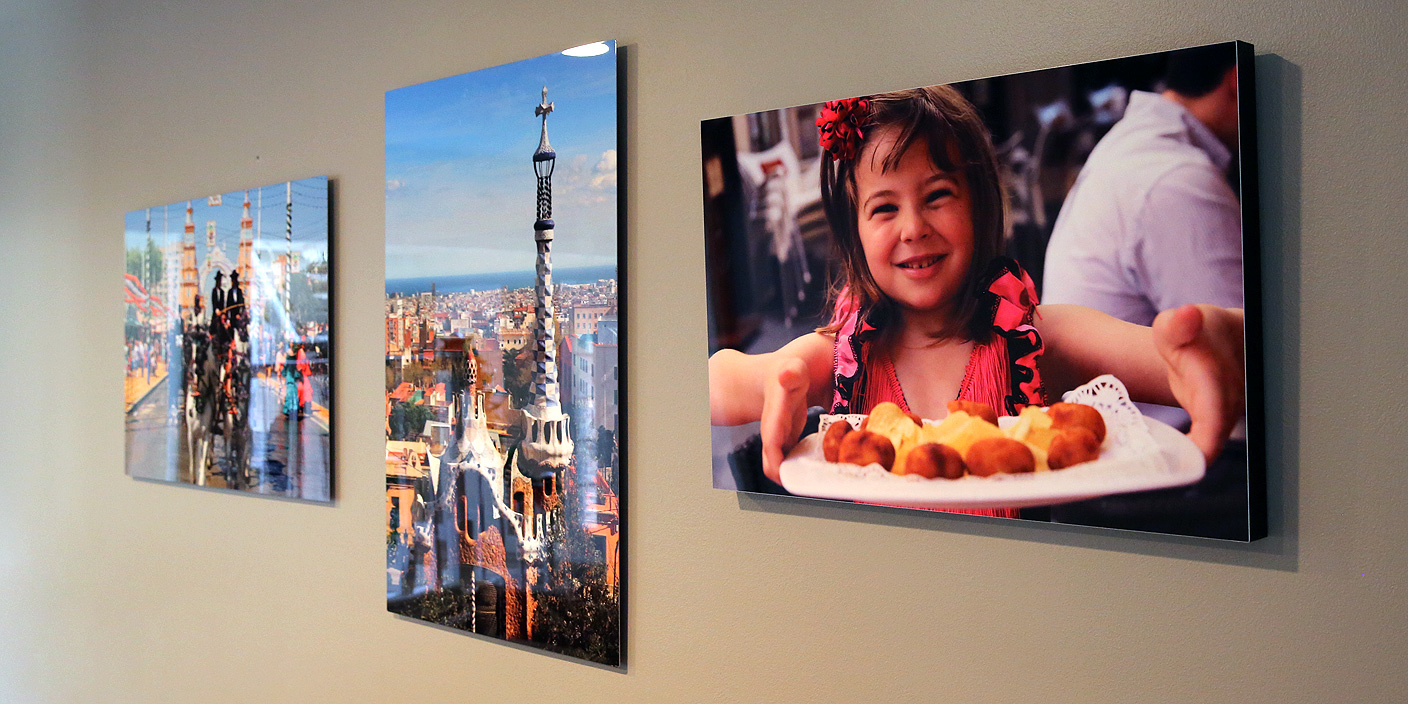
It’s possible to use Photos to create large paper prints, but there’s a lot of exciting large-format photo printing work being done now with other materials, including metal, glass, and canvas. Part 1 of this How-To guide looked at large-format metal prints, and Part 2 looked at canvas and glass prints, with tips on composing large-format images. This third and final part looks at several additional options: turning your photos into hand-painted art, printing on brushed silver aluminum, and large-format “behind acrylic glass” photo printing. Each is different from the prior prints we covered, and one is the most beautiful large photo-to-wall art process I’ve yet seen…