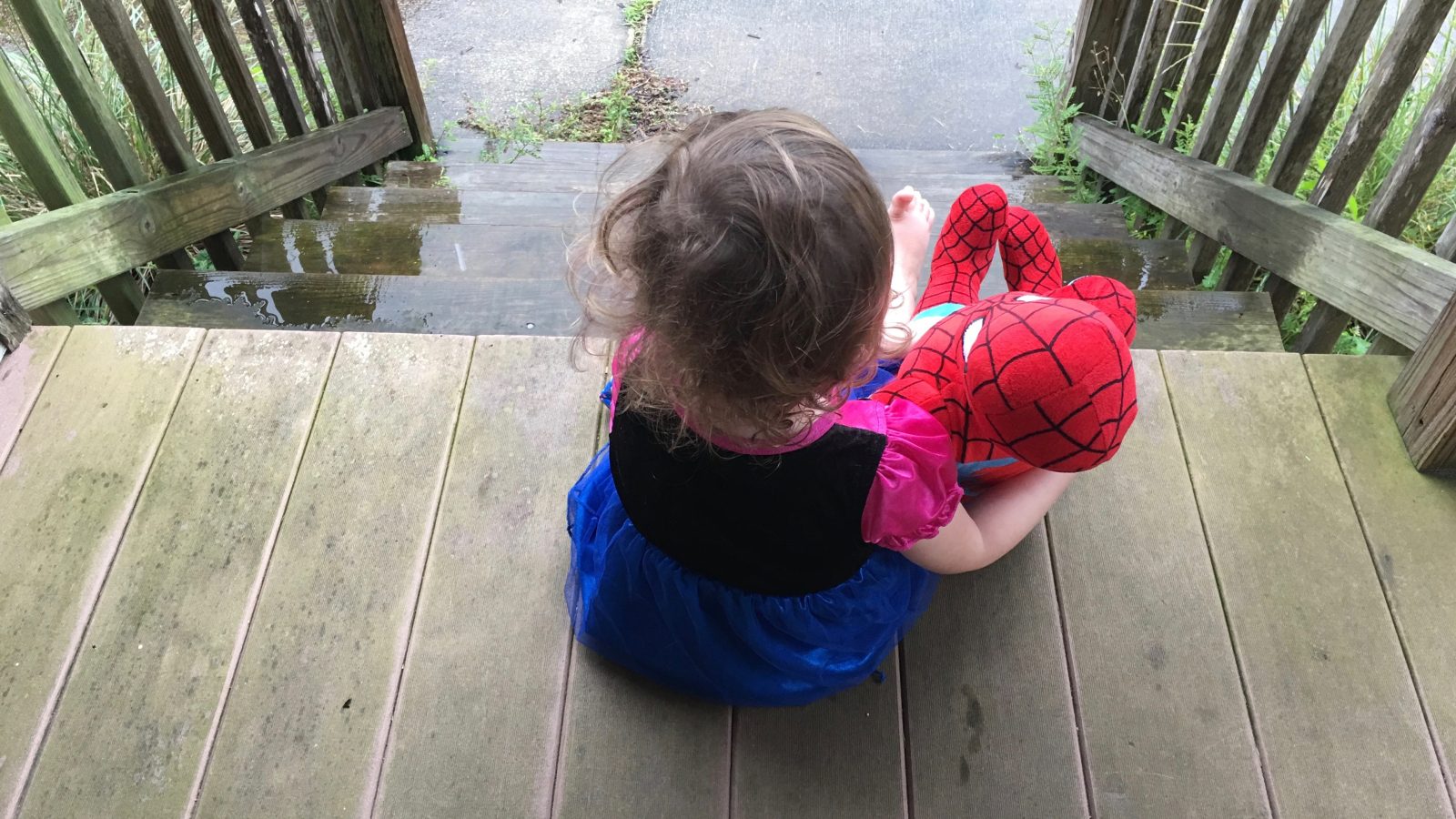
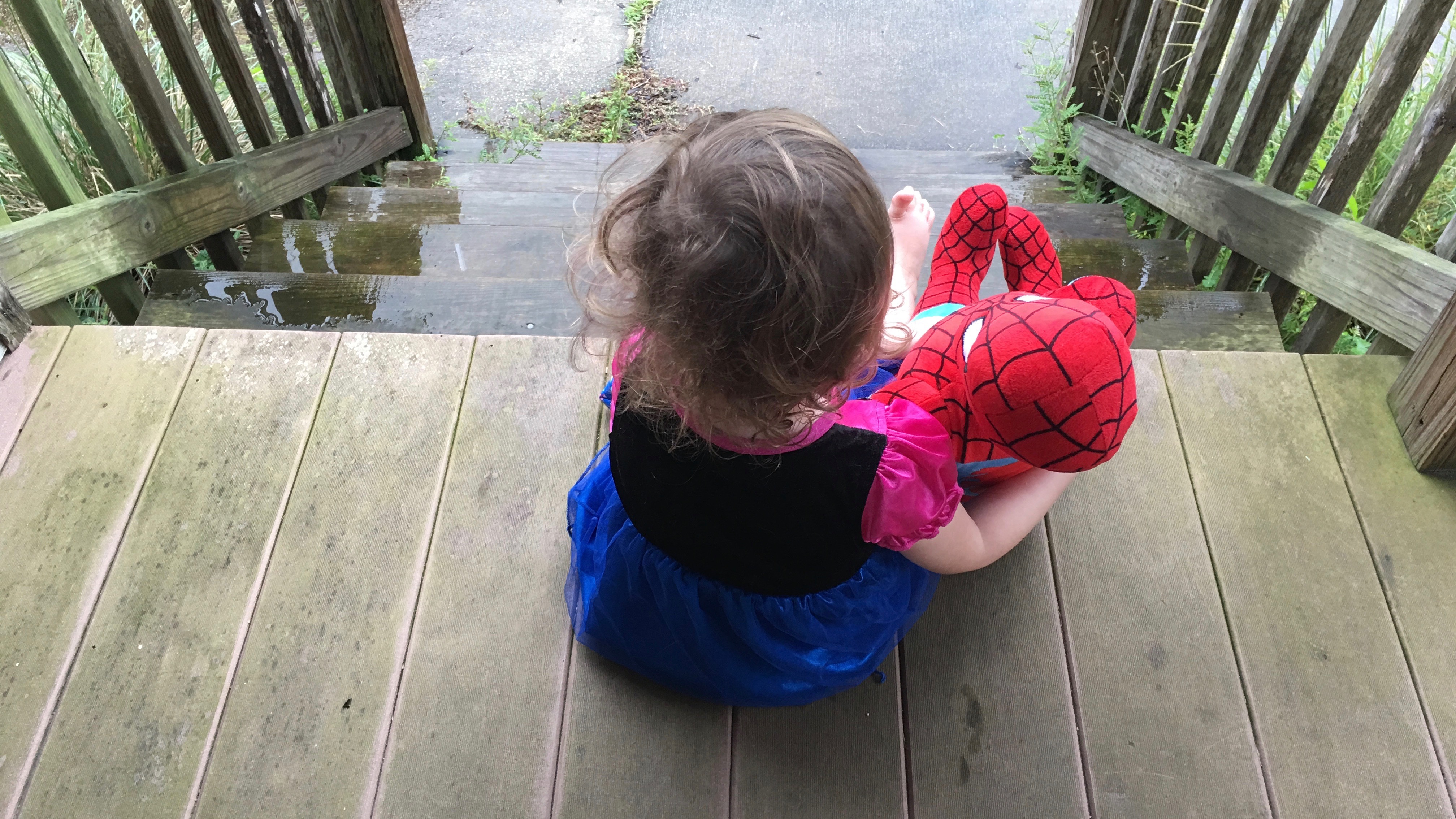
If you’re still waiting for your iPhone 7 or 7 Plus to arrive and want to get a sense of what the camera can do – or you have yours already and are looking for some inspiration – a Redditor has collated all of Apple’s sample photos and videos. You can view them on Imgur, or download them from Dropbox at maximum quality.
He used a simple but ingenious method to obtain them …
While companies like Apple shoot most of their own photography and/or create their own renders, most companies rely a great deal on so-called ‘stock photography’ – photos shot on spec by photographers in the hope of licensing them to companies later.
Selling stock photography can be extremely hard work. You have to upload and keyword them, and the percentage of photos that sell is very low even for top-notch photographers. But if you want to give it a shot, Adobe has just made the process really painless …
The iPhone can shoot 4K video, and now even the iPad can shoot 4K video. Yet, there are times when you need the flexibility and power provided by a standalone camera.
Standalone cameras have inherent advantages over smartphone cameras, despite the major strides made by iPhone photography over the last few years. Even with amazing third-party apps like FiLMiC Pro, which lets you adjust things like ISO and shutter speed, you’re still stuck with a constant aperture and fixed lens.
While smartphones have replaced point and shoot cameras for a vast amount of people, standalone cameras, especially ones with interchangeable lenses like the recently-released 24MP Sony a6300, still have their place. Expand Expanding Close
Adobe is out with an updated version of Lightroom for iPhone and iPad today which includes one highly requested feature. Starting with versions 2.2, Lightroom for iOS supports full resolution image output. This means quality is retained when editing and sharing photographs using Lightroom whether the image was shot on the device or imported from another device.
When Apple first made the move into larger-screen phones with the launch of the iPhone 6 and iPhone 6 Plus, there was only tiny difference between them in terms of features: the larger-screened model included optical image stabilization while the smaller one didn’t. This was likely driven simply by the practicality of fitting the technology into the larger device rather than any real intention to differentiate the two devices feature-wise.
But the rumors suggest that the iPhone 7 Plus may offer a dual-camera system, offering optical zoom, while the smaller iPhone 7 won’t. A fresh report today suggests that a number of camera lens makers have sent dual-lens samples to Apple for testing with the iPhone 7 Plus.
Assuming the optical image stabilization also remains exclusive to the Plus, the combination of the two features means that – for the first time – some of those who might have opted for the smaller model now have reason to consider the larger one instead. Could this suggested second step by Apple indicate that it intends to increasingly differentiate the two flagship iPhone models as time goes on … ?
We heard a report in November that Apple was testing an iPhone 7 model with dual rear cameras, and a patent application published today not only confirms that Apple is indeed exploring the idea, but reveals some extremely exciting possibilities with such a setup.
The most basic of these, noted by Patently Apple, is effectively optical zoom. By fitting two separate camera modules behind the lens, and creating a single lens with both standard and telephoto sections, you’d be able to switch between two different focal lengths. For the first time, you’d be able to take a zoomed-in photo without cropping away pixels to end up with a lower-resolution image.
But the possible applications described in the patent go way beyond this …
Apple has heavily touted the camera capabilities of the iPhone 6/iPhone 6s and iPhone 6 Plus/iPhone 6s Plus since the first introduction of the devices in 2014. The company ran a worldwide ad campaign called “Shot on iPhone” that showcased some of the beautiful photographs taken with iPhones. Now, the Chief Official White House Photographer has shared a collection of images that he took throughout 2015 with his iPhone.
Two weeks after quietly updating the Lightning to SD Card Camera Reader to USB 3.0 and adding iPhone support to the formerly iPad-only accessory, Apple is signaling that similar changes may be coming to its cousin, the Lightning to USB Camera Adapter. Notably, Apple has updated the USB Camera Adapter’s official page to add support for the iPhone 5, 5c, 5s, 6, 6 Plus, 6s, and 6s Plus, mirroring a change to the SD Card Camera Reader that was discovered alongside iOS 9.2. Though iPhone compatibility was added in iOS 9.2, Apple previously left the USB Camera Adapter’s page unchanged.
If you own an iPhone or Mac, you’re probably a photographer — either with your iPhone’s camera or a standalone camera you connect to your Mac. Just as iPhoto’s simple editing and storage tools helped Apple sell iMacs, photography has become a major marketing focus for iPhones, empowering people to capture increasingly beautiful images and videos with the one device they’re always carrying.
Over the past year, I’ve reviewed some of the very best hardware, software, and services available to Apple-loving photographers. And I’ve spent the last month adding new choices to the list. So just in time for the holidays, I’ve put together 9to5Mac’s Holiday Gift Guide with top photography picks, at price points ranging from $2.99 to $2,200. From basic accessories to smart photo backup solutions to amazing photo-to-wall art printing services, there’s something for everyone inside…
New for the holiday season, Apple is offering some bundles for the photographer and videographer. The iPhones have a great camera, as demonstrated by the Shot on iPhone 6 campaign and Apple is certainly looking to capitalize on these capabilities. With these bundles, they are making it easier for a hobbyist or a professional to get started with accessories.
Expanding its suite of outstanding photo editing apps, Macphun today announced Aurora HDR, a powerful but easy-to-use tool for creating High Dynamic Range images. Co-developed by leading HDR photographer Trey Ratcliff, Aurora HDR automatically combines several exposures of the same image, bringing out bright colors and shadow detail that are lost by a single exposure.
Unlike typical HDR compositing, which yields a finished image that’s hard to meaningfully edit, Aurora HDR includes nearly 40 one-click presets to change the look of the image, including Signature Pro presets developed by Ratcliff. The app can be used in standalone or plug-in modes, and incorporates a large collection of detail, noise, and intensity adjustment tools borrowed from Macphun’s Creative Kit 2016 (reviewed here), notably including selective adjustment brushes.
Today we’re getting into the ultimate camera battle between Samsung’s Galaxy Note 5 and Apple’s iPhone 6s Plus. These are without a doubt packing the best camera sensors in mobile right now, but which one will take the throne as 2015’s best smartphone camera? We’ll be taking a look at pictures and video from both devices to find out…
Great photographers are made, not born, and even the best photographers have plenty of unimpressive shots in their collections. But in the age of digital photography, it’s possible to create a great photograph without being a great photographer. You can even accomplish this days after snapping your photo, so long as you have the right post-processing software and a little time to play around.
Macphun’s Creative Kit 2016 ($150) provides photographers of all skill levels with six different tools that make bland or imperfect photos look great. This year’s Creative Kit includes the Pro versions of Macphun’s Focus, FX Photo Studio, Intensify, Noiseless, Snapheal, and Tonality, each renamed “CK” and expanded with extra features. All six of the apps are designed to be super easy to use, yielding great results even without diving into the manual controls, though there are rewards for tweaking their settings. Better yet, the standalone apps now work as plug-ins for OS X Photos, Aperture, Photoshop, and Lightroom, and can easily be used in combination with one another for even more powerful editing…
When Apple ceased development of Aperture, a lot of serious photographers were very unhappy about Apple’s attempt to palm them off with Photos instead. Many headed instead to Lightroom, the photo cataloging and editing app Adobe created from the ground up specifically for photographers.
If you’re new to Lightroom, our review covers the process of converting from Aperture – everything from importing your existing photo libraries to where to find equivalent features. This piece is about getting the most out of Lightroom – especially when it comes to speeding up your workflow – via some recommended tweaks and tips.
Fresh from showing how an iPhone 6s and a few cheap accessories can enable you to do a great photoshoot, Fstoppers’ Lee Morris has now put the iPhone 6s video capabilities up against a semi-pro Nikon D750 DSLR. The results are actually quite shocking, the iPhone 6s delivering much sharper results, as seen in the 200% zoom above and video below.
Macphun, maker of elegantly powerful photo editing tools including Tonality, Noiseless, and FX Photo Studio, has announced the impending release of Creative Kit 2016 — a bundle of 6 of the company’s Pro apps for a discounted price of $150. Creative Kit 2016 includes:
Noiseless CK (reviewed here) and Tonality CK (reviewed here), separately capable of eliminating various types of noise from images, and converting color images into beautiful black and white versions — both highly impressive, as our reviews discuss;
FX Photo Studio CK, a filter, frame, and brush-based photo editing tool that lets you convert simple photos into pieces of art; and
Snapheal CK, Focus CK, and Intensify CK, apps to erase unwanted items from photos, add lens effects such as blurs, or enhance subtle details in your images, respectively…
Linked to this still iPhone 6s Plus photo are both motion and audio that further capture the moment
Live Photos aren’t perfect. The video shot in a Live Photo is a mediocre 12 frames per second, compared to the 30fps iPhones generally capture. Low-light photos are noticeably less vibrant when Live Photos are enabled. Shoot a Live Photo in the wrong orientation then rotate it, and you’ll revert back to a standard photo. Sharing Live Photos is fairly fragmented by Apple standards, even on Macs running the latest versions of OS X El Capitan. And it’s not easy to frame the perfect Live Photo; great ones tend to happen by chance, not technique.
But despite obvious day one omissions in the Live Photo experience, I’m honestly quite surprised at just how much I appreciate the new iPhone 6s/6s Plus feature. Using my iPhone 6s Plus for a full week now, my take on Live Photos has evolved from “curious but confused” to “I get it but when should I use it?” to wishing I had Live Photos years ago. Read on for how I believe Apple can improve the Live Photos experience and how the new iPhone 6s feature has changed my approach to shooting photos and videos…
Update, Sept. 19: Vogue originally posted the wrong photos. They’ve now been updated with the correct images shot on iPhone 6s Plus.
Apple’s new iPhone 6s and 6s Plus won’t officially arrive for customers until September 25th, but Apple is giving the upgraded camera on the devices a real world test drive at New York Fashion Week. It appears Apple handed over a few of the unreleased phones to Vogue and they enlisted photographer Kevin Lu to shoot the show entirely with the new iPhone. Expand Expanding Close
Apple has called the iPhone “the world’s most popular camera,” a title originally earned by aggregating all iPhones together for counting purposes. But while the exact sales numbers for each iPhone model are difficult to quantify, there’s no question that Apple has already sold over 750 million iPhones, and well over 100 million iPhone 6 devices. Those are huge numbers, and well beyond the typical sales of individual point-and-shoot cameras.
Few people appreciate that growing iPhone demand has created an unusual challenge for Apple: reliably sourcing the tens of millions of parts needed to meet first month demand for tens of millions of iPhones. To that end, Apple’s camera maker Sony had to upgrade its manufacturing plants twice this year to produce more of the CMOS image sensors needed for smartphones including the iPhone. Even with a partner as large as Sony, however, iPhone-specific engineering requirements and the risk inherent in brand new technologies have led Apple to hold off on using the latest and greatest camera innovations in its devices. Instead, iPhones go with thin, lower-resolution sensors that offer great overall image quality for their size, and never eclipse rivals on raw specs.
So what can we realistically expect from the iPhone 6S and 6S Plus cameras next month? Here are my educated guesses…
Ahead of its annual Max conference in October, Adobe is talking up its new photo retouching app dubbed Project Rigel that is expected to debut at the event this fall. As we learned in late May, Project Rigel is a new Adobe mobile app in development set to replace and improve the image retouching tools previously available in the discontinued Photoshop Touch iOS app. Expand Expanding Close
We shared yesterday that Apple’s newly released fifth developer beta version of iOS 9 adds a new collection of colorful, Retina showcasing default wallpapers for the iPhone. Settling on a new wallpaper, or in this case a whole set of gorgeous imagery, usually mean development on the operating system itself is wrapping up ahead of a public release sometime the following month.
For non-developers and iPhone users not risking stability on their daily driver in favor of new eye candy and features, though, the several week waiting period for iOS 9 to be finalized and released ahead of the new iPhone 6S can make waiting to try those new wallpapers frustrating. To remedy that, we’ve shared downloadable versions of each new wallpaper below so you can sport the iOS 9 look on your iPhone without the occasional bugs that accompany beta versions of iOS: Expand Expanding Close
As Apple’s Shot on iPhone ad campaign illustrates, the iPhone is a capable camera in the right hands. Many people find that it’s the only camera they ever need.
But if you’ve ever wished it could do just a little more without carrying around too much extra bulk, the Manfrotto KLYP+ kit may be worth a look. It’s an iPhone case (available for a range of models) that comes with two screw-on lenses and a combination light and tripod mount. The whole kit comes in at $125 … Expand Expanding Close
We mentioned earlier this year at CES that Olloclip had a redesigned version of its lens accessory-compatible protective case in the works for both the iPhone 6 and iPhone 6 Plus, and today the company officially unveiled its all-new Ollocase. The Ollocase carries an affordable price tag with pre-orders kicking off today and comes in two matte color options. Read on for all the details… Expand Expanding Close