HomeKit

See All Stories

HomeKit is Apple's home automation framework that lets you control connected accessories from your iPhone, iPad, Apple Watch, HomePod, and Siri.
Your home at your command.

What is HomeKit / Apple Home?

Along with several other new APIs for developers, Apple announced HomeKit in June 2014, which allows all home automation accessories/devices to work together in harmony with iOS. The API allows home automation developers to centralize all home automation without needing separate apps to access each device’s specific features. These devices include locks, lights, cameras, doors, thermostats, plugs, switches, and more.

HomeKit allows for secure pairing with devices and the ability to control individual devices. It also makes it possible to group several home automation devices into scenes that allow for easier control of any automation device in specific situations. One of the coolest features available with HomeKit is the ability to control any home automation accessory with Siri based on certain commands or scenes previously configured with these devices.

In 2016, Apple introduced a new Home app that came with a modern look, relatively easy-to-use controls, and access to accessories and scenes from anywhere on iOS 10. Apple’s new built-in Home app arrived on the iPhone’s Home screen, plus you can access a ton of functions from the Lock screen or anywhere on iOS from the new Control Center once you have a HomeKit accessory set up.

In 2018, Apple released the HomePod. It was a way to interact with your connected home devices through Siri using a standalone device.

In 2020, Apple announced that tvOS 14 would gain access to the Home app. iOS 14 is also bringing improvement to the Home app UI.

HomeKit Secure Video
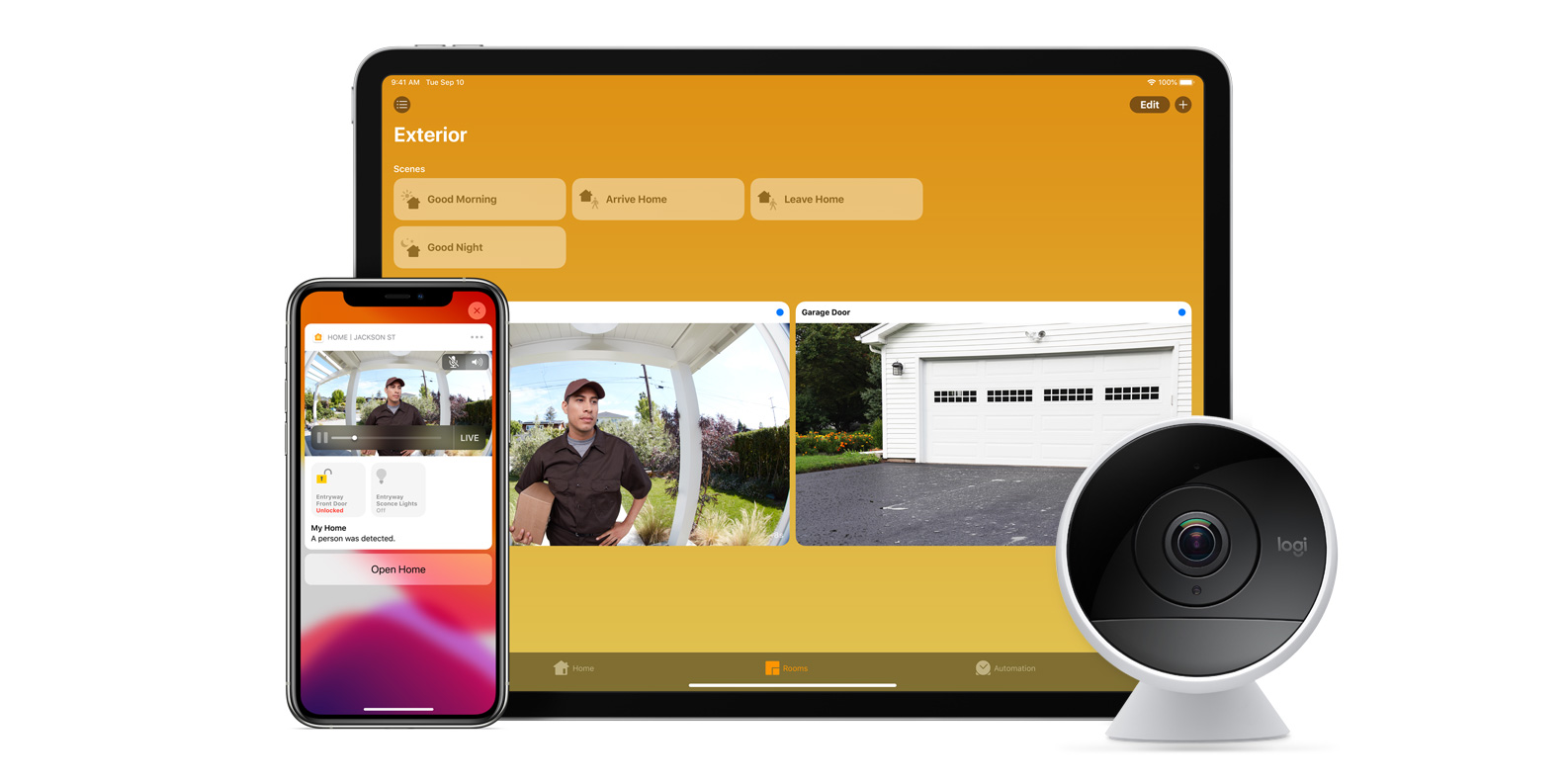
With iOS 13, Apple announced HomeKit Secure Video.

Footage from home security cameras contains your most personal and sensitive data. With HomeKit Secure Video, activity detected by supported cameras is privately analyzed by your home hub using on‑device intelligence to determine if people, pets, or cars are present. When important activity is detected, you and anyone you share your Home app with will receive a rich notification that lets you view the clip right from the Lock Screen. Recorded video is available to view for ten days from the Home app. It’s securely stored for free in supported iCloud accounts and doesn’t count against your storage limit.

While the rollout has been slow, Logitech, Arlo, Netatmo, and Eufy are among the early standouts. With recent privacy issues with Ring, HomeKit Secure Video is likely to continue to grow in popularity. One key benefit with Secure Video is that it works with your existing iCloud storage (200GB and up plan), so you don’t have an extra monthly fee for storage.

HomeKit Router
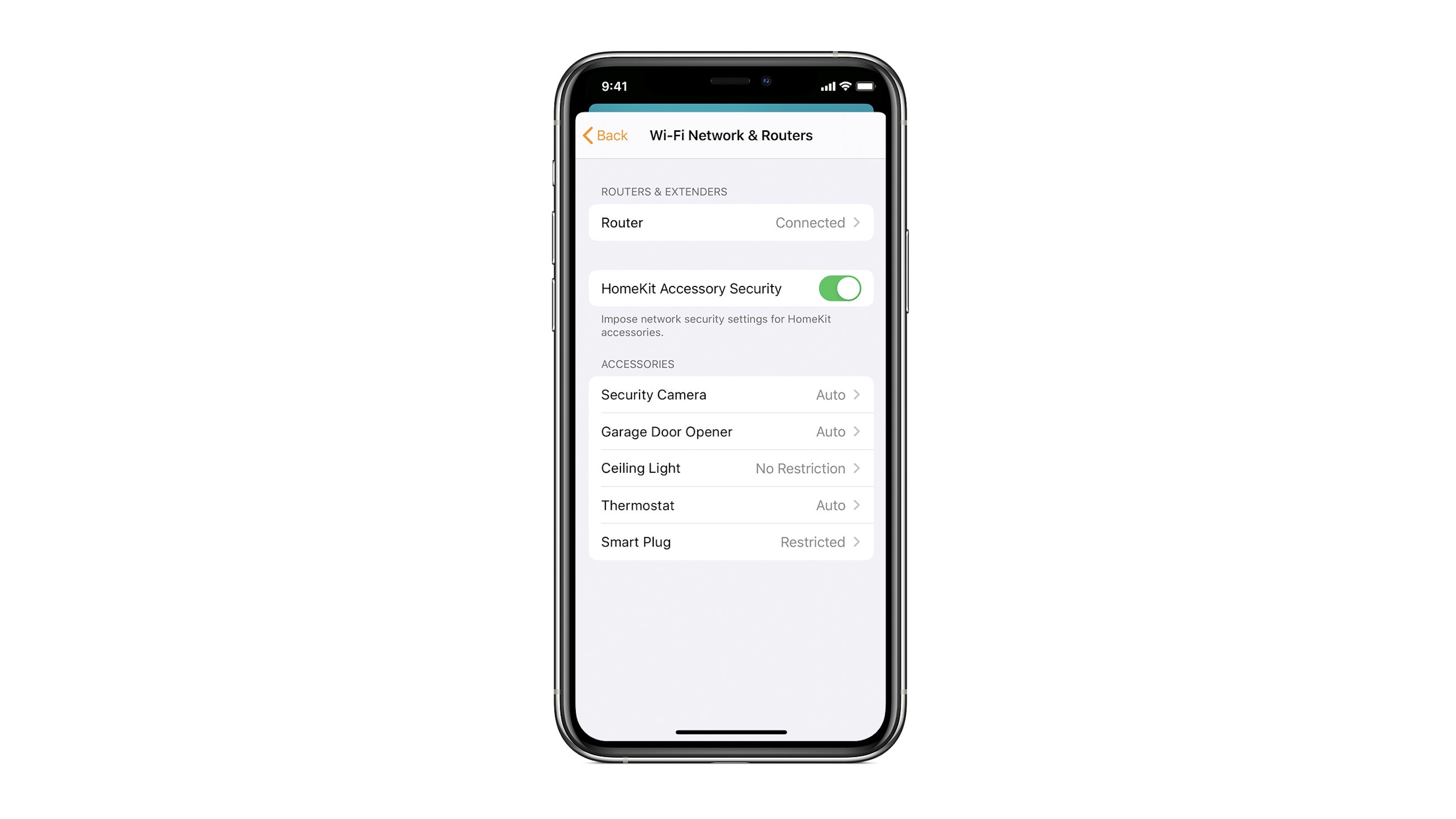
HomeKit Router was also announced with iOS 13, but it wasn’t released until early 2020. The idea behind the feature is you can give granular control to smart home enabled devices to control where on the internet they can reach.

eero was the first company to roll out support in for HomeKit Router.

With Apple HomeKit, eero gives you even more protection of your HomeKit accessories and an easy way to manage what they are allowed to communicate with in your home and through the internet.

There are three levels of security Apple offers for accessories paired with HomeKit routers:

  • Restrict to Home: Most secure. Your accessory can interact only with HomeKit through your Apple devices. The accessory won’t connect to the Internet or any local devices, so any third-party services, like firmware updates, might be blocked.
  • Automatic: Default security. Your accessory can communicate with HomeKit and connections recommended by its manufacturer.
  • No Restriction: Least secure. This setting bypasses the secure router and allows your accessory to interact with any device in your network or Internet-based service.

How Do You Use HomeKit?
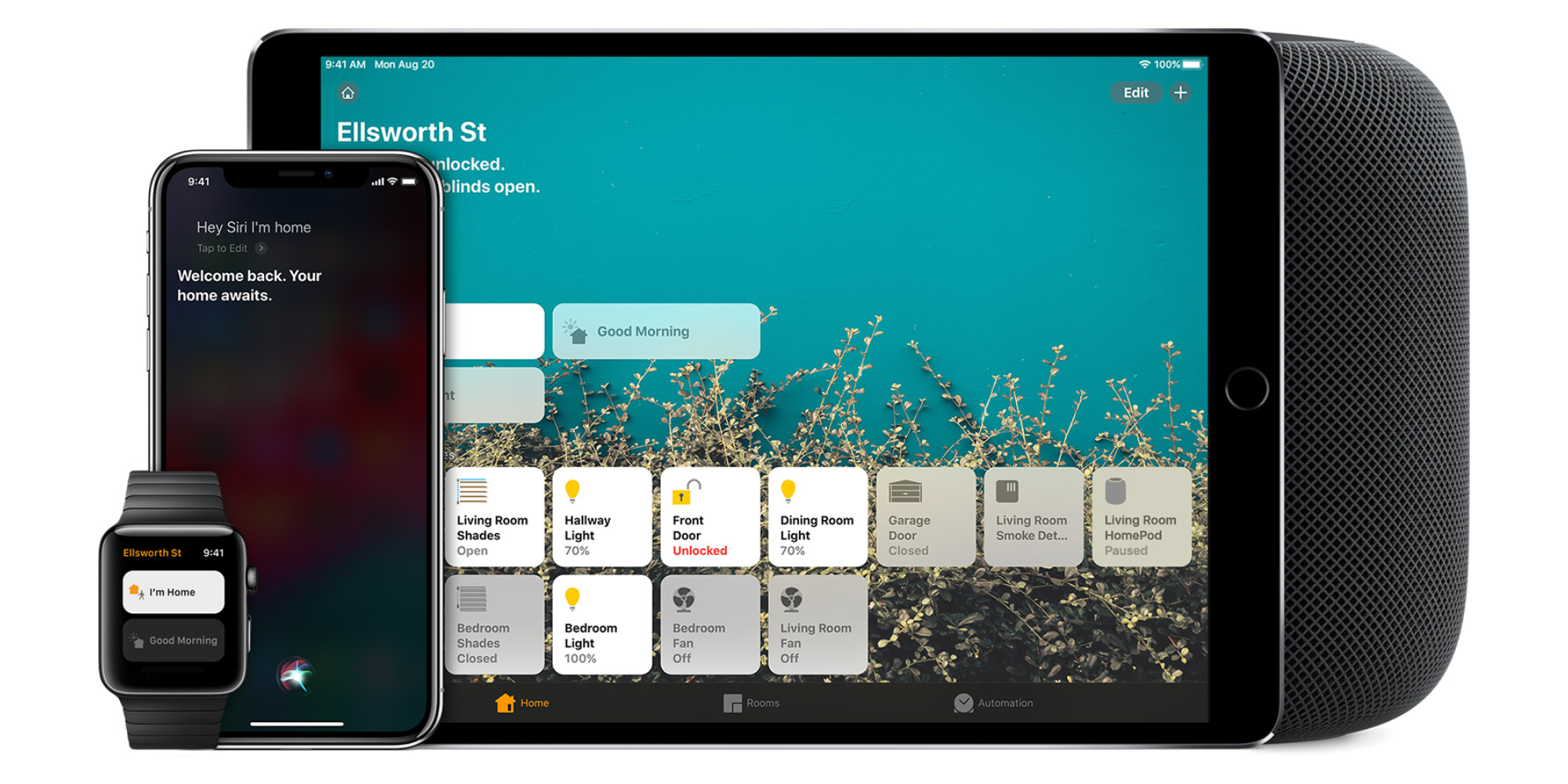
Homekit app

HomeKit devices can be controlled from iPad, iPhone, Mac, Apple Watch, and HomePod. A 4th generation Apple TV (or newer) is an essential Apple smart home device as it acts as a bridge over iCloud to allow access to your devices when away from home.

9to5Mac’s Bradley Chambers does a regular column about the “Apple Home” lifestyle in his HomeKit Weekly column.

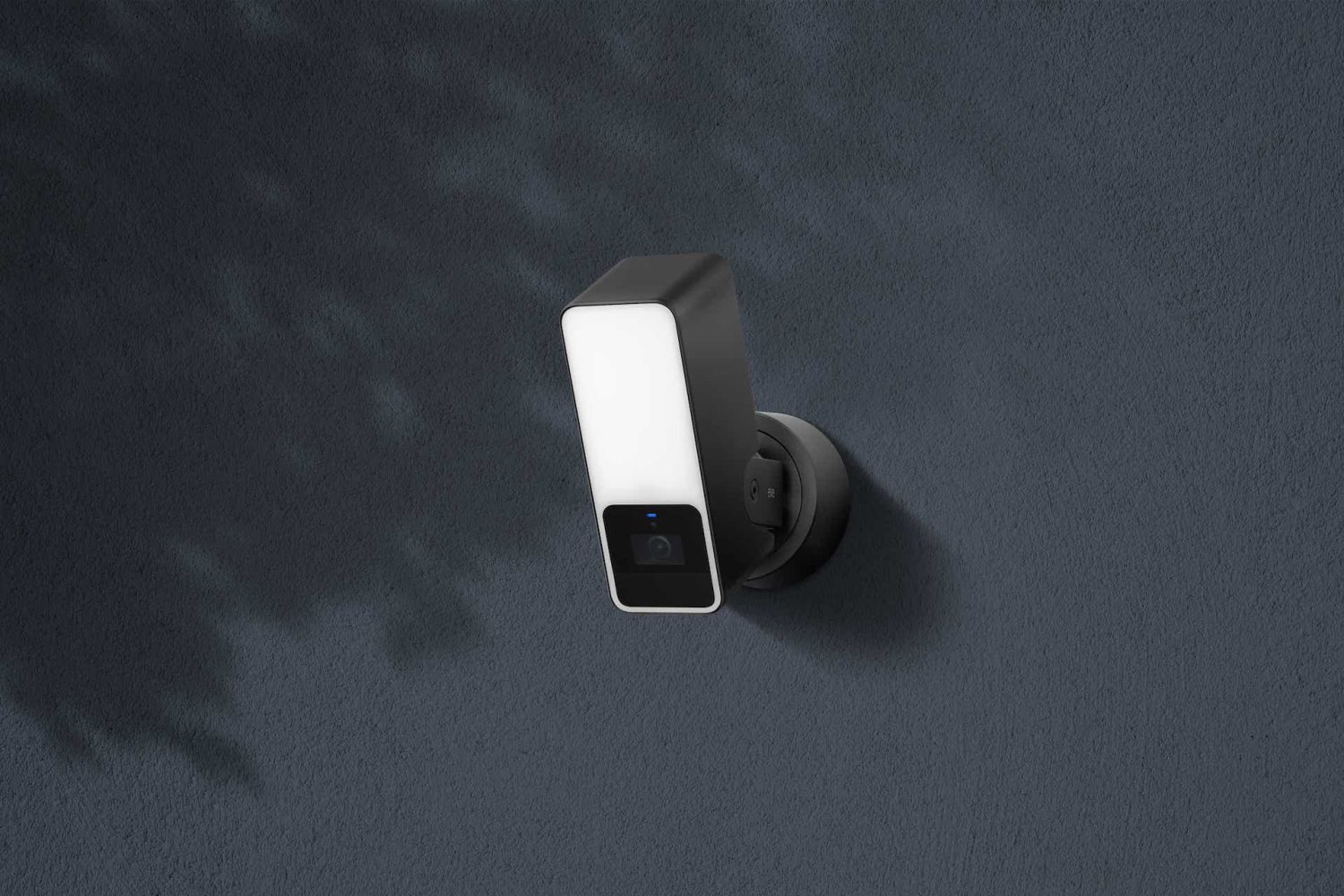
Eve Outdoor Cam brings HomeKit Secure Video to outdoor floodlights for the first time

Eve Outdoor Cam night time

Eve’s HomeKit products have been some of my favorites for many years. Between products like the Eve Water Guard and the popular Thread enabled Eve Energy, its commitment to HomeKit has made it a fan favorite for people building a smart home around HomeKit. Today, Eve brings the Eve Outdoor Cam to the market with the first-ever floodlight with HomeKit Secure Video support.

Expand Expanding Close

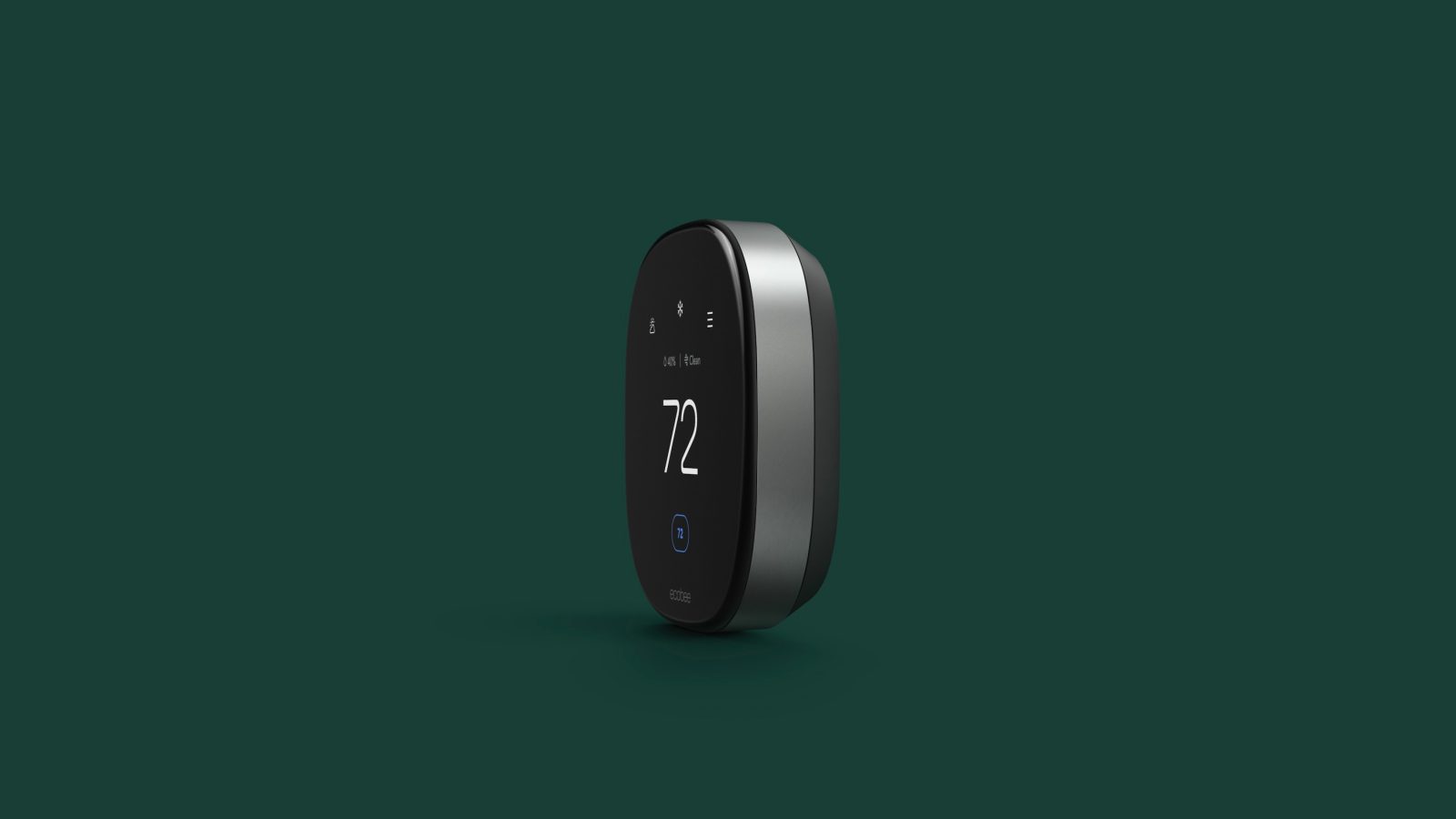
Hands-on: Ecobee unveils Smart Thermostat lineup with air quality monitoring, premium design, more

Popular smart home accessory maker Ecobee has officially taken the wraps off of two new smart thermostats joining its lineup today. The new Smart Thermostat Premium and Smart Thermostat Enhanced offer larger 4-inch displays, a completely redesigned interface, HomeKit integration, and more.

Head below for the full details on Ecobee’s new smart thermostat lineup, with some hands-on experience and notes as well..

Expand Expanding Close

HomeKit Weekly: Having remote access to unlock your door and disable your security system is a smart home superpower

Abode Iota HomeKit security system review

It’s getting close to summer and summer traveling here in the U.S., and I was recently reminded how beneficial remote access to your smart home accessories could be. So this week, I want to explain how to get access to your devices when away from home and the potential use cases.

HomeKit Weekly is a series focused on smart home accessories, automation tips and tricks, and everything to do with Apple’s smart home framework.

Expand Expanding Close

HomeKit Weekly: Tired of waiting for Ring to support HomeKit? Here’s how to integrate for free using Homebridge

Ring promised HomeKit support many years ago but hasn’t come through with that promise. At this point, it looks less and less likely that it’ll ever happen. If you’re firmly in the Ring ecosystem, but want to enjoy some of the benefits of HomeKit. All you’ll need to add is a computer running Homebridge, and you can integrate Ring into HomeKit for free. My favorite way to use Homebridge is HOOBS. Let’s dive into how to add Ring devices to HomeKit.

Expand Expanding Close

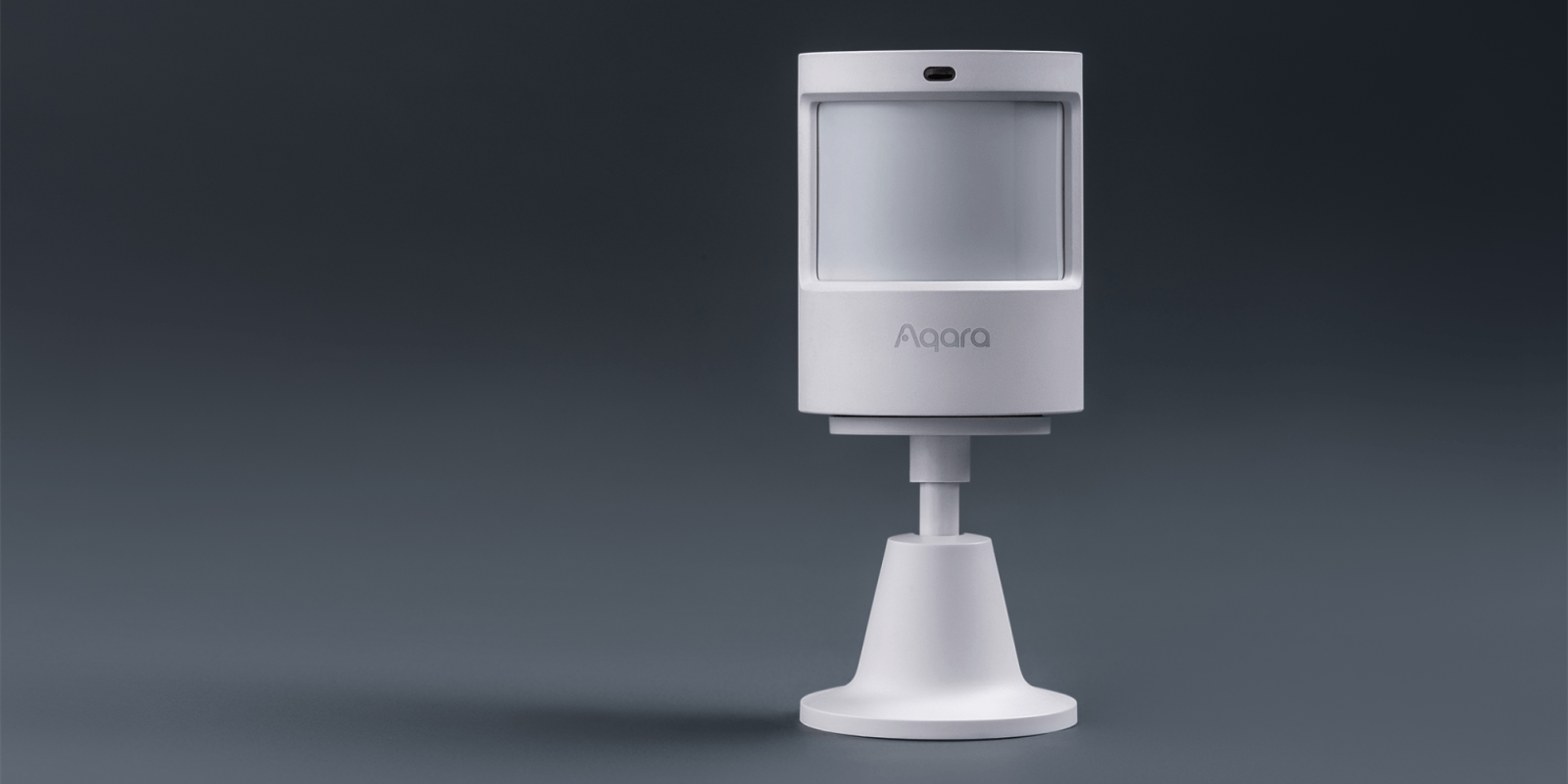
HomeKit Weekly: New Aqara motion sensor extends battery life to five years and adds new sensitivity levels

Aqara products have been an integral part of my HomeKit setup for nearly two years. With a competitive entry price and a range of accessories that are compatible with HomeKit, it’s the ideal way to start your smart home journey without breaking the beak. A new Aqara motion sensor is now available, and I’ve had the opportunity to spend a few weeks testing it in my home.

Expand Expanding Close

Unify your smart home with HOOBS – bring unsupported devices into Apple’s HomeKit [Video]

Homebridge

HomeKit’s ecosystem is fantastic, but the directly compatible devices can get expensive – especially if you already have incompatible devices at home that you need to replace. $25 for a smart plug, $40 for a door sensor – it really adds up quickly. There are plenty of other smart home devices available on Amazon, from $6 smart plugs to $25 cameras, outside the HomeKit ecosystem. Thankfully, many of these otherwise unsupported devices can be brought into HomeKit with the use of Homebridge software.

Expand Expanding Close

Hands-on: Matte black skin covers let you transform Nanoleaf Lines HomeKit modular lights

Nanoleaf Lines matte black skins

Last fall Nanoleaf launched its latest HomeKit smart lights, the modular Lines. They feature an all-new form factor that makes it easy to create a custom aesthetic for your home, office, or any other space. Now the company has released slick matte black skin covers (matte pink too) to easily transform the white exterior of the lights.

Expand Expanding Close

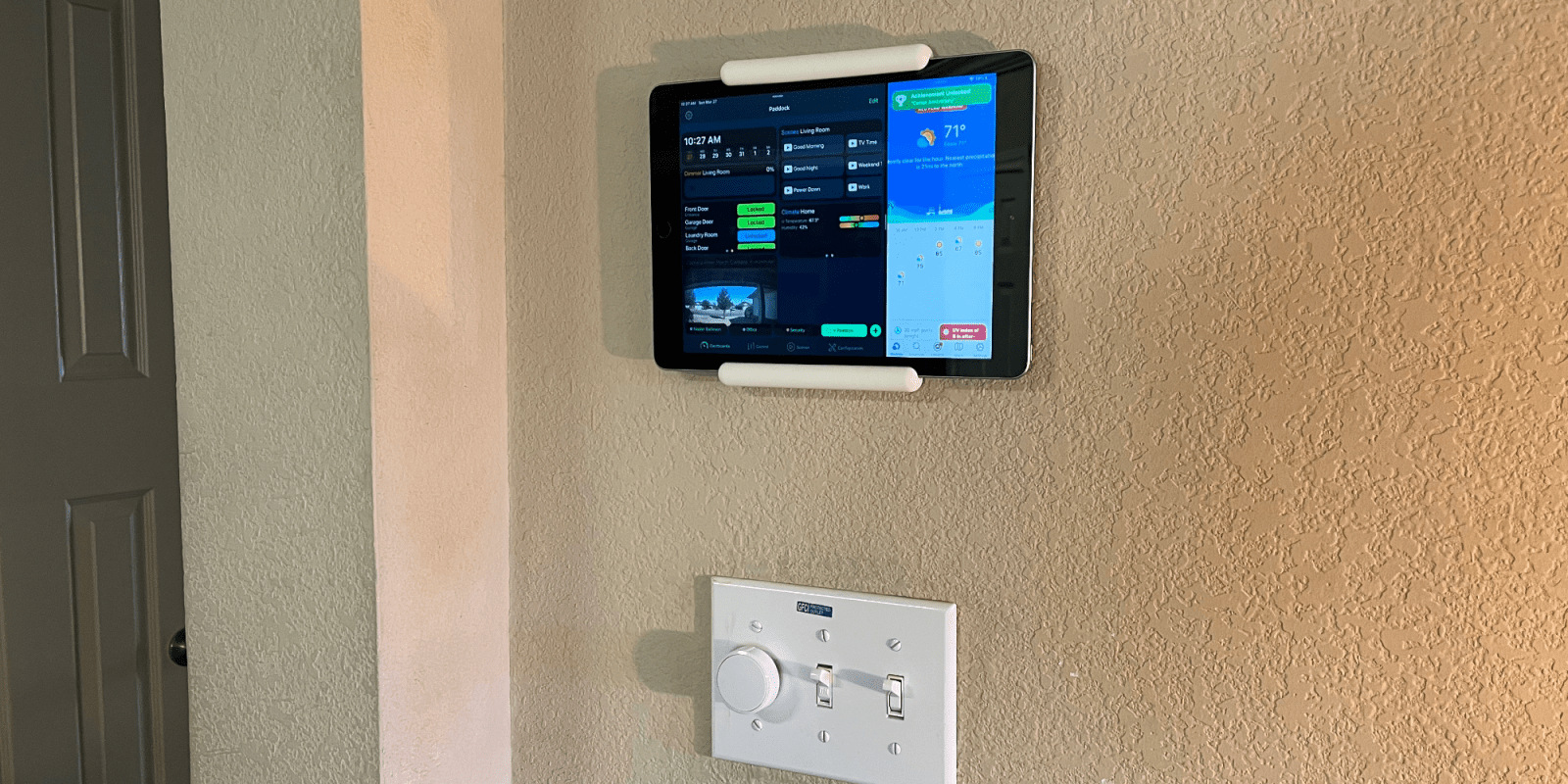
HomeKit Weekly: Have an old iPad lying around? Add a $20 wall mount and turn it into a HomeKit controller

Making it easier to work to control my HomeKit accessories is something I am always thinking about. As easy as using the Home app on my iPhone is or turning items off and on with Siri, sometimes you want to make it even easier – especially for guests and non-smart home fans. You could certainly use the Brilliant panel, but what if you want something a bit easier to install? For example, have you considered an old iPad mounted on the wall? Read on to see how easier it is to configure so it can only work in the Home app.

Expand Expanding Close

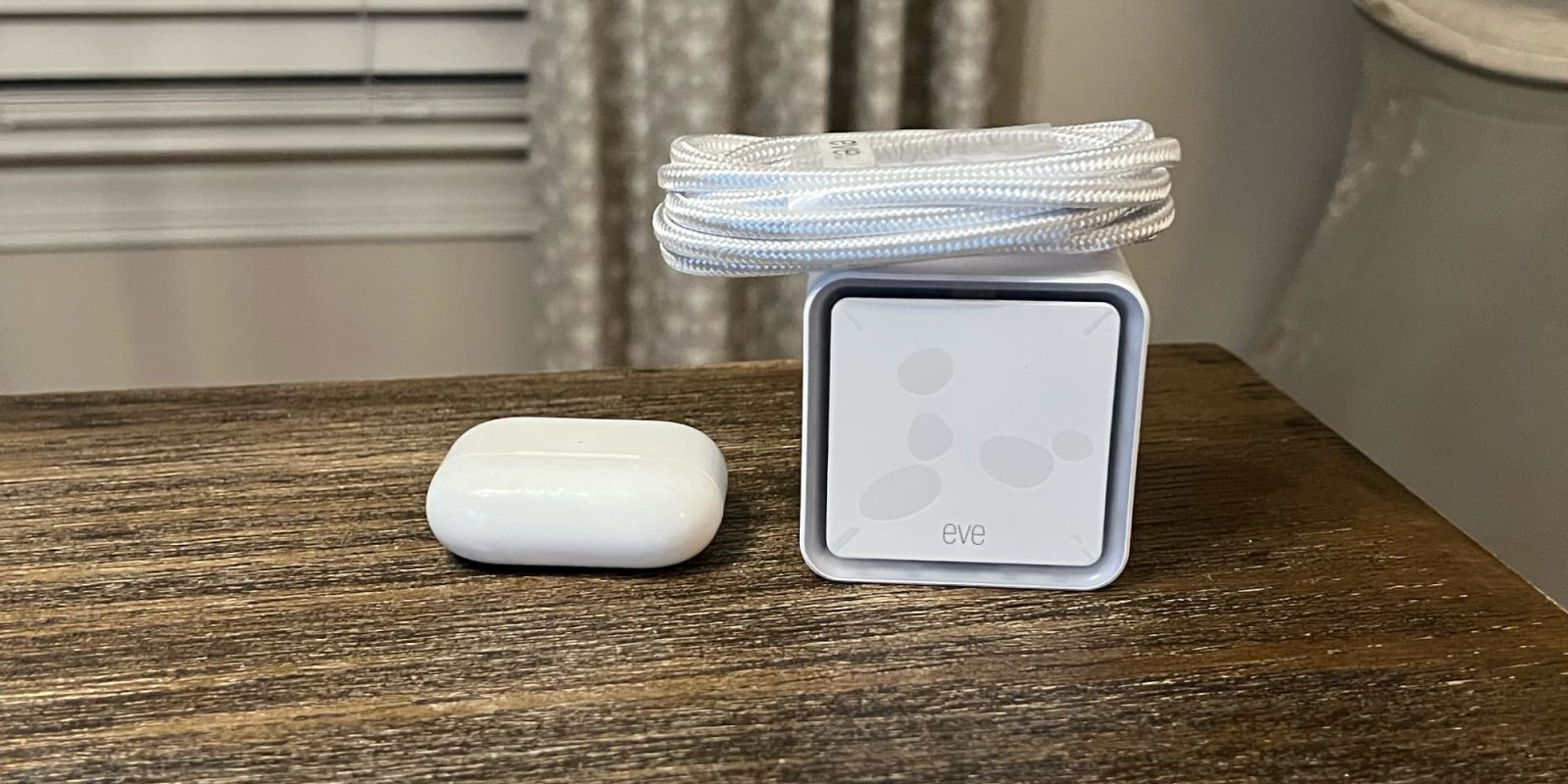
HomeKit Weekly: An upgraded Eve Water Guard adds Thread support while protecting your home from costly water damage

If you told me that you were going to buy one type of HomeKit product, I would recommend one that detects water leaks. Water damage in a home can cause tens of thousands of dollars in damage. One of my favorite products is the Eve Water Guard, and the new version that adds Thread support is now an even better value. So let’s dive in on how to set it up to protect one of your most significant investments best.

Expand Expanding Close

HomeKit Weekly: Why motion sensors are a key part of automating your entire house

Eve Motion Sensor

Tying together accessories across manufacturers is a key reason I love building around a smart home platform vs. picking manufacturers. One of the most underrated accessory types for HomeKit is motion sensors, and this week for HomeKit Weekly, I want to dive into it to look at the best options and how to make the best use of them.

Expand Expanding Close

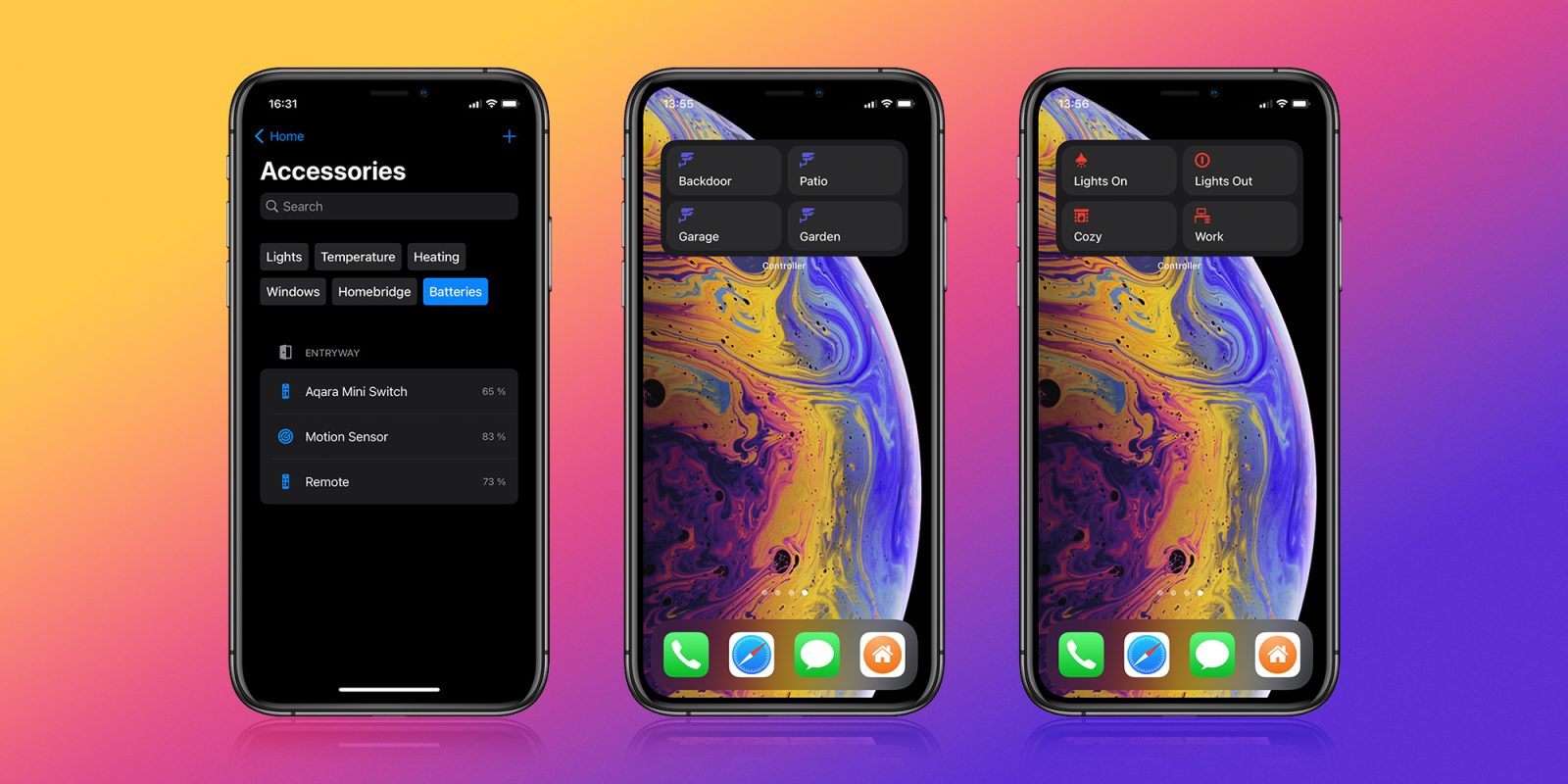
Controller for HomeKit adds support for widgets, NFC Tags, and enhances smart folder support

Controller for HomeKit is a must-have application for HomeKit enthusiasts. Even if many of the features don’t interest you, I find it essential for one simple reason: It allows you to back up and restore your entire HomeKit setup. With version 5.12, the app adds HomeKit widgets and support for NFC tags, enhances smart folder support, and improves overall macOS performance. Read on to learn more.

Expand Expanding Close

Smart Home Diary: HomeKit decisions need to be made as construction kicks off

Last year, I wrote an edition of HomeKit Weekly that talked about building a new house and the smart home decisions that would go into that process. We’ve now broken ground, so I felt like it was time to update readers on what products I am leaning towards as I build out a new home and smart home from the ground up.

Expand Expanding Close

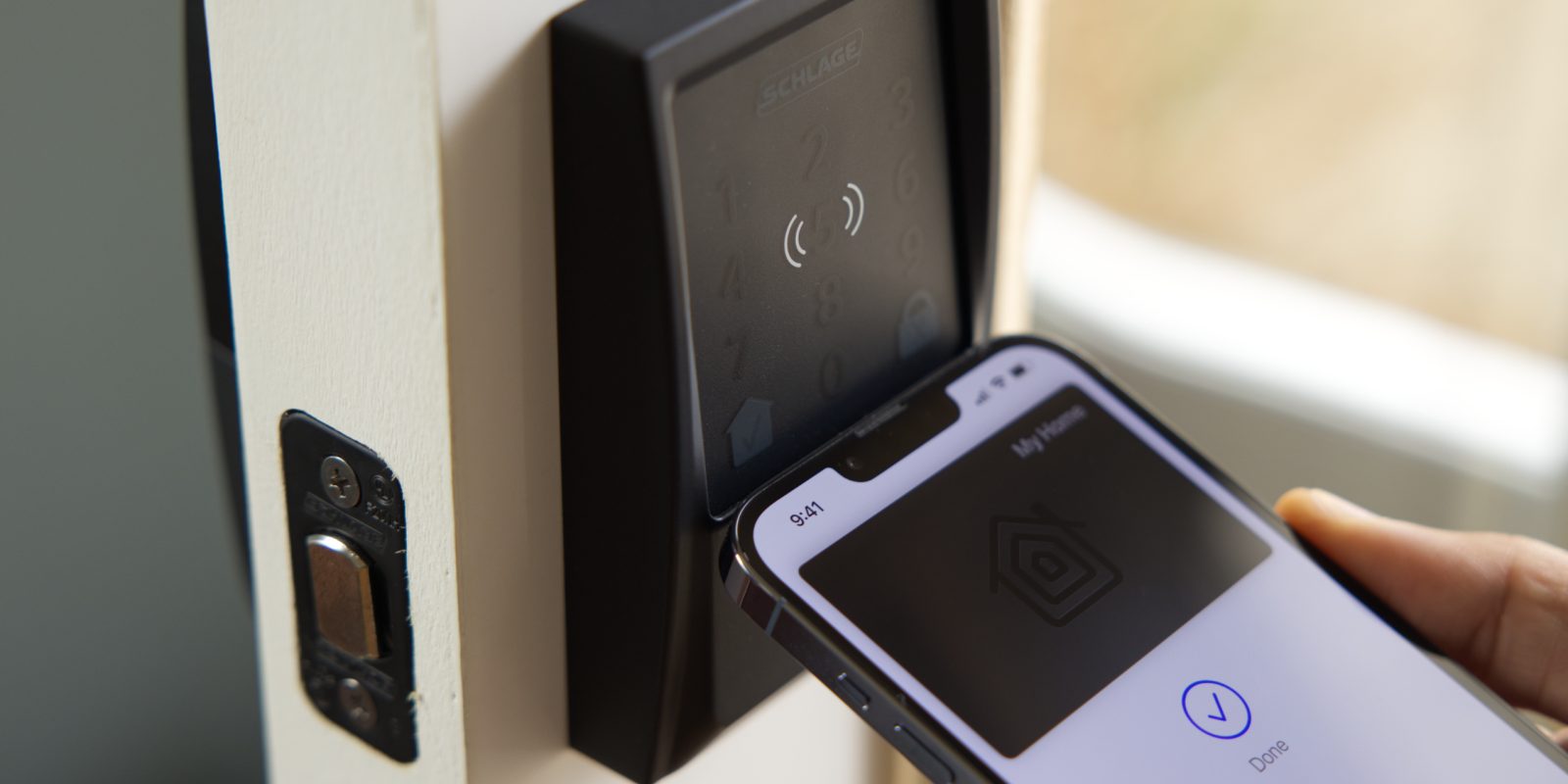
Review: Schlage Encode Plus – the first smart lock with Apple home key support [Video]

As first announced at WWDC 2021, iOS 15 evolves Apple Wallet to store keys for hotels, homes, and even cars. The Schlage Encode Plus is the first such consumer lock solution to take advantage of the NFC-powered Apple home key support. Schlage’s smart lock is finally widely available at Home Depot in its modern Century style in matte black and satin nickel.

As you’ll see in my hands-on video, home key is a great way to access your home with your iPhone or Apple Watch via just a tap. Let’s take a closer look at what the Schlage Encode Plus and Apple’s home key technology have to offer!

Expand Expanding Close

Apple-backed smart home standard Matter has been delayed yet again

Apple-backed smart home standard Matter has been delayed yet again

The launch of the universal smart home standard Matter has been delayed yet again. This is the third delay since the standard – backed by Apple, Google, Samsung, Amazon, and others – was originally set to debut back in 2020.

The standards organization behind Matter claims that this latest delay is caused by the unexpected popularity of the protocol …

Expand Expanding Close

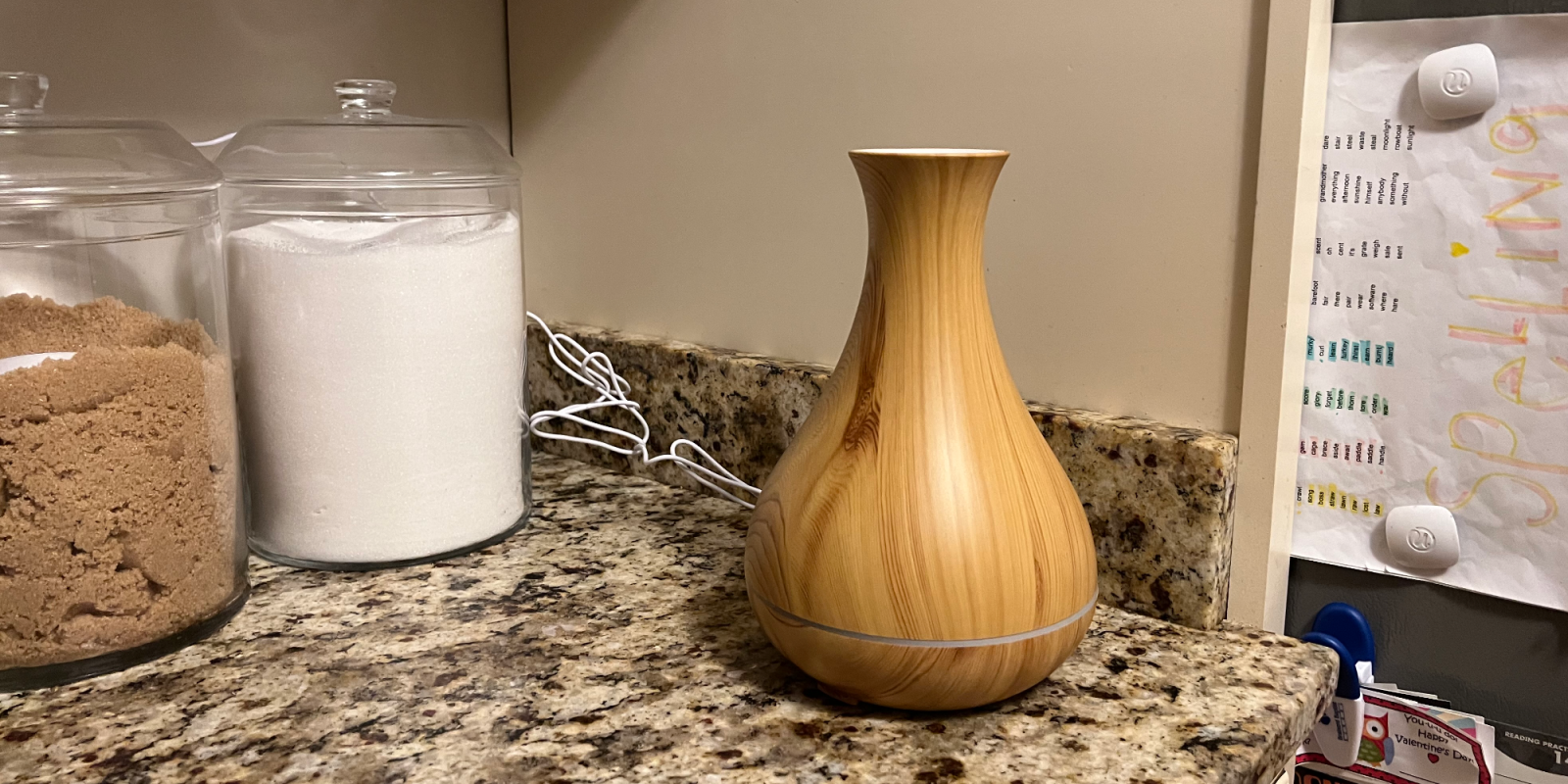
HomeKit Weekly: Regardless of your feelings on essential oils, Meross’ new oil diffuser is beneficial for dry winter months

Meross oil diffuser

When it comes to oil diffusers, some people think they’ll solve the world’s problems and others believe they are humidifiers that smell nice. I fall in the latter category, but we still have multiple products around our house. We’ve tried several HomeKit options in the past, and while they technically worked well the overall appearance of them left a bit to be desired. The new Meross Smart Wi-Fi essential oil diffuser brings a much better-looking option to this category of products. Let’s dive into how it works.

Expand Expanding Close

Aqara G2H Pro adds HomeKit alarm support with increased field of view to create a robust HomeKit Secure Video camera

Today, Aqara has announced the US release of its new G2H Pro camera designed as an Aqara hub and supporting HomeKit Secure Video. Aqara’s product lineups allow end users to build out a HomeKit setup at the lowest cost possible. Read on to learn more about the G2H Pro and its comparison to the original.

Expand Expanding Close

HomeKit Weekly: Wemo Stage is the ideal accessory for simplifying day to day HomeKit usage

Wemo Stage Controller

One of the challenges of going ‘all in’ with HomeKit and other smart home platforms is it creates challenges when guests come to your home, as they need to turn on lights, etc. However, the Wemo Stage Smart Scene Controller is so simple yet powerful when simplifying daily usage of HomeKit. With its mountable frame to match a light switch, it might be one of my most recommended HomeKit products in the future.

Expand Expanding Close