Mac

See All Stories

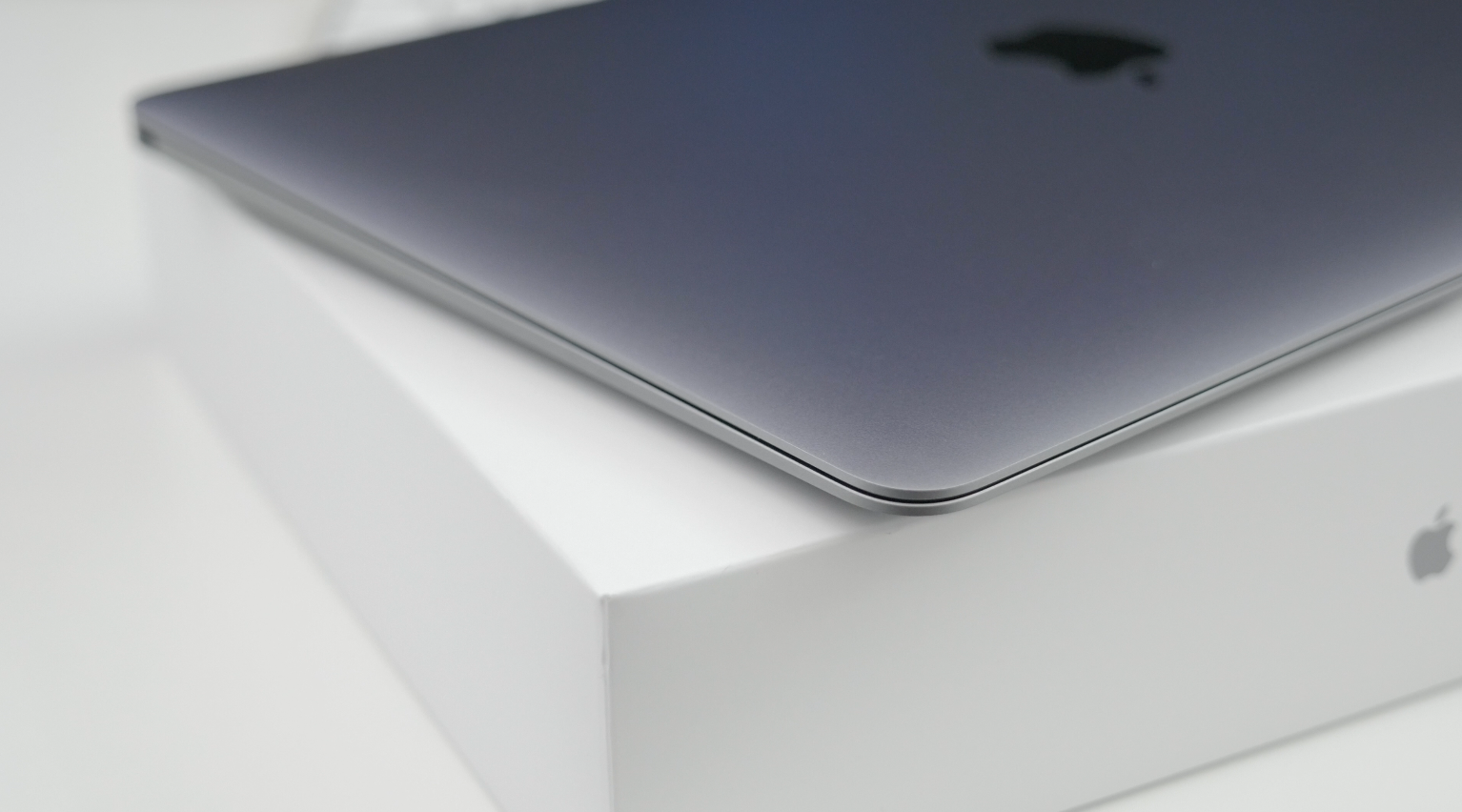
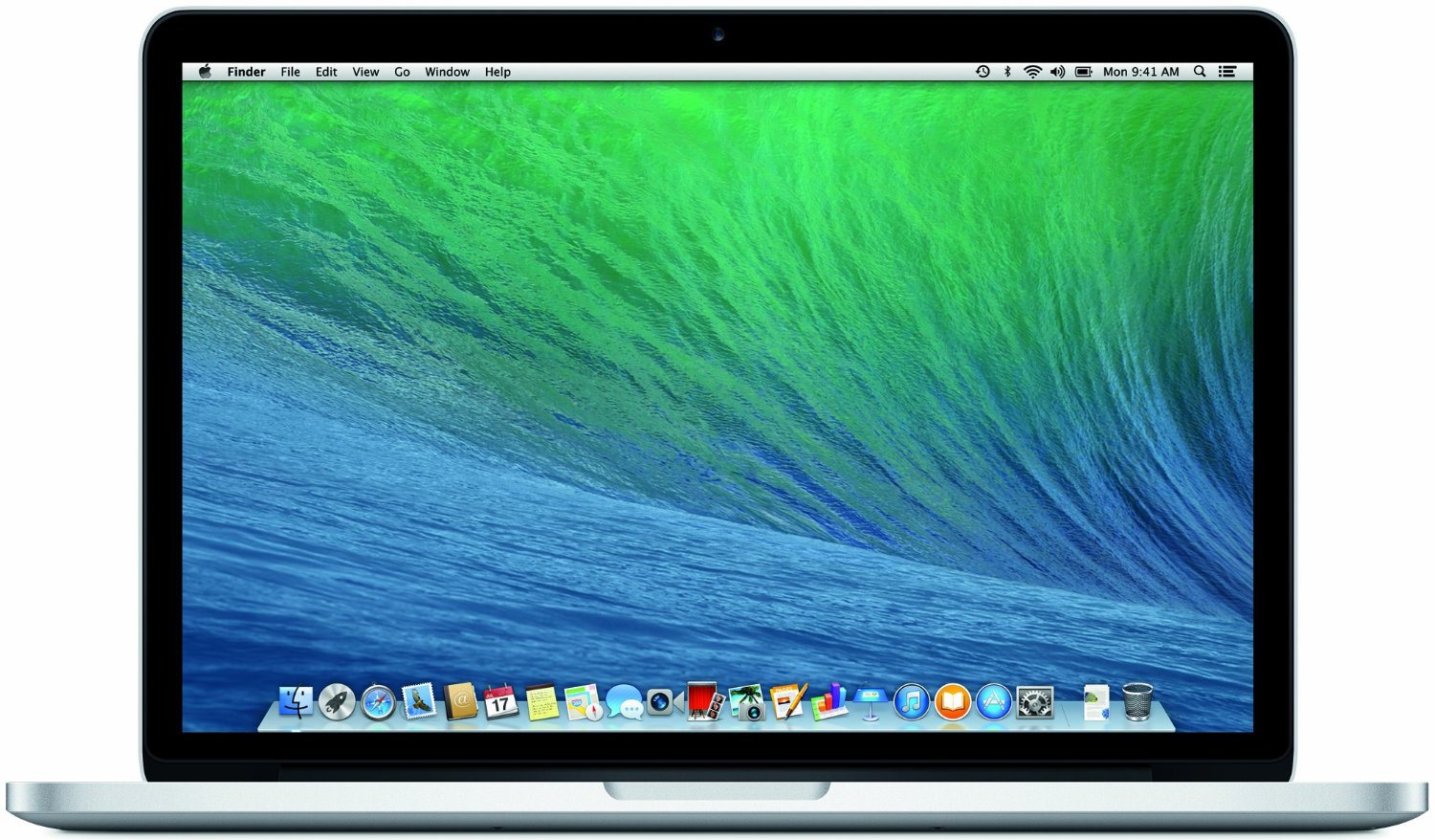
Apple’s Mac lineup consists of MacBook, MacBook Air, MacBook Pro, iMac, Mac Pro, and Mac Mini. The Mac runs macOS for its operating system.

Mac lineup

History

The Mac is Apple’s lineup of computers, and it can be considered the company’s oldest product. The name “Mac” comes from the original Macintosh, which was introduced in 1984 and is also considered the first personal computer for the masses to have a graphical user interface. The first Macintosh hit the stores on January 24, 1984, costing $2,945.

Among all these years, Apple has introduced many different Mac models, ranging from desktops to laptops to professional tower machines. The current lineup consists of the MacBook Air, MacBook Pro, Mac mini, iMac, and Mac Pro. However, there have been other Mac models were discontinued, such as the eMac, MacBook, and iMac Pro.

The history of modern Macs began in 1998, a year after Steve Jobs returned to Apple. Apple had dozens of Macintosh computers at that time, but Steve decided to rethink the entire lineup. In 1998, Apple announced the iMac G3, which ditched the floppy disk and serial ports in favor of USB connectors.

Macintosh and iMac G3.

Unlike the Macintosh, the first iMac was considered a huge success — not only for its technology, but also for its unique design with colorful translucent plastic. Apple quickly expanded the Mac lineup with other models, which included the iBook and PowerBook (which became the MacBook and MacBook Pro) and the PowerMac, which is now the Mac Pro.

macOS

What makes a Mac the Mac is the macOS operating system, which has also had a long history since the introduction of the first Macintosh. Initially called Mac OS, the operating system was rebuilt when Steve Jobs returned to Apple.

The first version of Mac OS X was released on March 24, 2001 with a new interface that is still present in some ways in current versions of macOS. Apple’s desktop operating system comes with many free applications such as Pages, Keynote, Numbers, iMovie, and GarageBand.

With macOS, users also have access to deep integrations with other Apple devices. For instance, you can answer calls and send SMS from your iPhone using your Mac. Handoff lets you switch from one device to the other and pick up where you left off. Apple Watch users can unlock their computer without entering a password, and you can even copy and paste between devices.

macOS Sonoma

Apple’s desktop operating system is also integrated with services offered by the company, such as iCloud, Apple Music, and Apple TV+.

The current version of macOS is Sonoma (version 14), which features new slow-motion screen savers, widgets on desktop, camera effects on FaceTime and other apps, web apps, passkey sharing, improved PDF support, and Game Mode. The update also comes with a new API that lets developers easily port Windows games to macOS.

Architecture Transitions

The Mac has had three major architecture transitions in its history. Apple’s first computers ran on Motorola processors, but the company decided to migrate to the new PowerPC platform in 1994. While this brought benefits at the time, the PowerPC processors were not delivering what Apple expected.

It was in 2005 that Apple confirmed the transition from PowerPC to Intel. Intel processors had become faster and more efficient than PowerPC, which enabled the development of new Mac computers that were more powerful and also more compact. Developers have been given access to a Developer Transition Kit running Mac OS X Tiger with Intel Pentium 4 to update their apps before the transition begins.

Power PC, Mac OS X, and Intel processor.

Apple said that the transition would begin in June 2006 and be finished by the end of 2007. However, the transition to Intel was fully completed in August 2006 when the company replaced the PowerMac with the new Intel Mac Pro.

As the years went by, Apple once again felt the need to have more powerful and efficient processors for its computers. This time, the company was already working on its own chips for the iPhone and iPad. In June 2020, Apple confirmed that it was changing the architecture of the Mac, now from Intel to ARM chips, which are called Apple Silicon.

Apple offered a Mac mini DTK running on the same A12Z Bionic chip as the 2020 iPad Pro. This way developers could once again update their apps ahead of the transition. In addition to being more powerful and energy efficient, the ARM architecture of Apple Silicon chips has enabled Macs to run iOS apps for the first time.

Apple M1 chip | Mac

The first Apple Silicon Macs were released in November 2020 with the M1 chip. The company later introduced more powerful variants of the M1 chip, called M1 Pro, M1 Max, and M1 Ultra. Macs with Apple Silicon have become known for being more powerful while consuming much less power, which has resulted in MacBooks with extended battery life.

In June 2022, Apple introduced the M2 chip, which is around 20% faster than the M1 and also supports more RAM. M2 also has more powerful variants: M2 Pro, M2 Max, and M2 Ultra.

Apple unveiled the M3, M3 Pro, and M3 Max chips in October 2023. The main highlight of this generation is the 3 nanometer technology, the same as the A17 Pro chip. The M3 family also features better GPUs with support for hardware-accelerated ray-tracing.

Current Mac lineup

Apple currently sells a variety of Mac computers, which includes MacBooks, Mac mini, iMac, and Mac Pro. While some of the Macs have already been updated with an Apple Silicon chip, others remain with Intel processors.

MacBook Air

The MacBook Air is Apple’s most affordable laptop and it has become popular for its light, compact design. The 2022 version is powered by the M2 chip and is offered with 8GB, 16GB, or 24GB of RAM. Plus, it has a new, edge-to edge 13.6-inch Retina display.

The laptop features Touch ID and has two Thunderbolt 3 compatible USB-C ports, a MagSafe connector for charging, and a headphone jack. Prices start at $1099 in the US. It’s offered in silver, space gray, starlight, and midnight.

M2 MacBook Air.

A year later, Apple introduced the first 15-inch MacBook Air. It has essentially the same hardware as the smaller version with a similar design, but with a larger display. Prices start at $1299 in the US.Apple is still selling the M1 MacBook Air for prices starting at $999.

MacBook Pro

The 2023 MacBook Pro is available in multiple versions, and customers can choose between 14-inch and 16-inch screen sizes. For the first time, Apple has introduced a less expensive version of the 14-inch MacBook Pro with the base M3 chip. This version has the same design and display as the high-end versions, except that it only has two USB-C ports instead of three.

M3 MacBook Pro

The most expensive versions of the MacBook Pro are equipped with the more powerful M3 Pro and M3 Max chips. The laptop can be configured with up to 128GB of RAM and 8TB SSD. These versions also come in a new Space Black color.

Unlike the MacBook Air, the MacBook Pro comes with an HDMI port and an SD card reader. It also features MagSafe and Touch ID on the keyboard. Apple no longer sells MacBooks with the Touch Bar. Prices start at $1,599 in the US.

Mac mini

Mac mini is the cheapest Mac currently available since it’s basically a desktop without a built-in display or other peripherals. The base model with the M2 chip features one Ethernet port, two USB-C/Thunderbolt 4 ports, HDMI 2.0, two USB-A ports, and a headphone jack.

Apple sells a more powerful version of the Mac mini with the M2 Pro chip, which also comes with four USB-C ports instead of two. Mac mini can be configured with up to 32GB of RAM and up to 8TB of storage. Customers can also opt for a 10 Gigabit Ethernet port. The Apple Silicon Mac mini is only available in silver, while the now discontinued Intel model was available in space gray.

Apple Silicon Mac mini.

Prices for the Mac mini start at $599 in the US. Again, it’s worth noting that it doesn’t come with a keyboard or mouse in the box – you need to buy them separately or use your current ones.

Mac Studio

Mac Studio represents a new category between Mac mini and Mac Pro. It features a design based on the Mac mini, but with a taller body to support the more powerful hardware and also a better cooling system.

The new Mac Studio is targeted at professional users who work with demanding tasks such as video editing, 3D rendering, and machine learning. 

Embraced by creative pros everywhere, Mac Studio now delivers next-generation power in the form of the lightning-fast M2 Max and the boundary-breaking M2 Ultra. It packs outrageous performance and extensive connectivity in an unbelievably compact form, putting everything you need within easy reach and transforming any space into a studio.

By default, Mac Studio already comes with the M2 Max chip, 32GB of RAM, and 512GB SSD storage. A more expensive option lets users customize Mac Studio with M2 Ultra. While M2 Max has a 12-core CPU and a 30-core GPU, M2 Ultra doubles all of those specs. The new chip has a 24-core CPU and a 60-core GPU.

Mac Studio can also be configured with up to 192GB of RAM and 8TB of SSD storage. The machine offers up to six Thunderbolt ports, 10 Gigabit Ethernet, headphone jack, two USB-A ports, and one HDMI port.

Mac Studio

Apple has been rumored to be working on new versions of this machine with the M3 Max and M3 Ultra chips. However, these versions may not be ready until 2025. Bloomberg’s Mark Gurman said in November last year that the M3 Ultra chip “hasn’t yet gone into broad testing” inside Apple.

In the US, prices for the Mac Studio with M2 Max chip start at $1999. The M2 Ultra chip version starts at $3999. Just like the Mac mini, Mac Studio doesn’t come with a keyboard and mouse in the box. You can find accessories for your Mac Studio here.

iMac

iMac is Apple’s most popular desktop computer with an all-in-one construction. It features a 4.5K display in its 24-inch version and a 5K display in the 27-inch version. At the same time, Apple still sells an entry-level iMac with a regular 1080p display.

The 24-inch iMac is the first to feature the M1 chip, the same as in the Mac mini, MacBook Air, and MacBook Pro. This allowed Apple to introduce a completely redesigned model with a slimmer design, which is also offered in seven new colors. Customers can customize the new 24-inch iMac with up to 16GB of RAM and 2TB of storage.

Site default logo image

The company ships the 24-inch iMac with Magic Mouse and Magic Keyboard, plus a Lightning cable for recharging accessories. Prices in the US start at $1299. Apple has discontinued its old 21.5-inch iMac and the 27-inch iMac 5K.

Mac Pro

Mac Pro is a computer built for professional users who depend on extremely powerful hardware. Available in tower and rack versions, it has a completely modular design. That means users can replace RAM, SSD, GPU, and other internal components.

By default, it features four USB-C/Thunderbolt 3 ports, two USB-A ports, and two 10Gb Ethernet ports. However, the ports can be expanded using the PCI Express slots. Apple also ships the computer with a Magic Mouse and Magic Keyboard, but it does not come with an external monitor included.

All models feature Intel Xeon W processors, which are the most powerful processors offered by Intel. Consumers can configure Mac Pro with up to 28-core processor, 1.5TB RAM, and 8TB of SSD storage. In addition to supporting multiple dedicated GPUs, Apple also offers the Afterburner card — which accelerates the decoding of ProRes videos.

The company recently updated the Mac Pro with new graphics card modules, which include Radeon Pro W6800X and Radeon Pro W6900X.

Site default logo image

Mac Pro prices start at $5999 in the US.

Rumors about upcoming Macs

Top stories about the Mac

Review: ChargeTech’s ChargeAll Portable Power Outlet lets any MacBook (or other Apple device) refuel on the road

The first time I found an AC wall outlet under my seat on an airplane, I realized that I could use my MacBook Pro with its wall charger for hours, even if I’d partially discharged the battery before boarding. Later, when I rode a bus with an AC outlet onboard, the freedom to enjoy my laptop for hours made the long trip feel brief. But I’ve had far more trips without AC outlets than with them, and there have been plenty of times when my MacBook could really have used a recharge mid-trip.

That’s why I’m genuinely excited about ChargeTech’s ChargeAll Portable Power Outlet ($150-$200), which primarily exists to give you access to an AC outlet literally anywhere you might be — something that I can’t believe has taken so long to become available. There are two versions, one with 12,000mAh of power, and the other with 18,000mAh of power, either with enough energy to keep your MacBook going for hours on the road. Both units have the overcharge and short circuit protection you’d expect from a surge board — the difference is that you can toss them into a bag or a car…


Expand
Expanding
Close

Site default logo image

iMovie for Mac updated with improved YouTube compatibility, fix for possible crash

Apple released iMovie 10.0.8 today for Mac users, bringing a fix for a potential crash when the app is in the process of opening.

The update also sports improved compatibility with YouTube when using the built-in export option to upload videos to the site. That change seems to be strictly under-the-hood, as the YouTube sharing interface remains the same.

Users who already own iMovie 10 can get the latest version for free in the Updates tab of the Mac App Store. Those who don’t yet own it can buy the app for $14.99.

Site default logo image

iMac Graphics Update released with fix for issue viewing large JPEG images

Apple has released a graphics update for certain iMac desktop models intended to fix an issue that may cause the computer to become unresponsive. According to the release, iMac 2015 Update 1.o is intended to fix an issue for certain iMac owners running the latest version of OS X Yosemite.

If you’re using using OS X Yosemite v10.10.3 and one of the following iMac models, viewing certain very large JPEG (.jpg) images in the Finder or Preview can cause your iMac to briefly stop responding, display a black screen, and restart to a message that your computer restarted because of a problem.

The update is specifically available for the iMac (Retina 5K, 27-inch, Late 2014), iMac (21.5-inch, Late 2013), and iMac (27-inch, Late 2013) as a standalone download or a software update through the Mac App Store.

djay unveils an Apple Watch remote mixer, djay Pro for Mac gains Pioneer DJ support + video features

In addition to making djay 2 for iPhone (reg. $2.99) and iPad (reg. $9.99) free for one week, Algoriddim is ready to reveal djay for Apple Watch, which it dubs “the world’s first wearable DJ controller”, and two big announcements for djay Pro for Mac including a new partnership with Pioneer DJ and a brand new video mode for mixing.
Expand
Expanding
Close

Apple patent application shows how Force Touch could in future simulate more than just clicks

Site default logo image

Apple’s existing Force Touch mechanism

Update: Patently Apple notes that this patent has now been granted (19th April 2016).

Apple patent application published today shows that the Force Touch trackpad used in the 12-inch MacBook and latest 13-inch MacBook Pro could get more sophisticated in future versions. The patent describes how a mix of vibration and temperature could fool your finger into ‘feeling’ different surfaces, such as metal and wood.

For example, a glass surface may be controlled to have the temperature of a relatively cooler metal material and/or a relatively warmer wood material […]

In some cases, the temperature may be varied over time, such as in response to one or more touches detected using one or more touch sensors. For example, a metal material may increase in temperature while touched in response to heat from a user’s finger.

The patent describes how vibrations could be used to simulate a textured surface, such as the grain of a wooden surface … 
Expand
Expanding
Close

OS X 10.10.3 update failed to fix Rootpipe vulnerability, says former NSA staffer

Site default logo image

Phoenix; RootPipe Reborn from patrick wardle on Vimeo.

A former NSA staffer says that the OS X 10.10.3 update which Apple claims fixed a significant security vulnerability has failed to do so, reports Forbes. Patrick Wardle, who now heads up research at security firm Synack, demonstrated the vulnerability in a video (without revealing exactly how it was done) to allow Apple time to issue a further fix.

The Rootpipe vulnerability allows an attacker with local access to a Mac to escalate their privileges to root – allowing them full control of the machine – without further authentication. A second security researcher confirmed the flaw … 
Expand
Expanding
Close

The best travel accessories for your MacBook Air, MacBook Pro, or Retina MacBook

Traveling with any MacBook is a lot easier today than it was five or ten years ago. Apple’s latest laptops consume much less space than their predecessors, and last much longer when they’re in active use. Whether it’s on a seat-back tray or resting in your lap, your MacBook can deliver quite a few hours of productive work time, video viewing, or even gameplay without assistance. But it can do even more if you bring the right accessories along.

My goal is to help you choose the best items to carry with you on the road — the type of items I’ve spent years testing. The picks below are highly practical and focused to make good use of space and address real-world concerns that many travelers have. Read on!


Expand
Expanding
Close

Review: Can you actually use the new 12-inch MacBook for work?

Early reviews of Apple’s MacBook (Retina, 12-inch, Early 2015) have framed it as an expensive prototype from the future — a notebook that will someday be the standard, but one most people aren’t ready for yet. Despite that classification, the new MacBook is extremely tempting if you’re in the market for a new computer: it’s more portable than even the MacBook Air, it’s the first Mac available in gold and space gray finishes, and it has a trackpad with a new feature called Force Touch.

But can you actually do work on the 12-inch MacBook? That’s the $1300 question everyone is asking. I’ll unpack my experience below …


Expand
Expanding
Close

Site default logo image

First OS X Yosemite 10.10.4 beta for Mac developers now available

Apple today seeded the first developer build of OS X 10.10.4 Yosemite to testers. The build is labeled 14E7f and follows today’s supplemental update of OS X 10.10.3 and the first developer beta of iOS 8.4 which includes a brand new Music app and iTunes Radio experience.

Today’s release appears to only be available to registered developers and AppleSeed testers; public beta versions of OS X tend to follow in subsequent build releases. For registered developers and AppleSeed members with the Configuration Utility installed, the pre-release software update should be available through the Mac App Store. Apple says the update focuses on “stability, compatibility, and security of your Mac.”

Solutions to the 12-inch MacBook’s single port begin hitting Kickstarter

Site default logo image

The radical approach taken by Apple in equipping the new 12-inch MacBook with just a single port for both power and connectivity makes the machine extremely sleek, but somewhat problematic to use when you want to connect multiple devices. Two Kickstarter projects aim to solve that.

First, InfiniteUSB, which already provides stackable cables for standard USB ports, has launched a USB-C version called, unsurprisingly, InfiniteUSB-C. Each cable has a combined USB-C plug and socket at one end, enabling you to piggy-back as many as you need, and either a Lightning, Micro USB or USB socket on the other end … 
Expand
Expanding
Close

Site default logo image

Skype 7.7 for Mac adds web link previews, fixes

Skype today released version 7.7 of its Mac app and with it is rolling out a new web link preview feature that will automatically provide snippets of web content in chats when sharing links.

With web link previews, you no longer need to type the: “check out this funny cat video” alongside the actual link to the cat video. When you send the link in chat, a rich visual preview of the web page is automatically displayed, making it much easier to see what’s been shared. Finding a link in your chat history also becomes quicker, saving precious time to let you focus on the conversation.

The previews will only show up if a link is the only thing in the message, so it won’t break up long blocks of text that happen to include a URL (an annoyance with similar web previews in other chat apps). Skype also notes that it puts “extra focus on optimizing for video and image content, so we encourage you to try links to video, image or even gifs first.”

The update also includes a couple bug fixes:

  • Fixed an issue where some users cannot start Skype due to a corrupted index
  • Fixed an issue preventing some users from disabling “User XYZ went offline” notification

You can access the feature by downloading the latest version of Skype for Mac, version 7.7, here.

Samsung reportedly has new 200 employee team exclusively working on screens for Apple

Site default logo image

In a new report by Bloomberg, Samsung apparently has created an independent group of about 200 people that work solely on screens for Apple products. Bloomberg claims this is part of a plan to “strengthen business ties” between Apple and Samsung, which obviously have had a shaky history since the lawsuits over iPhone technology.

The patent disputes between Apple and Samsung were dropped in mid 2014, which led many to speculate that relations between the two companies may improve. This report by Bloomberg suggests exactly that.


Expand
Expanding
Close

12-inch MacBook teardown provides closer look at its tiny motherboard, terraced battery design

Site default logo image

We saw teardowns of the 2015 MacBook Air and Retina MacBook Pro last month, but now a Feng.com user has provided us with the first teardown of the all-new 12-inch MacBook. Apple heavily touted the internal design of the laptop during its unveil last month and today’s teardown gives us a closer look at what exactly the company had to do in order to make the 12-inch MacBook as small as possible.


Expand
Expanding
Close

Site default logo image

Synology debuts economical 5-bay DiskStation DS1515 & compact RackStation RS815 NAS solutions

Synology today unveiled two new multi-bay network-attached storage (NAS) solutions: the $649 DiskStation DS1515 and the $599 RackStation RS815. Both models take advantage of Synology’s excellent DiskStation Manager 5.1 system for managing “remote access, scalability, unparalleled reliability, cross-platform file sharing, and 24/7 security solutions.”

Synology’s OS and hardware make great NAS systems for Apple and cross platform homes/businesses because they not only make huge Time Machine backups a snap, but they also provide apps for streaming media and other files to iOS, Apple TV, Android, PC and just about every platform.


Expand
Expanding
Close

WWDC 2015 announced for June 8-12 to unveil “the future of iOS and OS X”

Site default logo image

Apple has just officially announced its annual Worldwide Developers Conference for this year. The conference will take place in San Francisco as usual in early June. WWDC will officially kick off on June 8th and run through June 12th. Developers interested in attending the conference can apply for tickets starting today with applications open through Friday at 10 am PT/1 pm ET.

Like last year, available tickets will be distributed at random to a portion of applicants due to size constraints of the venue, Moscone West, although Apple says select sessions will actually be streamed live while most sessions will be available online after each day. Apple will announce ticket availability after the random selection process on Monday, April 20th, at 5 pm PT/8 pm ET.

Apple’s WWDC opening keynote serves as the unveiling stage for the next versions of iOS and OS X. Apple’s press release for the conference (below) teases the announcement of “the future of iOS and OS X” as we would expect.
Expand
Expanding
Close

Flashlight, the utility that puts Spotlight on steroids, out of beta as Apple hires developer

Site default logo image

Command-line fans will be happy today, as Nate Parrot’s Flashlight utility comes out of beta. Flashlight is a utility that enables you to carry out more than 160 different tasks just by typing commands into Spotlight – a kind of command-line Siri for the Mac. Functions include checking the weather, creating notes, adding calendar appointments, translating words, emailing files, sending messages, moving files, ejecting drives and performing image searches.

Apple seems impressed too: it has hired Parrot as an intern on its Spotlight team … 
Expand
Expanding
Close

How-To: Reclaim your Mac’s old hard drive or build a new one with an external USB enclosure

Earlier this year, I wrote several guides to boost the speeds of older Macs by swapping their internal hard drives for super-fast solid state drives (SSDs). As readers have confirmed, their older iMacs, MacBooks, and Mac Pros have seen dramatic improvements with new SSDs. But some people were left with a question: what should I do with my Mac’s old hard drive? Throw it away?

A great answer: put it in an external hard drive enclosure and keep using it! My latest How-To shows you how easy it is to reclaim your Mac’s old drive by installing it in a nice USB enclosure such as Akitio’s SK-3501U3 (shown here), which I chose because of its Mac-matching design, reasonable sub-$40 price, and compatibility. External enclosures are also ideal options if you want to choose a high-quality hard drive mechanism for yourself, rather than taking a risk on whatever might be hidden inside a fully-assembled external drive. I’ll explain that, and much more, below…


Expand
Expanding
Close

CalDigit unveils durable USB-C Tuff drive for the 12-inch MacBook, T4 nano RAID drive w/ HDMI & Thunderbolt 2

Site default logo image

USB-C is the sole port on Apple’s new 12-inch MacBook, and CalDigit today announced a version of its durable external drive that takes advantage of the new reversible USB 3.1 port. CalDigit Tuff features a USB-C port and cable for connecting the portable drive to the Apple’s ultra-thin notebook, and an included adapter cable ensures compatibility with the USB port that you’re used to seeing on your hardware as well. Since the new MacBook’s thin and light profile intends for it to venture out of your office and into the wild, CalDigit Tuff is ruggedized to endure drops, splashes, dust and other extreme environments.

CalDigit Tuff starts at $139.99 for 1TB HDD with availability starting in July (new MacBook orders currently deliver in 4-6 weeks). A solid state drive version with up to 1TB of storage will also be available while a higher capacity 2TB HDD option will be offered.
Expand
Expanding
Close

OS X 10.10.3 brings enhanced 4K support (including 12-inch MacBook), adds 5K Dell for Mac Pro/iMac

Site default logo image

Apple has expanded support for 4K displays in its recent OS X 10.10.3 release and officially confirmed specifics for using 4K displays with its new 12-inch MacBook.

While previously Apple only officially supported certain Multi-Stream Transport (MST) displays at a refresh rate of 60Hz, it now says that “most single-stream 4K (3840×2160) displays” are officially supported at 60Hz as well following the recent OS X Yosemite v10.10.3 update. That should mean support for a lot more inexpensive 4K displays that don’t include DisplayPort’s Multi-Stream Transport feature.

A full list of Macs that will support Single-Stream (SST) displays with a 60Hz refresh rate include:
Expand
Expanding
Close

OS X Yosemite How-To: Move your iPhoto or Aperture library to Photos

Site default logo image

Apple’s latest app Photos is now available for free as part of OS X 10.10.3 for Mac. The new app is the future of photo management from Apple with support for iCloud Photo Library, burst photos, slow-mo and time lapse videos, and more. Here’s how to migrate your photo library to the new Photos app from iPhoto or Aperture, both of which will no longer receive support for software updates going forward:


Expand
Expanding
Close