iOS

See All Stories

The world’s most advanced mobile operating system

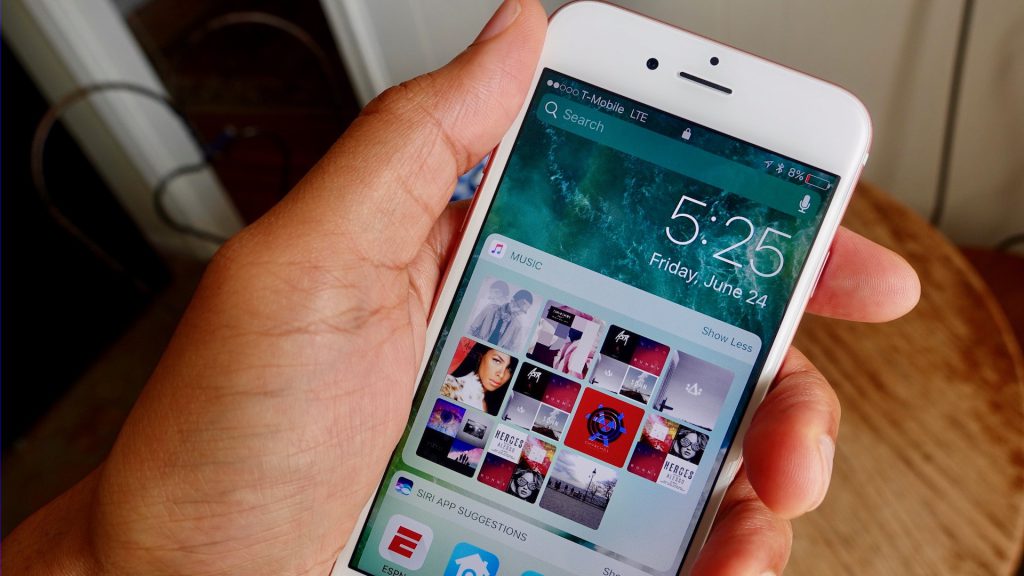
iOS is Apple’s mobile operating system that runs on iPhone, iPad, and iPod touch. Historically, Apple releases a new iOS version once a year, the current version is iOS 13.

In 2007, Steve Jobs introduced the iPhone and iPhone OS. During the event, Jobs referred to the operating system as OS X because it shared a similar Unix core compared to the Mac. When Apple launched the iPhone SDK a year later, they officially changed the name to iPhone OS.

In the summer of 2008, Apple added the App Store to iPhone OS with version 2.0, and this set the stage for the “app economy” that we still enjoy to this day.

Version 3.0 was released in 2009, and it included copy/paste, MMS support, Spotlight, mobile tethering, and push notifications for 3rd party apps.

In version 4, Apple finally renamed iPhone OS to iOS (with the iPad sharing the same software). The major features were multitasking and FaceTime.

iOS 5.0 introduced Notification Center, iMessage, Siri, and iCloud.

iOS 6.0 removes Google Maps in favor of Apple Maps and added the Passbook app (now known as Wallet).

Version 7.0 brought a dramatic redesign of iOS with a new font, flatter icons, a and new Photos app. The redesign was led by Jony Ive.

Version iOS 8.0, Apple finally allowed third-party keyboards and the ability to share files from different apps.

Version 9.0 included Apple Maps, an overhauled Notes app, and multitasking for iPad.

Version 10.0 included an SDK for Siri, Maps, and iMessages.

Version 11.0 included a new iPad Dock, Customizable Control center, drag and drop on iPad, and the Files app with third-party integration.

Version 12.0 added Screen Time features for managing your time on devices, the Shortcuts app, ARKit 2.0, and Memoji.

iOS 13 added Dark Mode, swipe-style typing, a redesigned share sheet, made app downloads 50% smaller, 2x faster app launch speed, Memoji Stickers and Memoji Makeup, HomeKit-enabled routers and HomeKit Secure Video, a new “Sign in with Apple” option for logging into third-party services, all-new Apple Maps, and much more.

Compatible Devices with iOS 13

  • iPhone 11
  • iPhone 11 Pro
  • iPhone 11 Pro Max
  • iPhone XS
  • iPhone XS Max
  • iPhone XR
  • iPhone X
  • iPhone 8
  • iPhone 8 Plus
  • iPhone 7
  • iPhone 7 Plus
  • iPhone 6s
  • iPhone 6s Plus
  • iPhone SE
  • iPod touch (7th generation)
App Store highlighting indie games this week with new title launches, limited time discounts

Site default logo image

Apple has been highlighting loads of iOS games created by independent developers this week on the App Store. The promotion includes a special section at the top of the App Store where new apps and updates are usually promoted, several new indie game launches, and even discounts on a handful of popular indie titles.


Expand
Expanding
Close

Apple releases seventh iOS 10.3 and macOS 10.12.4 betas

Site default logo image

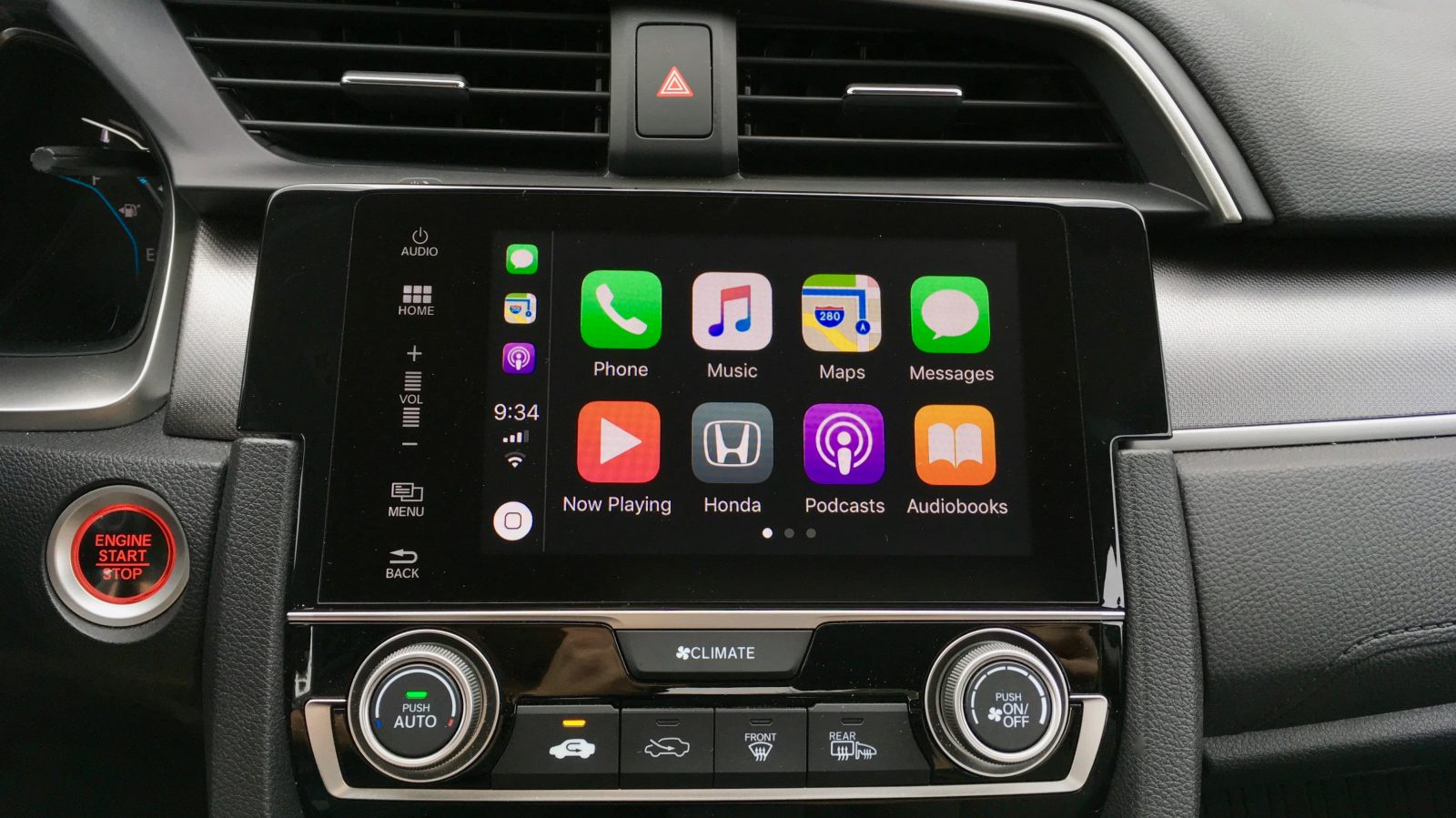
Apple is rolling out the seventh iOS 10.3 beta for developer testing on iPhone, iPad, and iPod touch. The upcoming software update includes Find My AirPods support, CarPlay improvements, Apple’s new filesystem, and more.

Apple is also rolling out the seventh macOS 10.12.4 beta for developer testing. The upcoming version of macOS Sierra is the first to bring Night Shift to the Mac. We’ll update and highlight any additional changes discovered below.


Expand
Expanding
Close

McDonald’s says new mobile ordering app will be location-aware, offers new details on rollout

Site default logo image

Earlier this month, we told you about a new mobile ordering app being planned and tested by McDonald’s. Now, a new report from Reuters offers more details on the upcoming app, as well as the company’s push to catch up with established mobile ordering offerings from competitors like Starbucks…


Expand
Expanding
Close

iPhone market share grew in all but three countries, iPhone 7 remains top seller – Kantar

Site default logo image

The latest Kantar data shows that iOS continued to grow its market share in all but three countries – with the iPhone 7 remaining the top-selling smartphone in the largest markets.

In the three months ending January 2017, iPhone market share in the U.S. was up 2.9 points year-on-year to hit 42%. This was a 1.5% increase on the two-year record reported for the previous quarter. All Android manufacturers combined totalled 56.4%, with other mobile operating systems all essentially now irrelevant.

In Europe, the iPhone retained its 22.7% share, with the iPhone 7 the best-selling phone in France, Germany and the UK. iOS did, however, see its market share fall in three markets …


Expand
Expanding
Close

Snapchat for iOS updated with new Bitmoji widget for quicker access to messaging

Site default logo image

As it continues to expand its reach, Snapchat today is rolling out a new widget to its iOS and Android applications. The new widget allows users to instantly start chatting with a Snapchat fried by simply tapping on their Bitmoji. The move comes as Snapchat puts an increased focus on private messaging, as noted by TechCrunch.


Expand
Expanding
Close

Apple hires Jonathan Zdziarski, an active forensics consult & security researcher in the iOS community

Site default logo image

Apple has hired Jonathan Zdziarski, a forensics consult and security researcher who has been heavily involved in the iOS security community. Zdziarski was notably vocal during Apple’s conflict with the FBI last year, offering his technical expertise against claims being made by the government.


Expand
Expanding
Close

Feature Request: Apple should bring these features from iBooks to every Now Playing screen on iOS

Site default logo image

This week I bought and played through my first audiobook in iBooks (Shoe Dog) after realizing I have a habit of buying a lot of books then rarely making time to actually read them. I finished the 13 hour 22 minute book over the weekend and really enjoyed the experience (and the book). I listen to a lot of podcasts, so playing audio in the background while running errands is something I know I enjoy.

iBooks on the iPhone is a solid audiobook player. It works with Apple CarPlay, 3D Touch from the Home screen, and to my surprise has arguably the best Now Playing screen of any Apple app. Apple currently has three different versions of its audio Now Playing screen between its Music, Podcasts, and iBooks apps, the audiobooks version has features that every Now Playing screen should adopt.


Expand
Expanding
Close

Review: KRFT for iOS lets you build addictive, customized musical control surfaces w/ built-in synth engines

KRFT for iOS takes a unique approach to music production and performance allowing producers to not only create the musical notes, melodies and chords in a particular song or set, but also the Surface with which it will be performed on.

Using a simple system of touch-controlled geometric shapes, users can arrange a series of hand-crafted loops, drum beats, modifier Dials, Morph buttons and more into a custom-made performance control surface. Due to the almost modular nature with which the app treats the various elements of your song, KRFT’s performance Surface becomes a new and interesting way for coming up with entire song arrangements as you morph riffs and beats with the app’s built-in effects. Here’s how it works: 
Expand
Expanding
Close

Third-party Home app developer releases Finances 2 for iOS + Mac public beta

Site default logo image

Finances 2 is a new personal and business bookkeeping app for iOS and macOS from developer Matthias Hochgatterer. Prior to Finances 2, Hochgatterer created the excellent third-party HomeKit app Home before Apple’s version in iOS 10. Like his Home app, Finances 2 takes advantage of modern iOS technologies including 3D Touch, Spotlight integration, and Split View on the iPad.


Expand
Expanding
Close

How to view and delete website history on iPhone and iPad

Site default logo image

Over time browsing history, website data, and cookies build up on our iPhones and iPads, and it can be a good idea to clear it out to keep devices running smoothly. As iCloud allows the option to synchronize Safari data between multiple Apple devices, it can build up even more quickly. Let’s take a look at how to view and delete website history and data on iPhone and iPad.


Expand
Expanding
Close

How to navigate iOS with ease

Site default logo image

First time checking out this series? You’ll get the most value by starting at the beginning, however you can also use the series overview if you’d like to go buffet style.

Note for regular readers, the already tech savvy, and IT professionals: this series is designed as a resource you can share with those you are helping or for those looking to become tech savvy on their own.

Background, Expectations, & Best Practices

Now that we’ve got the priorities of backing up your information and password management addressed it’s time to focus on becoming more confident in the everyday use of your devices. In today’s post we’re going to focus on the iOS user interface.

If you’re not already familiar, iOS is the operating system for iPhone, iPad, and iPod Touch. Apple is often known for having the most friendly and easy to use mobile operating system on the market. However, that doesn’t mean there isn’t a learning curve or that everything is obvious.


Expand
Expanding
Close