Latest

Hands-on: Mantiz Venus – a Thunderbolt 3 eGPU + docking station with 87W of USB Power Delivery [Video]

Mantiz’s Venus is an upcoming eGPU box and docking station for Thunderbolt 3-enabled laptops like the 2016 MacBook Pro. The Taiwanese-based company is working on bringing two eGPU boxes to market — the eccentric-looking Saturn, and the more subdued-looking Venus.

The friendly folks at Mantiz agreed to send over a Venus eGPU/docking station, allowing me to take it for a quick test drive when paired together with my 13-inch 2016 MacBook Pro. Featuring an all-aluminum outer shell with classic Mac Pro cheese grater-inspired perforated design, the Venus is one of the more attractive eGPU solutions that I’ve seen thus far. Have a look at our hands on video walkthrough inside for more details.
Expand
Expanding
Close

Building a GTX 1080 Ti-powered Hackintosh: Installing macOS Sierra step-by-step [Video]

Site default logo image


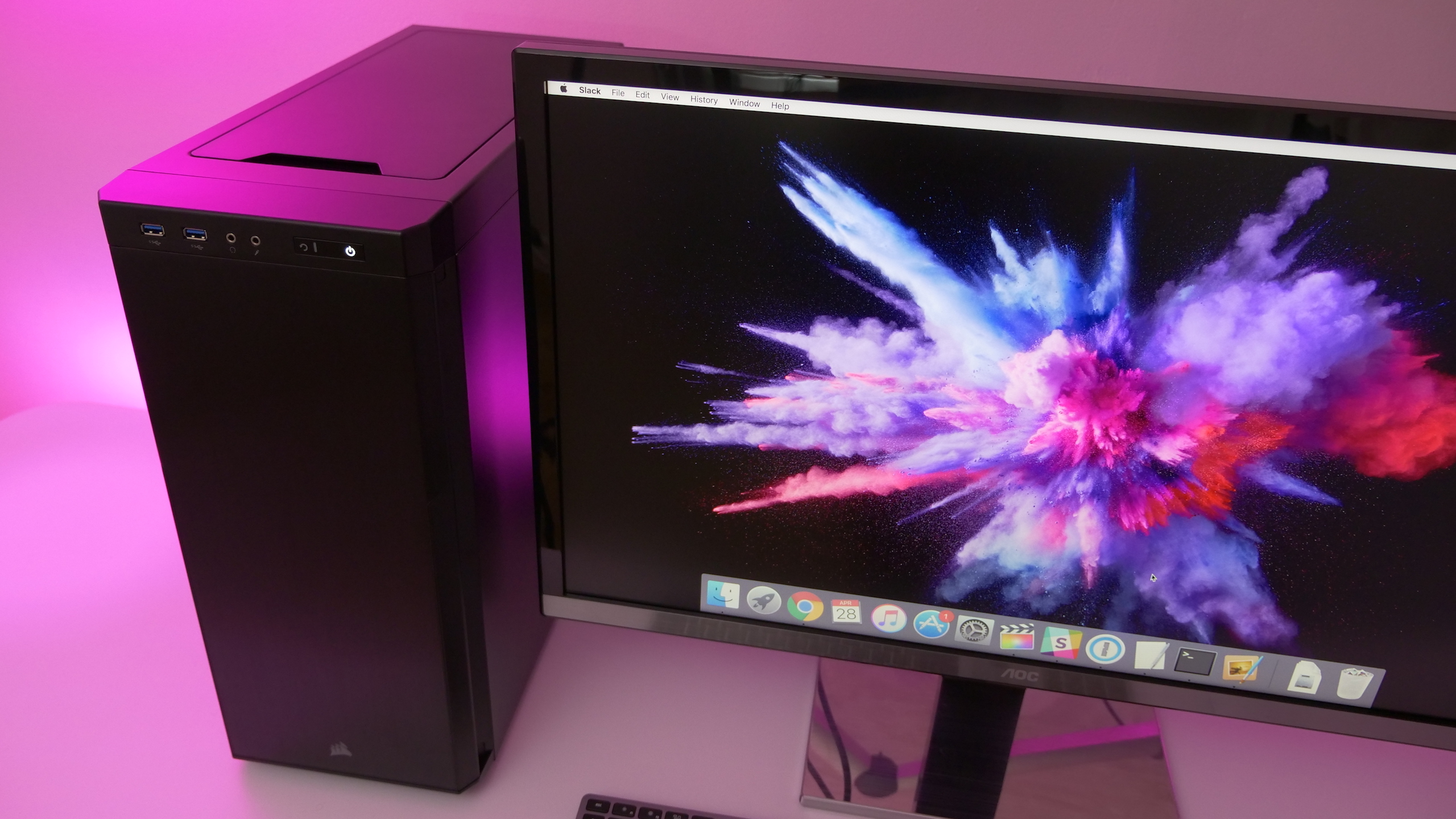
A few days ago we posted about the hardware used and performance benefits of my most recent Hackintosh build. In today’s tutorial, I’ll step through the entire install process in full unabridged detail.

While it might seem a bit daunting to go through the Hackintosh setup process for the first time, once you understand the basics, it’s not so difficult. Have a look at our hands-on video for more details.
Expand
Expanding
Close

Here’s how Apple could easily solve its Touch ID ‘problem’ on the iPhone 8

Site default logo image

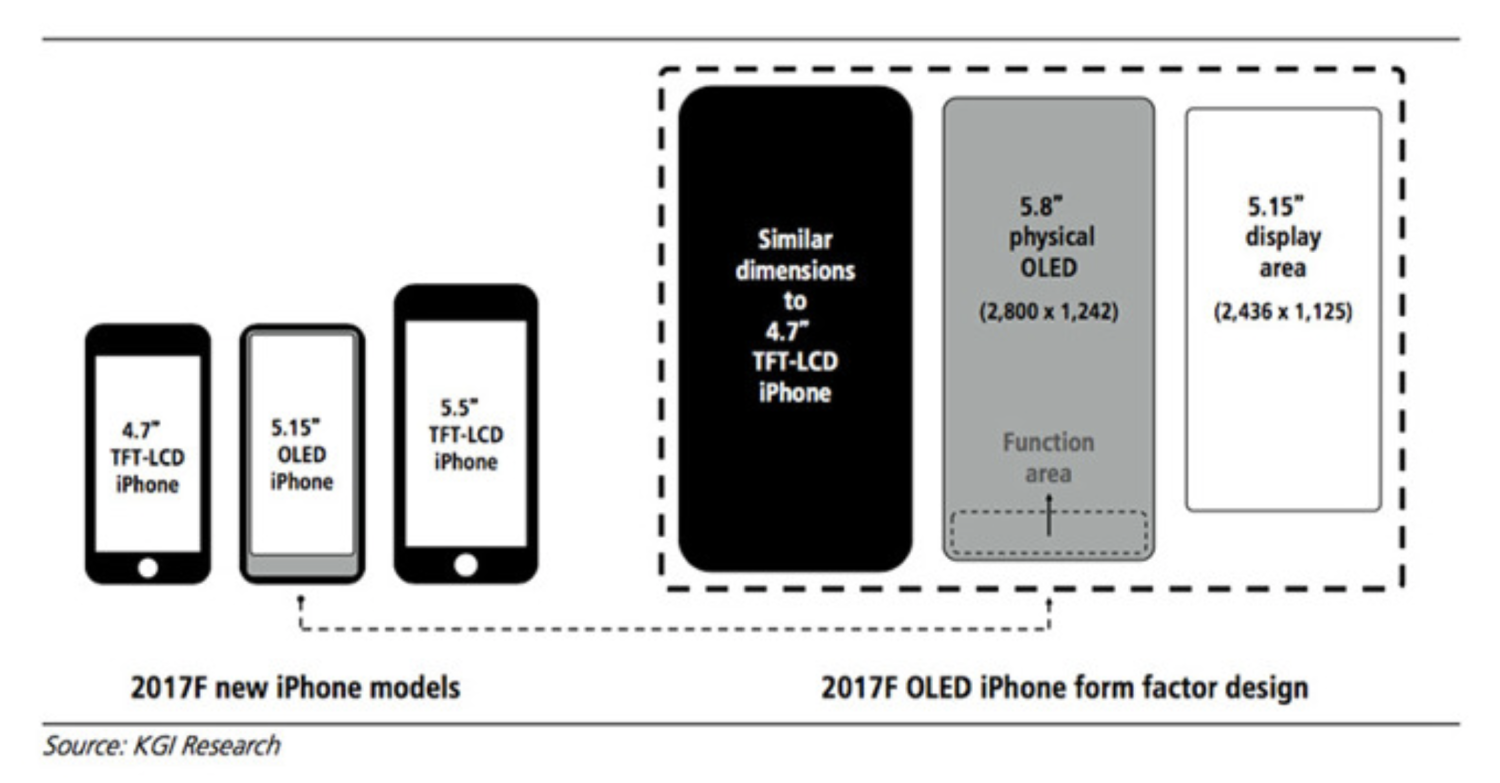
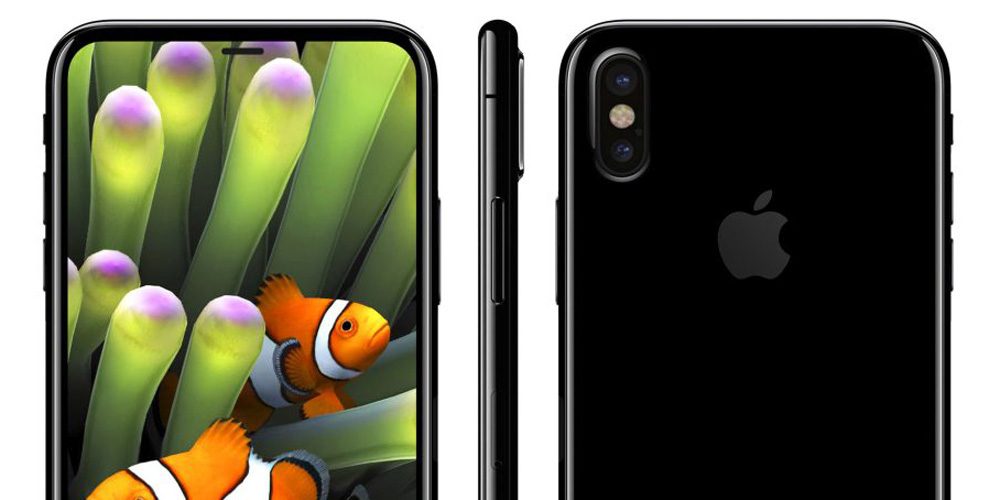
I’ve been giving more thought to the issue of how Apple might embed Touch ID into the display of the iPhone 8. So far, the various reports and rumors have focused on two possibilities: one hi-tech, one low-tech.

The hi-tech approach would be to embed a fingerprint reader beneath the display. We know from the sheer volume of Apple patents that Apple has plenty of ideas about how this might be achieved – but there’s a massive difference between a concept and a finished product. Indeed, there’s a huge gap between a fully-working prototype and something that works in volume production. If the rumors are to be believed, Apple has struggled to achieve this.

The low-tech approach would be to take the same route as many Android brands and simply move the Touch ID sensor to the rear of the casing. I’ve discussed previously why I think this would be a terrible idea, and the most recent reports do suggest Apple is not taking this approach.

But it strikes me that there’s a third possibility here. What might be termed a ‘mid-tech’ approach …


Expand
Expanding
Close

Opinion: We may now be just two or three years away from an iPhone replacing a DSLR

Site default logo image

I’ve always been a keen photographer. At 14, my father bought me an old fully-manual film SLR, and my aunt gave me her old darkroom equipment, so my bedroom became a darkroom with a bed in the corner.

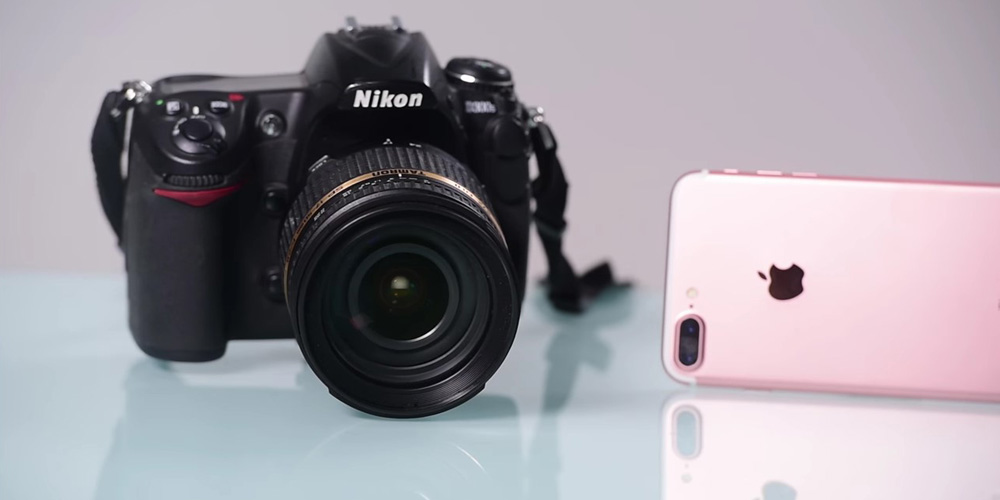
When the first DLSRs hit the market, I waited impatiently for them to drop below the $1000 mark. That early Nikon D70 was replaced by a D3 which I still have today. If you had suggested then that it could be just a few short years before cameraphones could replace a DSLR, I’d have laughed.

But camera technology has developed at an astonishing pace. That D3 already spends most of its time gathering dust in a drawer. My Sony a6300 compact camera delivers near-identical results in most situations. And the camera I use most on an everyday basis is my iPhone.

There are just four remaining pieces of the puzzle before an iPhone can replace a DSLR, and it looks to me like we’re just 2-3 years away from cracking all of them …


Expand
Expanding
Close

Building a GTX 1080 Ti-powered Hackintosh: hardware and performance results [Video]

Site default logo image

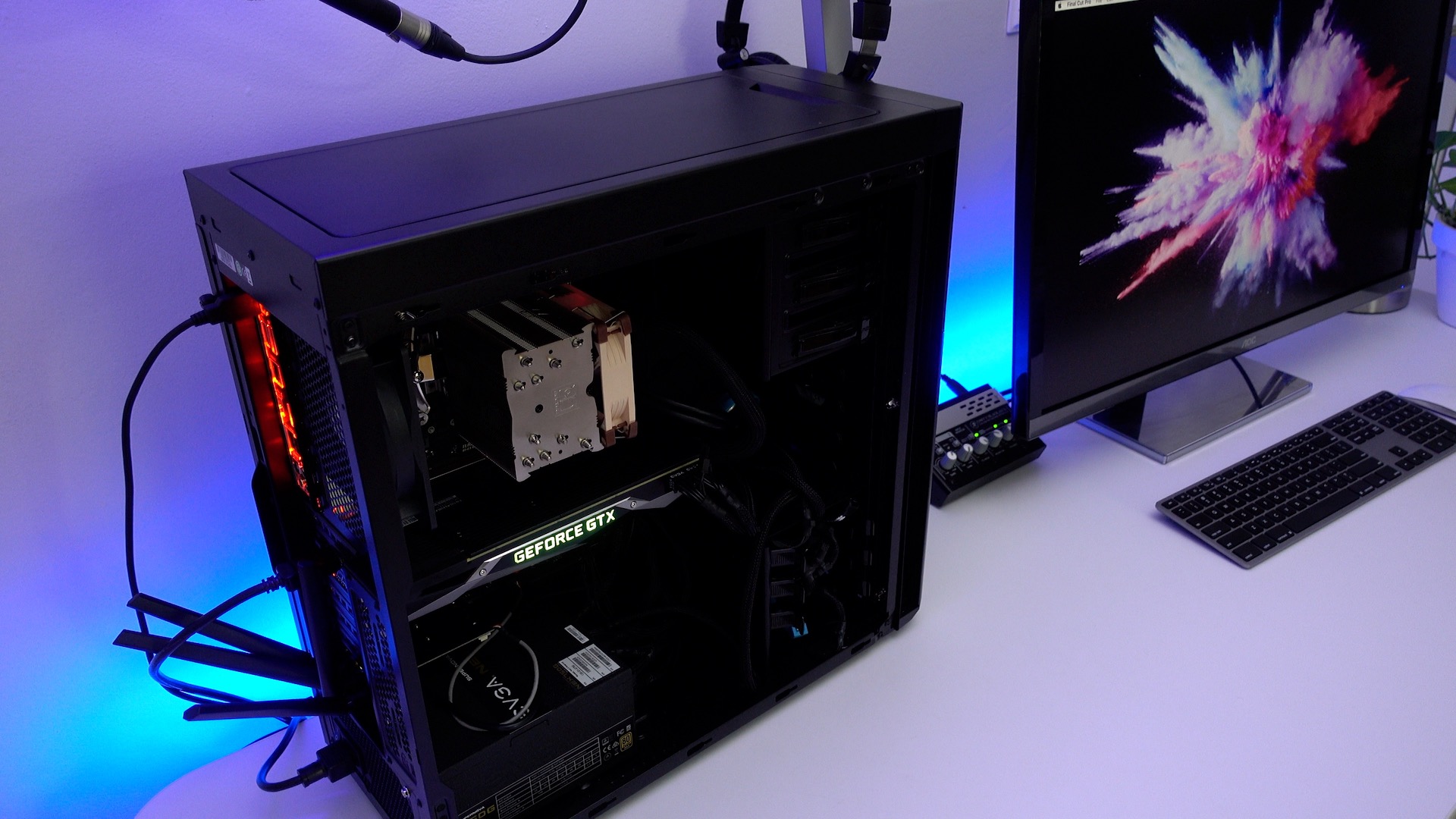
In a previous article, posted shortly after Nvidia announced its new Pascal Mac drivers, I briefly discussed my plans to build a new Hackintosh. I’ve been planning and working on the machine for over a week, and I’m finally at the point where I can share the results of my journey.

This isn’t my first Hackintosh build, but it’s the first build where I decided to go about it without the assistance of the excellent tools over at tonymacx86. I’ve been long interested in building a Hackintosh using just the Clover EFI Bootloader, and that’s exactly what I did for this build.

Going about it this way allowed me to learn more about the process, and helped me to see that the entire premise, while tedious at times, is actually fairly straightforward. In this initial post, I’ll talk about some of my reasoning behind my hardware choices, and share some initial experiences and benchmark results.
Expand
Expanding
Close

Comment: Today at Apple will convert a fairly well-kept secret into a key promotional tool

Site default logo image

When Angela Ahrendts spoke to CBS about a new Apple Store initiative called Today at Apple, I was initially a little confused. What she described as something new at first sounded pretty much identical to something that has existed for many years: free workshops at Apple Stores.

Rebranding and promoting the workshop would make sense, of course. Many Apple customers seem entirely unaware that the workshops exist, while others know about the basic ones but not the more advanced sessions.

This was made clear to me when I mentioned on Facebook that I was attending a Final Cut Pro workshop at Apple’s Regent Street store in London, and several friends told me they had no idea these existed. Even among 9to5Mac readers, there were similar comments when I mentioned them in my Final Cut Pro Diary series …


Expand
Expanding
Close

Comment: With the iPhone 8, Apple appears to be tearing up its own rulebook

Site default logo image

Growing evidence that the iPhone 8 may go on sale significantly later than the usual September timeframe speaks volumes about the very different approach Apple is taking to this year’s flagship model. It is breaking not just one, but two of the cardinal rules in the How To Be Apple manual.

Rule 1 is that the company avoids ‘bleeding edge’ technology. When new tech rolls around, the company watches and waits while other manufacturers do the trial-and-error bit. Apple launches only when it is satisfied that the tech is stable and that it has figured out the optimal way to employ it.

We saw this with the iPod. The first portable media player was invented in 1979, and the first actual mp3 player went on sale in 1998. Apple waited until 2001 to release the iPod. The first smartphones went on sale in the mid-1990s; the iPhone wasn’t released until more than a decade later. The first phone to have a fingerprint reader was the Motorola Atrix in 2011; Apple didn’t add one to the iPhone until two years later …


Expand
Expanding
Close

Drone Diary: Shooting a dance video really demonstrated the value of a flying camera

Site default logo image

Unusually for me, there aren’t many words in this drone diary – mostly I’m going to let the video do the talking!

When I reviewed the Litchi app last time – an app that lets the drone fly completely autonomously on a pre-programmed path – I mentioned a plan I had in mind for a future project at that tumbledown castle.

The plan was to take a dancer there and shoot a dance routine from the air in a beautiful setting. This required the cooperation of the weather, but it all came together earlier this month. It was a lot of fun, and I think the result really shows the value of a video camera you’re able to position exactly where you want it – whether up high or down low …


Expand
Expanding
Close

Review: Final Draft 10, the Mac app that aims to make light work of screenplay writing

Site default logo image

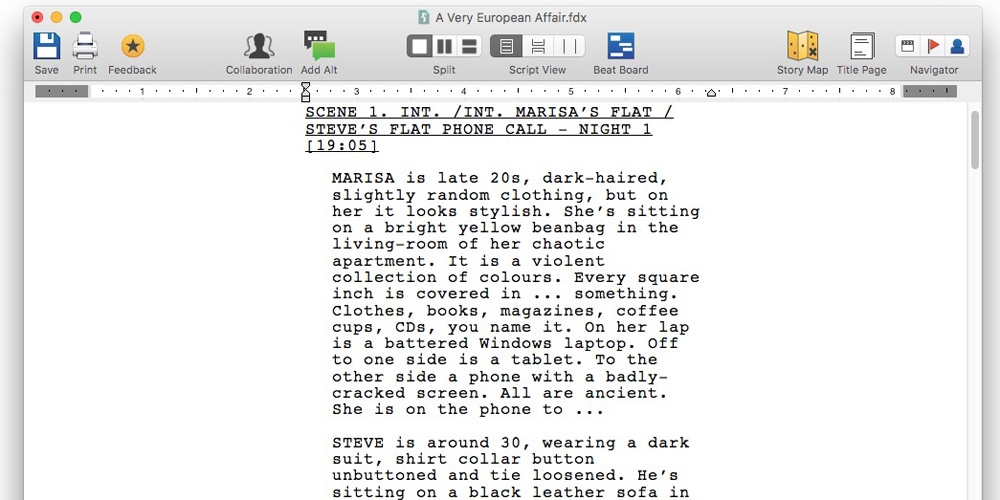
Regular readers will know I’m a big fan of Scrivener, having used the app to write three novels, two novellas and a travel guide. But when I accidentally found myself working on a screenplay for a comedy series, I thought I’d try the industry-standard software for the job: Final Draft.

Final Draft comes highly recommended, used by all the top studios and praised by such screenwriting talents as Aaron Sorkin, James Cameron, JJ Abrams, Sofia Coppola and more. Ben Stiller said that ‘Final Draft is the only screenwriting software I have ever used, and it is the only one I ever will use.’

But priced at a hefty $250 for the Mac app and another $20 for the iPad companion app, it’s not a trivial investment for most of us. So what does it do to earn such praise and justify the cost … ?


Expand
Expanding
Close

Review: Koogeek Smart Socket adapts your existing bulbs to work with HomeKit & Siri voice control

Site default logo image

There are many ways to add HomeKit-connected lights to your home, allowing you to turn them on and off from your phone at a tap or with your voice using Siri. You can buy special Philips Hue bulbs, change wall switches with Lutron or Elgato, or plug in lamps to a smart plug socket.

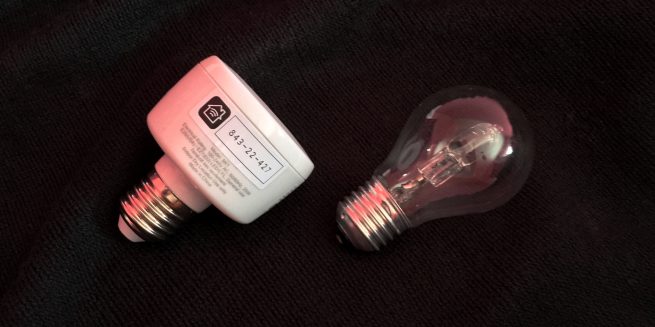
The Koogeek Smart Socket is a different approach to the same problem. It puts an adaptor between your existing light fitting and bulb. All you have to do is screw it in. Keep reading after the jump for my full hands-on …


Expand
Expanding
Close

Comment: Approaching Earth Day, I invite Apple to take a ‘man on the moon’ approach to mining

Site default logo image

There’s an acronym widely used for setting goals: SMART. There are a few different versions of this floating around, but one common one is that objectives should be Specific, Measurable, Achievable, Relevant and Time-bound. Apple’s stated commitment to stop mining the earth and build all products from recycled materials would seem to fail on two of these criteria.

It isn’t currently achievable. It simply isn’t realistic today for Apple to obtain all of the materials it requires in the quantities it needs at a viable price without mining some of them, and there’s no saying when it might become so.

It’s also not time-bound. Apple has given no indication of when it might reach its goal. Anyone can claim almost anything will be achieved – however far-fetched – without specifying a timeframe.

But while Apple’s objective isn’t SMART, that doesn’t make it either meaningless or useless …


Expand
Expanding
Close

Hands-on: eGPU enclosure + GTX 1080 Ti w/ MacBook Pro – Pascal works w/ macOS, but truly shines on Windows [Video]

Site default logo image

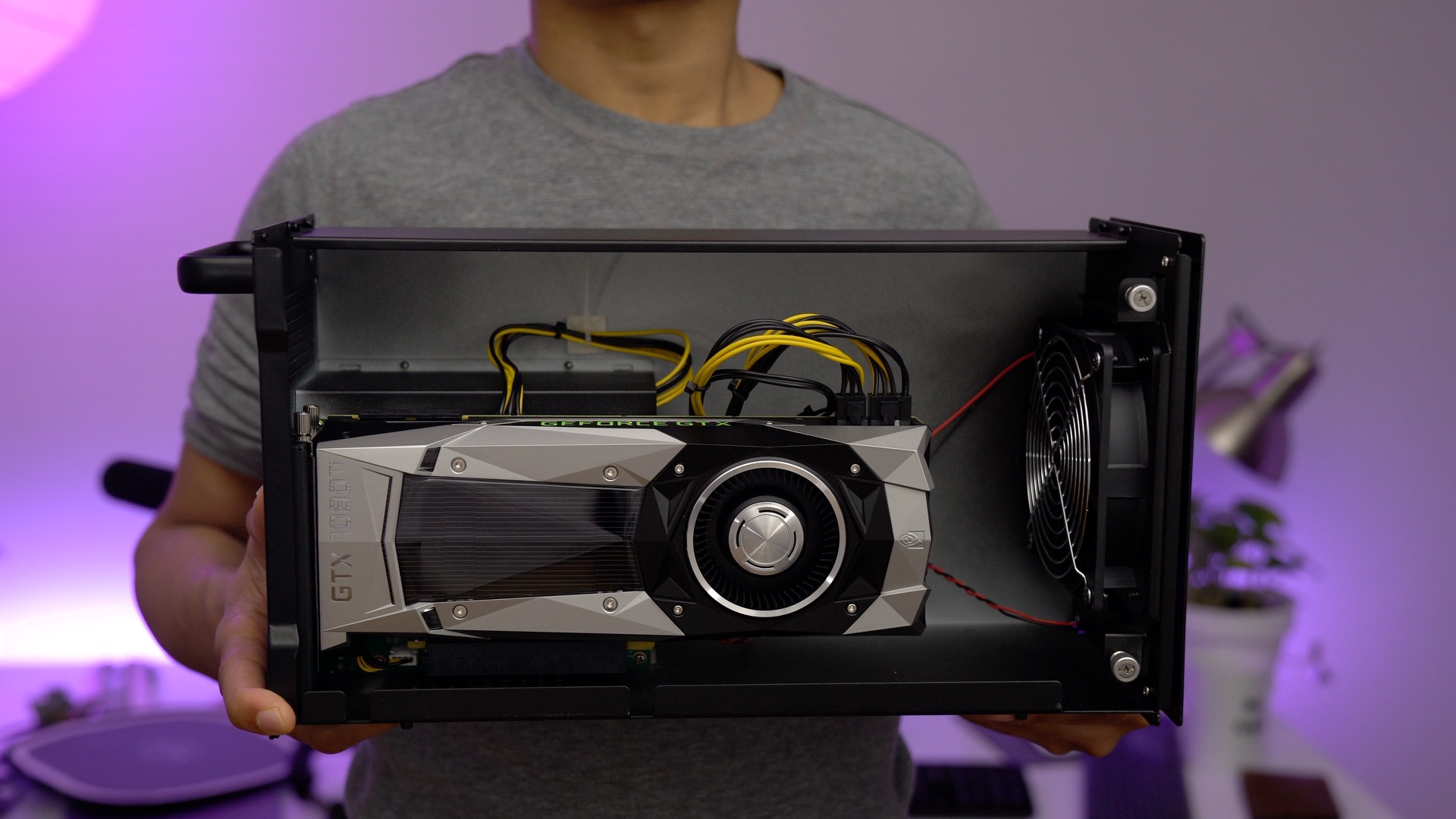
After last week’s exciting release of Nvidia’s beta Pascal drivers for Mac, I was looking forward to trying the top of the line consumer GPU with my MacBook Pro. That GPU is none other than the venerable GeForce GTX 1080 Ti — a $700 card with 11 Gbps of GDDR5X memory and a 11 GB frame buffer. Needless to say this card is one that will interest those looking to push their games to the next level.

I took the time to install my EVGA GTX 1080 Ti FE inside of my Akitio Node external GPU enclosure. After connecting the unit to my 2016 MacBook Pro via a Thunderbolt 3 cable, all it took was a simple shell script and a reboot to get the unit working with a (required in macOS) external display.

Nvidia’s drivers are still in beta, and from my hands-on time, the experience is far from perfect in macOS. That said, you can most certainly see the potential and performance differences between the 13-inch MacBook Pro’s integrated Intel Iris Graphics 550 GPU, and the beastly 1080 Ti. As expected, it’s also a lot faster than the GTX 1050 Ti that I tested last week.

If you’re looking to truly experience the power of such a card with the MacBook Pro, however, you’ll need to step into the Windows world, and run a Boot Camp installation. The GTX 1080 Ti + Windows turns the MacBook Pro into an insanely powerful and flexible gaming machine with just a single Thunderbolt 3 cable. Watch our hands-on video walkthrough as we explain.
Expand
Expanding
Close
Comment: Could Apple really drop Touch ID in the iPhone 8?

Site default logo image

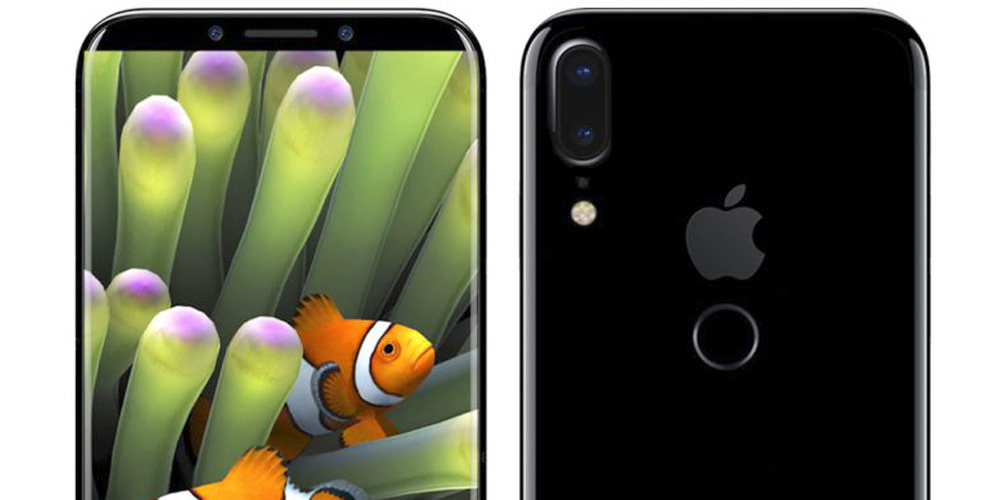
We’ve seen a whole bunch of rumors of late suggesting that while Apple really wants to embed a fingerprint reader into the display of the iPhone 8, it is struggling to do so.

The notion that Apple wants to use an embedded fingerprint reader seems abundantly clear. As I’ve mentioned before, we’ve had multiple reports from credible sources like Bloomberg, the WSJ and the New York TimesThe claimed schematics and sketches have also all illustrated a design without any space for a Touch ID sensor at the bottom of the screen, and the volume of Apple patents makes it clear the company has been working hard on figuring out how to do it.

But, unusually for Apple, this is bleeding-edge technology. The company usually lets other manufacturers figure out the kinks in new tech before it launches later with a version that does the job properly. This is the reason it’s being suggested that the company may need a Plan B or even a Plan C …


Expand
Expanding
Close

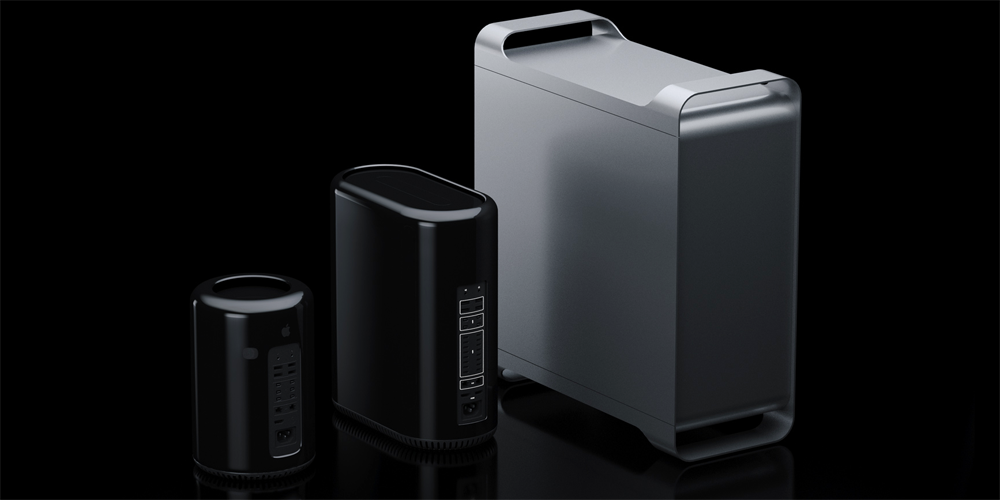
Here’s what the Hackintosh community wants in the new modular Mac Pro

Site default logo image

The Hackintosh community is probably best described as a group that doesn’t love Apple’s hardware options for pros but would prefer not to give up macOS for Windows or another alternative.

They design their own custom PC builds, and work together to come up with the necessary hacks to get macOS and the software they need running on the machines. Who better to ask what Apple should include in its upcoming modular Mac Pro than the pros it has pushed away?

To find out what Hackintoshers want in the new machine, and maybe what would help bring back some pros that Apple has lost in recent years, we’ve talked to the moderators at one of our favourite Hacktinosh communities, tonymacx86.com.

We also got some input from our own resident Hackintosh enthusiast (and YouTuber) Jeff Benjamin, and some other pros and gamers that have made the jump from Apple’s pro machines to a Hackintosh.


Expand
Expanding
Close

Comment: Could Apple be left with no choice but to do the wrong thing with the iPhone 8?

Site default logo image

The last time a sketchy report suggested that Apple was planning to move the Touch ID sensor to the rear of the iPhone 8, I wrote an opinion piece saying that I didn’t believe Apple was dumb enough to do it. I set out the four reasons I didn’t expect it to happen.

Alongside multiple reports of a Touch ID sensor embedded in the screen, and supporting patents for the required technology, I felt there were two reasons in particular to doubt the idea …


Expand
Expanding
Close
WWDC Wishlist: How Apple Watch could improve with watchOS 4

Site default logo image

WWDC 2017 is just around the corner and we’re eager to see what Apple has planned for watchOS 4 and Apple Watch. While we don’t expect to see an update that addresses every opportunity left for watchOS in one year, there are certainly a lot of areas ripe for improvement considering how new Apple Watch and watchOS are. Read on for our watchOS 4 wish list below and share your own ideas in the comments.


Expand
Expanding
Close
How to power the MacBook Pro with an eGPU using Nvidia’s new Pascal drivers

Site default logo image

As we reported earlier this morning, Nvidia has released its long-awaited Pascal beta drivers for the Mac. These drivers make it possible to use graphics cards from the company’s popular 10-series lineup, which include the GeForce GTX 1080 Ti, among other hardware.

This release has major implications for legacy Mac Pro, Hackintosh, and eGPU users. It means that we can now use the latest Nvidia hardware to drive our machines graphically. It means taking a relatively underpowered computer like the 13-inch 2016 MacBook Pro, and running games at high settings with respectable frame rates.

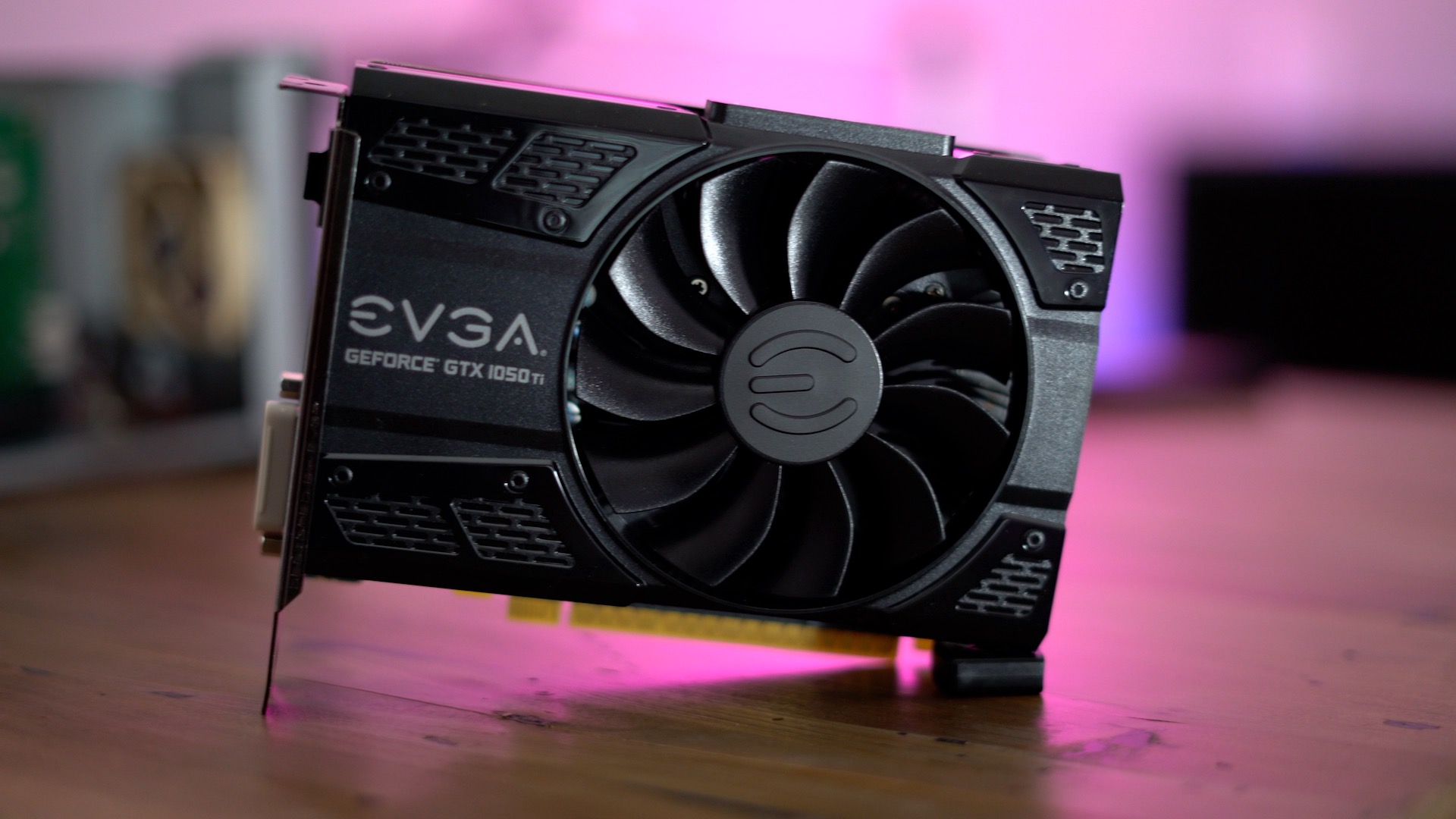
We plan on testing out the beta drivers more extensively in the future, but for quick testing purposes, we decided to try powering our 13-inch MacBook Pro with the Pascal-based GTX 1050 Ti. What we found was an encouraging sneak peek at the potential of eGPU setups on the Mac.
Expand
Expanding
Close

WWDC Wishlist: How Mac could improve with macOS 10.13

Site default logo image

Now that it looks quite clear Apple isn’t having a Spring event– it introduced new iPads, pre-announced new Mac Pros, and launched its Clips app in recent weeks without one– all eyes are on its Worldwide Developers Conference (WWDC) scheduled for June.

There are already quite a few clues about what to expect, and this week we’re taking a look at new features that we’d like to see included in Apple’s next major OS releases. Today, we get things started with macOS…


Expand
Expanding
Close
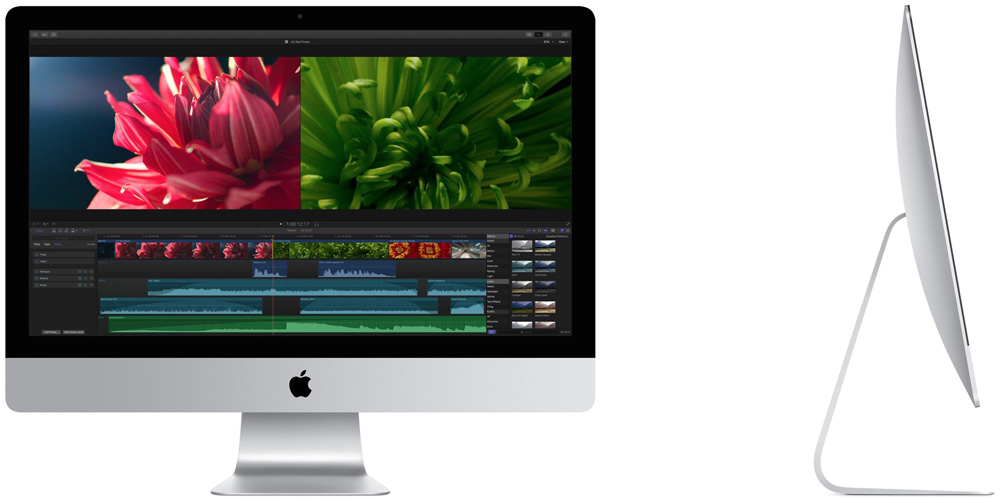
What’s next for Apple Displays now that the company is back in the game?

Site default logo image

Many of us were deeply disappointed when Apple appeared to be exiting the display business last summer.

Not just because we want matching aesthetics and the reassurance you get with an all-Apple setup, but also because there was no obvious third-party replacement. All Apple said at the time was that ‘there are a number of great third-party options available for Mac users,’ but without pointing to anything in particular.

When the company finally did make an official recommendation in the form of the LG UltraFine 4K and 5K monitors, it wasn’t exactly a great one. Not only are the monitors extremely un-Apple-like in their grey plastic cases, but a serious technical fault first identified by us led to the temporary withdrawal of the product until LG fixed the Wi-Fi interference problem. All in all, it was a mess.

The good news is that this mess has likely played a role in Apple doing a U-turn and making plans to get back into the display business …


Expand
Expanding
Close

Opinion: Apple’s rare change of mind is great news for Mac users, pro & non-pro alike

Site default logo image

Apple is famously one of the most secretive companies in the world. It believes in what Steve Jobs called the ‘magic’ of the surprise reveal. The ‘one more thing’ presentation style pioneered by Steve is so much a part of Apple’s DNA that it has a stock phrase it uses to answer questions about its product plans: ‘We do not comment on future products.’

It’s hard to imagine Apple would ever take a different approach. Today it did.

It not only revealed future product plans a year in advance – something so out of character it’s hard to believe it really happened – but it also did something else Apple almost never does: it admitted to a mistake.

Sure, none of the three Apple execs present ever used that word, but the mea culpa is clear …


Expand
Expanding
Close
Wishlist: Here are the things that we’d love to see with HomeKit

Site default logo image

My Smart Home Diary series describes my decision to go all-in on HomeKit, even though it meant the expense of replacing some older, non-HomeKit-compatible devices. For me, it just makes obvious sense to have a complete ecosystem of connected devices that can all be controlled by a single app – and by Siri.

I’d even go as far as arguing that HomeKit-compatibility is now the entry fee for companies wanting to launch smart home devices. I’ve turned down several pieces of kit offered for review because they didn’t work with HomeKit.

But great as it is, HomeKit isn’t perfect. I described earlier some of my irritations, and in this piece I’ve compared notes with my colleagues to compile a wishlist of things we’d love to see …


Expand
Expanding
Close
Review: Apple’s $329 iPad is not without compromise, but a solid buy for upgraders and new users [Video]

Site default logo image

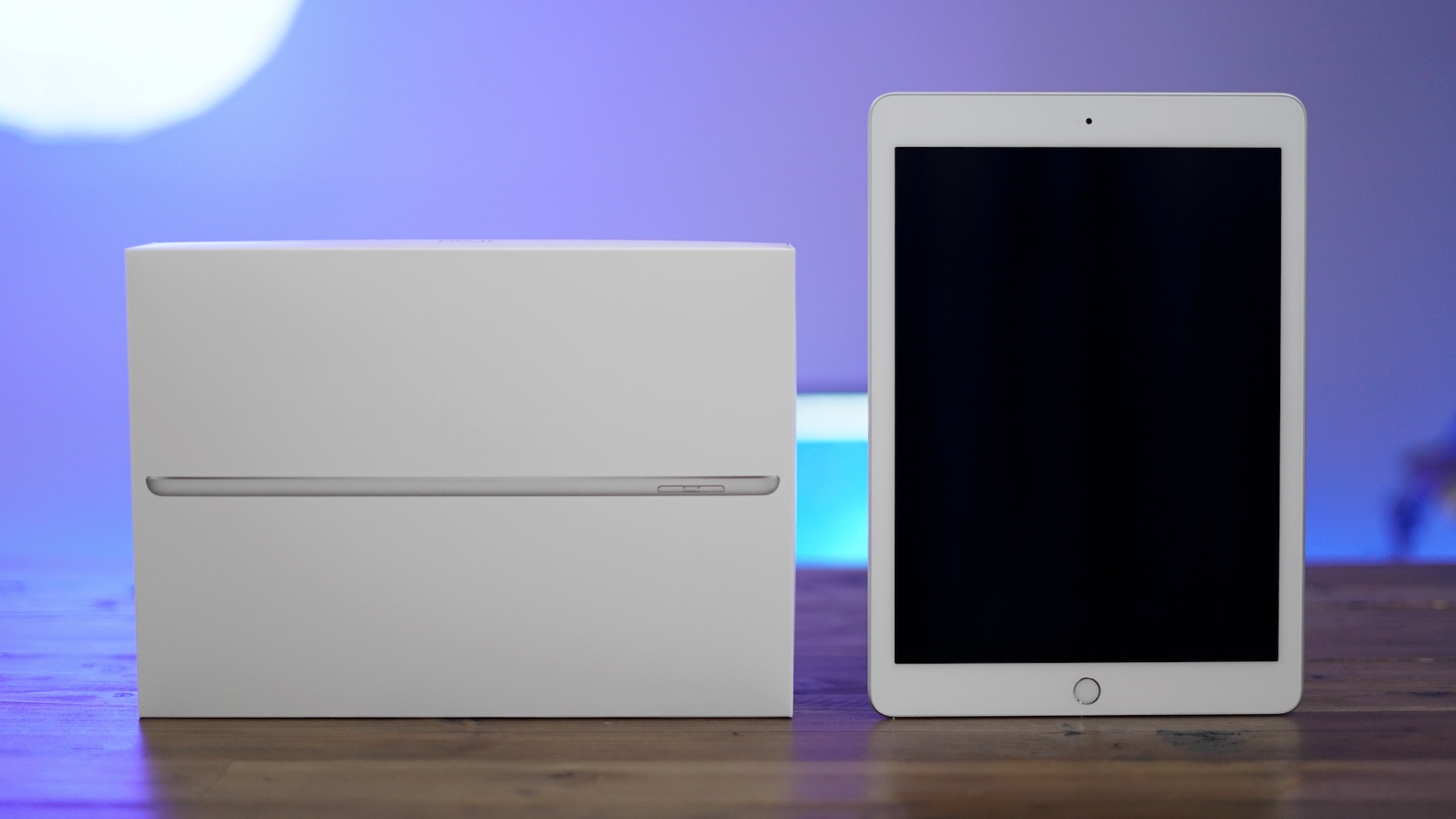
I fully expected to outright dislike the new budget-friendly 9.7-inch iPad, but it’s the type of product that’s hard to hate. Sure, it lacks the gorgeous laminated, anti-reflective display of the iPad Air 2, and sure it’s not as svelte in either thickness or weight. But there’s no denying that the 2017 iPad with A9 dual core processor in tow, is a good value.

With base model storage starting at a healthy 32 GB, the new iPad is priced so reasonably that it’s almost an impulse buy for anyone previously on the fence about iOS tablets. No longer do you have to pay an extra $100 to obtain a model that will actually work over the long haul from a storage perspective. No longer are you left with an anemic processor that feels somewhat feeble after an iOS update or two.

Even with its obvious shortcomings, the 2017 iPad is worth considering as long as you know what you’re getting into. If you’re brand new to the world of iOS, or you’re coming from a pre-iPad Air device, then you may want to seriously consider the new iPad. Watch our hands-on video walkthrough as we explain.
Expand
Expanding
Close